Guide
Free AI room design apps, and what “free” includes.
“Free” covers a lot: a real free account, three designs, a watermarked sample, or a one-day trial that turns into a subscription. Before you upload a photo of your home, it helps to know which you are getting.
Updated
Short answer
Yes. Remodeled AI has a free account with starter credits and no card, enough to redesign a room from your own photo on the web or iPhone. Paintit.ai gives 30 free credits and ReimagineHome 5 free designs, both without a card. Planner 5D and Homestyler have free floor planners. No app gives unlimited free designs; a free tier is for finding out whether the tool suits your room.
Apps you can try free
Each product’s free tier is in the “Free to try” column, as its own site describes it. Check before you sign up, because free tiers change often.
A free account, no card, web and iPhone: Remodeled AI
Starter credits to redesign a room from your own photo with Remodel, in 7 styles. Designs are kept for 7 days. Single-item edits, staging and house exteriors need a paid plan.
Free credits across many tools: Paintit.ai
Thirty credits at 1K resolution with no card. Its tools include paint, flooring, exterior and landscape. Remodeled AI vs Paintit.ai
Five free staging designs: ReimagineHome
Five designs with no card, on the same system as its paid plans. Remodeled AI vs ReimagineHome
Staging with no sign-up: Virtual Staging AI
Lets you upload a photo and see it staged without an account or a card. Remodeled AI vs Virtual Staging AI
Three free designs on Android or iPhone: Remodel AI
A separate app with a similar name to ours. Its free plan is three designs at standard quality. Remodeled AI vs Remodel AI
A free floor planner: Planner 5D
Unlimited projects and half of the furniture catalog on its free plan. Its AI tools need a paid plan. Remodeled AI vs Planner 5D
A free 3D planner with renders: Homestyler
The 3D floor planner and unlimited 1K renders are free, with three AI credits in total. Remodeled AI vs Homestyler
| App | Kind of tool | Lowest paid price | Free to try | Runs on |
|---|---|---|---|---|
| Remodeled AI | Photo redesign | $13 a month, or $91 a year | Free account with starter credits, no card needed | Web, iPhone |
| Paintit.ai | Photo redesign | $14.99 a month | 30 free credits at 1K resolution, no card needed | Web |
| ReimagineHome | Virtual staging and redesign | From $14 a month | 5 free designs, no card needed | Web |
| Virtual Staging AI | Virtual staging | $29 a month for 25 photos (its home page also mentions $16 a month for 6) | Free uploads with no sign-up or card | Web |
| Remodel AI | Photo redesign | $29 a month, or $349 a year | 3 free designs, no card needed | iPhone, Android |
| Planner 5D | 3D floor planner | $19.99 a month, or $59.99 a year | Free plan with unlimited projects and half of the furniture catalog | Web, iPhone, Android |
| Homestyler | 3D floor planner | From $6.80 a month | Free Basic plan with the 3D floor planner and unlimited 1K renders | Web, iPhone, Android |
We make Remodeled AI. Prices are in US dollars, as listed on each product’s own site on November 11, 2026.
What Remodeled AI’s free account includes
- Remodel. Restyle a photo of your own room. Free accounts can pick these rooms: living room, bedroom, bathroom, kitchen, dining room and office.
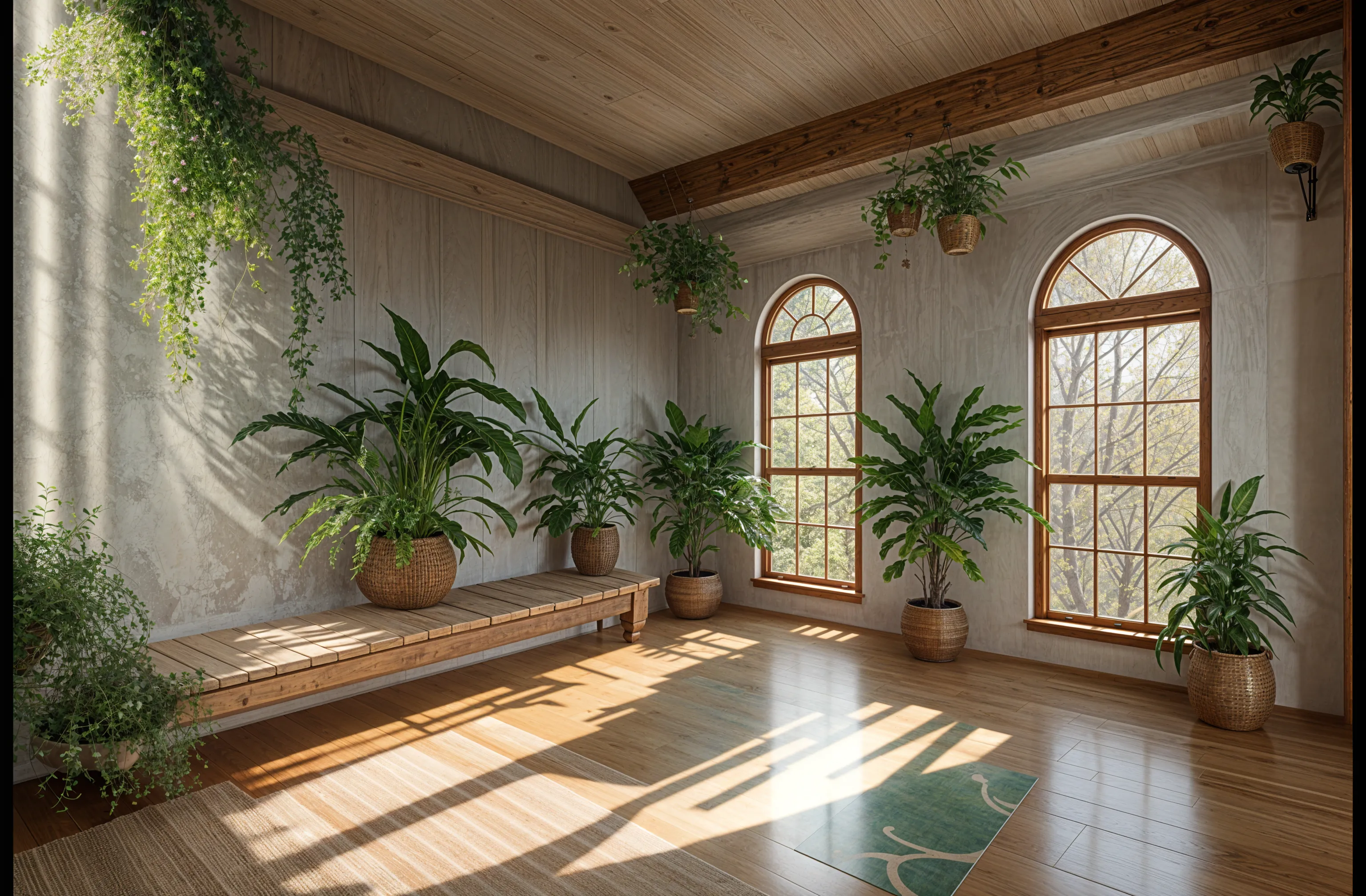
- 7 styles. Biophilic, Mid-Century Modern, Scandinavian, Minimalist, Cottage, Contemporary and Farmhouse. The other styles unlock with any paid plan.
- Starter credits, no card. You sign up with an email address or your Google account. Nothing is charged, and nothing starts automatically.
- A Library. Each design is saved beside its original photo for 7 days.
What it doesn’t include
Edit and Brush (changing one thing or one area), Stage (furnishing an empty room), Imagine (a room from a description) and house exteriors need a paid plan. The lowest is Basic at $13 a month, or $91 a year. See pricing.
Apps with no free plan
When we last read their sites, Interior AI, Decor8 AI, DecorAI and HomeDesigns AI listed no free plan. Some of those offer a short trial that becomes a paid subscription unless you cancel, so read the terms before you enter a card. Each comparison page has the detail.
How to get the most from a few free designs
- Use your best photo: a corner shot, lights on, normal 1x lens.
- Start with the room you most want to change.
- Say what has to stay in your own direction, so you don’t spend a design on a result that moved the windows.
- Try a different style each time, not the same one twice.
Common questions
- Is there a free AI room design app with no credit card?
- Yes. Remodeled AI’s free account needs no card and comes with starter credits. Paintit.ai and ReimagineHome also list free designs with no card.
- Is Remodeled AI really free?
- It is free to start: the free account includes Remodel in 7 styles, with starter credits and no card. When the credits run out you can subscribe or stop; nothing is charged automatically.
- Which AI room design app is completely free?
- None of the photo redesign apps we have checked is unlimited and free, because each design costs the provider money to make. The floor planners Planner 5D and Homestyler have the most generous free plans, for drawing a room yourself.
- Do free designs have a watermark?
- It varies by app. AI HomeDesign and Collov AI say their free tries are watermarked, and Paintit.ai lists watermark-free images on a paid plan. Check each product’s site.
How we checked
Each app’s price, free tier and tools were read from its own site and are kept in one file per app, which this page and our comparisons both render from. Products change, so check a product’s site before you buy. If something here is out of date or wrong, email contact@remodeled.ai and we will correct it.
Start with a free account
Upload a photo, pick a style, and compare the result with the room you have now. No card.
Redesign my room