Guide
Free AI interior design on Android, with an app or in the browser.
Many AI room design tools are web apps or iPhone apps, so an Android phone narrows the list. The good news is that the browser on your phone runs most of them: you can photograph a room, upload it and get a redesign without installing anything.
Updated
Short answer
Yes, two ways. Planner 5D, Homestyler and Remodel AI have Android apps with something free to try; Remodel AI, the photo redesign app among them, gives three free designs. Or use a web app in Chrome with no install: Remodeled AI has no Android app, but its free account works in the phone browser at remodeled.ai, with starter credits and no card. No app gives unlimited free designs.
What works on an Android phone
The “Runs on” column says whether each product lists an Android app on its own site. Web apps work in Chrome on Android. The free tier is as each product describes it; check before you sign up, because free tiers change often.
Redesign your own room in the browser, free: Remodeled AI
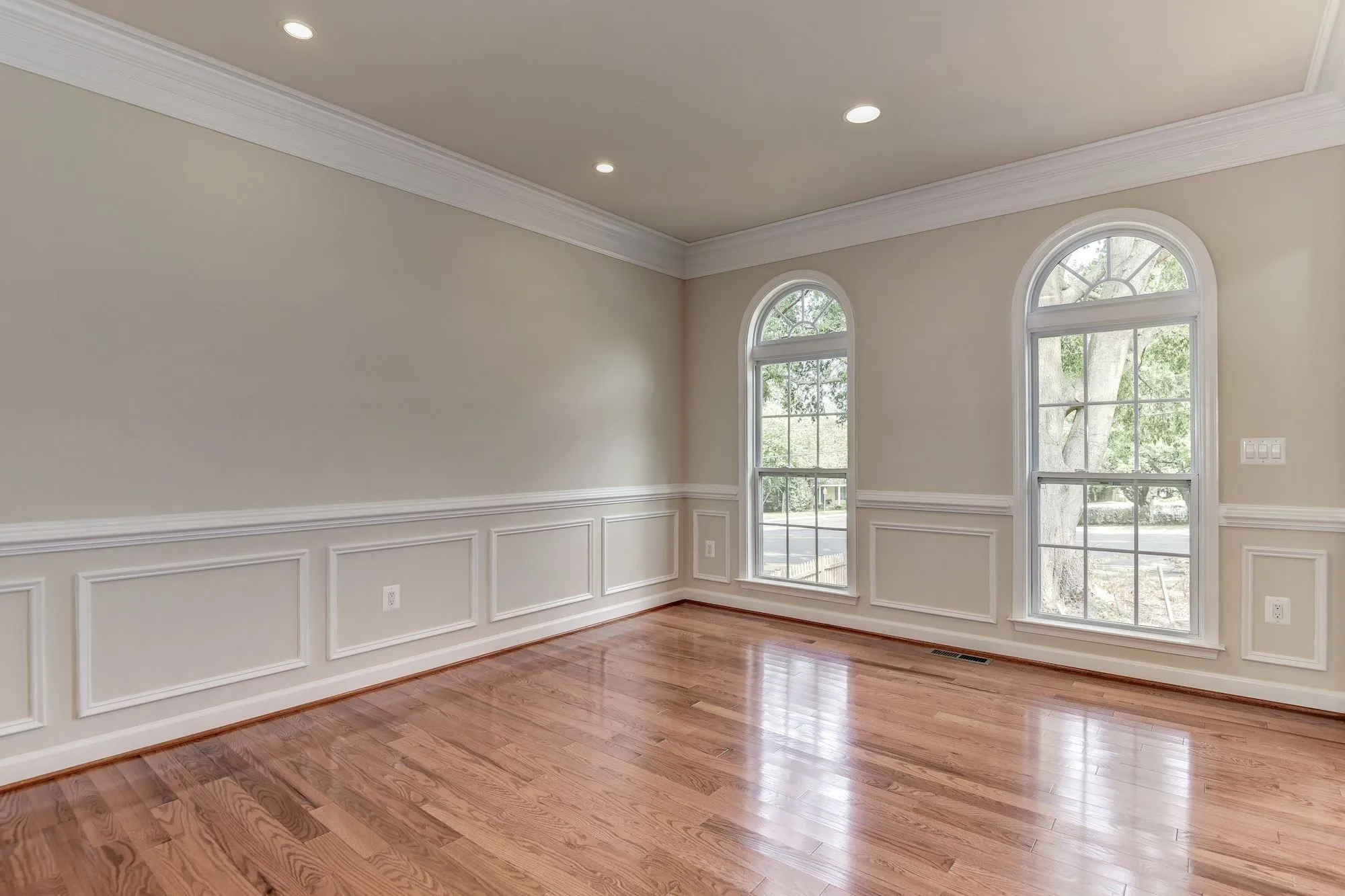
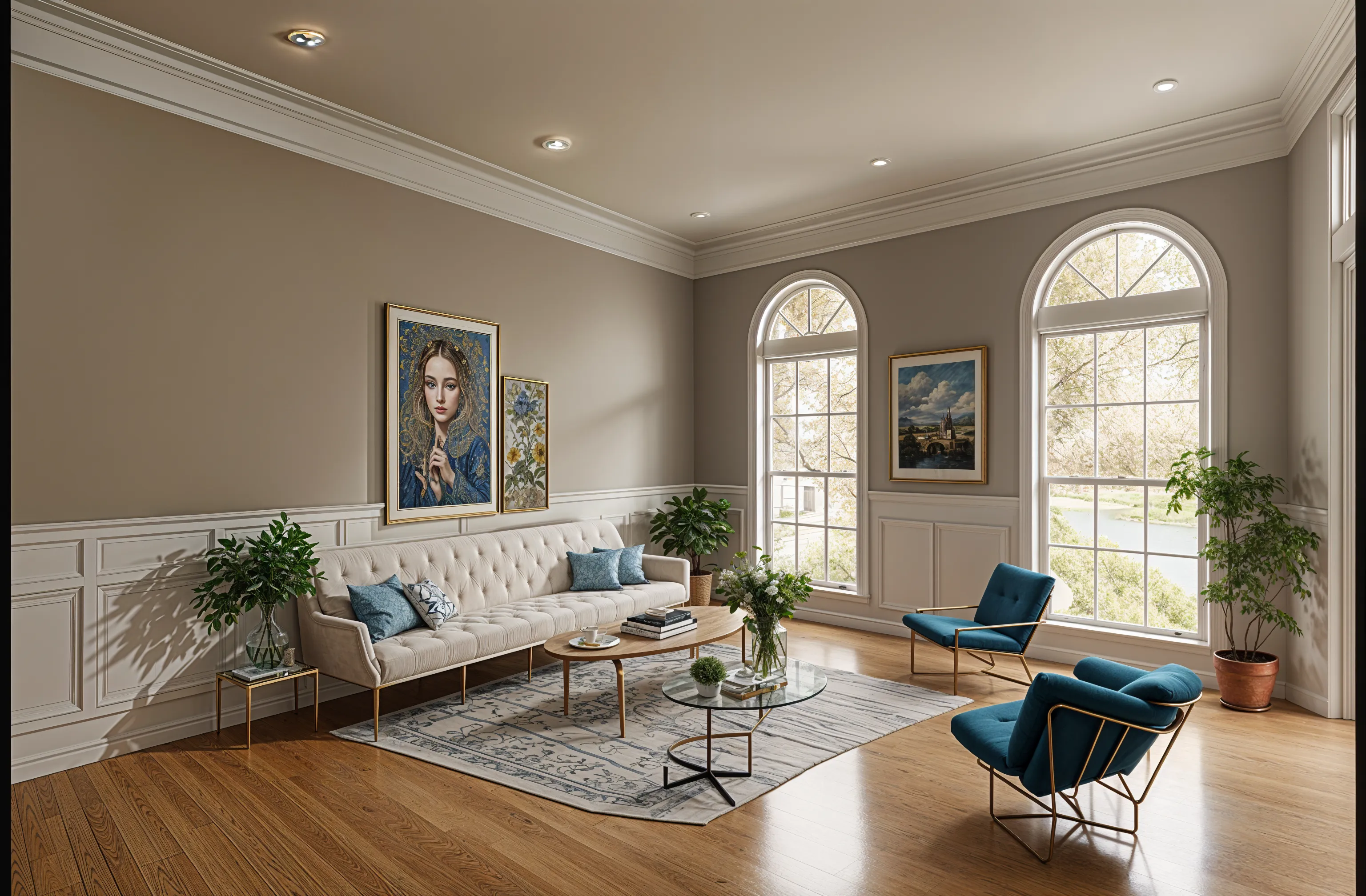
No Android app, but the web app runs in Chrome on your phone: choose a photo from the gallery or take one, pick a style, and compare before and after with a slider. The free account has starter credits and no card, and covers living room, bedroom, bathroom, kitchen, dining room and office in 7 styles.
A photo redesign app with an Android app: Remodel AI
A separate app with a similar name to ours. It has iPhone and Android apps, and its free plan is three designs at standard quality. Remodeled AI vs Remodel AI
Unlimited redesigns in an Android app: Decor8 AI
One flat unlimited plan on the web, iPhone, Android and Mac. Its pricing page lists no free plan. Remodeled AI vs Decor8 AI
Drawing a floor plan on Android: Planner 5D
A floor planner with an Android app and a free plan. Its AI tools need a paid plan. Remodeled AI vs Planner 5D
A free 3D room model on Android: Homestyler
A 3D planner with an Android app, a free plan and unlimited 1K renders, plus three AI credits in total. Remodeled AI vs Homestyler
Staging a photo with no account: Virtual Staging AI
A web app that lets you upload a photo and see it staged without signing up or entering a card. Remodeled AI vs Virtual Staging AI
| App | Kind of tool | Lowest paid price | Free to try | Runs on |
|---|---|---|---|---|
| Remodeled AI | Photo redesign | $13 a month, or $91 a year | Free account with starter credits, no card needed | Web, iPhone |
| Remodel AI | Photo redesign | $29 a month, or $349 a year | 3 free designs, no card needed | iPhone, Android |
| Decor8 AI | Photo redesign | $14.99 a month | No free plan listed on its pricing page | Web, iPhone, Android |
| Planner 5D | 3D floor planner | $19.99 a month, or $59.99 a year | Free plan with unlimited projects and half of the furniture catalog | Web, iPhone, Android |
| Homestyler | 3D floor planner | From $6.80 a month | Free Basic plan with the 3D floor planner and unlimited 1K renders | Web, iPhone, Android |
| Virtual Staging AI | Virtual staging | $29 a month for 25 photos (its home page also mentions $16 a month for 6) | Free uploads with no sign-up or card | Web |
We make Remodeled AI. Prices are in US dollars, as listed on each product’s own site on November 11, 2026.
Using Remodeled AI on an Android phone
- Open remodeled.ai in Chrome and tap Redesign my room.
- Create a free account with Google or an email address. No card is asked for.
- Choose a photo from your gallery, or take one with the camera. JPG, PNG, WebP and HEIC all work.
- Pick the room type and a style, then tap Remodel room. Most designs arrive in under a minute.
- Drag the slider to compare the design with your photo, and download the ones you like.
Put it on your home screen
In Chrome, open the menu (the three dots) and choose Add to Home screen, or Install app if Chrome offers it. Remodeled AI then opens from its own icon in its own window, like an app, with no Play Store download.
What the free account includes, and what it doesn’t
- Included. Remodel in 7 styles (Biophilic, Mid-Century Modern, Scandinavian, Minimalist, Cottage, Contemporary and Farmhouse) for living room, bedroom, bathroom, kitchen, dining room and office, starter credits, and a Library that keeps each design beside its photo for 7 days.
- Paid plans. Edit and Brush (changing one thing or one area), Stage (furnishing an empty room), Imagine (a room from a description) and house exteriors. The lowest is Basic at $13 a month, or $91 a year. See pricing.
Android apps compared with web apps
Planner 5D, Homestyler and Remodel AI have Android apps with something free; Decor8 AI has an Android app with no free plan listed. Many other tools are web apps that run in Chrome, and ReimagineHome, RoomGPT, Paintit.ai, Spacely AI, Virtual Staging AI, Collov AI and AI HomeDesign list a free tier or free designs. A web app needs no install and no storage, and your designs follow your account to a computer. An app can feel quicker if you use it every day.
Tips for a good first design on a phone
- Use the normal 1x camera, not ultrawide or portrait mode.
- Stand in a doorway or corner so the room reads as a whole, with the lights on.
- Try a different style each time rather than the same one twice.
Common questions
- Is there a free AI interior design app for Android?
- Yes. Planner 5D, Homestyler and Remodel AI have Android apps with something free. You can also use a web app in Chrome without installing anything: Remodeled AI’s free account works on an Android phone at remodeled.ai, with starter credits and no card.
- Does Remodeled AI have an Android app?
- No. Remodeled AI has an iPhone app and a web app. On Android, open remodeled.ai in Chrome; you can add it to your home screen from the Chrome menu.
- Is Remodel AI on Google Play the same as Remodeled AI?
- No. Remodel AI (remodelai.io) is a separate app from a different company. Remodeled AI vs Remodel AI shows how to tell them apart.
- Can I redesign my room from a photo on Android for free?
- Yes. Remodeled AI in Chrome, Remodel AI’s app and several other web apps each give a few free designs from your own photo. None of them is unlimited and free.
How we checked
Each app’s price, free tier and tools were read from its own site and are kept in one file per app, which this page and our comparisons both render from. Products change, so check a product’s site before you buy. If something here is out of date or wrong, email contact@remodeled.ai and we will correct it.
Try it in your phone’s browser
Open remodeled.ai in Chrome, upload a photo and compare the redesign with your room. Free account, no card.
Redesign my room