Clean
Clear the clutter out of the photo.
Brush over boxes, cords, or stray objects and they’re removed from the image. Clean is a tool inside Stage.
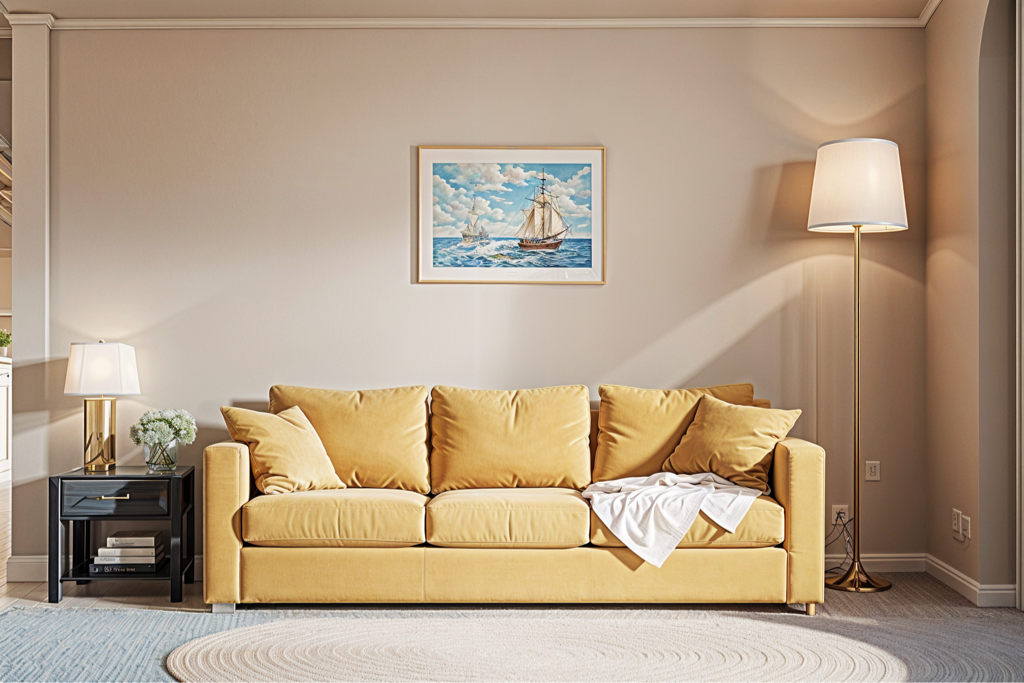
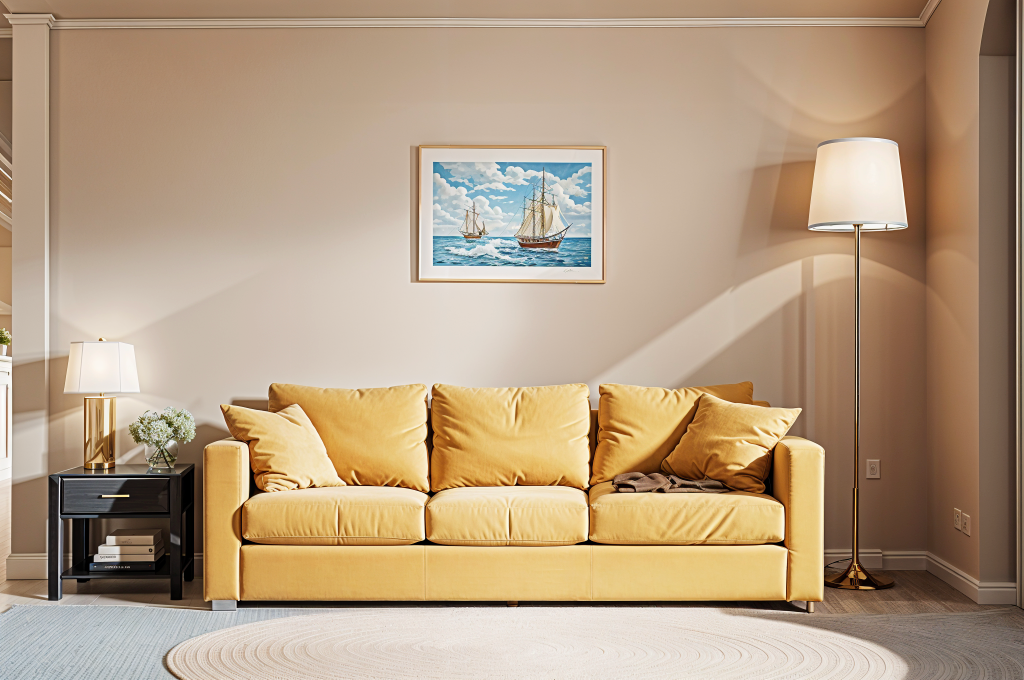
How cleaning works
-
Open Stage
Upload the room photo you want to tidy up. The editor opens on your image.
-
Pick the Clean tool and brush over the clutter
Cover a pile of boxes, a stray chair, or cables on the floor. The selected area is filled in to match the room around it.
-
Repeat, then press Done
Clean one area at a time. When the room looks right, save it to your Library.
Where it helps
A tidier photo is easier to judge, and it makes a better starting point for Remodel, where clutter can read as part of the design. Small, separate objects clean up best. Large furniture or busy patterns behind an object may need a couple of passes.
Tidy up a room photo
Upload the photo in Stage, choose Clean, and brush over what you want gone.
Clean up a photo