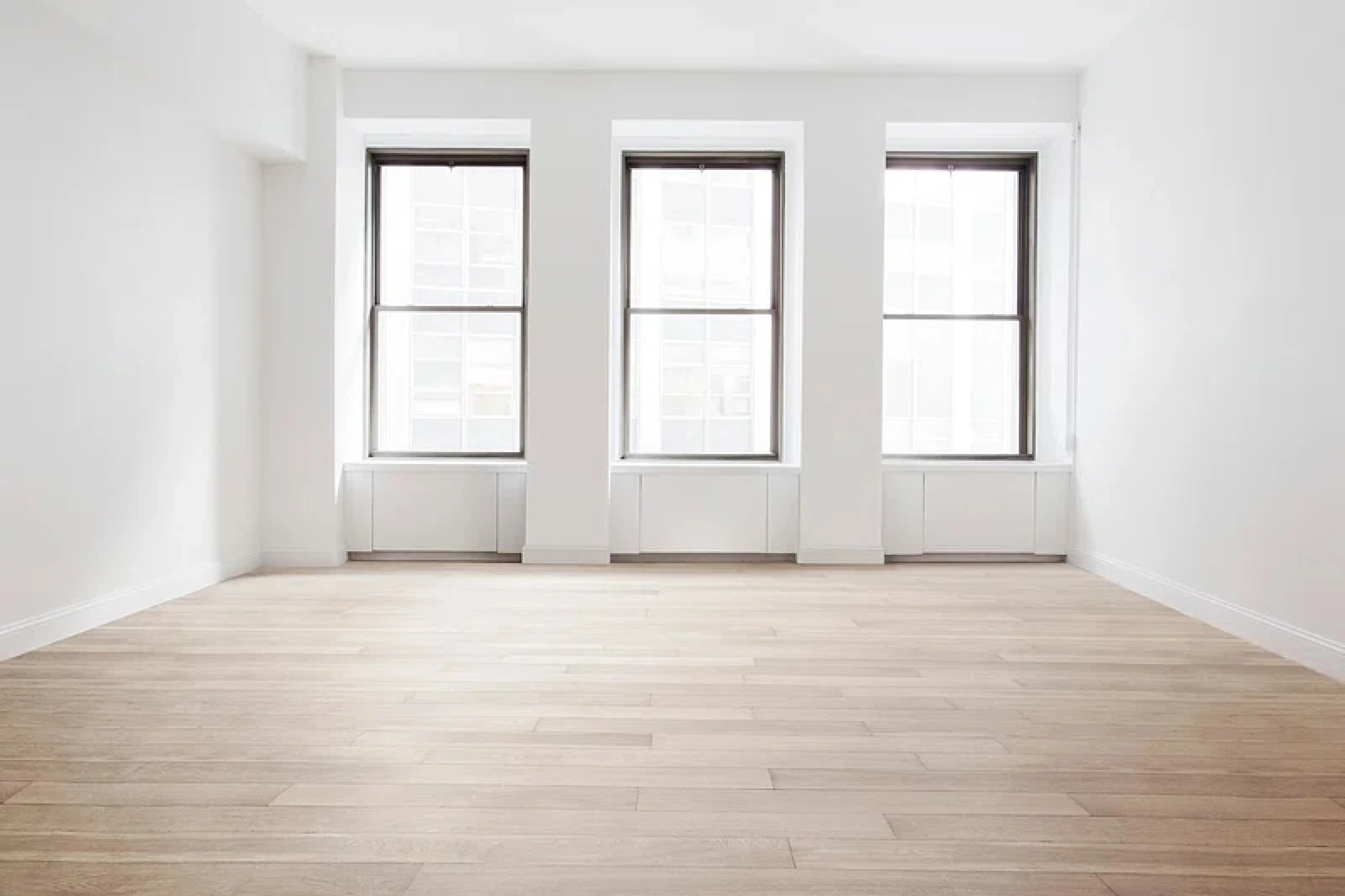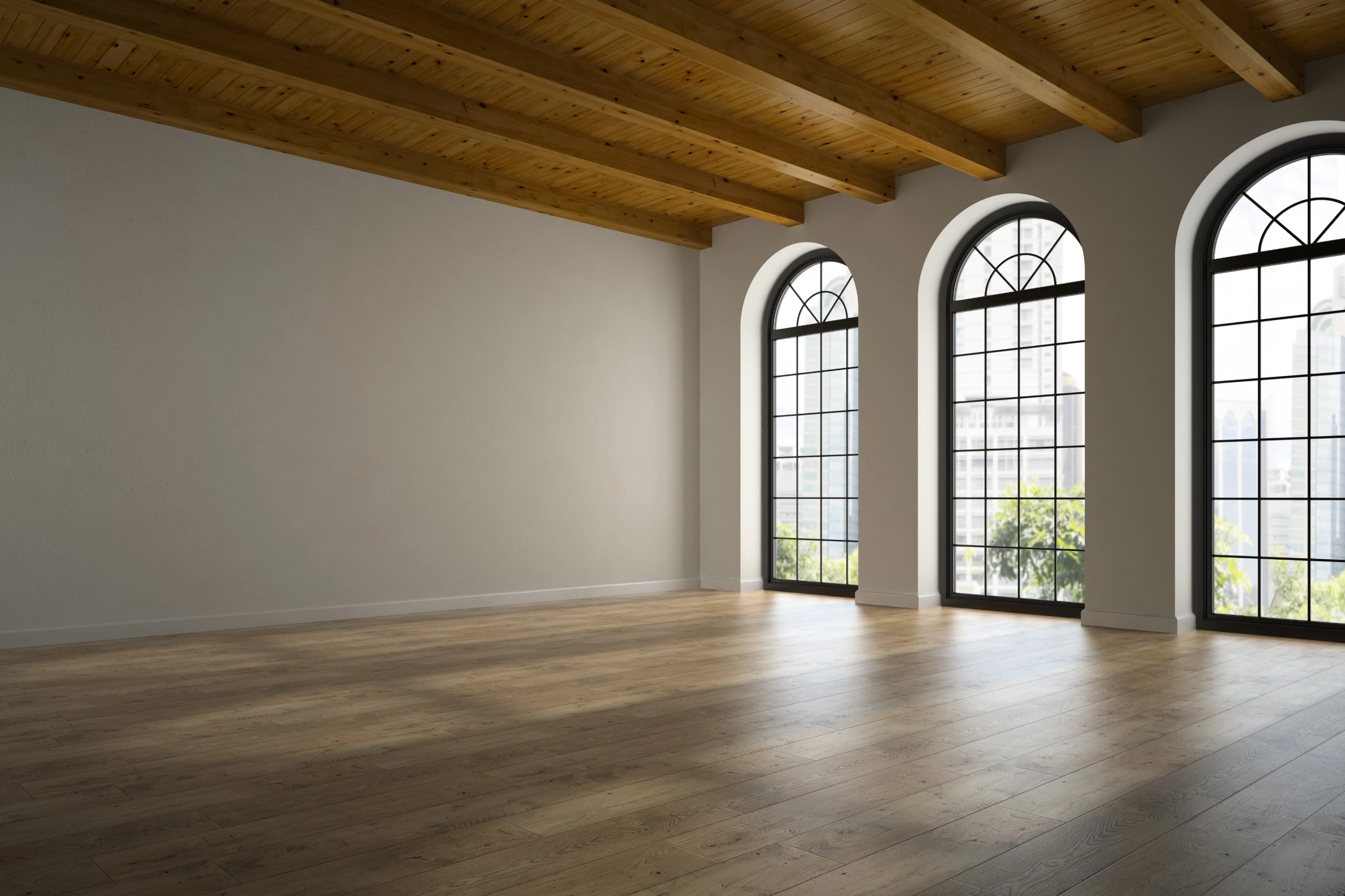
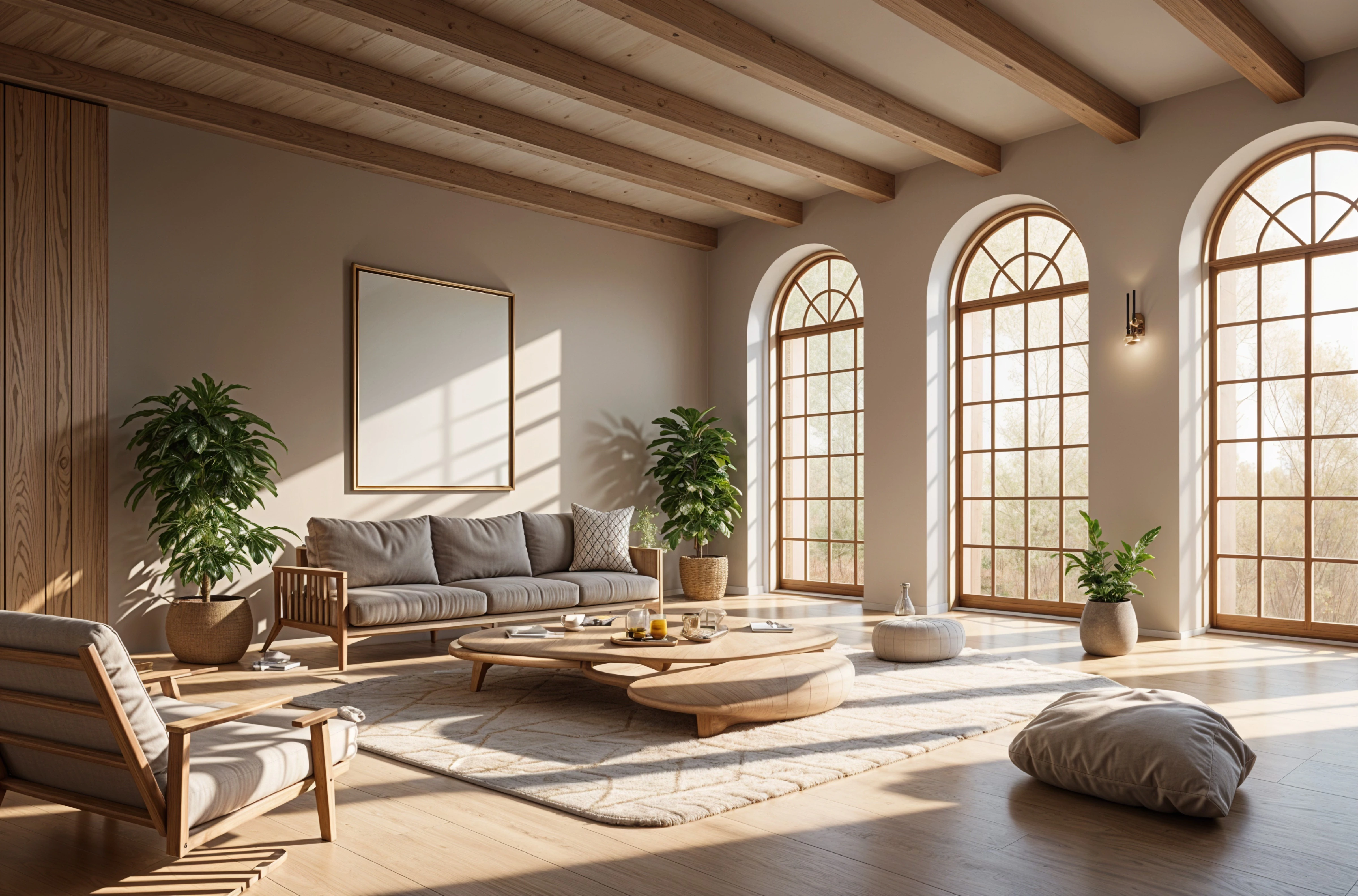
Your room, redesigned before you buy a thing.
Upload a photo of a room you live with. Try new styles on it, compare before and after, and keep the designs worth building.
One photo, any style.
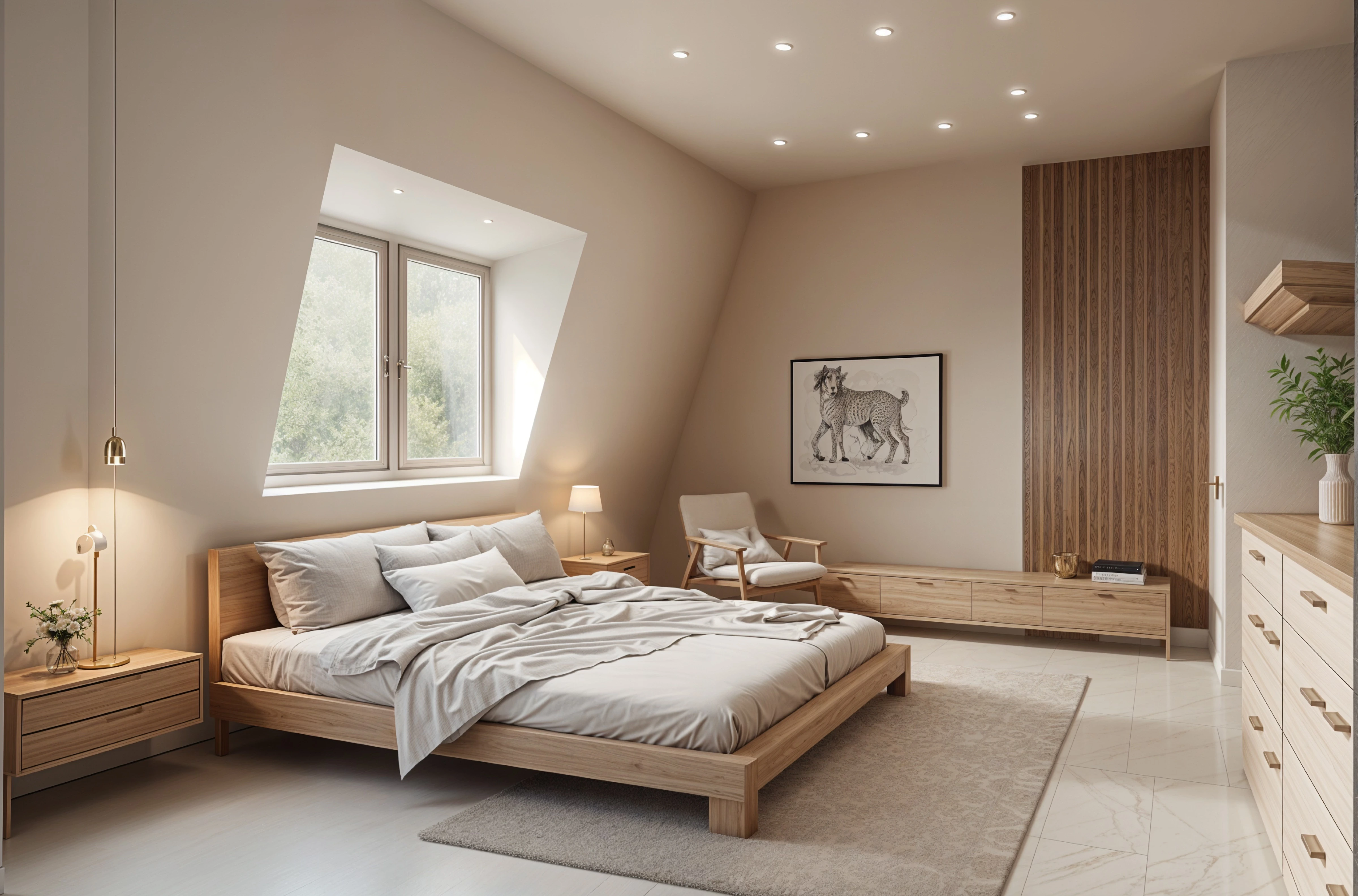
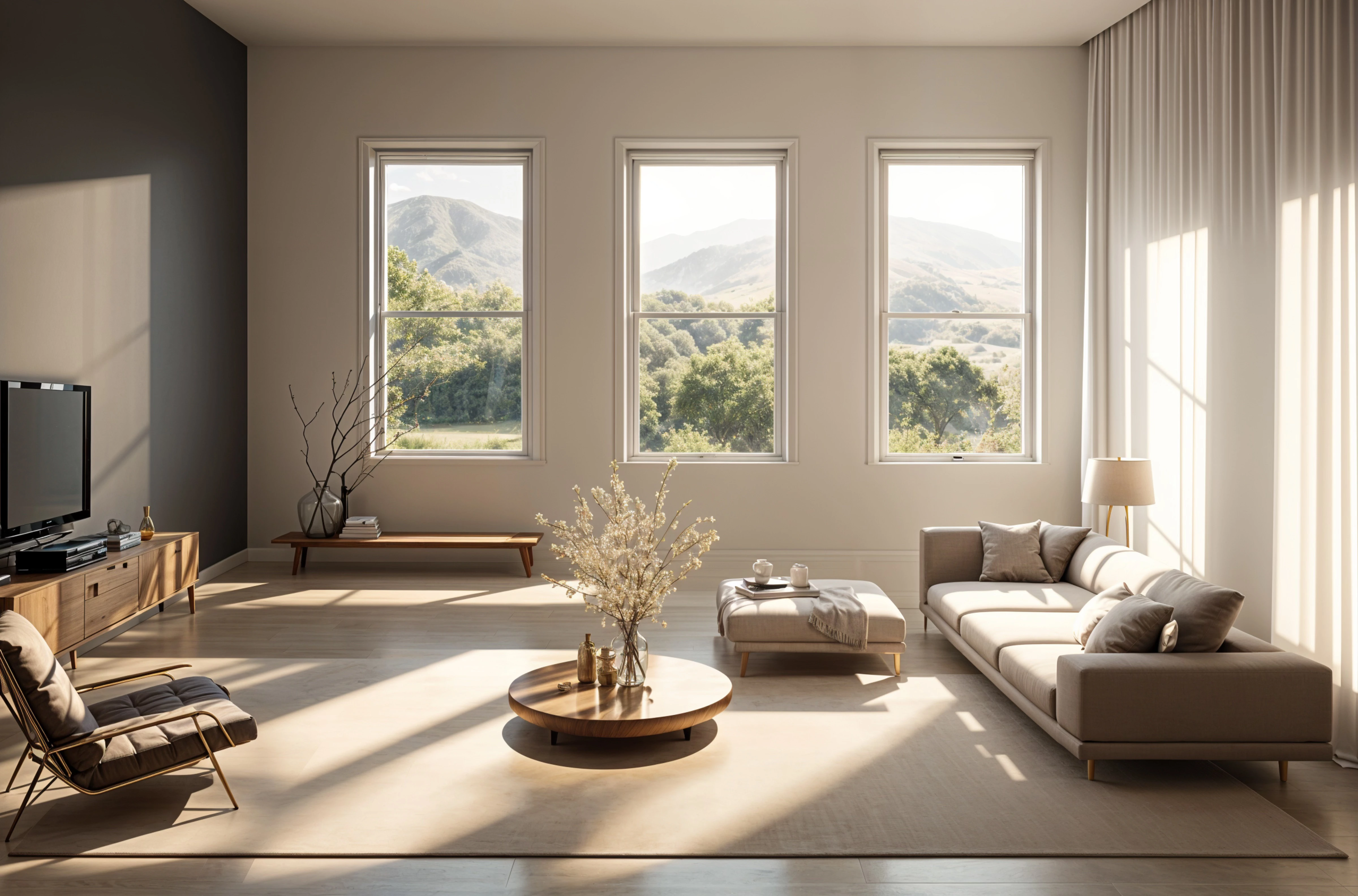
Living rooms, bedrooms, kitchens, baths and exteriors, in dozens of styles. The same room, six ways:
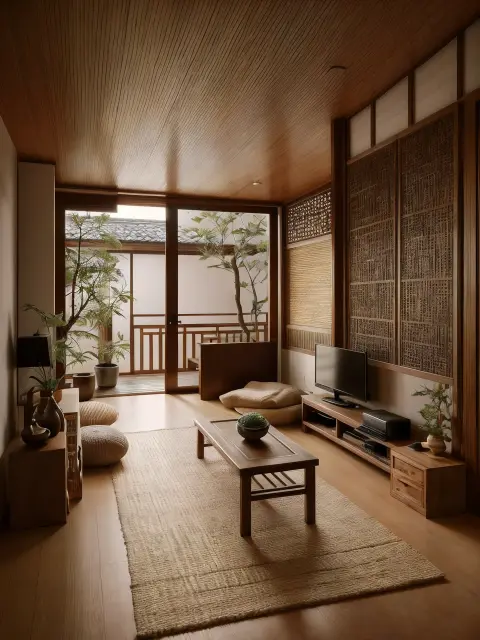
Japandi Oak and linen 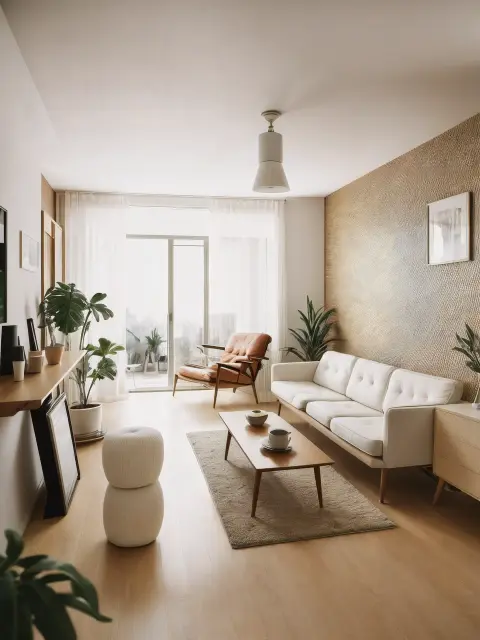
Mid-century Walnut and wool 
Art deco Brass and velvet 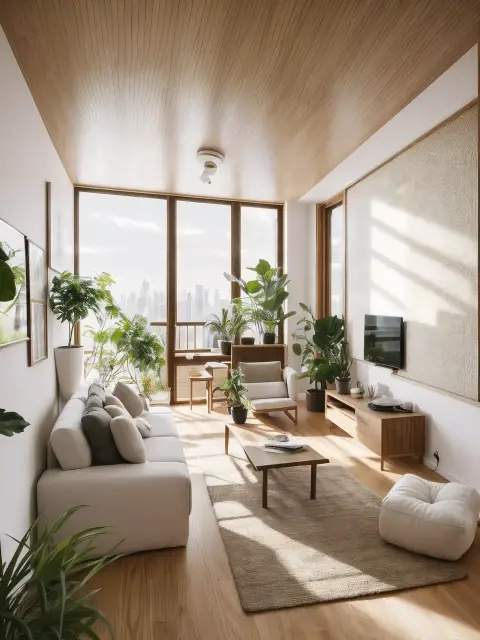
Biophilic Plants and light 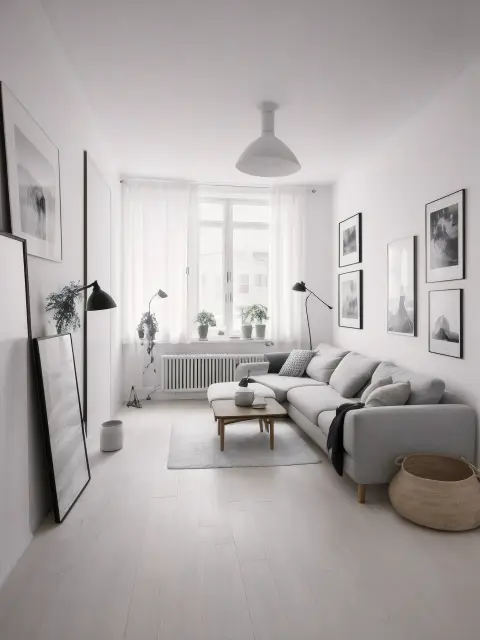
Scandinavian Pale wood 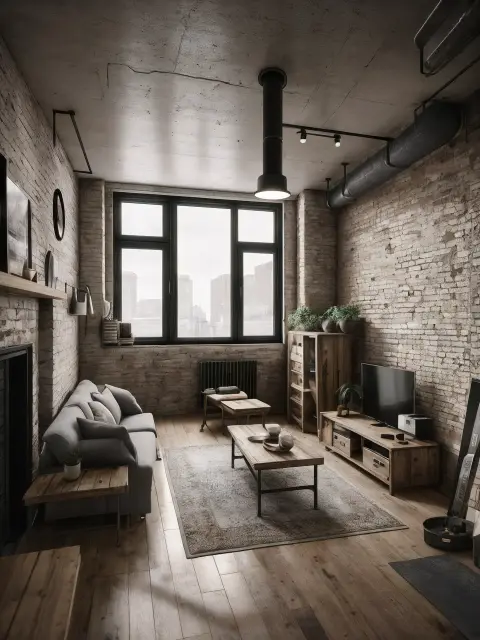
Industrial Brick and steel
Keep the room. Change the feeling.
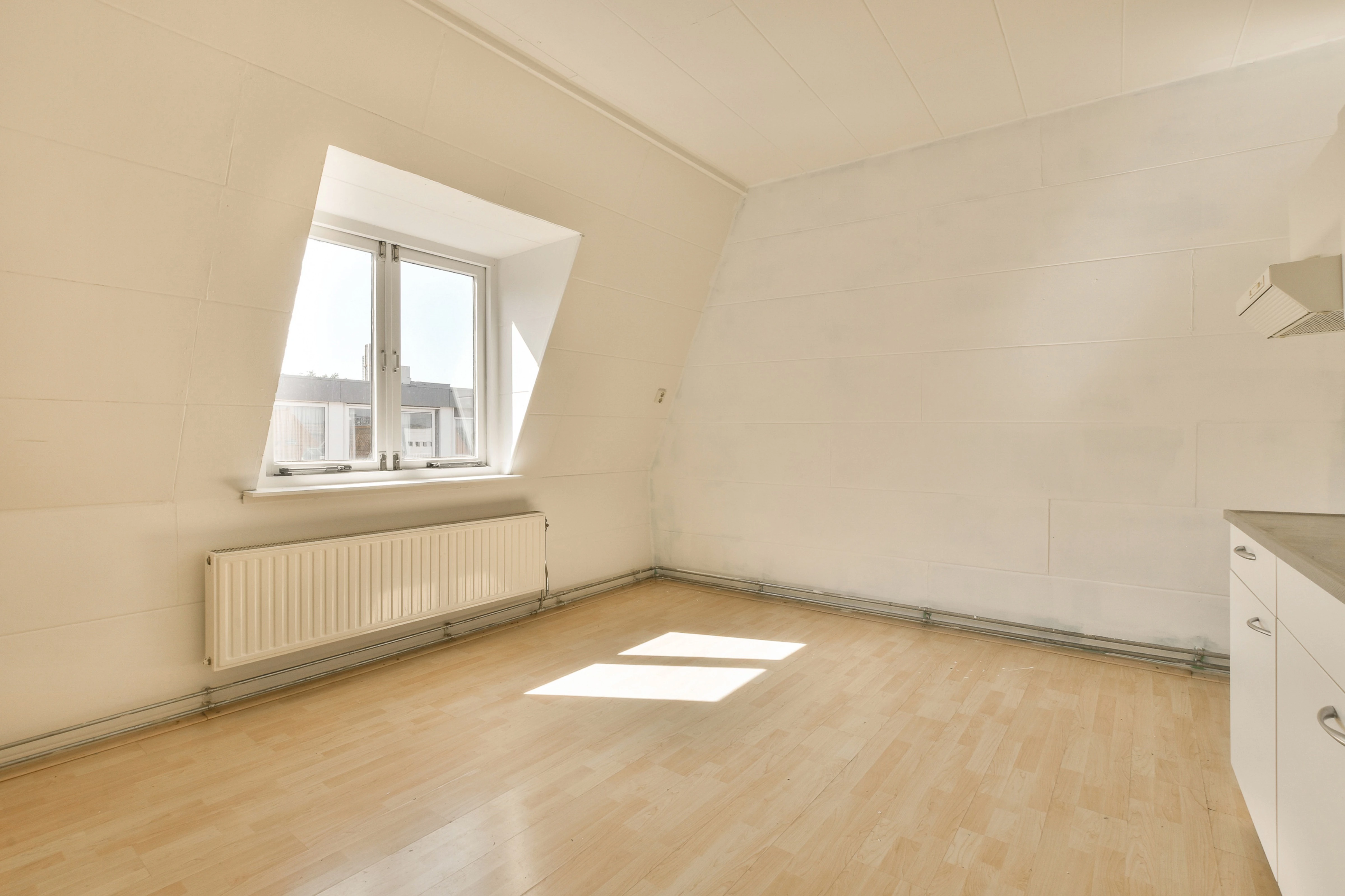
Every design starts from your photo, so you judge new ideas against the walls, windows and light you already live with.
-
Upload a photo
Any room, or the front of the house. A straight-on shot with the lights on works best.
-
Choose a style
Pick the room type and a direction: Japandi, coastal, art deco and dozens more.
-
Compare before and after
Drag the slider across your room. Try another style, or refine the one you like.
-
Keep the best
Save and download your favorite designs for planning, shopping or briefing a contractor.
Start with Remodel. Go further when you need to.
Most people only need Remodel. The other tools are there for precise changes, blank-slate ideas and finishing touches.
Remodel
Start here Upload a room or the front of your house, pick a style, and get designs of the space you actually have. Upload a room or the front of your house, pick a style, and get designs of the space you actually have. Redesign a room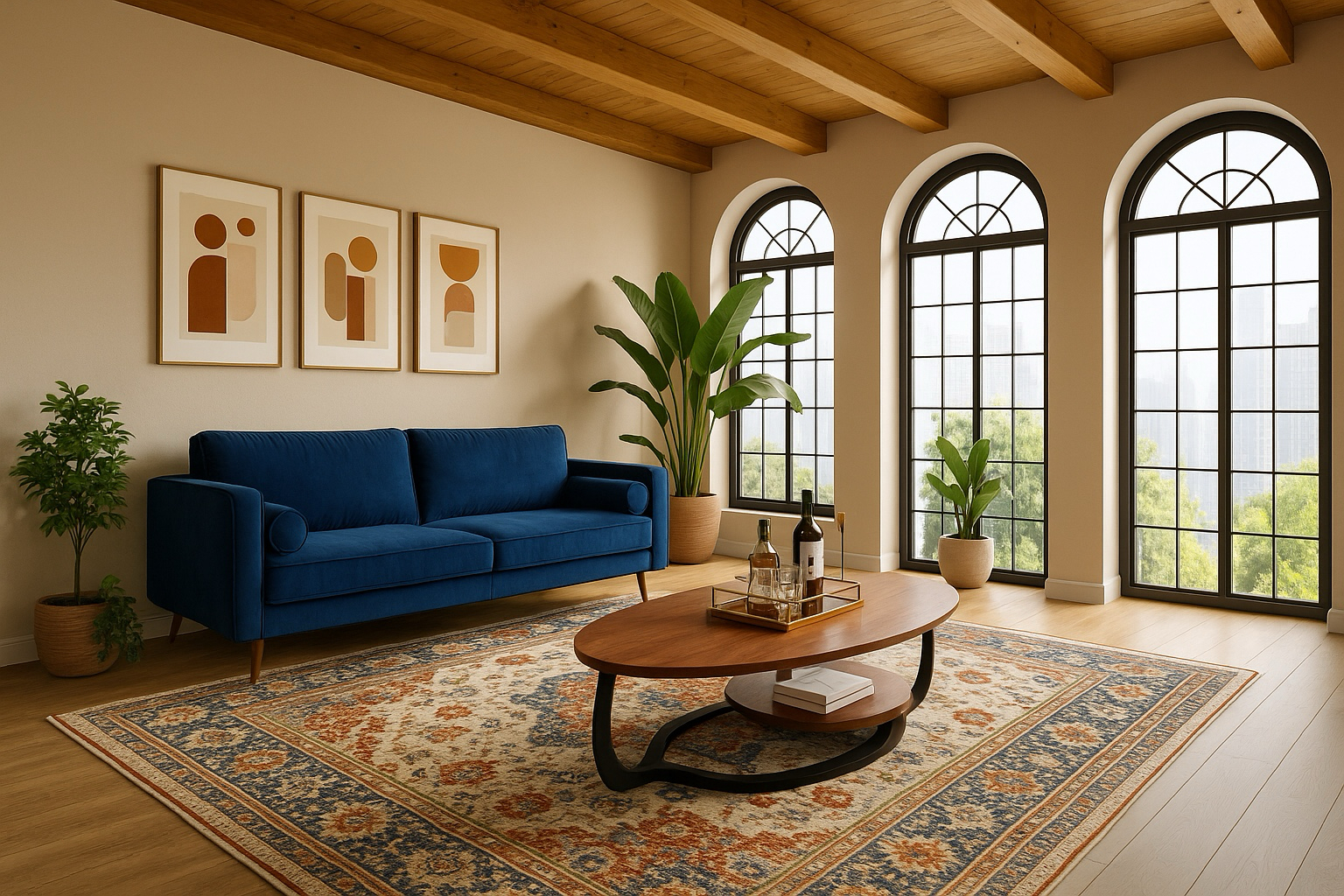
Edit
Paid plans Change one thing (the sofa, the floor, a wall color) and leave the rest of the room alone. Change one thing (the sofa, the floor, a wall color) and leave the rest of the room alone. Make a change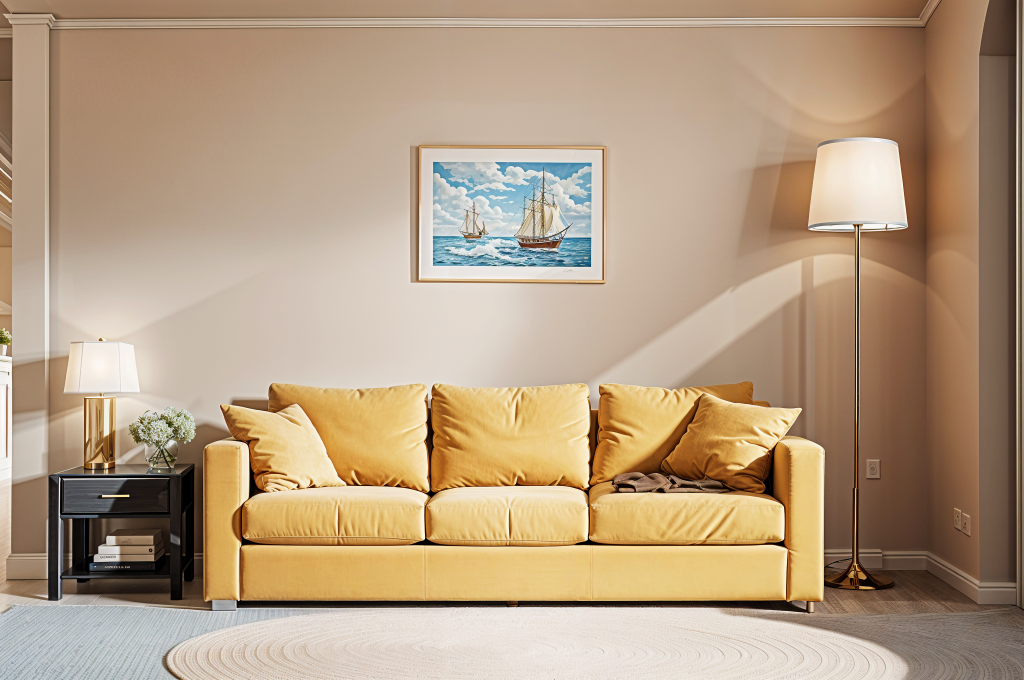
Brush
Paid plans Paint over an area and say what goes there, or remove it. Paint over an area and say what goes there, or remove it. Paint an area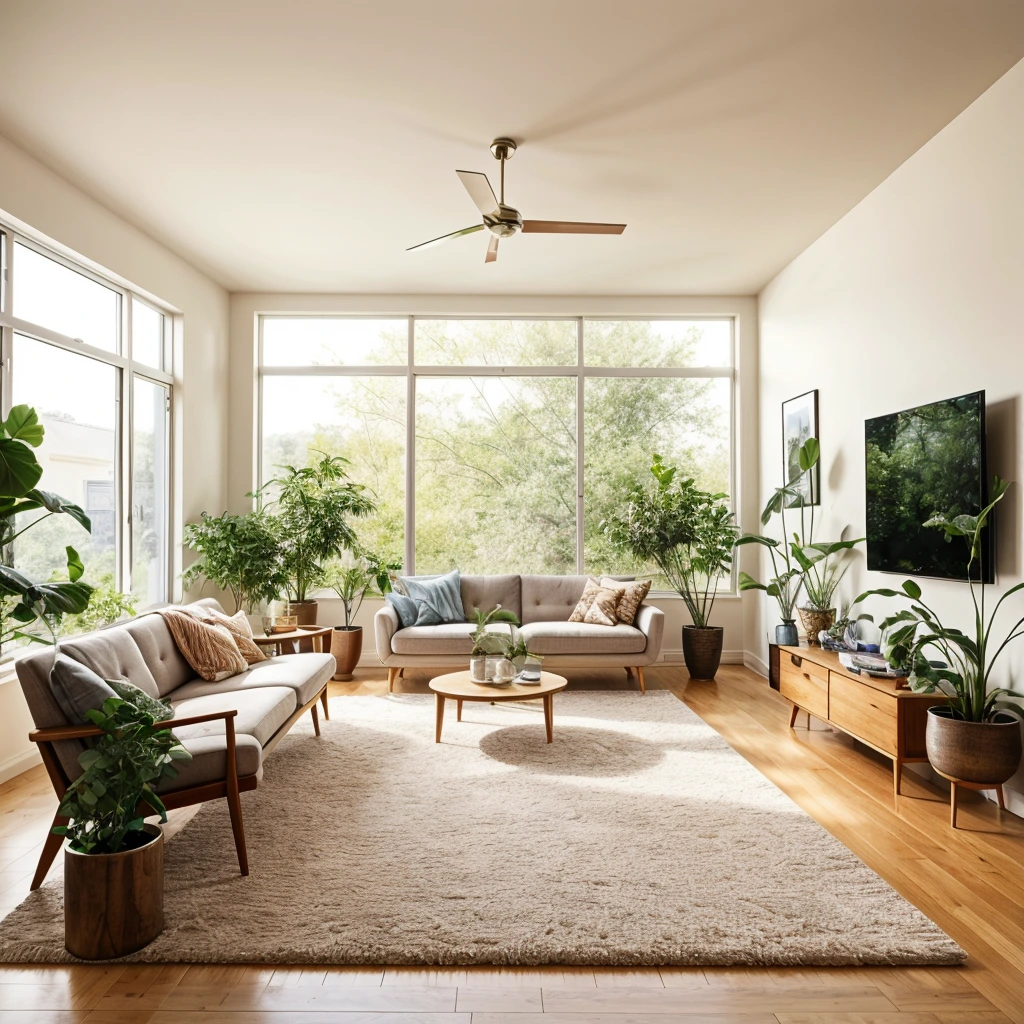
Imagine
Plus and Pro plans Describe a room that doesn’t exist yet and generate concepts from scratch. Describe a room that doesn’t exist yet and generate concepts from scratch. Imagine a room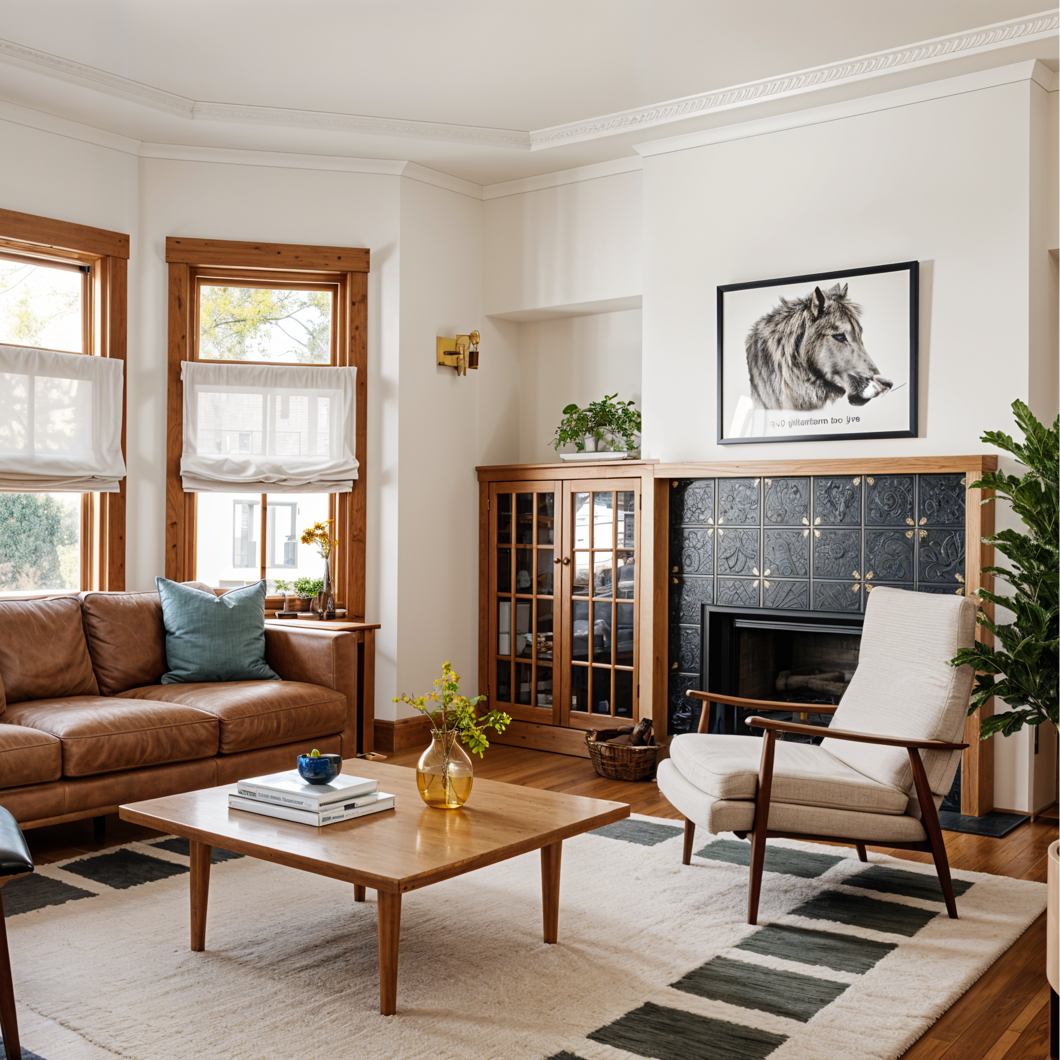
Enhance
Sharpen a design or photo into a cleaner, larger file worth keeping. Sharpen a design or photo into a cleaner, larger file worth keeping. Sharpen a design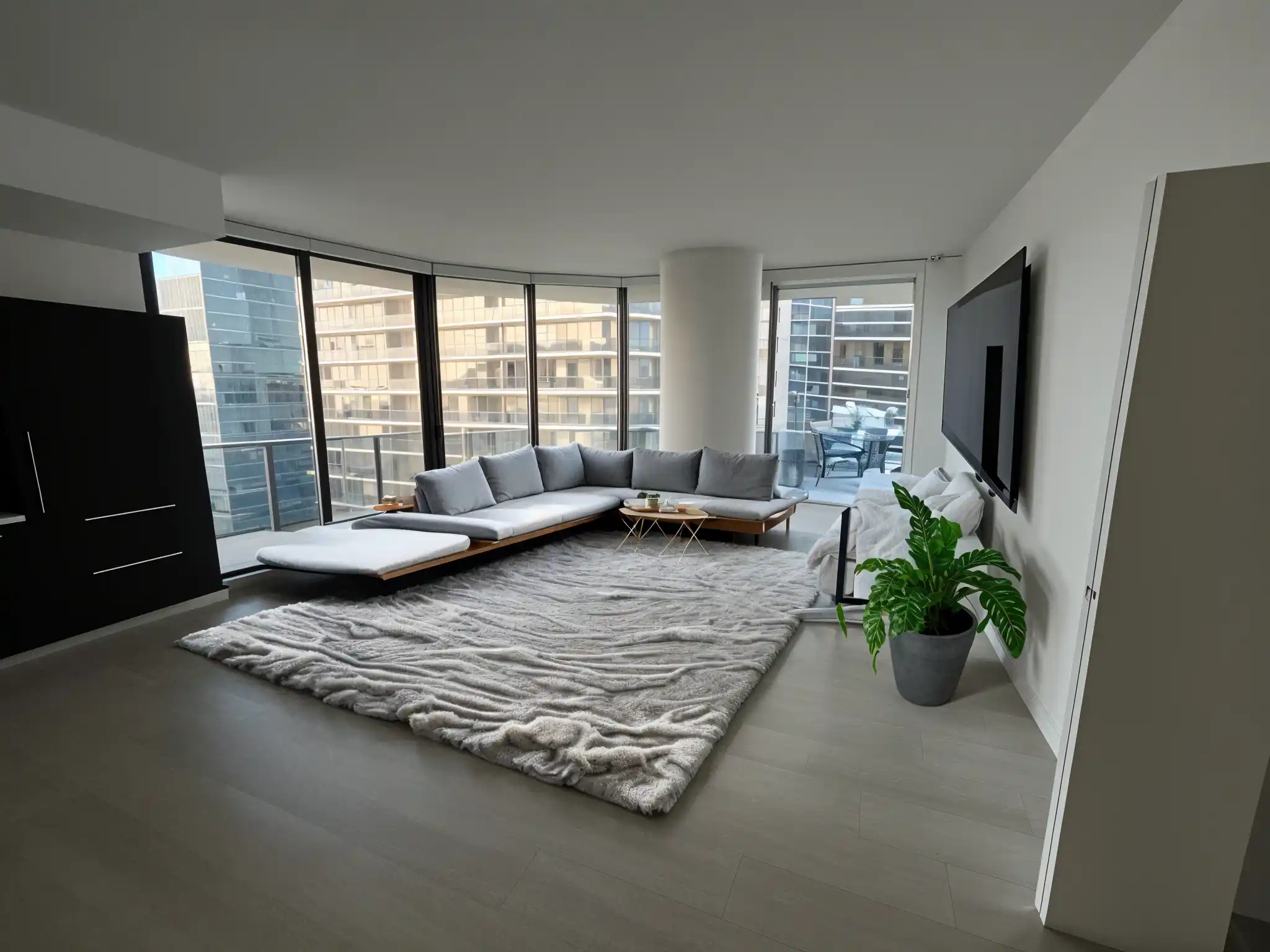
Stage
Furnish an empty room so buyers and guests can picture living in it. Furnish an empty room so buyers and guests can picture living in it. Stage a room

Remodeled AI for iPhone
Redesign the room you’re standing in.
Take the photo, redesign it on the spot and carry your designs into the showroom. Sign in with the same account on both.
Download on the App StoreA plan for one room, or every room.
Every plan comes with credits. On Pro, everyday designs don’t use any. Cancel any time from your account.
Loading plans…
Want the full comparison? See pricing
Questions, answered.
Something else on your mind? Email contact@remodeled.ai, or read every question on one page.
About Remodeled AI
What is Remodeled AI?
An app that redesigns a photo of your own room or house exterior in the style you choose. You upload a photo, pick a style, and compare the result with the original on a before-and-after slider. It runs on the web and iPhone.
Is Remodeled AI free?
It is free to start. A free account needs no card and comes with starter credits to redesign a room with Remodel, in 7 styles. Changing single items, furnishing an empty room and house exteriors need a paid plan.
How much does it cost?
On the web, Basic is $13 a month or $91 a year, Plus is $39 a month or $264 a year, Pro is $99 a month or $684 a year. A free account costs nothing. Plans bought in the iPhone app are priced in the App Store. Pricing lists what each plan includes.
Is Remodeled AI the same as Remodel AI?
No. Remodeled AI (remodeled.ai) is made by Remodeled AI, LLC. Remodel AI (remodelai.io) is a separate product from a different company. Remodeled AI vs Remodel AI shows how to tell them apart.
Is there an Android app?
No. There is an iPhone app and a web app. On Android, use remodeled.ai in your browser.
Does it give measurements, a floor plan or a shopping list?
No. Designs are images. Nothing in them is measured, and the furniture is a concept, not a product you can order. Use a design to choose a direction, then measure before you buy.
Photos and results
What kind of photo works best?
A clear, well-lit photo of the room taken with your phone’s normal 1x lens. Shoot from a doorway or corner so the room reads as a whole, and avoid ultrawide or portrait-mode shots.
Which file types can I upload?
JPG, PNG, WebP and HEIC. AVIF and GIF aren’t supported yet, so convert those to JPG first.
How long does a redesign take?
Most designs arrive in under a minute. The most detailed finishes take a little longer.
Will a design ever look off?
Sometimes. Dark, blurry or very wide-angle photos are the usual cause. Retake the photo or run it again, then refine the design that comes closest.
What if a design doesn’t finish?
It’s rare. When it happens you aren’t charged for it, and you can try again right away.
Can I choose the quality?
Yes. Under Options you can pick anything from a quick draft to the most detailed, photoreal finish. The cost shows before you start, or that it’s unlimited on your plan.
Privacy and ownership
How long are my photos and designs kept?
They stay in your Library for 7 days on a free account, 30 days on Basic, 90 days on Plus and 1 year on Pro, then they’re deleted. Download anything you want to keep longer.
Where is my data stored?
In the United States, with vetted service providers.
Who owns the designs I create?
You keep the rights described in the terms for your plan, including how you can use your designs.
Can I delete my data?
Yes. Delete your account in the iPhone app under Account, or email contact@remodeled.ai and we’ll delete it.
Billing
Is checkout secure?
Yes. Payments run through Stripe, and we never see or store your full card number.
How do I cancel?
Go to Account and open the billing portal to cancel, change plans, or download invoices. If you subscribed in the iPhone app, cancel in your iPhone’s Settings under Subscriptions.
Can I get a refund?
Refunds follow the terms shown at checkout. If a charge looks wrong, email contact@remodeled.ai and we’ll review it.
Not sure where to start?
Short guides for the decision you’re making, with prices and limits stated plainly.
- Homeowners planning a remodel Settle on a direction for each room before you spend money on it.
- Realtors and sellers staging a listing Furnish empty rooms and tidy lived-in ones for listing photos.
- Renters who can’t renovate Plan furniture, rugs, lighting and color without touching the walls.
- Best AI interior design apps, by job Nine apps, what each is the pick for, and what each costs.
- How to redesign a room from a photo The steps, the photo that works best, and the apps that do it.
- Free AI room design apps What each free tier actually gives you, and which ones ask for a card.
More: all guides, who it’s for, styles by room and how it compares with other apps.
Your room has more than one version of itself.
Upload a photo and see a few of them tonight.