Exterior and curb appeal ideas, from a photo of your house.
Exterior paint and siding are expensive, visible from the street, and hard to picture from a color chip. Seeing the options on your own house first costs almost nothing.
Updated
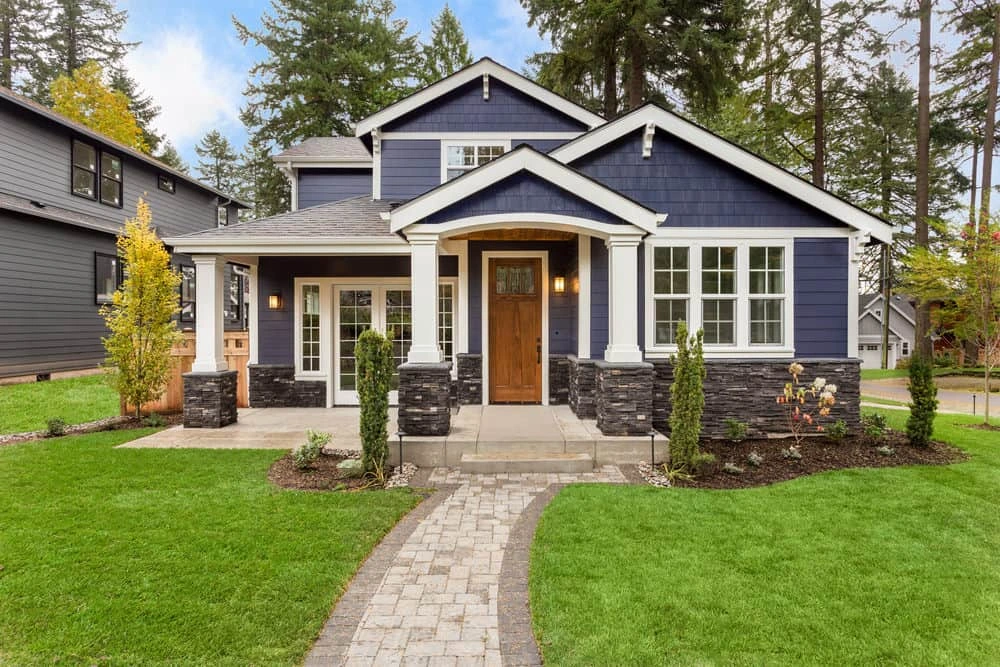
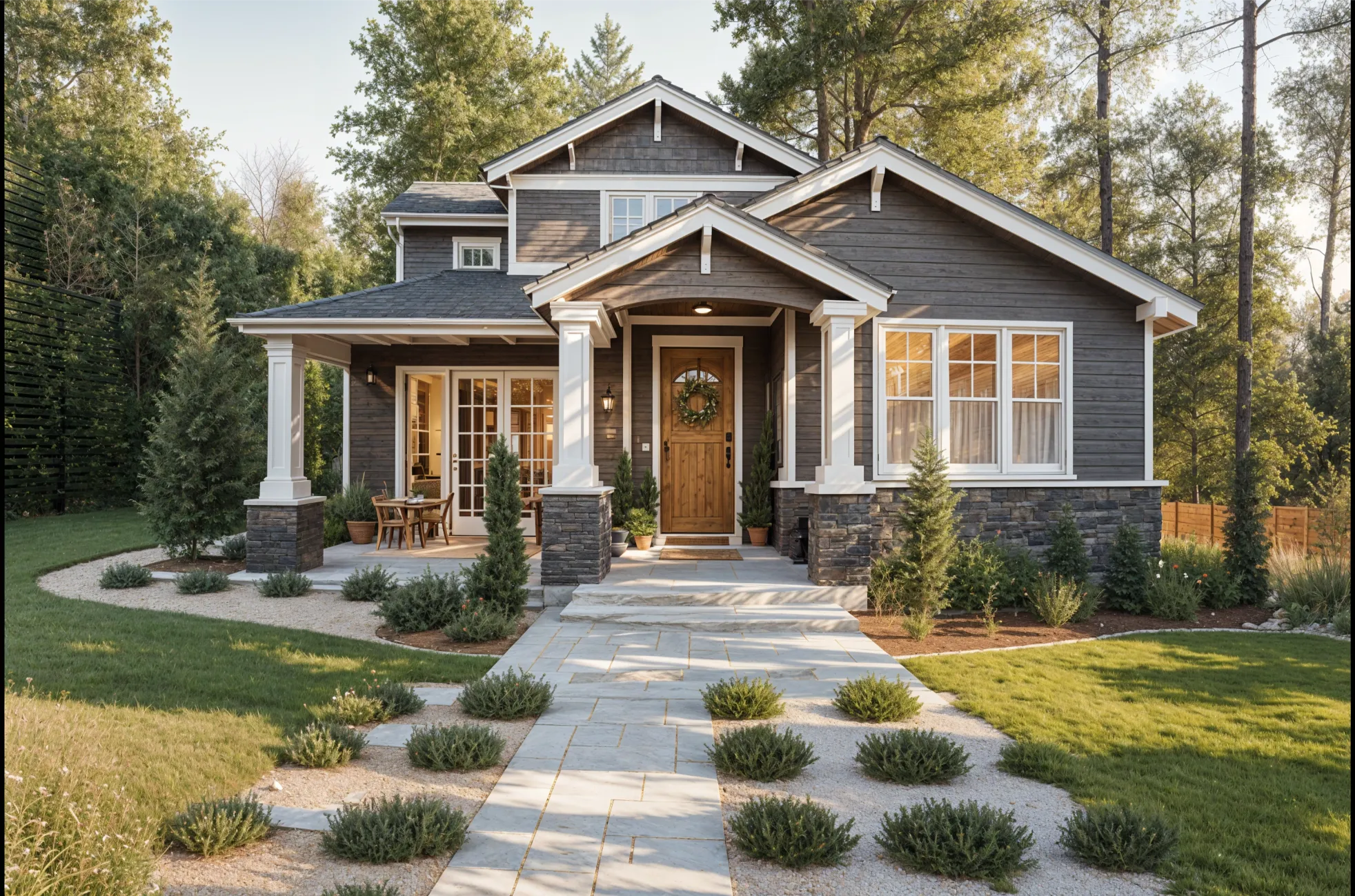
Short answer
To get curb appeal ideas for your own house, upload a photo of the front of it to Remodeled AI and try exterior styles on it. The roofline and windows are kept while paint, siding, trim and planting change, so you can compare directions side by side. It works on the web and iPhone, is free to start, and produces a visual concept, not construction drawings.
What to test on the front of the house
- Body color. Light, mid and dark versions of the same house, next to each other.
- Trim and front door. Matching trim versus contrast, and whether a strong door color suits the house.
- Siding and materials. Painted siding, wood, stone at the base, or a mix.
- The front walk and planting. Beds along the foundation, a wider path, or a simpler lawn.
- Lighting. Path and porch lighting changes how the house reads at dusk.
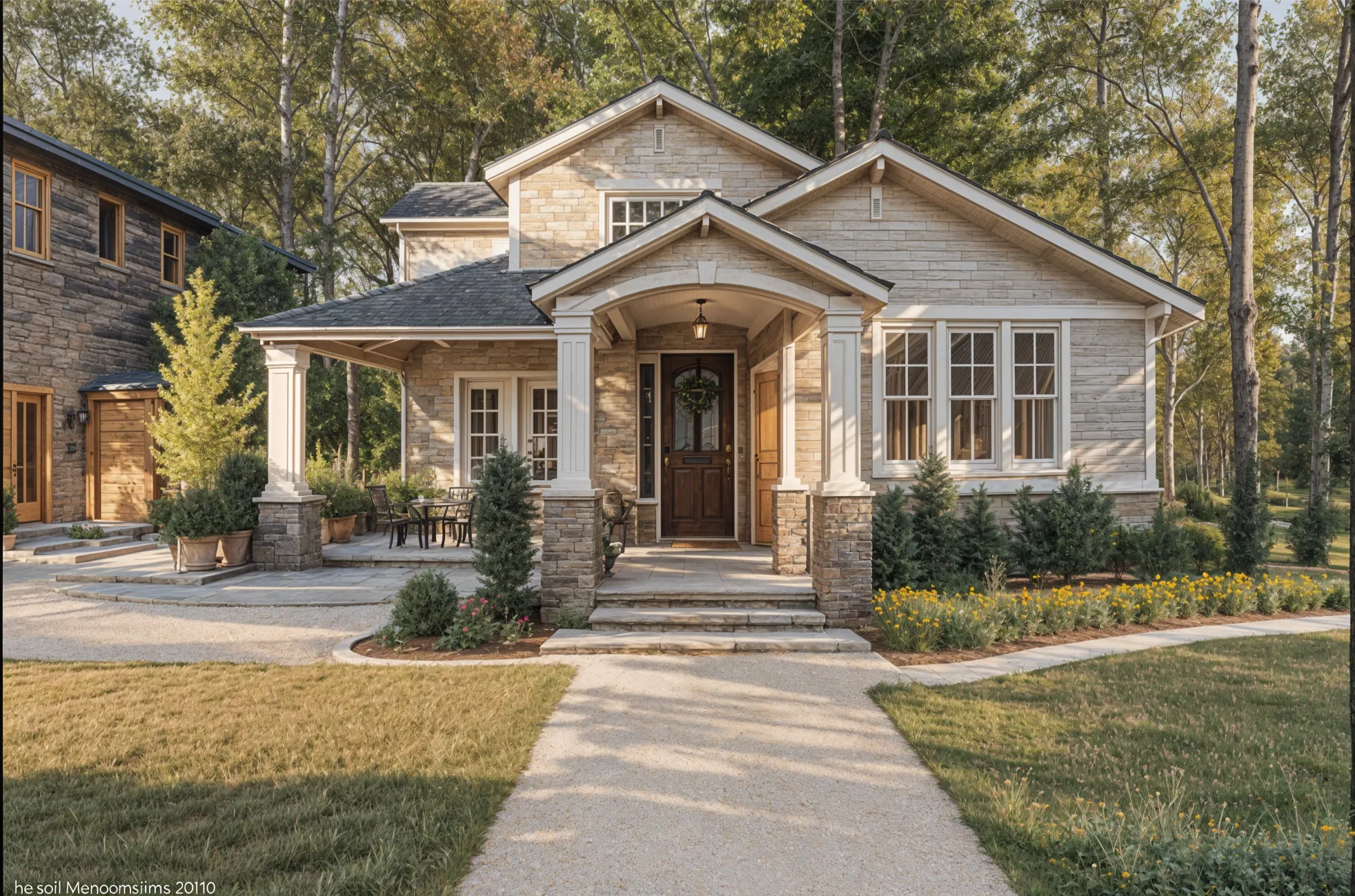
How to get a useful result
- Photograph the whole front. Stand across the street or at the edge of the yard so the roofline and both corners are in frame. Overcast light or early evening avoids hard shadows.
- Choose the exterior and a style. Remodel works on house exteriors the same way it does on rooms. Farmhouse, contemporary and transitional are good first comparisons.
- Compare with the slider. Drag between the house now and each design, and save the ones worth a second look.
- Adjust one element. On a paid plan, Brush changes only what you paint over, such as the front door or the garage door, and Edit changes one thing you describe.
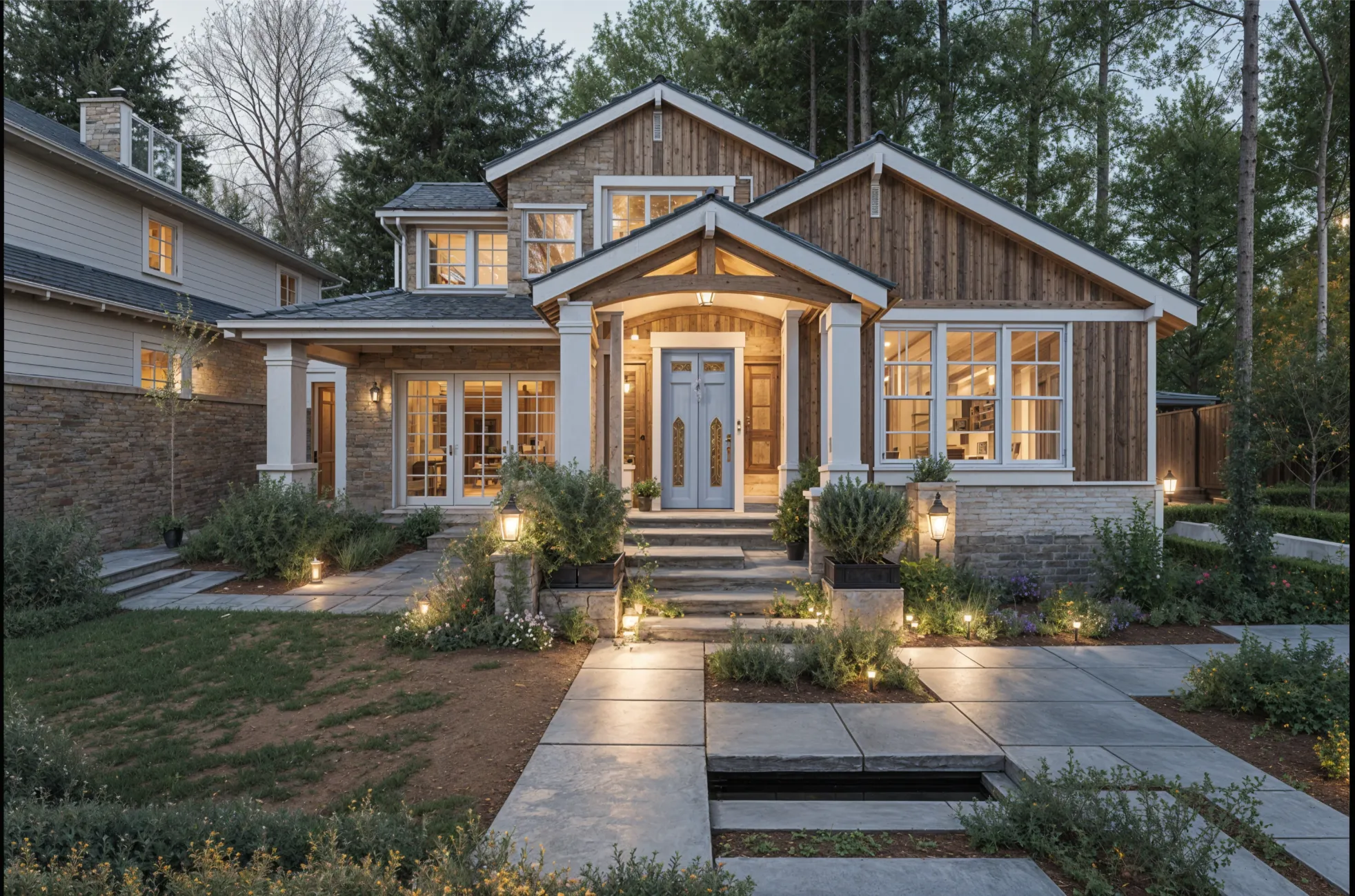
If you are selling
An exterior concept can help a buyer picture what the house could be, but it must be labeled as a concept. For the listing photo itself, real, low-cost changes do more: a painted front door, trimmed planting and a clear path. Use the designs to decide which of those to do. Agents can read more on staging a listing.
What it won’t do
A design doesn’t know your HOA rules, local codes, or what is under the existing siding, and colors on a screen differ from paint on a wall in daylight. Use the design to narrow the choice to two or three, then test real samples on the house. Structural changes such as a new porch or dormer need a designer or architect.
What it costs
Trying a few styles on your house is free with an account, with no card. Basic ($13 a month, or $91 a year) adds Edit and Brush for changing one element at a time. The pricing page has the details.
Common questions
- Is there an app to see my house in a different color?
- Yes. Upload a photo of your house to Remodeled AI and try exterior styles on it, or on a paid plan paint over the siding with Brush and name the color you want to see.
- Does it keep my house’s shape?
- Exterior designs are meant to keep the roofline and windows while the finishes and planting change. If a design changes more than you want, run it again or use Brush on one area.
- Can it design my landscaping?
- It shows planting and path ideas as part of an exterior design. It is not a landscape plan: it has no plant list, spacing or measurements.
- What photo works best for an exterior?
- A straight-on shot of the whole front in even light, taken from far enough back to include the roof and both corners.
Try a new look on the front of your house
Upload a photo of the house, pick an exterior style, and compare it with what’s there now. Free to start.
Redesign my exterior