Room design ideas for renters, without renovating.
In a rental the walls, floors and kitchen usually have to stay. What you can change is everything that leaves with you: furniture, rugs, lamps, curtains, art and plants. It helps to see those on your own room before you spend the money.
Updated
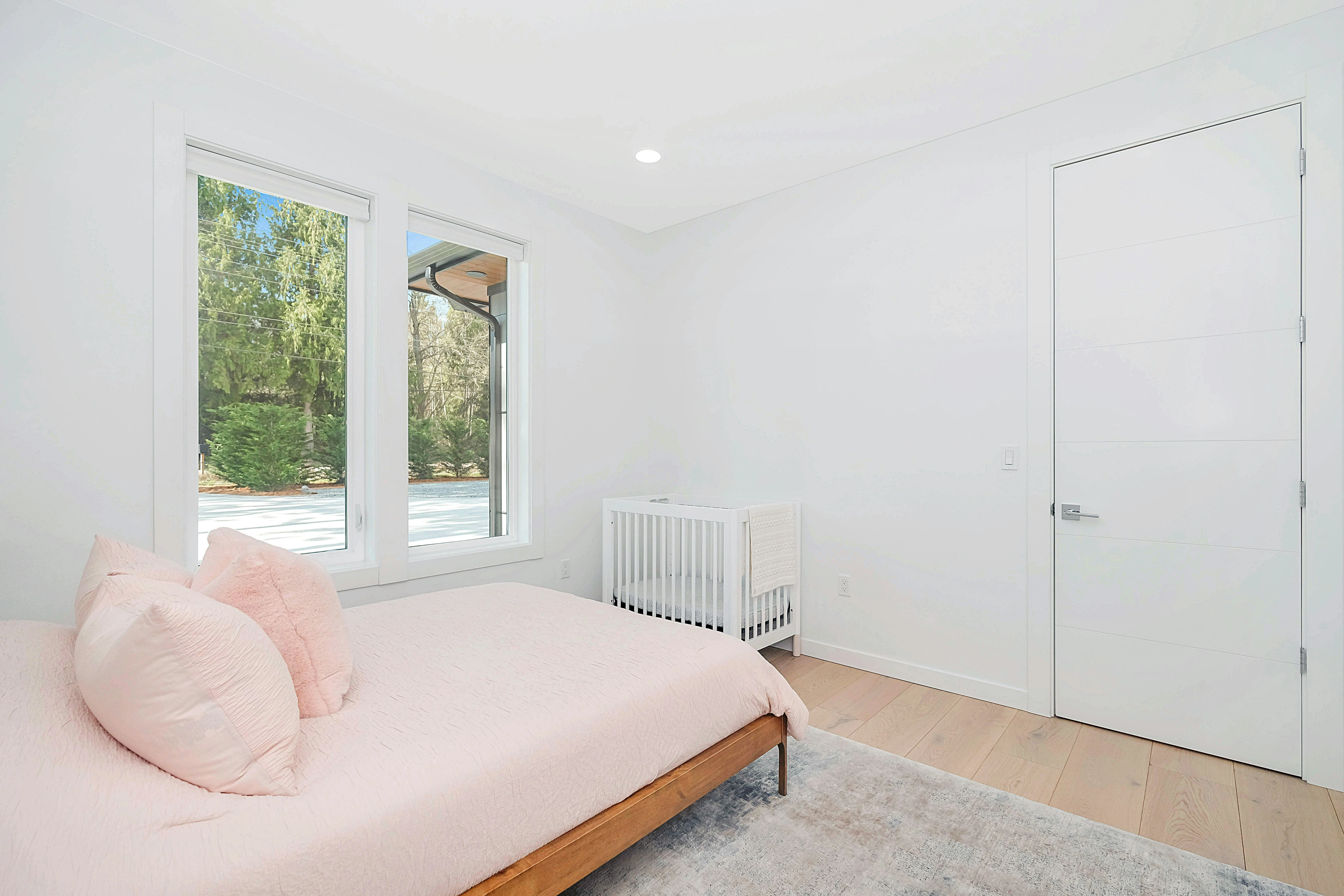
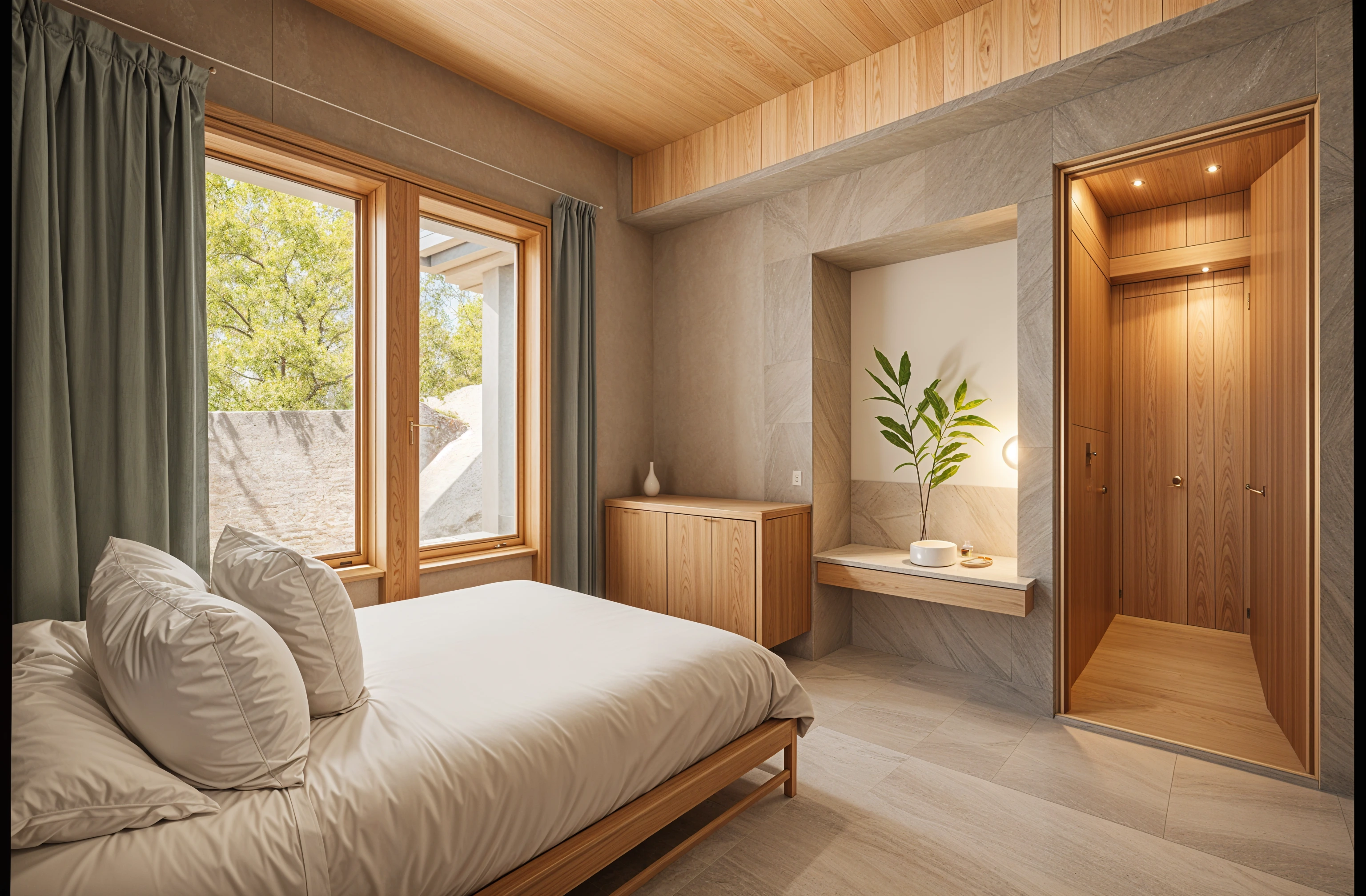
Short answer
Renters can use Remodeled AI to see their own room with different furniture, rugs, lighting and decor before buying any of it. Upload a photo, pick a style, and say in your own words that the walls, floors and fixtures should stay as they are. It is free to start on the web and iPhone, and the result is a visual idea, not a shopping list.
Changes that leave with you
A redesign is most useful for a renter when it only moves the things you own. These are the ones that change a room the most for the least commitment:
- A rug. It covers a floor you didn’t choose and sets the color for the rest of the room.
- Lighting. Floor and table lamps instead of the ceiling fixture change how a room feels at night.
- Curtains. Full-length curtains hung high make a window, and the room, look taller.
- One larger piece. A different sofa, bed frame or bookcase does more than several small purchases.
- Art and plants. Leaning frames and plants add color without holes in the wall.
How to keep the redesign within your lease
- Upload the room as it is. A clear photo from a doorway or corner at your phone’s 1x lens works best.
- Pick a style, then add your own direction. In Remodel, write what has to stay, for example “keep the walls, floor and windows exactly as they are; change only the furniture, rug and lighting.”
- Compare a few styles. Seeing the same room three ways makes it clear which pieces you keep choosing.
- Test one purchase at a time. On a paid plan, Edit changes one thing you describe (“swap the sofa for a green velvet one”) and Brush changes only the area you paint over, so you can check a single item before buying it.
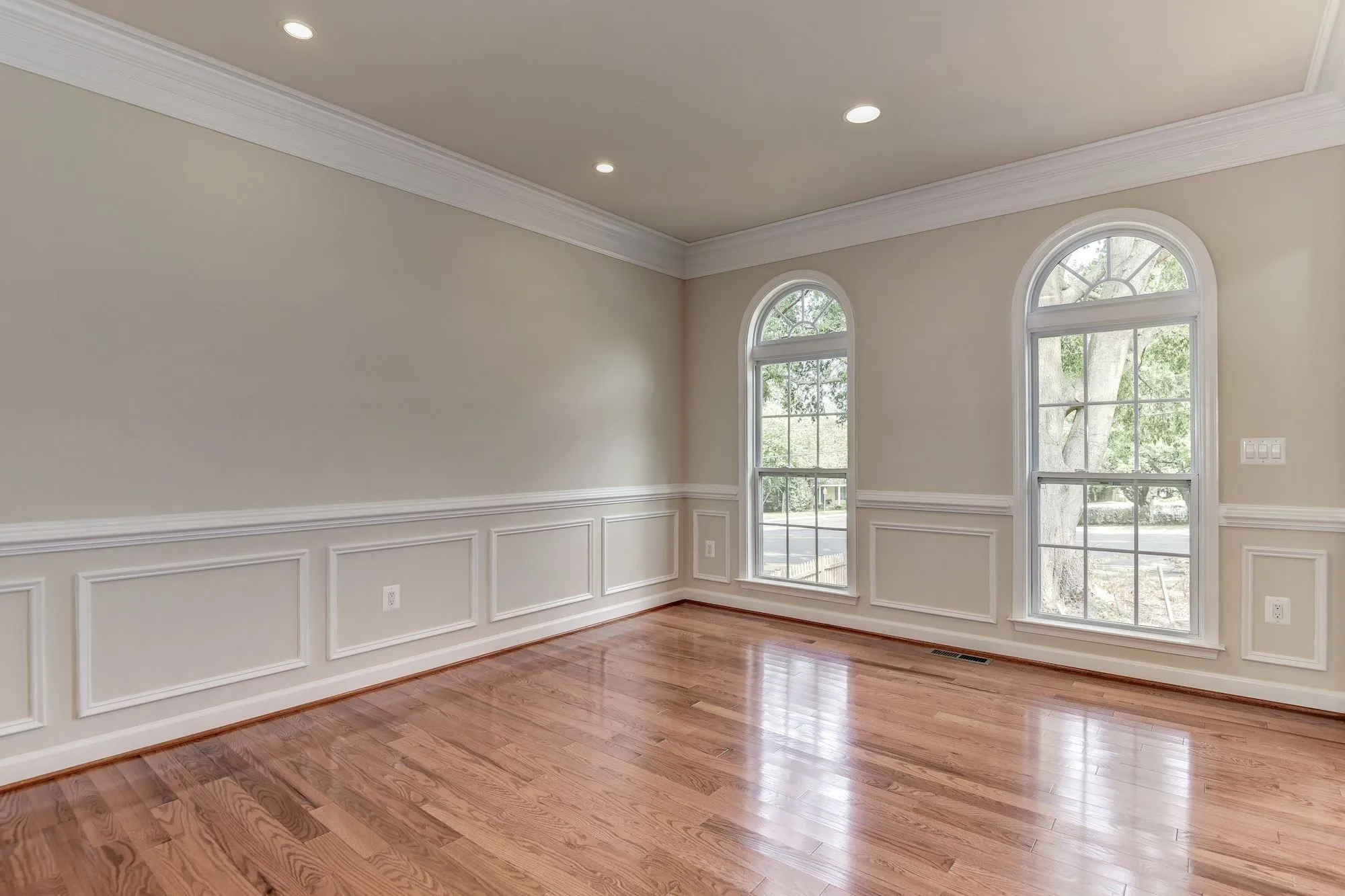
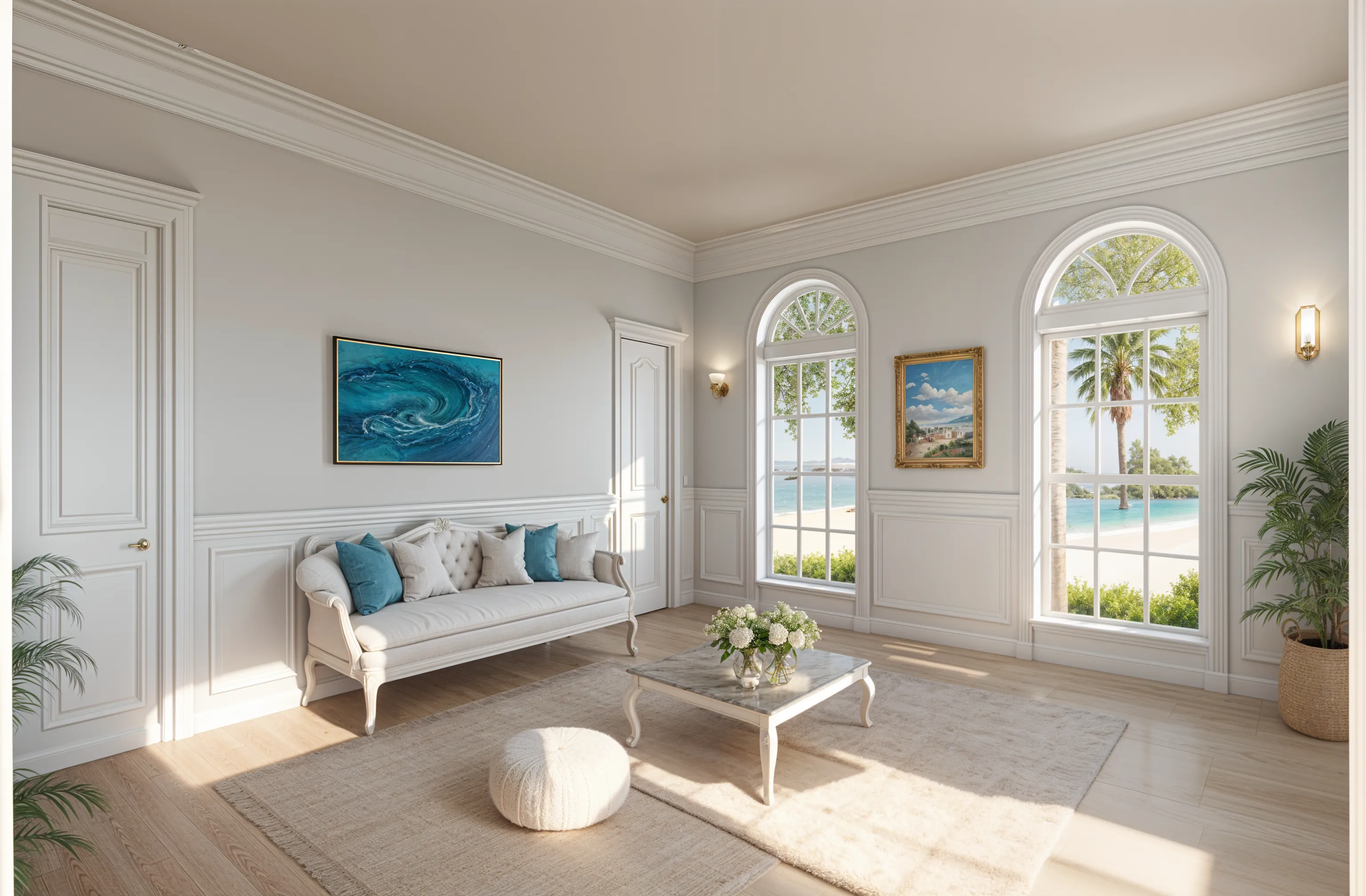
If you are allowed to paint
Some leases allow paint if you return the walls to the original color. Brush is the quickest way to check: paint over one wall, name the color, and compare it with the room now. Do it before you buy sample pots.
What it costs
A free account includes starter credits and needs no card, so you can try it on one room for nothing. If you want Edit and Brush, Basic is $13 a month, or $91 a year, and you can cancel any time. See pricing for the other plans.
What it won’t do
The furniture in a design is a concept, not a product you can order, and nothing is measured. Treat the result as a direction, then check sizes before you buy. A design can also change more than you asked for; if it alters something that has to stay, run it again or use Edit to change one thing at a time.
Common questions
- How can I redesign my rental without renovating?
- Change what you own: rug, lighting, curtains, a main piece of furniture, art and plants. Seeing those on a photo of your own room first, with an app such as Remodeled AI, shows which ones are worth buying.
- Will the design keep my walls and floors the same?
- Ask for that in your own direction when you remodel, and check the result with the before-and-after slider. For a single change, Edit and Brush are designed to leave the rest of the room alone.
- Can I see a studio or a small room?
- Yes. Any room works, and small rooms benefit most from trying a layout before moving furniture. Shoot from the corner that shows the most floor.
- Can it tell me where to buy the furniture?
- No. Designs show a look, not products. Use the design as a reference when you shop.
Try it on your rental
Upload a photo of the room, pick a style, and say what has to stay. Free to start, no card.
Redesign my room