An AI room design app for homeowners planning a remodel.
Before a remodel, the expensive mistakes are decisions made from a mood board of other people’s houses. Seeing the options on a photo of your own room is the cheapest way to find out what you actually want.
Updated
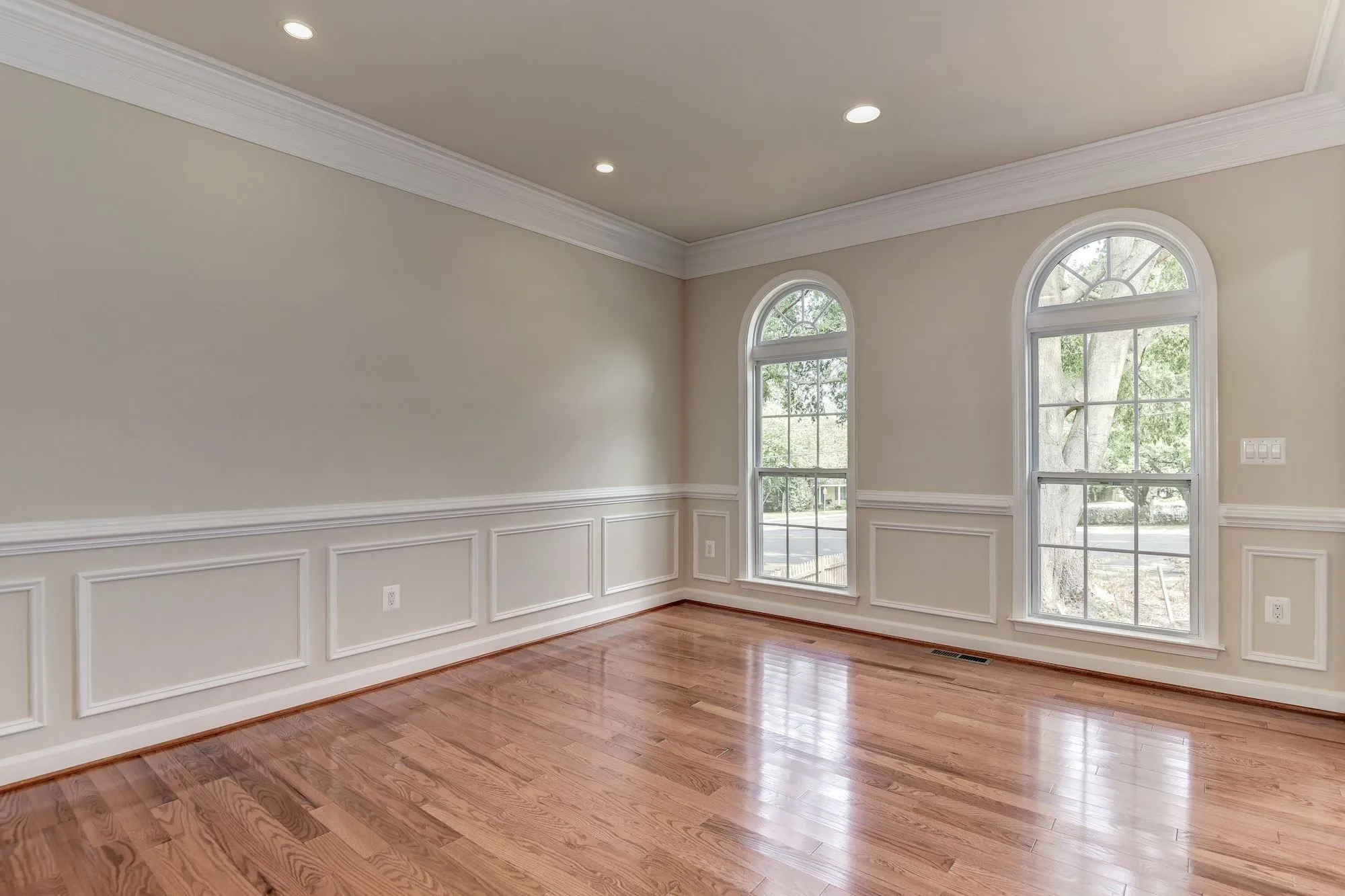
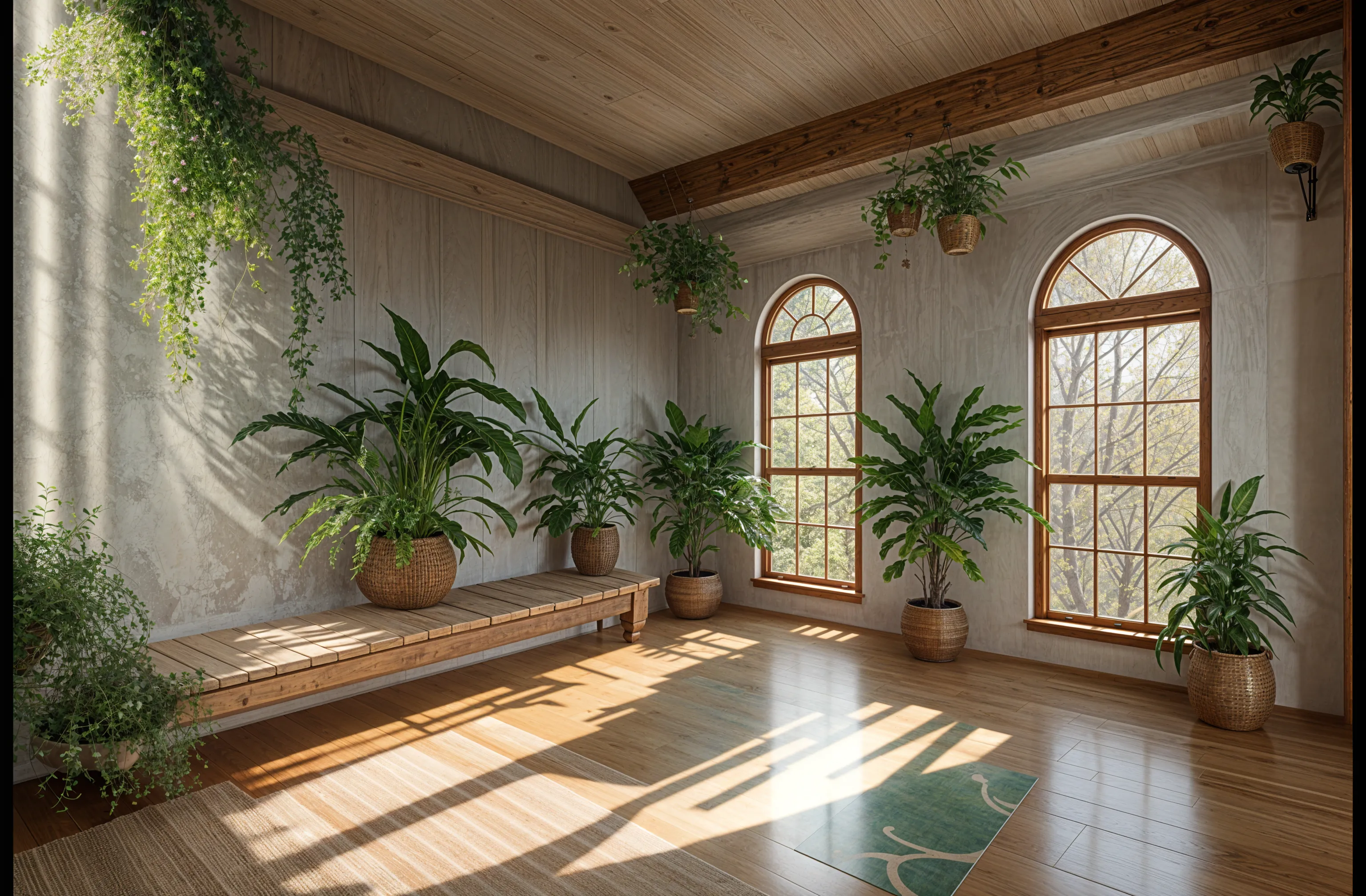
Short answer
Remodeled AI is an AI room design app for homeowners: you upload a photo of a room or the front of your house, pick a style, and compare the redesign with what is there now. It is built for choosing a direction before a remodel, on the web and iPhone, and it is free to start. It makes images, not floor plans or measurements.
What it helps you decide
Most remodels stall on a few questions: which style, how far to go, and whether everyone in the house agrees. A redesign of your real room answers them faster than talking about it.
- Which style. Run the same photo through three or four styles and compare them side by side. People usually find they keep choosing the same materials and rejecting the same ones.
- How far to go. See the room with new paint and furniture only, then with new floors and cabinets. The difference tells you whether the bigger job is worth it.
- Whether you agree. A picture of your own living room is easier to say yes or no to than a description of one.
- What to tell a contractor. A saved design gives a designer or builder a clear starting point for a quote.
How to use it on your home
- Photograph the room. Use your phone’s normal 1x lens, with the lights on, from a doorway or corner so the whole room is in the frame.
- Pick the room and a style. Remodel is designed to keep your walls, windows and layout and change the finishes and furniture. You can also describe your own direction or add reference photos.
- Compare before and after. Drag the slider across the room. Try another style, or generate a few variations of the one you like.
- Refine the one you like. On a paid plan, Edit changes one thing you describe and Brush changes only the area you paint over, so you can test a wall color or a different sofa without starting again.
- Keep the best. Designs are saved to your Library beside the original photo. Download the ones you want to keep or share.
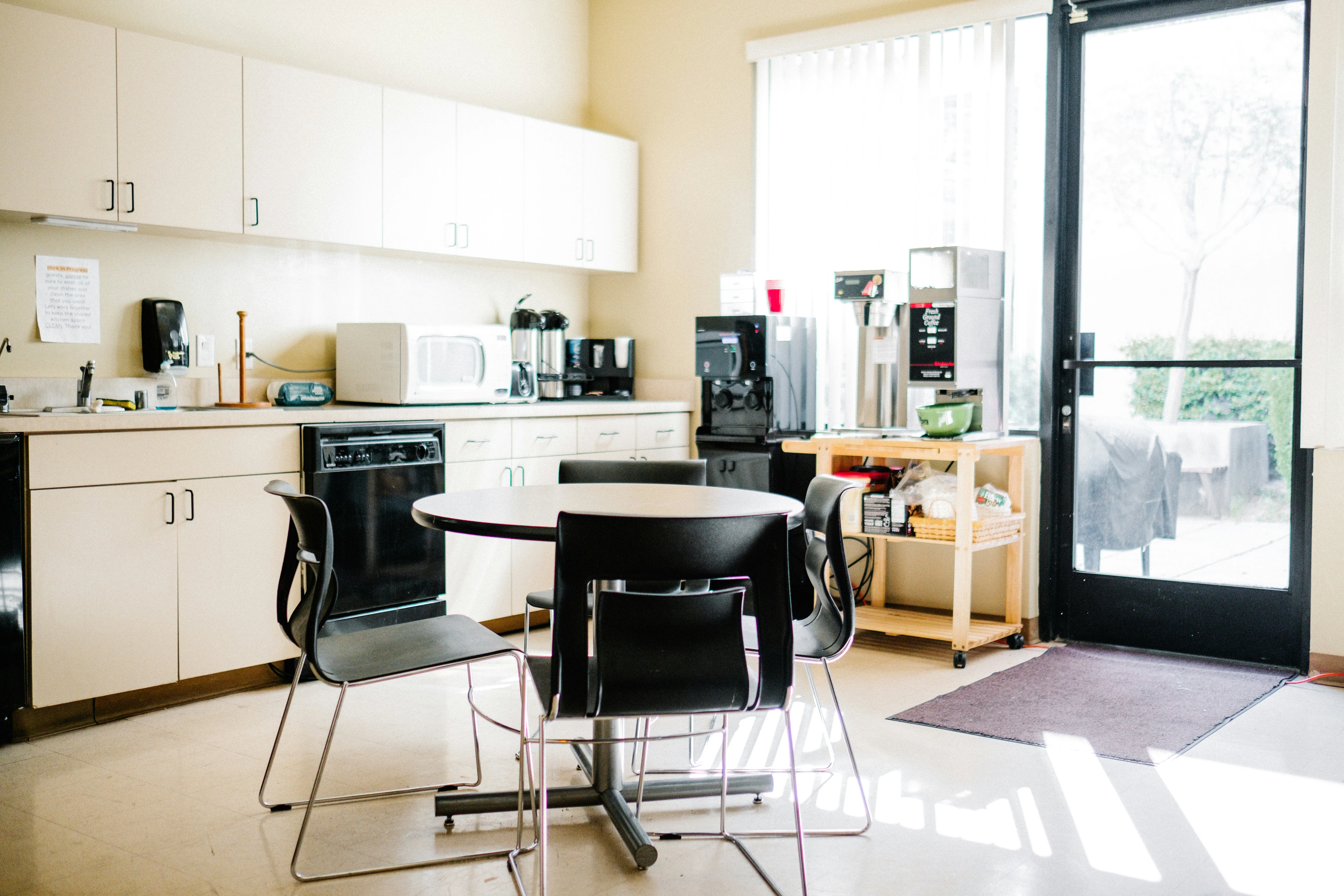
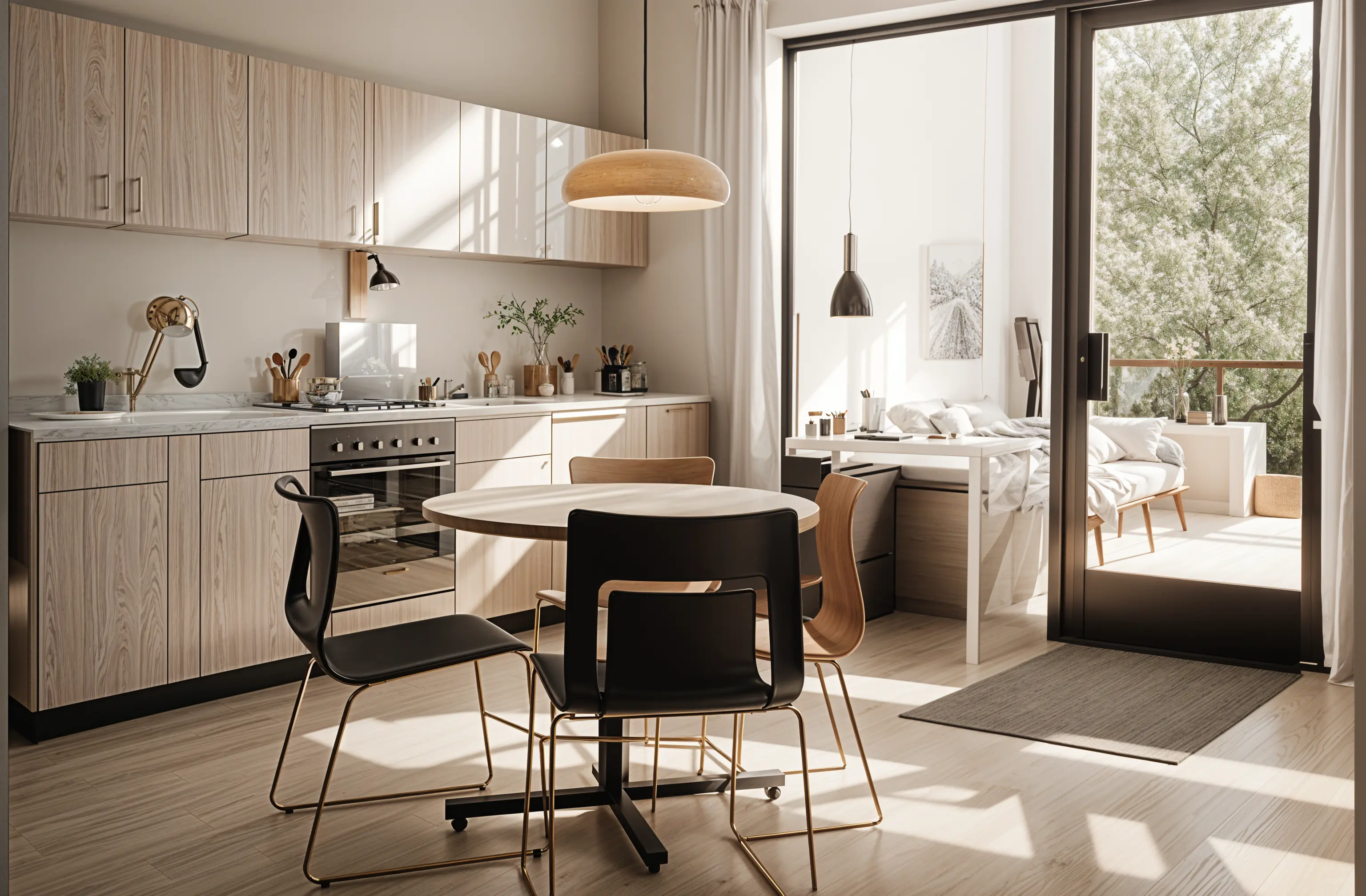
What it costs
A free account comes with starter credits and needs no card, which is enough to try it on a room. Paid plans start with Basic at $13 a month, or $91 a year, which suits one room at a time. Plus ($39 a month, or $264 a year) is for working through several rooms and adds Imagine. The pricing page lists everything each plan includes.
Designs stay in your Library for 7 days on a free account, 30 days on Basic, 90 days on Plus and 1 year on Pro, so download the ones you want to keep longer.
What it won’t do
Every design is a visual concept of your room. It does not include measurements, floor plans, structural advice or a cost estimate, and the furniture in a design is not a specific product you can order. Use it to choose a direction, then work out the details with the people building or supplying it.
Common questions
- What is the best AI app to redesign my room from a photo?
- It depends on the job. For seeing your own room in different styles and then refining one of them, Remodeled AI is built for exactly that, on the web and iPhone. If you need a measured floor plan or a 3D model, use a floor planner instead. The comparison pages list where other apps are the better pick.
- Does the redesign keep my room’s layout?
- Remodel works on your photo and is designed to keep the walls, windows, doors and proportions while the finishes and furniture change. Dark, blurry or very wide-angle photos are the usual reason a design looks off.
- Can I use it for the outside of my house?
- Yes. Upload a photo of the front of the house and try siding, paint, trim and planting directions on it.
- Is it really free to start?
- Yes. A free account includes starter credits and does not ask for a card. Edit, Brush and Imagine need a paid plan.
Try a direction on your own room
Upload a photo, pick a style, and compare it with the room you have now. Free to start, no card.
Redesign my room