Redesign your whole home with AI, one room at a time.
Redesigning one room is easy to picture. A whole house is harder, because the rooms have to work together: the floor that runs through the hall, the paint you see from the kitchen, the light in every room. AI helps most when you treat it as a way to try one look on every room before you commit to any of it.
Updated
Short answer
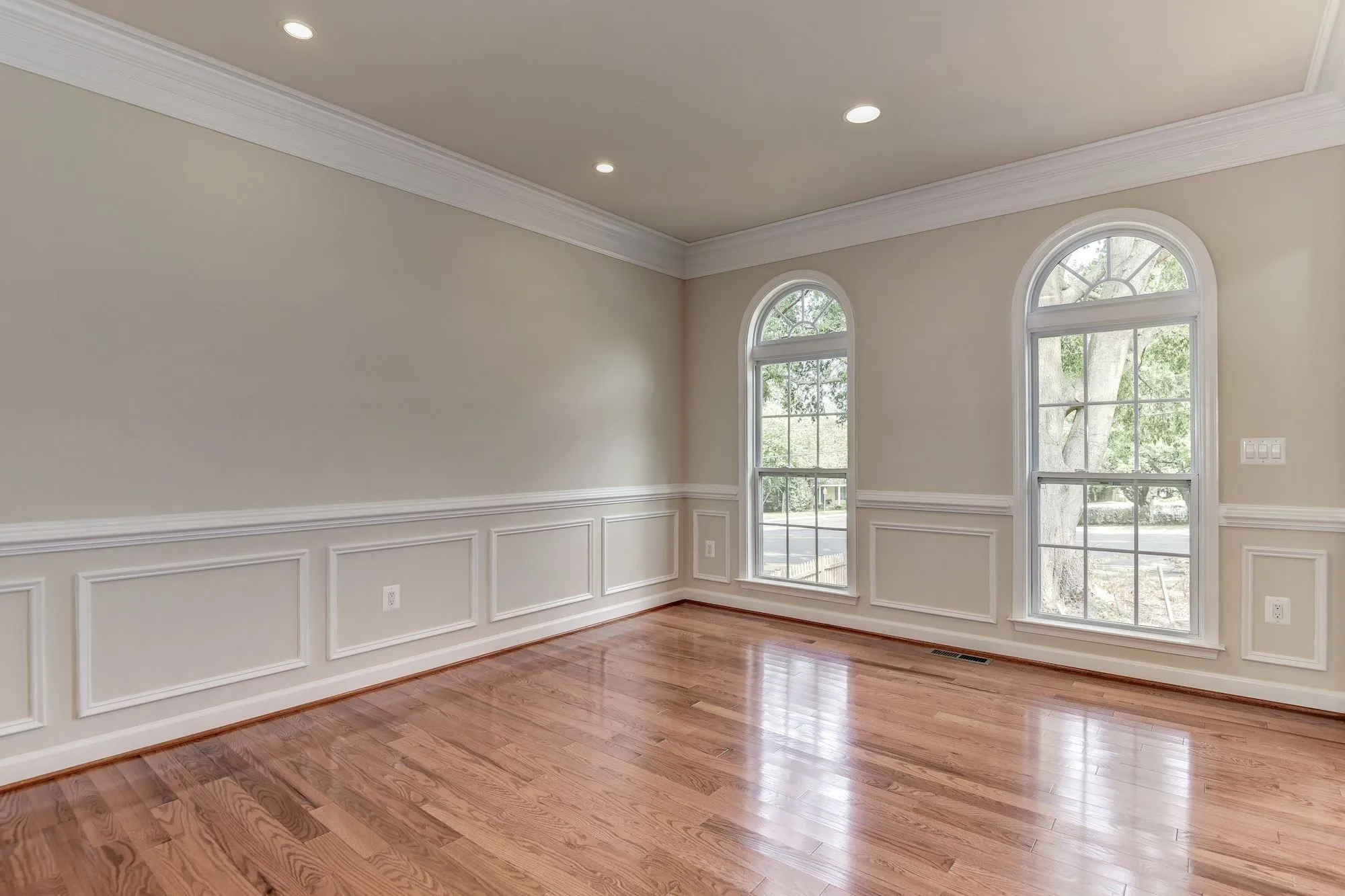
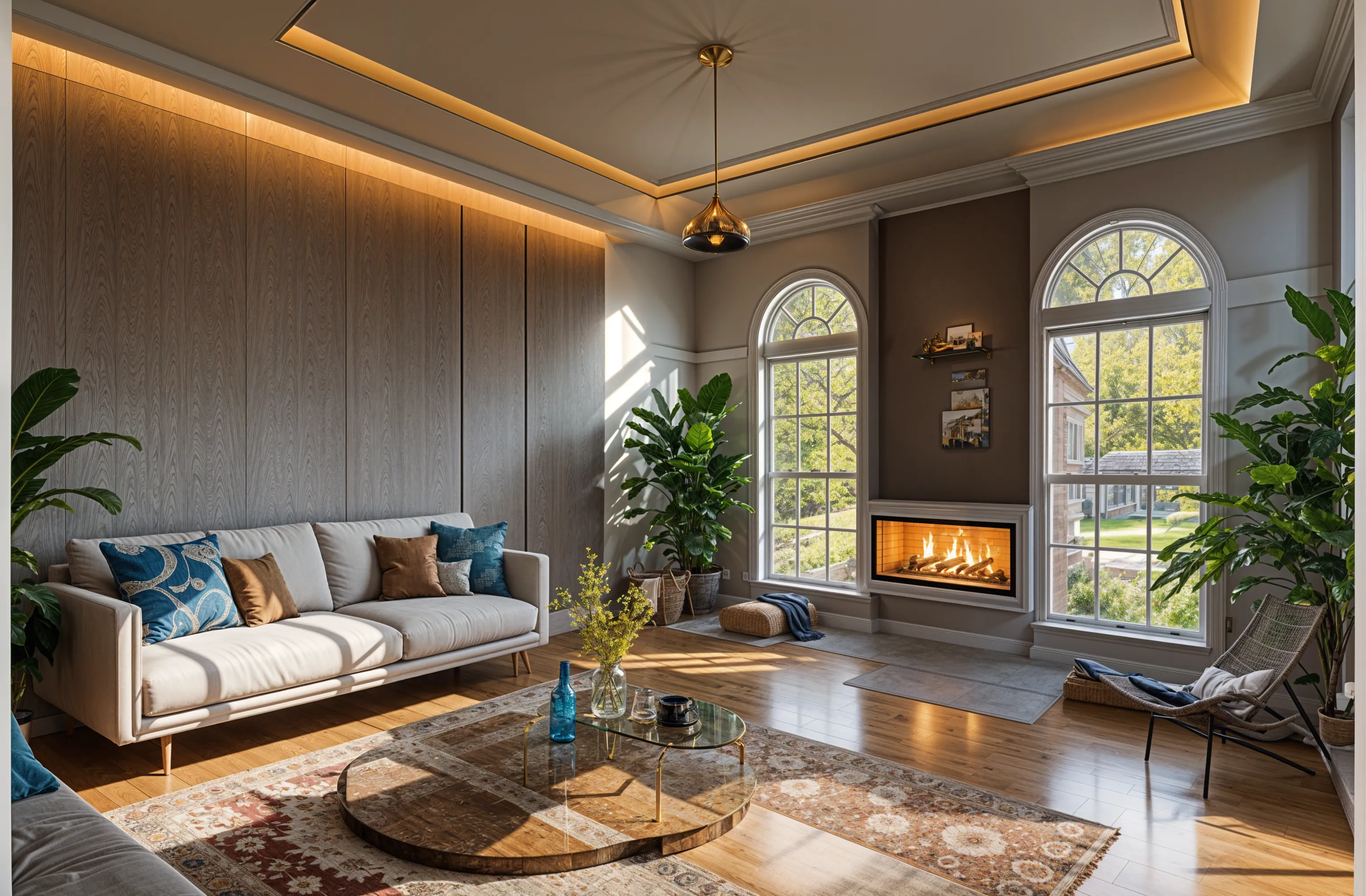
Yes, room by room. AI apps redesign one photo at a time, so photograph each room, give every design the same style and a short list of shared materials, and compare them side by side. In Remodeled AI, a free account with no card covers living room, bedroom, bathroom, kitchen, dining room and office; the outside of the house needs a paid plan. The result is a set of pictures to plan from, not drawings or a quote.
Pick one look before you start
A house feels redesigned when its rooms share a few things, not when every room is a different showpiece. Decide those first and give the same answer to every room.
- One style. Use the same style for the main rooms. A bedroom or an office can lean further, but the rooms you see from each other should agree.
- Two or three shared materials. A floor, a wood tone and a metal finish, such as “white oak floors, walnut, brushed brass”. Write them the same way for every room.
- One wall color family. Warm whites, soft greys or earthy tones. Accent walls are easier to judge once the base is settled.
How to do it
- Photograph every room from a doorway or a corner with the normal 1x lens, in daylight with the lights on. Tidy each one first; clutter becomes part of the design.
- Start with the room you see most, usually the living room or kitchen, and try two or three styles there.
- Once one style wins, use it for each of the other rooms. Under “Your ideas”, paste the same shared materials every time, and add what that room must keep: “keep the fireplace”, “keep the window seat”.
- For an empty room, use the Stage switch in Remodel, which furnishes the room and keeps its walls, floors and windows.
- Look at the designs together in your Library as one house, and redo any room that feels like it belongs somewhere else.
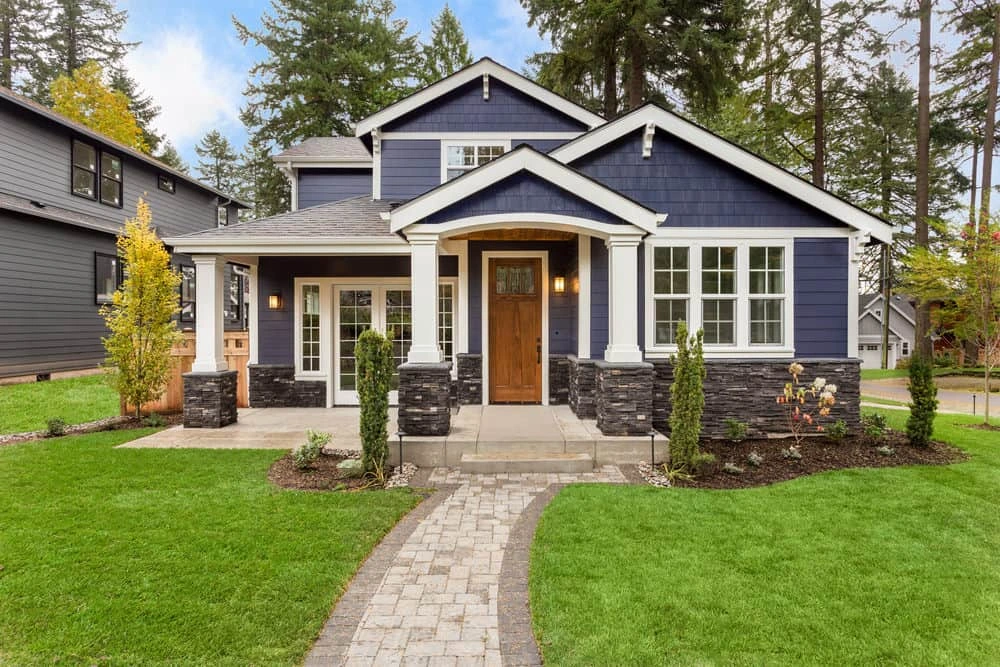
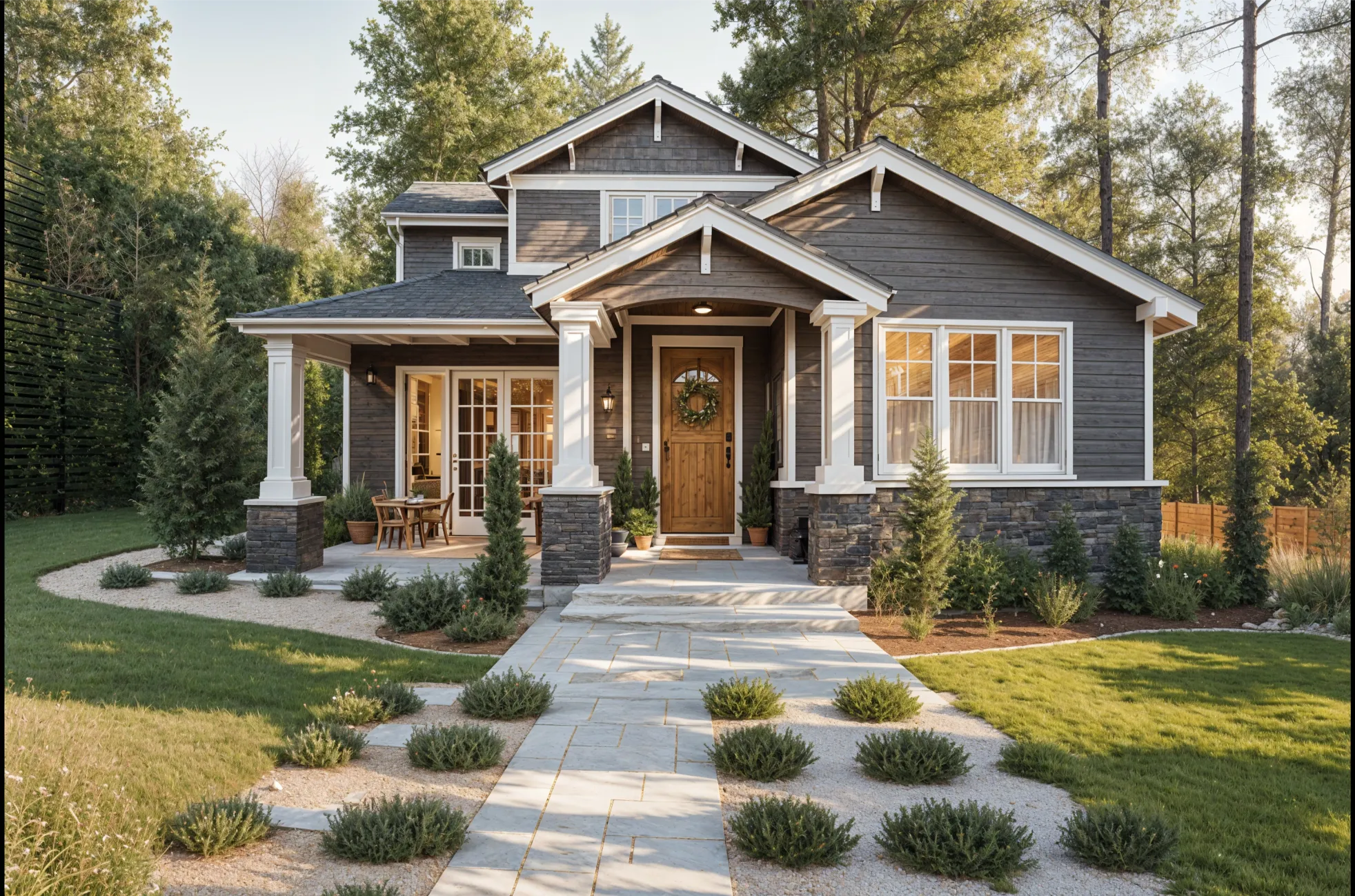
- On a paid plan, add the outside: upload a photo of the front of the house and restyle the siding, paint, roof and garden in the same direction.
Turning the designs into a plan
- Split it into stages. Paint and textiles first, which are cheap and quick; then flooring and lighting; then kitchens and bathrooms, which cost the most.
- Keep the before-and-after pairs. Download the ones you like. A free account keeps designs for 7 days.
- Take them to the people doing the work. A contractor or designer can price a picture far more easily than a description, and can tell you what the image leaves out.
What it can’t do
Each design is a picture of one room. It has no measurements, doesn’t know how the rooms connect, and can move a window or add a fireplace. It shows a look, not real products, and it gives no prices. Moving walls, plumbing or the layout of the house needs a designer or architect; Can AI design a house? covers where that line sits.
What it costs
A free account needs no card and covers living room, bedroom, bathroom, kitchen, dining room and office, with starter credits to try the look first. A whole house takes more designs than a free account gives. Paid plans add house exteriors, more credits and Edit, which changes one thing or one area of a design without redoing the room; Basic is $13 a month, or $91 a year. For one project, the project pass is 150 credits for $19, paid once. See pricing.
Common questions
- Can AI redesign my whole house at once?
- Not in one image. AI apps redesign one photo at a time, so you redesign the house room by room, with the same style and materials each time so the rooms match.
- How do I keep the same style in every room?
- Pick the same style for each room and write the same short list of materials every time, such as “white oak floors, walnut, brushed brass, warm white walls”. Then compare the designs side by side and redo any that drift.
- Is there a free AI home redesign app?
- Remodeled AI’s free account covers living room, bedroom, bathroom, kitchen, dining room and office, with starter credits and no card, on the web and iPhone. A full house usually needs more designs than a free tier gives. Free AI room design apps compares the free options.
- Can AI redesign the outside of my house too?
- Yes. Upload a photo of the front of the house and pick a style; in Remodeled AI that needs a paid plan. AI exterior house design has the steps.
Start with your main room
Upload a photo, pick a style, and see if it is the look for the rest of the house. Free to start, no card.
Redesign my room