Can AI design a house? Partly, and here is which part.
AI tools can show you what a house could look like in seconds. They can’t yet hand you a house you can build. Knowing where that line sits saves you from paying for the wrong tool, or expecting a picture to pass a permit review.
Updated
Short answer
AI can design the look of a house: concept images from a description, a new exterior on a photo of an existing house, and redesigned interiors room by room. Some apps also generate floor plans or turn a plan into a 3D model. What AI can’t do is the engineering: structure, building codes, site and permit drawings still need an architect or building designer. Use AI to decide what you want, then take the images to one.
What AI can do for a house today
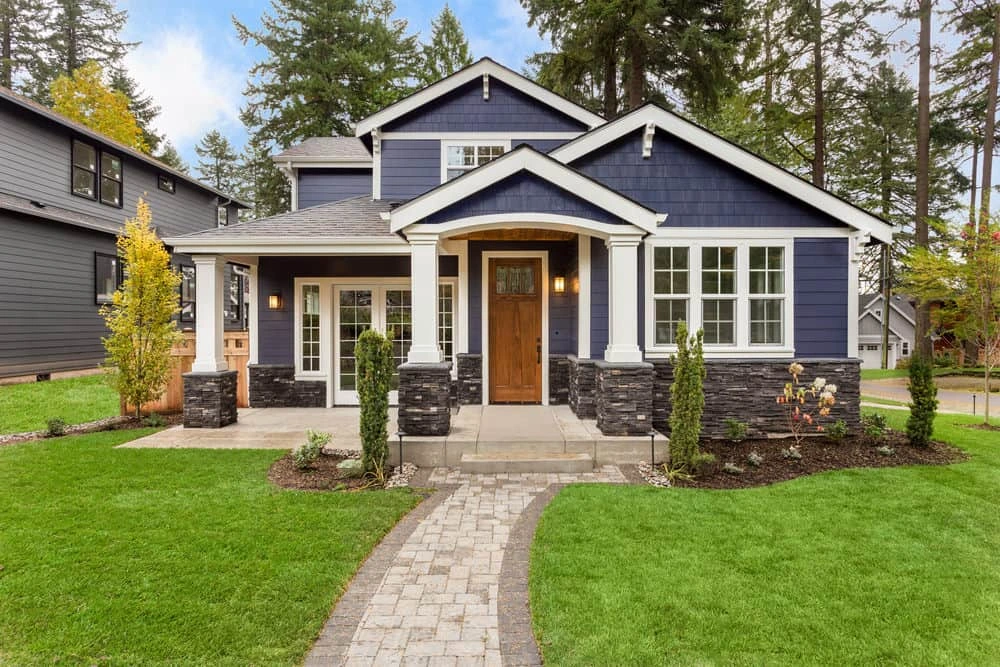
- Show an existing house restyled. Upload a photo of the front of your house and see new siding, paint, roof, trim and landscaping. This is the most reliable use, because the house’s shape stays put. AI exterior house design covers it.
- Redesign the inside, room by room. A photo of each room, a style, and you see the house furnished and finished a new way.
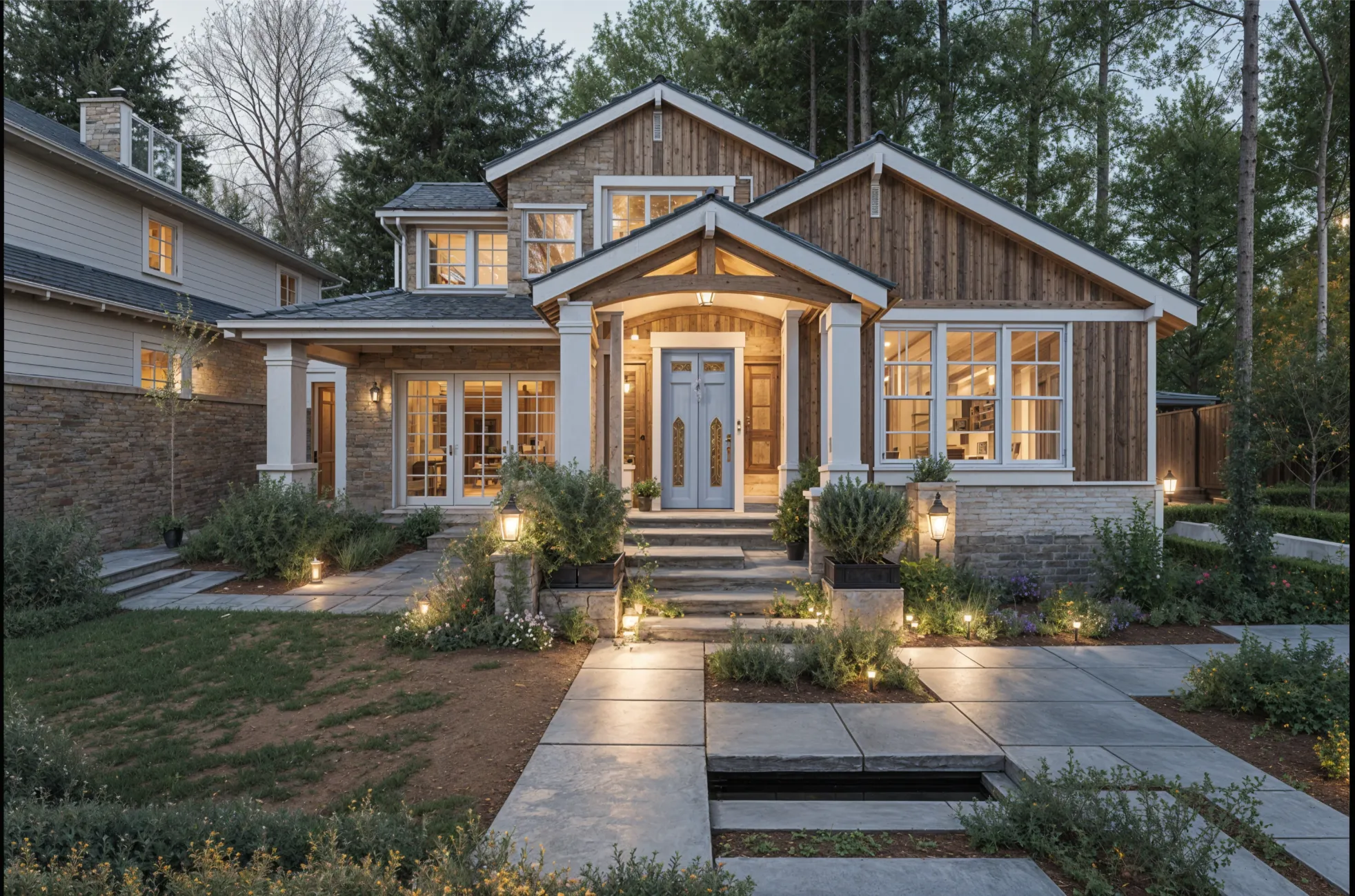
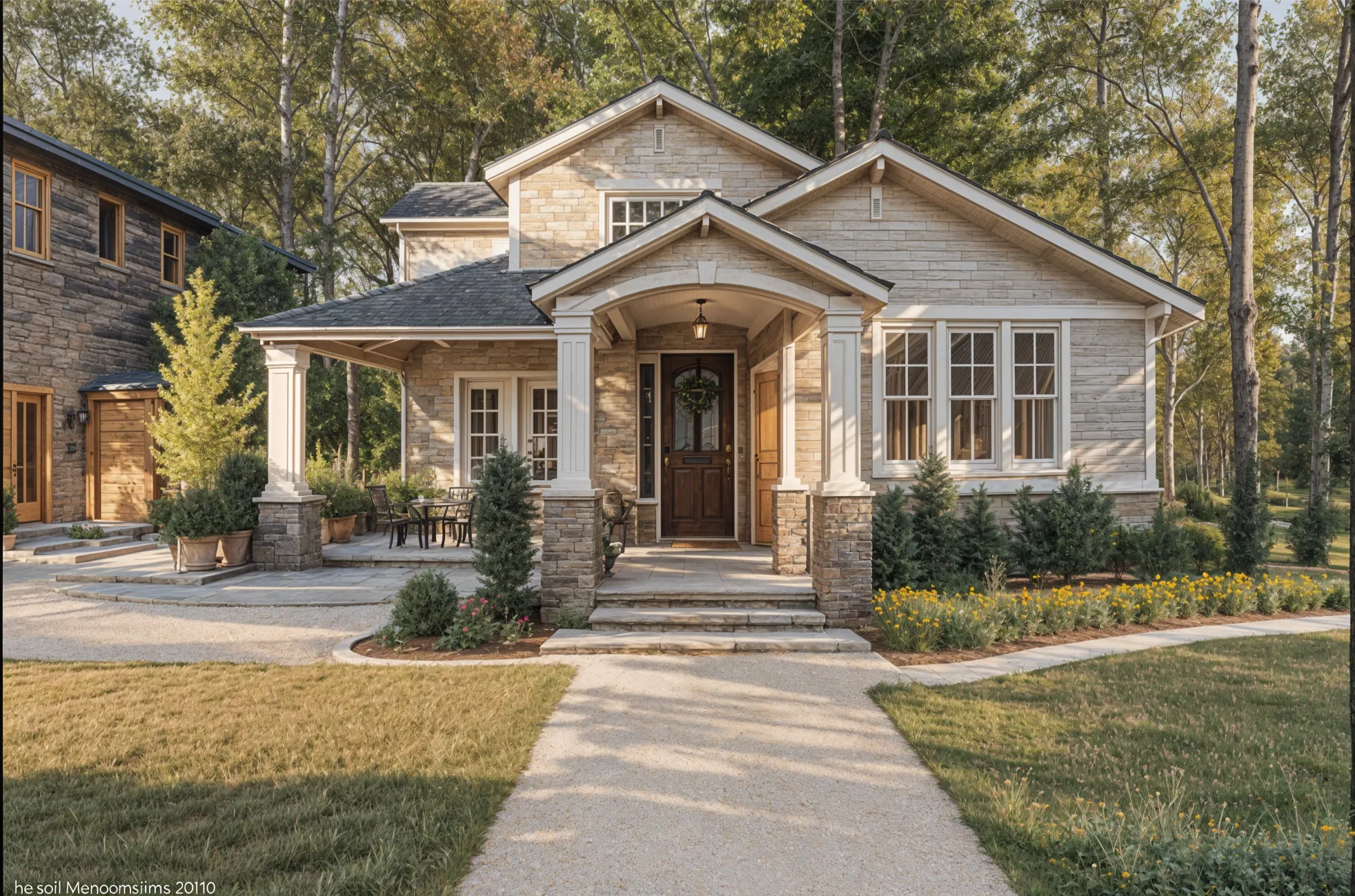
- Make concept images from words. Describe a house or a room and get images to react to. Good for a mood board before you have a site or a plan; the images are invented, not designed to be built.
- Draw floor plans and 3D models. Floor planners let you draw rooms to size and furnish them in 3D, and some apps generate a plan or turn one into a 3D model.
What still needs a person
- Structure. Beams, foundations, load paths and roof framing are engineering, not image generation.
- Codes and permits. Setbacks, egress, energy rules and permit drawings depend on where you build. No image app checks them.
- The site. Slope, sun, views, drainage and access shape a good house more than its facade does.
- Cost. A render doesn’t price materials or labor, and an AI image can show something that would cost far more than it looks.
Using AI well on a new build
- Collect concept images of the styles you like, and note what you like about each: the roofline, the windows, the materials.
- Find photos of real houses close to the size and shape you want, and restyle them, so the ideas sit on a believable house.
- Sketch a rough floor plan in a free planner to see how the rooms fit.
- Take the images and plan to an architect or building designer as a brief. Clear pictures of what you want save meetings and redraws.
For a house you already own
AI is most useful here, because it starts from what is really there. Photograph the outside from across the street and the rooms from their corners, then try styles before you call a contractor. Virtual renovation explains how, and curb appeal covers selling. House exteriors need a paid Remodeled AI plan; rooms start on the free account.
Tools for each part of house design
What each tool is for, as its own site describes it. Photo apps restyle what exists; planners build the layout to size.
Restyle your house and rooms from photos: Remodeled AI
Remodel works on a photo of the front of the house and on each room, keeping its shape; Imagine, on Plus and Pro, makes a room from a description. Designs are images, not plans or measurements.
Many single tools, including a floor plan generator: Paintit.ai
Separate tools for exteriors, landscape, decks and driveways, plus a floor plan generator and floor plan rendering. Remodeled AI vs Paintit.ai
Photo redesign plus a floor plan to 3D: DecorAI
Redesigns rooms, gardens and house exteriors from a photo, with a separate 3D room planner and floor plan to 3D. Remodeled AI vs DecorAI
A floor plan you can draw to size: Planner 5D
A floor planner with a free plan: 2D plans, 3D models and a furniture catalog. Remodeled AI vs Planner 5D
A detailed 3D model and renders: Homestyler
A 3D floor planner with a large model library and a free plan with unlimited 1K renders. Remodeled AI vs Homestyler
| App | Kind of tool | Lowest paid price | Free to try | Runs on |
|---|---|---|---|---|
| Remodeled AI | Photo redesign | $13 a month, or $91 a year | Free account with starter credits, no card needed | Web, iPhone |
| Paintit.ai | Photo redesign | $14.99 a month | 30 free credits at 1K resolution, no card needed | Web |
| DecorAI | Photo redesign | $24 a month, or $240 a year | A one-day trial with 3 designs, then $24 a month | Web |
| Planner 5D | 3D floor planner | $19.99 a month, or $59.99 a year | Free plan with unlimited projects and half of the furniture catalog | Web, iPhone, Android |
| Homestyler | 3D floor planner | From $6.80 a month | Free Basic plan with the 3D floor planner and unlimited 1K renders | Web, iPhone, Android |
We make Remodeled AI. Prices are in US dollars, as listed on each product’s own site on November 11, 2026.
Common questions
- Can AI design a house for me?
- It can design how a house looks, as images, and some apps draw floor plans. It can’t produce buildable, permit-ready drawings; an architect or building designer does that.
- Is there an AI that designs house plans?
- Some apps generate floor plans or turn a plan into a 3D model, and floor planners such as Planner 5D and Homestyler let you draw one to size for free. Treat a generated plan as a starting sketch, not a build plan.
- Can AI redesign the outside of my house from a photo?
- Yes. Apps such as Remodeled AI restyle a photo of the front of your house with new siding, paint, roof and landscaping. In Remodeled AI, house exteriors need a paid plan.
- Are AI-generated houses real?
- No. A house made from a description is an invented image. It can be a useful picture of a style, but nobody has checked that it can stand up or be built.
How we checked
Each app’s price, free tier and tools were read from its own site and are kept in one file per app, which this page and our comparisons both render from. Products change, so check a product’s site before you buy. If something here is out of date or wrong, email contact@remodeled.ai and we will correct it.
Try a new look on your own house
Upload a photo of a room, or of the front of your house, and compare the redesign with what is there now. Rooms are free to start.
Redesign from a photo