Comparison
Remodeled AI vs Homestyler
Homestyler is a cloud-based 3D floor planner with a large model library and high-resolution renders, plus AI tools that run on monthly credits.
Updated
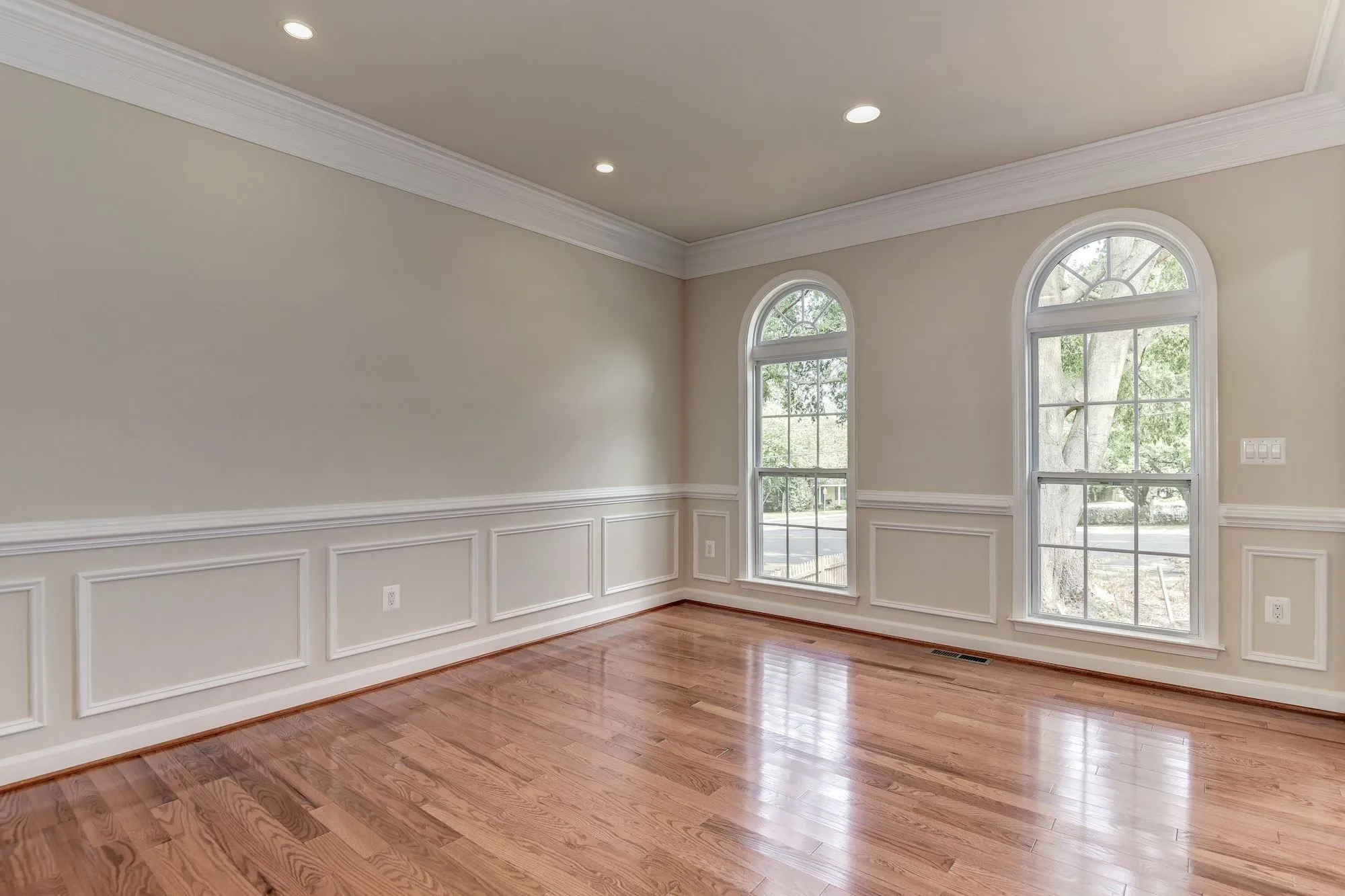
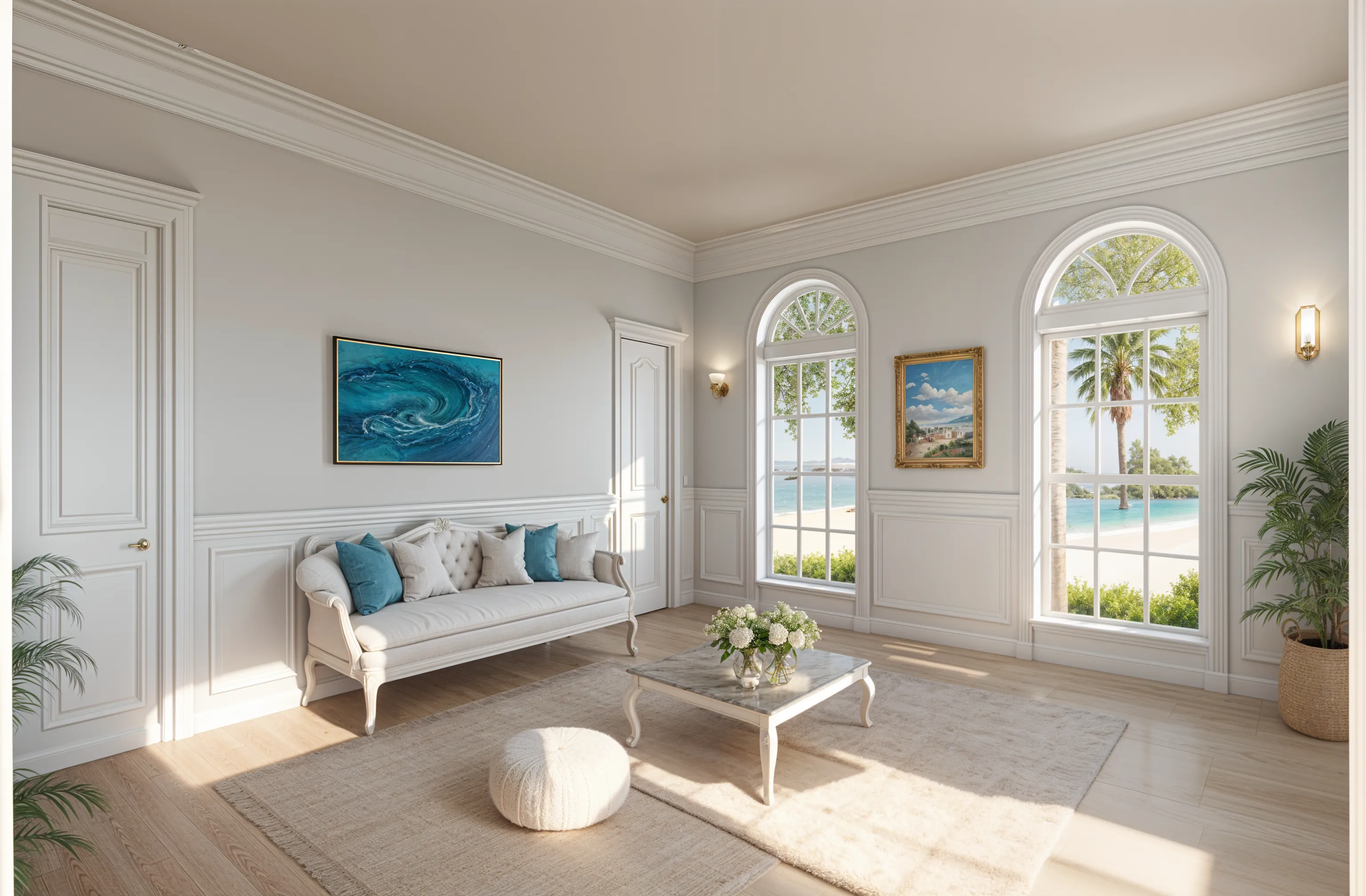
Short answer
These solve different problems. Pick Homestyler if you want to build the room in 3D from a floor plan and render it from any angle. Pick Remodeled AI if you want to see your real room in a new style from one photo, without modelling anything.
At a glance
| What | Remodeled AI | Homestyler |
|---|---|---|
| Kind of tool | Photo redesign | 3D floor planner |
| Lowest paid price | $13 a month, or $91 a year | From $6.80 a month |
| Free to try | Free account with starter credits, no card needed | Free Basic plan with the 3D floor planner and unlimited 1K renders |
| Web app | Yes | Yes |
| iPhone app | Yes | Yes |
| Android app | No | Yes |
| Redesign a room from your photo | Yes Remodel, in dozens of styles | Yes AI Stager restyles an image, 10 credits each |
| Change one thing or one area | Yes Edit and Brush, on every paid plan | Not listed |
| Furnish an empty room | Yes Stage | Yes AI Stager |
| House exteriors | Yes Remodel works on a photo of the front of the house | Not listed |
| Room from a description, no photo | Yes Imagine, on Plus and Pro | Not listed |
| Sharpen and enlarge an image | Yes Enhance | Not listed |
| Floor plans and 3D models | No Designs are images, not plans or measurements | Yes Its main job: floor plans, 3D models, renders up to 12K |
| Real products you can buy | No Furniture in a design is a concept, not a product listing | Not listed |
| Walkthrough video | No | Yes Render video on paid plans |
“Not listed” means Homestyler’s own site doesn’t say. Web app and iPhone app. No Android app. Web and desktop, with iPhone and Android apps.
Plans and prices
Remodeled AI
- Free account. Starter credits, no card needed.
- Basic (web). $13 a month, or $91 a year. 100 credits a month (up to 50 Draft remodels).
- Plus (web). $39 a month, or $264 a year. 1,200 credits a month (up to 600 Draft remodels).
- Pro (web). $99 a month, or $684 a year. Unlimited everyday designs: Draft, Studio, Photoreal (Standard size) and Lifelike (Standard and HD) never use credits.
- Plus (iPhone app). $14.99 a month, or $119.99 a year. Unlimited remodels with Draft, plus 400 credits every 30 days.
- Pro (iPhone app). $44.99 a month, or $450 a year. Unlimited everyday designs, plus 1,500 credits every 30 days.
Homestyler
- Basic. Free. 3D floor planner, unlimited 1K renders, 100,000+ free models.
- Pro+. From $6.80 a month. 75 2K and 75 4K renders a month, 180 AI credits a month.
- Master+. From $11.80 a month. Unlimited renders up to 8K, 380 AI credits a month.
- Team. From $19.60 a seat a month. 500 AI credits a month per account.
Homestyler lists “starts from” prices and offers one-time or auto-renew billing, so the amount you pay can differ from the figures here.
Where Homestyler is the better pick
- A full 3D floor planner with a library of more than 100,000 models, free to start.
- Renders from any camera angle, up to 12K, and render video on paid plans.
- An Android app as well as iPhone and web.
Where Remodeled AI is the better pick
- It works on a photo of the room as it is today, so there is no model to build first.
- Edit and Brush change one item or one painted area of the photo and leave the rest alone.
- House exteriors from a photo of the front of the house.
Looking for a Homestyler alternative?
Homestyler is best for building a room in 3D from a floor plan and rendering it at high resolution. If that isn’t you, Remodeled AI is free to try with no card: upload a photo of your room with Remodel and compare the design with the room you have now. If it isn’t what you need either, the full comparison lists the other apps we have checked, with their prices.
Common questions
- Is Remodeled AI a Homestyler alternative?
- For choosing a style, yes: it shows your own room restyled from a photo in about a minute. For a measured 3D model of the room, a floor planner such as Homestyler is the right tool.
- Which is cheaper?
- Homestyler’s floor planner is free, and its paid plans start lower than most photo redesign subscriptions. Remodeled AI has a free account with starter credits; its paid plans and prices are in the table above.
- Do I need design experience for either?
- Remodeled AI needs a photo and a style choice. Homestyler takes longer to learn because you place walls, furniture and materials yourself, which is also what makes it exact.
How we checked
Homestyler’s prices, plans and features were read from homestyler.com on November 9, 2026. Remodeled AI’s prices come from our own pricing page. Products change, so check Homestyler’s site before you buy. If something here is out of date or wrong, email contact@remodeled.ai and we will correct it.
Try it on your own room
Upload a photo, pick a style, and compare the result with the room you have now. Free to start.
Redesign my room