Remodeled AI vs RoomSketcher
RoomSketcher is a floor planner for 2D and 3D floor plans, 3D photos and 360° views, with AI floor plan conversion and AI renders paid for in credits.
Updated
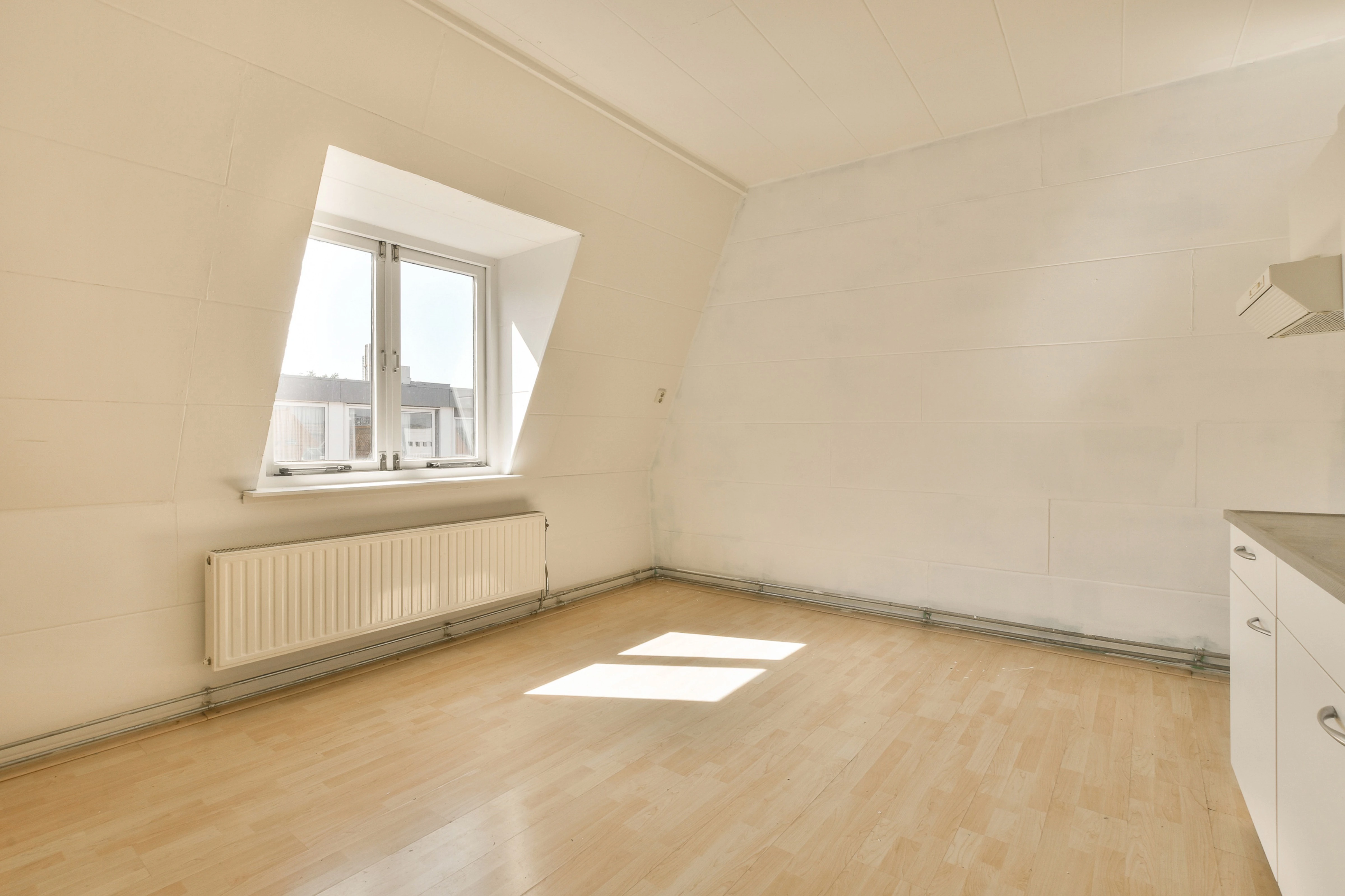
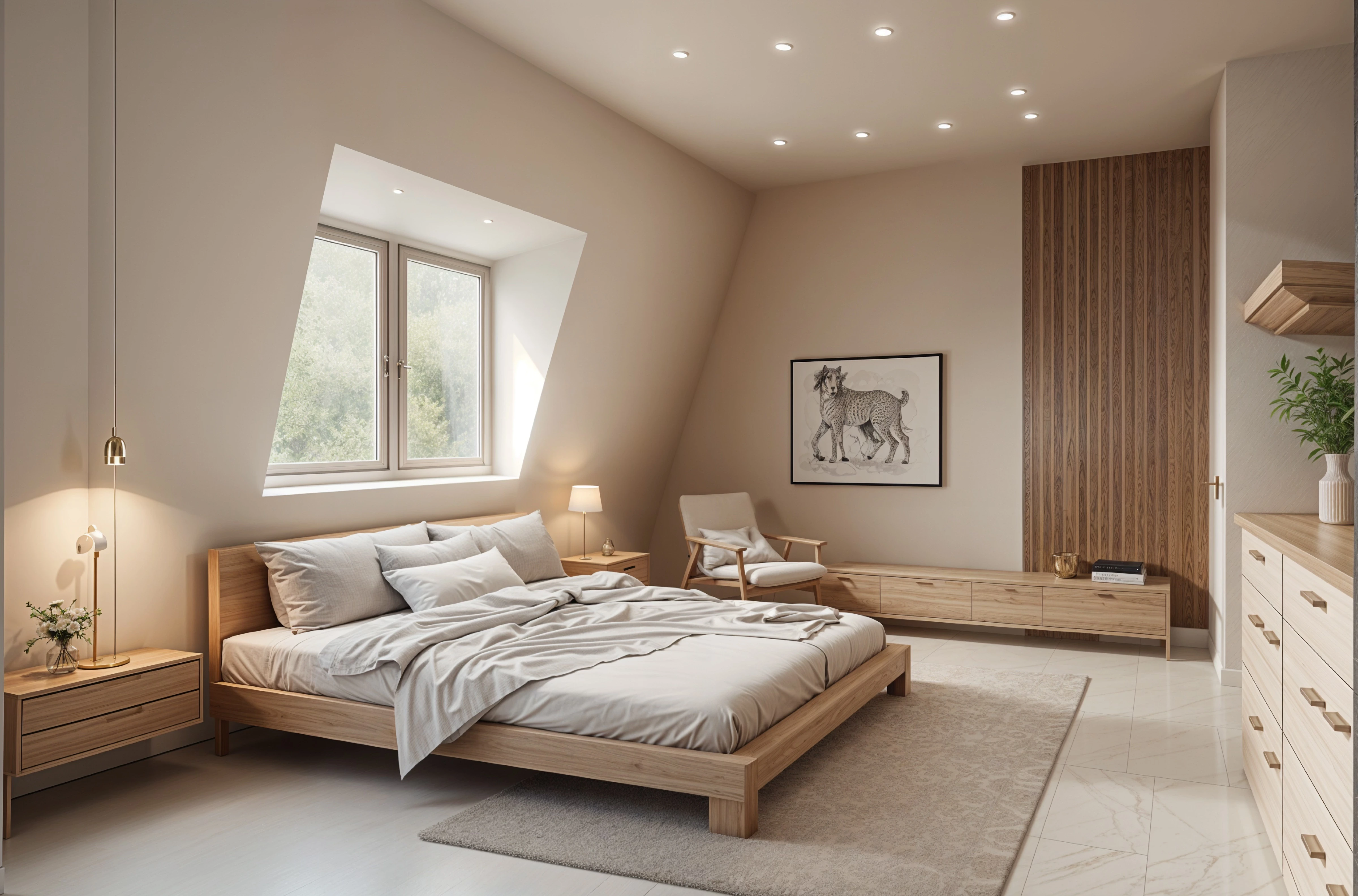
Short answer
These solve different problems. Pick RoomSketcher when you need an accurate floor plan with measurements, in 2D and 3D, to plan a renovation or to put in a listing. Pick Remodeled AI when you want to see your real room in a new style from one photo, without drawing anything.
At a glance
| What | Remodeled AI | RoomSketcher |
|---|---|---|
| Kind of tool | Photo redesign | Floor planner |
| Lowest paid price | $13 a month, or $91 a year | $24 a month, or $144 a year |
| Free to try | Free account with starter credits, no card needed | Free plan with 2 credits, 2D and 3D floor plans and watermarked 3D snapshots, no card |
| Web app | Yes | Yes |
| iPhone app | Yes | No |
| Android app | No | No |
| Redesign a room from your photo | Yes Remodel, in dozens of styles | Not listed |
| Change one thing or one area | Yes Edit, on every paid plan | Not listed |
| Furnish an empty room | Yes Remodel and Edit | Not listed |
| House exteriors | Yes Remodel works on a photo of the front of the house | Not listed |
| Room from a description, no photo | Yes Imagine, on Plus and Pro | Not listed |
| Sharpen and enlarge an image | Yes Enhance | Not listed |
| Floor plans and 3D models | No Designs are images, not plans or measurements | Yes Its main job: 2D and 3D floor plans, 3D photos and 360° views |
| Real products you can buy | No Furniture in a design is a concept, not a product listing | Not listed |
| Walkthrough video | No | Not listed |
“Not listed” means RoomSketcher’s own site doesn’t say. Web app and iPhone app. No Android app. Apps for Windows, Mac, iPad and Android tablets. On iPhone and Android phones its site points to the web portal in the browser.
Plans and prices
Remodeled AI
- Free account. Starter credits, no card needed.
- Basic (web). $13 a month, or $91 a year. 100 credits a month (up to 50 Draft remodels).
- Plus (web). $39 a month, or $264 a year. 1,200 credits a month (up to 600 Draft remodels).
- Pro (web). $99 a month, or $684 a year. Unlimited everyday designs: Draft, Studio, Photoreal (Standard size) and Lifelike (Standard and HD) never use credits.
- Plus (iPhone app). $14.99 a month, or $119.99 a year. Unlimited remodels with Draft, plus 400 credits every 30 days.
- Pro (iPhone app). $44.99 a month, or $450 a year. Unlimited everyday designs, plus 1,500 credits every 30 days.
RoomSketcher
- Free. $0. 2 credits to start, 1 free AI floor plan conversion, 2D and 3D floor plans, 10 projects, a limited furniture library.
- Pro. $24 a month, or $144 a year. 5 credits a month, the full furniture library, Live 3D, measurements, print to scale, your own branding, 100 projects.
- Team. $70 a month, or $420 a year. Everything in Pro for 5 users, 20 credits a month, 500 projects, collaboration.
- Enterprise. Custom. Unlimited users, API integration, custom branding setup.
Prices are in US dollars and exclude sales tax or VAT, as its pricing page says. The yearly plans are billed once a year. Its site also sells AI floor plan conversion and floor plans drawn for you, per floor.
Where RoomSketcher is the better pick
- Measured 2D and 3D floor plans you can print to scale, with total area, which a photo redesign can’t give you.
- AI floor plan conversion from an existing plan, and floor plans it draws for you, per floor.
- Your own branding on plans for agents and professionals, and Team plans for 5 users.
Where Remodeled AI is the better pick
- It starts from a photo of your room as it is today, so there is nothing to draw first.
- A design takes about a minute, so you can compare many styles before choosing one.
- An iPhone app, and Edit changes one item or one painted area and leaves the rest alone.
Looking for a RoomSketcher alternative?
RoomSketcher is best for drawing a measured floor plan and showing it in 3D, for a renovation or a property listing. If that isn’t you, Remodeled AI is free to try with no card: upload a photo of your room with Remodel and compare the design with the room you have now. If it isn’t what you need either, RoomSketcher alternatives lists the other apps we have checked, with their prices.
Common questions
- Is Remodeled AI a RoomSketcher alternative?
- Only for the style question. Remodeled AI shows your own room restyled from a photo; it makes no floor plans or measurements. For a measured plan in 2D and 3D, a floor planner such as RoomSketcher is the right tool, and many people use one of each.
- Is RoomSketcher free?
- It has a free plan with 2 credits to start, 2D and 3D floor plans, 10 projects and watermarked 3D snapshots, with no card. Pro is $24 a month, or $144 a year billed yearly.
- Does RoomSketcher have an iPhone app?
- Its site lists apps for Windows, Mac, iPad and Android tablets, and points iPhone and Android phone users to the web portal in a browser. Remodeled AI has an iPhone app and works in any phone browser.
How we checked
RoomSketcher’s prices, plans and features were read from roomsketcher.com on November 21, 2026. Remodeled AI’s prices come from our own pricing page. Products change, so check RoomSketcher’s site before you buy. If something here is out of date or wrong, email contact@remodeled.ai and we will correct it.
Try it on your own room
Upload a photo, pick a style, and compare the result with the room you have now. Free to start.
Redesign my room