RoomSketcher alternatives, with prices.
RoomSketcher is a floor planner for 2D and 3D floor plans, 3D photos and 360° views, with AI floor plan conversion and AI renders paid for in credits. If it isn’t the right fit, these are the other apps we have checked, what each one costs, and who it suits.
Updated
Short answer
RoomSketcher is best for drawing a measured floor plan and showing it in 3D, for a renovation or a property listing. The closest alternatives that also let you plan a room in 2D and 3D are Planner 5D and Homestyler. If you would rather see your real room restyled from one photo, with nothing to model, Remodeled AI does that on a free account, on the web or iPhone. Remodeled AI vs RoomSketcher puts the two side by side.
Why people look for a RoomSketcher alternative
These come from RoomSketcher’s own site, read on November 21, 2026:
- It is a floor planner: you draw the room, or convert an existing plan, before you see a design.
- 3D photos, 360° views and AI renders use credits, and the free plan starts with 2.
- Its phone version is the web portal in a browser; the apps are for computers and tablets.
None of that makes it the wrong tool. RoomSketcher is best for drawing a measured floor plan and showing it in 3D, for a renovation or a property listing, and our comparison lists where it is the better pick.
RoomSketcher alternatives at a glance
| App | Kind of tool | Lowest paid price | Free to try | Runs on |
|---|---|---|---|---|
| Remodeled AI | Photo redesign | $13 a month, or $91 a year | Free account with starter credits, no card needed | Web, iPhone |
| Planner 5D | 3D floor planner | $19.99 a month, or $59.99 a year | Free plan with unlimited projects and half of the furniture catalog | Web, iPhone, Android |
| Homestyler | 3D floor planner | From $6.80 a month | Free Basic plan with the 3D floor planner and unlimited 1K renders | Web, iPhone, Android |
| Interior AI | Photo redesign | $49 a month, or $349 a year | No free plan listed | Web |
| ReimagineHome | Virtual staging and redesign | From $14 a month | 5 free designs, no card needed | Web |
| Decor8 AI | Photo redesign | $14.99 a month | No free plan listed on its pricing page | Web, iPhone, Android |
| RoomGPT | Photo redesign | $9 for 30 credits, paid once (as reported) | A few free designs when you sign up (reported as 1 to 3) | Web |
| Room AI | Photo redesign | $29 a month, or $228 a year | A 7-day free trial that needs a card, then a paid plan | Web |
| DecorAI | Photo redesign | $24 a month, or $240 a year | A one-day trial with 3 designs, then $24 a month | Web |
| Deroom AI | Photo redesign | $9.99 a month, or $83.88 a year | One free design (10 credits) with a Google account and no card, for personal use | Web |
| Renovate AI | Photo redesign | $15 a month, or $5 a month billed yearly | Free renders to start; its site does not say how many or whether a card is needed | Web, iPhone, Android |
| HomeDesigns AI | Photo redesign | From $27 a month (as stated in its own blog) | No free plan listed; its page mentions 3 new credits every 24 hours | Web |
| Paintit.ai | Photo redesign | $14.99 a month | 30 free credits at 1K resolution, no card needed | Web |
| Spacely AI | Rendering for design professionals | $25 a month | Free trial with no card; the number of free credits is not listed | Web |
| ReRoom AI | Rendering from 3D models and sketches | $39 a month, or $390 for the first year | Free trial with 3 watermarked renders a day, for non-commercial use | Web |
| Virtual Staging AI | Virtual staging | $29 a month for 25 photos (its home page also mentions $16 a month for 6) | Free uploads with no sign-up or card | Web |
| Collov AI | Virtual staging and listing photos | $19 a month, or $228 a year | Free tries with a watermark | Web |
| AI HomeDesign | Real estate photo editing and staging | $35 a month, or $228 a year | Free trial of about three watermarked photos, no card needed | Web |
| Remodel AI | Photo redesign | $29 a month, or $349 a year | 3 free designs, no card needed | iPhone, Android |
| RoomSketcher | Floor planner | $24 a month, or $144 a year | Free plan with 2 credits, 2D and 3D floor plans and watermarked 3D snapshots, no card | Web |
We make Remodeled AI, so it is listed first. The rest are ordered by how close they are to RoomSketcher, which is in the last row for reference. Prices are in US dollars, as listed on November 21, 2026. “Not listed” means the product’s own site doesn’t say.
The closest alternatives
Remodeled AI
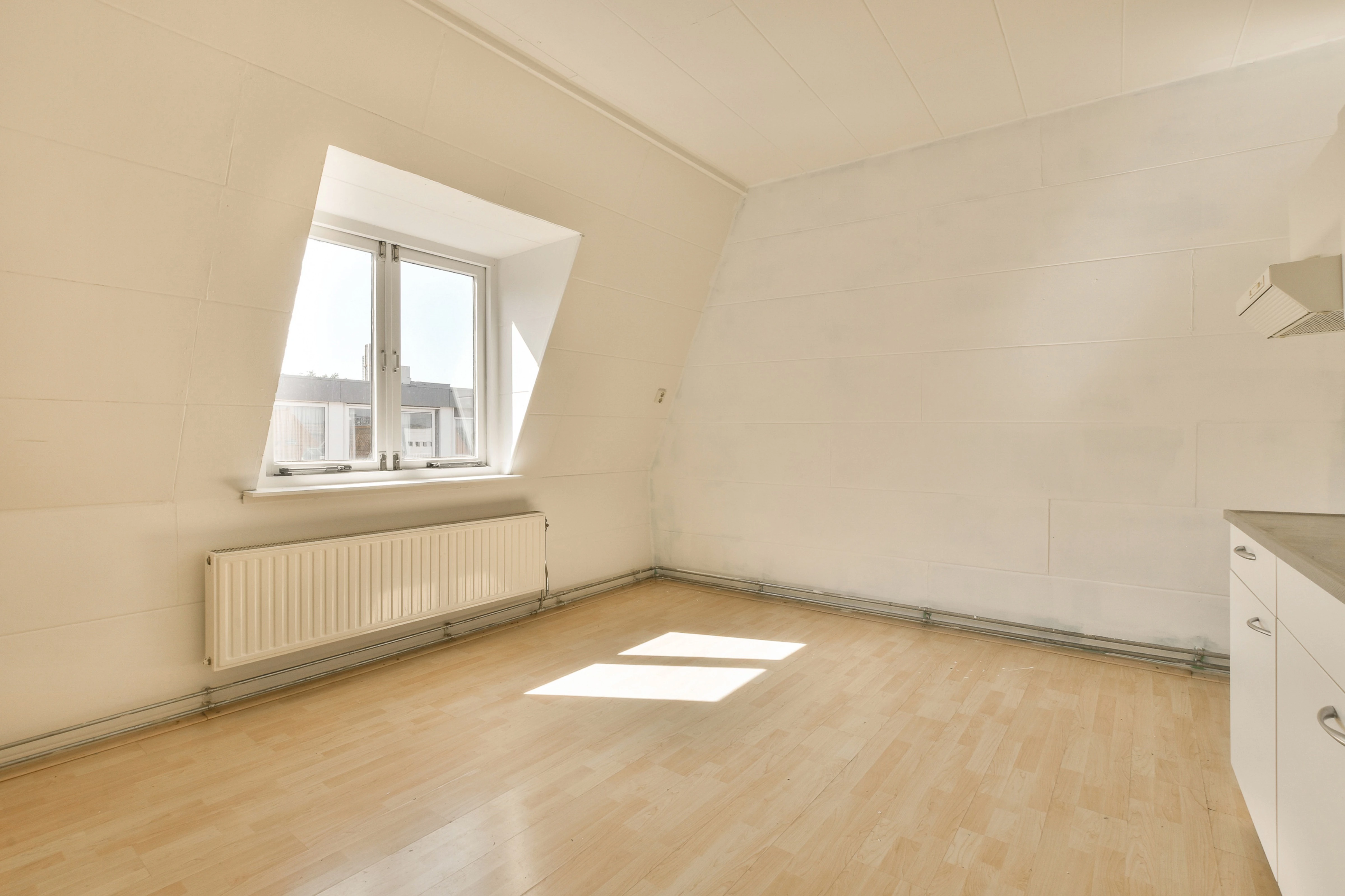
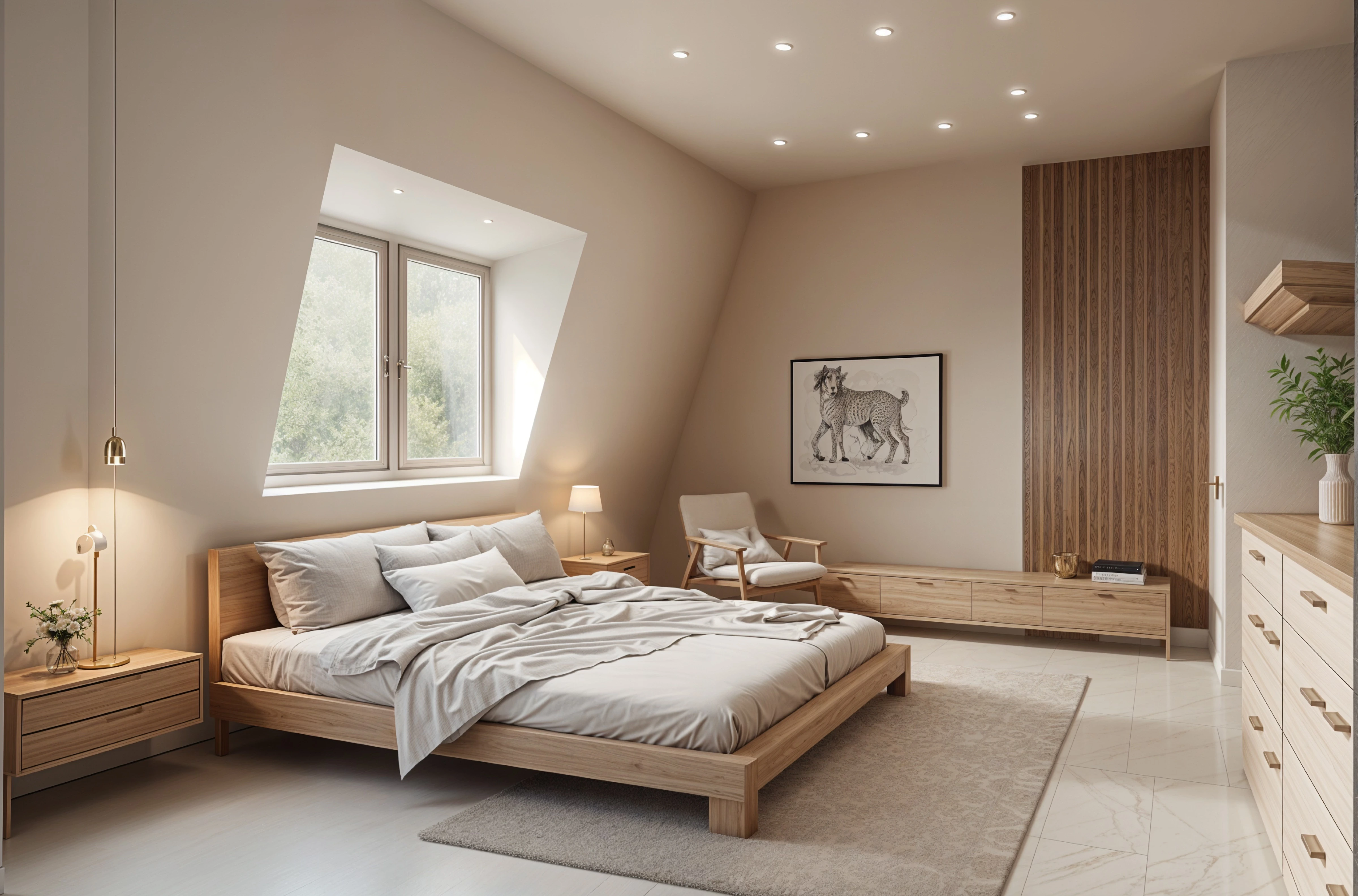
Remodeled AI is an AI interior design and home remodeling app. It redesigns a photo of your own room or house exterior in the style you choose, so you can compare before and after on the web or iPhone before spending money on the real thing. These solve different problems. Pick RoomSketcher when you need an accurate floor plan with measurements, in 2D and 3D, to plan a renovation or to put in a listing. Pick Remodeled AI when you want to see your real room in a new style from one photo, without drawing anything. Remodeled AI vs RoomSketcher
Planner 5D
Planner 5D is a floor planner: you draw or upload a floor plan, furnish it from a catalog in 2D and 3D, and render it, with AI tools available through credits on paid plans. Best for planning a layout to scale: moving walls, placing furniture, checking that it fits. Lowest paid price: $19.99 a month, or $59.99 a year. Free to try: Free plan with unlimited projects and half of the furniture catalog. Remodeled AI vs Planner 5D
Homestyler
Homestyler is a cloud-based 3D floor planner with a large model library and high-resolution renders, plus AI tools that run on monthly credits. Best for building a room in 3D from a floor plan and rendering it at high resolution. Lowest paid price: From $6.80 a month. Free to try: Free Basic plan with the 3D floor planner and unlimited 1K renders. Remodeled AI vs Homestyler
If you need a different kind of tool
Some people leave RoomSketcher because they need another kind of tool altogether. These do a different job:
- Interior AI. Photo redesign, best for designers and agents who render in volume and want sketch-to-render or video. $49 a month, or $349 a year. Interior AI alternatives
- ReimagineHome. Virtual staging and redesign, best for agents and stagers who process listing photos in batches or want real products. From $14 a month. ReimagineHome alternatives
- Decor8 AI. Photo redesign, best for people who want one flat price with unlimited redesigns, or an Android app. $14.99 a month. Decor8 AI alternatives
- RoomGPT. Photo redesign, best for a quick, one-off restyle of a single room without a subscription. $9 for 30 credits, paid once (as reported). RoomGPT alternatives
- Room AI. Photo redesign, best for people who would rather describe changes in a conversation than pick from tools and styles. $29 a month, or $228 a year. Room AI alternatives
- DecorAI. Photo redesign, best for people who want unlimited designs for one flat price and are happy working in a browser. $24 a month, or $240 a year. DecorAI alternatives
- Deroom AI. Photo redesign, best for people who want the lowest monthly price for a set number of photo redesigns. $9.99 a month, or $83.88 a year. Deroom AI alternatives
- Renovate AI. Photo redesign, best for homeowners and contractors who want renovation previews with cost estimates, on Android as well as iPhone. $15 a month, or $5 a month billed yearly. Renovate AI alternatives
- HomeDesigns AI. Photo redesign, best for people who want interiors, exteriors and gardens in one web tool, including landscaping. From $27 a month (as stated in its own blog). HomeDesigns AI alternatives
- Paintit.ai. Photo redesign, best for people who want a dedicated tool for one job, such as paint, flooring or landscaping. $14.99 a month. Paintit.ai alternatives
- Spacely AI. Rendering for design professionals, best for interior designers and architects who render from SketchUp models and work with a team. $25 a month. Spacely AI alternatives
- ReRoom AI. Rendering from 3D models and sketches, best for designers and architects who already have a 3D model or a sketch and want a photorealistic render of it. $39 a month, or $390 for the first year. ReRoom AI alternatives
- Virtual Staging AI. Virtual staging, best for real estate agents and photographers who stage listing photos every month. $29 a month for 25 photos (its home page also mentions $16 a month for 6). Virtual Staging AI alternatives
- Collov AI. Virtual staging and listing photos, best for agents and brokerages who want staging, listing photo edits and virtual tours in one place. $19 a month, or $228 a year. Collov AI alternatives
- AI HomeDesign. Real estate photo editing and staging, best for real estate photographers and agents who need staging plus listing photo fixes such as day to dusk. $35 a month, or $228 a year. AI HomeDesign alternatives
- Remodel AI. Photo redesign, best for people who want an Android app, or a garden design tool. $29 a month, or $349 a year. Remodel AI alternatives
Common questions
- What is the best RoomSketcher alternative?
- It depends on what you want that RoomSketcher doesn’t give you. To redesign your own room from a photo and keep refining one design, on the web or iPhone, try Remodeled AI. To stage listing photos in volume, look at ReimagineHome, Virtual Staging AI, Collov AI or AI HomeDesign. For a measured floor plan and a 3D model, use Planner 5D or Homestyler.
- Is there a free RoomSketcher alternative?
- Remodeled AI has a free account with starter credits and no card. Of the other apps on this page, Planner 5D, Homestyler, ReimagineHome, RoomGPT, Deroom AI, Renovate AI, Paintit.ai, Spacely AI, ReRoom AI, Virtual Staging AI, Collov AI, AI HomeDesign and Remodel AI list a free plan, free designs or a free trial. Free tiers are small everywhere, so check what each one includes.
- Which RoomSketcher alternatives have a phone app?
- Remodeled AI has an iPhone app and a web app. Planner 5D, Homestyler, Decor8 AI, Renovate AI and Remodel AI list an iPhone app, and Planner 5D, Homestyler, Decor8 AI, Renovate AI and Remodel AI list an Android app. The others describe a web app.
- Is Remodeled AI a good RoomSketcher alternative?
- These solve different problems. Pick RoomSketcher when you need an accurate floor plan with measurements, in 2D and 3D, to plan a renovation or to put in a listing. Pick Remodeled AI when you want to see your real room in a new style from one photo, without drawing anything.
How we checked
Each app’s prices, plans and features were read from its own site, RoomSketcher’s on November 21, 2026. Remodeled AI’s prices come from our own pricing page. Products change, so check a product’s site before you buy. If something here is out of date or wrong, email contact@remodeled.ai and we will correct it.
Try it on your own room
Upload a photo, pick a style, and compare the result with the room you have now. Free to start.
Redesign my room