A virtual staging app for realtors and home sellers.
Empty rooms photograph smaller than they are, and lived-in rooms photograph busier. Virtual staging fixes both from the photos you already have, the same day you take them.
Updated
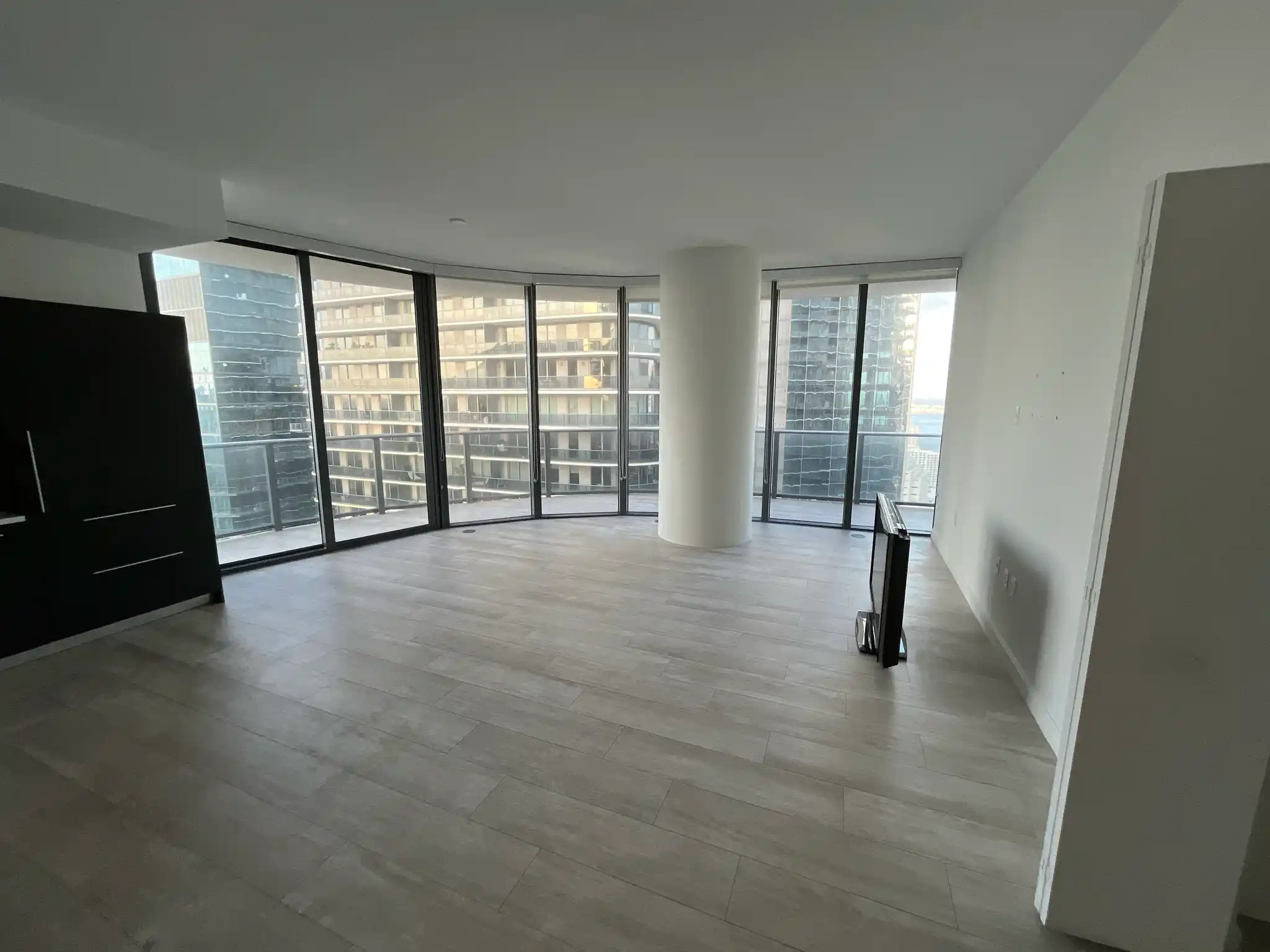
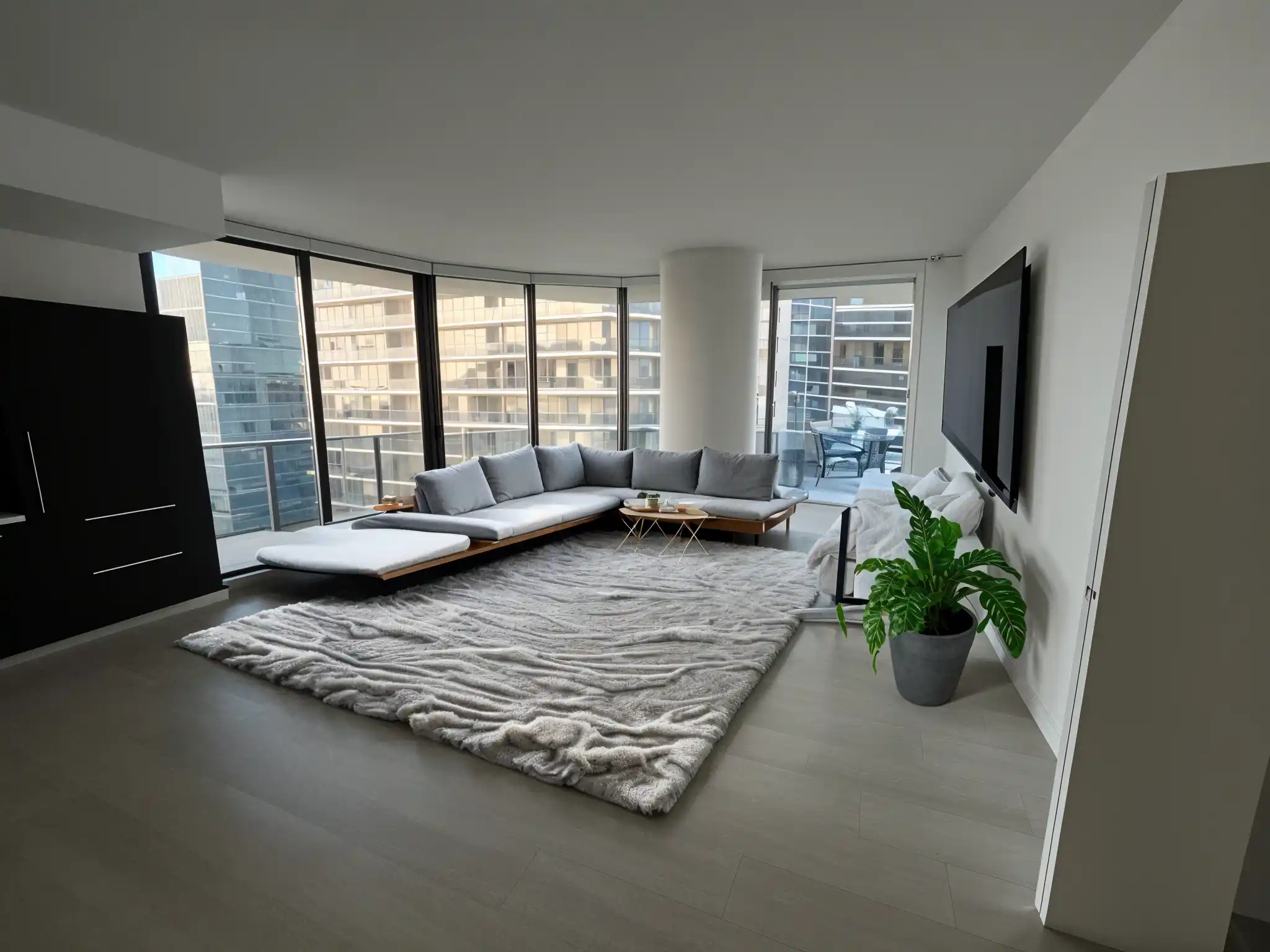
Short answer
Remodeled AI lets realtors and sellers stage a listing from its own photos: Stage furnishes an empty room, the same editor clears clutter, and Remodel shows a dated room in a current style. It runs on the web and iPhone, and you can try it with a free account. For listings, use a Plus or Pro plan, which include a commercial use license.
What you can do with a listing photo
- Furnish an empty room. Stage opens your photo in an editor. Paint over where the sofa, bed or rug should go, say what you want there, and add pieces one at a time. The walls, floors and finishes stay as photographed.
- Clear a lived-in room. The same editor removes clutter: brush over boxes, cords or stray objects and they are removed from the image.
- Show what a dated room could be. Remodel restyles the whole room, which helps buyers see past old finishes. Label these as concepts, because the finishes in them are not there.
- Sharpen the file. Enhance turns a soft image into a larger, cleaner one for the listing.


A workflow for one listing
- Shoot each room from a corner with the lights on, at your phone’s normal 1x lens.
- Stage the empty rooms that matter most to buyers first: living room, primary bedroom, dining area.
- Clear clutter from kitchens and bathrooms instead of restyling them, so the photo still shows what is really there.
- Download the finished rooms from your Library and keep every original photo.
Disclosure
A staged room is a concept, not a photo of real furniture. Follow your MLS and local rules for labeling virtually staged or altered photos, and keep the originals on hand. Don’t use staging or cleanup to hide a defect a buyer would want to know about.
What it costs
You can try staging with a free account and no card. For listing work, Plus ($39 a month, or $264 a year) and Pro ($99 a month, or $684 a year) include a commercial use license; Basic is for personal use only. Pro is the fit if you produce designs every day, because everyday designs on it don’t use credits. See pricing for what each plan includes.
When another tool fits better
If your brokerage stages dozens of listings a month and wants batch processing or team accounts, a staging service built around volume, such as ReimagineHome or Interior AI, may suit you better. Remodeled AI fits an agent or seller working through one listing at a time.
Common questions
- What is the best virtual staging app for realtors?
- For an agent or seller staging a handful of rooms from a phone or laptop, Remodeled AI covers furnishing, clutter removal and restyling in one account. For high-volume batch staging across a team, tools built for brokerages are a better fit.
- Can I use staged photos in a listing?
- Plus and Pro include a commercial use license. You still need to follow your MLS and local rules on labeling virtually staged photos.
- Does staging change the room itself?
- No. Stage adds furniture and decor to the room you photographed and leaves the walls, floors and finishes alone. To show a different style throughout, use Remodel and label it as a concept.
- How long does it take?
- Most designs arrive in under a minute. Staging a room piece by piece takes a few minutes per room.
Stage a room from your listing
Upload a photo of an empty room and furnish it in the editor. Try it with a free account.
Stage a room