Enhance
Make a favorite image sharper.
Enhance upscales a design or room photo and brings back fine detail, so a redesign you like holds up when you download, share, or print it.
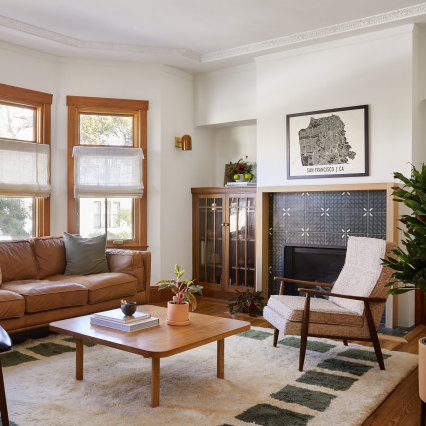
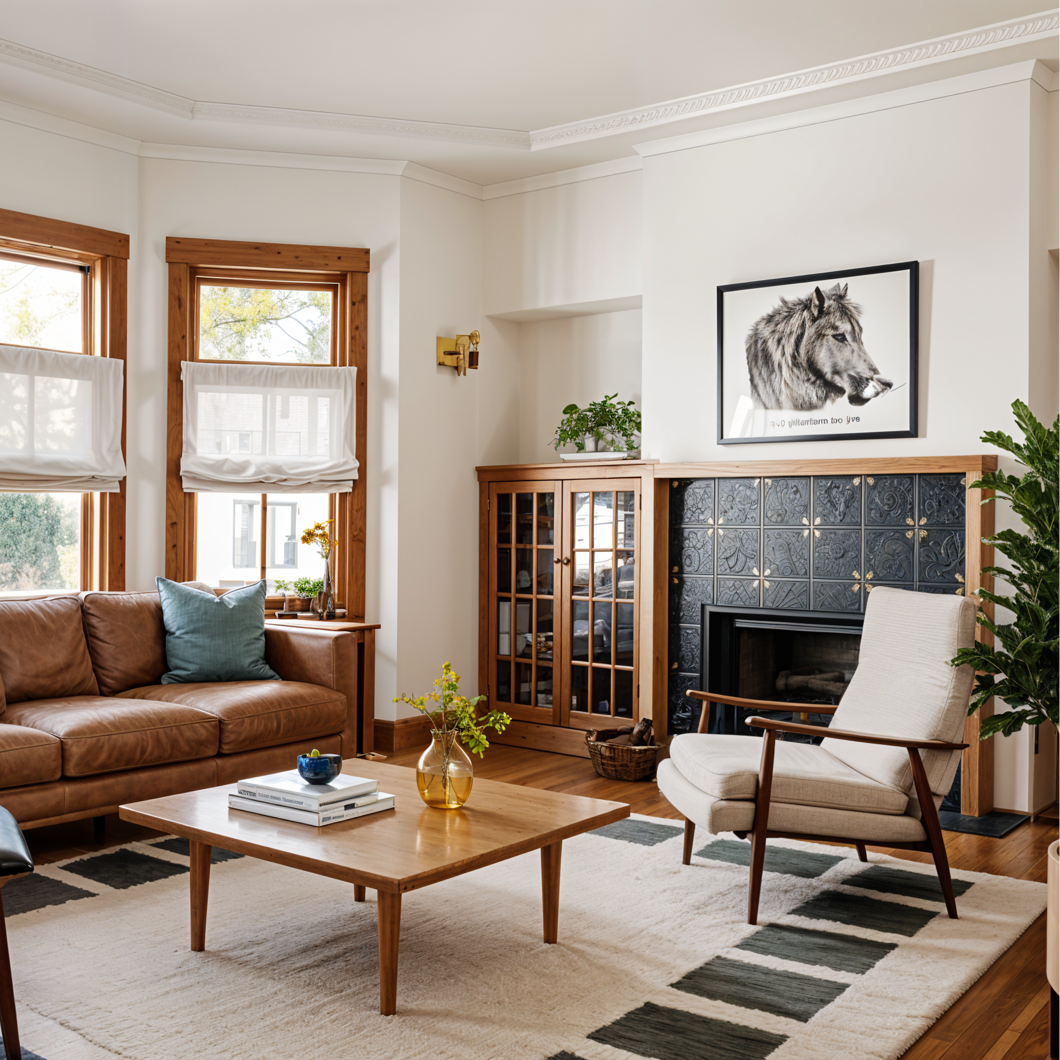
Three steps, one sharper design
-
Pick a design or photo
Use a favorite design, a staged room or any room photo that looks soft or small.
-
Start the enhancement
It runs in the background. You can keep working while it finishes.
-
Download the sharper copy
The enhanced version saves to your Library next to the original.
What Enhance changes
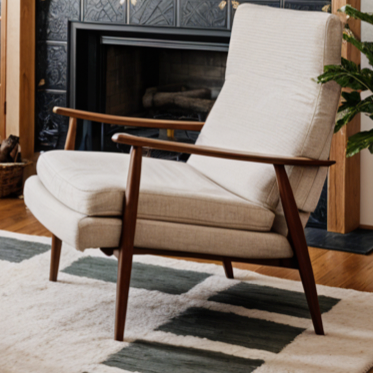
Enhance keeps the room as it is: same furniture, colors, and layout. It adds resolution and clears up softness. To change the design itself, use Remodel. Very small or heavily compressed images improve, but can’t recover detail that was never in the photo.
Sharpen the one you’d keep
Pick a saved design or upload a photo, and download a crisper copy.
Sharpen a design