Remodel
Redesign the room you already have.
Upload a photo of a room or the outside of your house, pick a style, and compare the redesign with the original. Free to start.
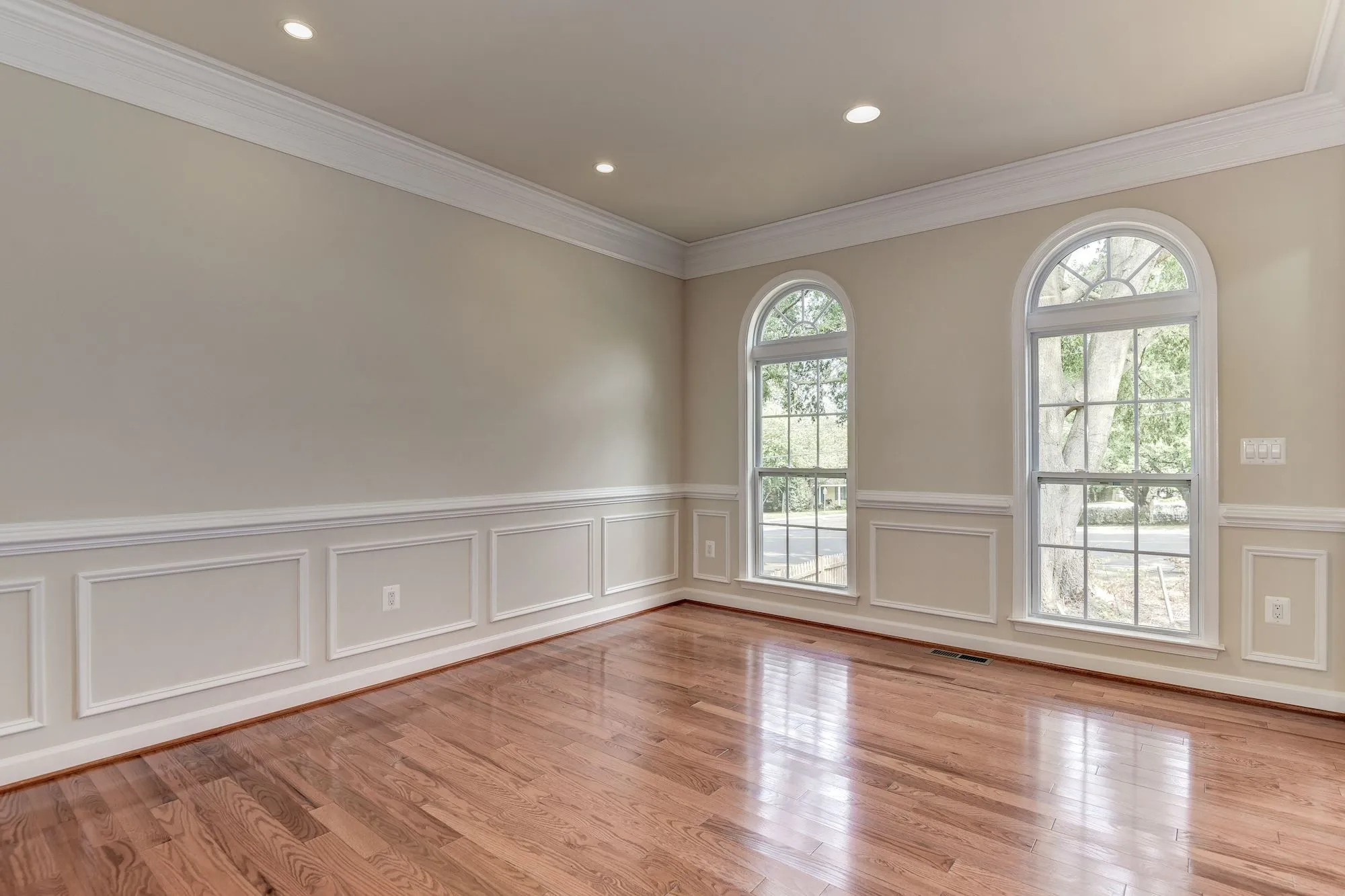
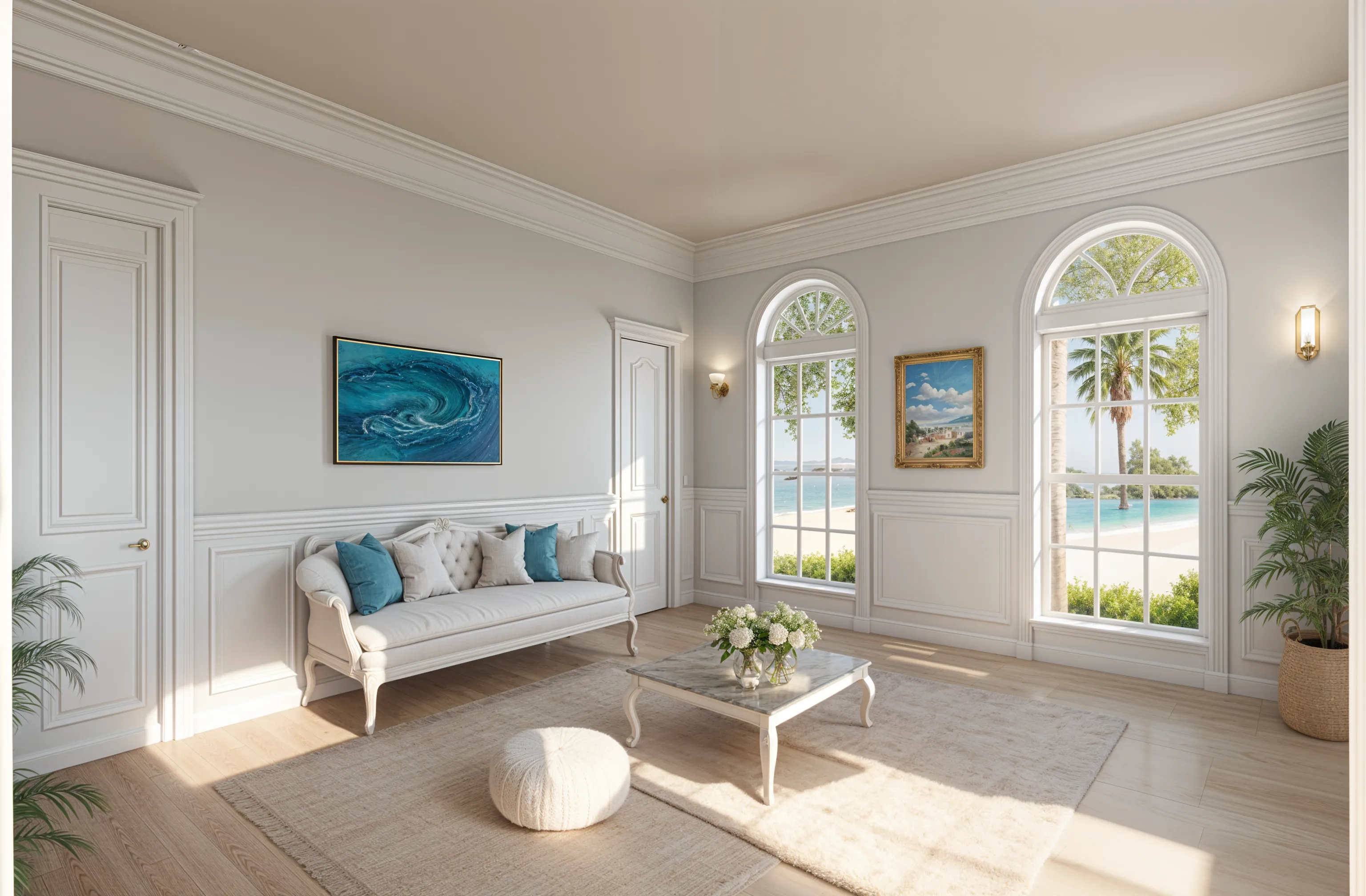
From photo to redesign
-
Upload a photo
Shoot from a doorway or corner with your phone’s normal lens and the lights on. Interiors and house exteriors both work.
-
Pick the room and a style
Choose the room type and a style such as coastal, mid-century, or farmhouse. Add your own words if you want something specific.
-
Generate and compare
Make one design or four variations, then drag the slider to see each one against your original photo.
-
Keep what works
Designs save to your Library. Download a favorite, or sharpen it with Enhance before you share it.
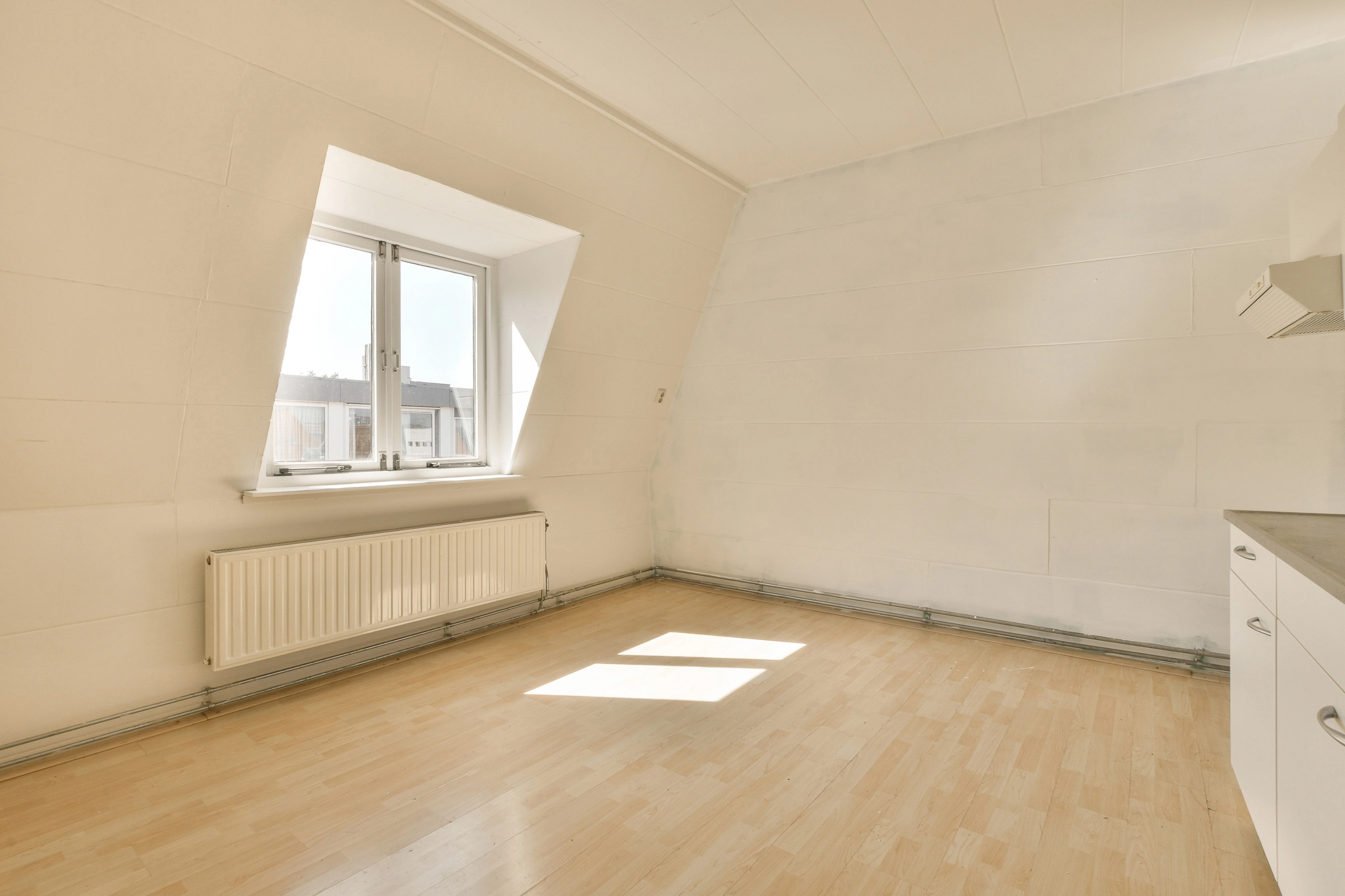
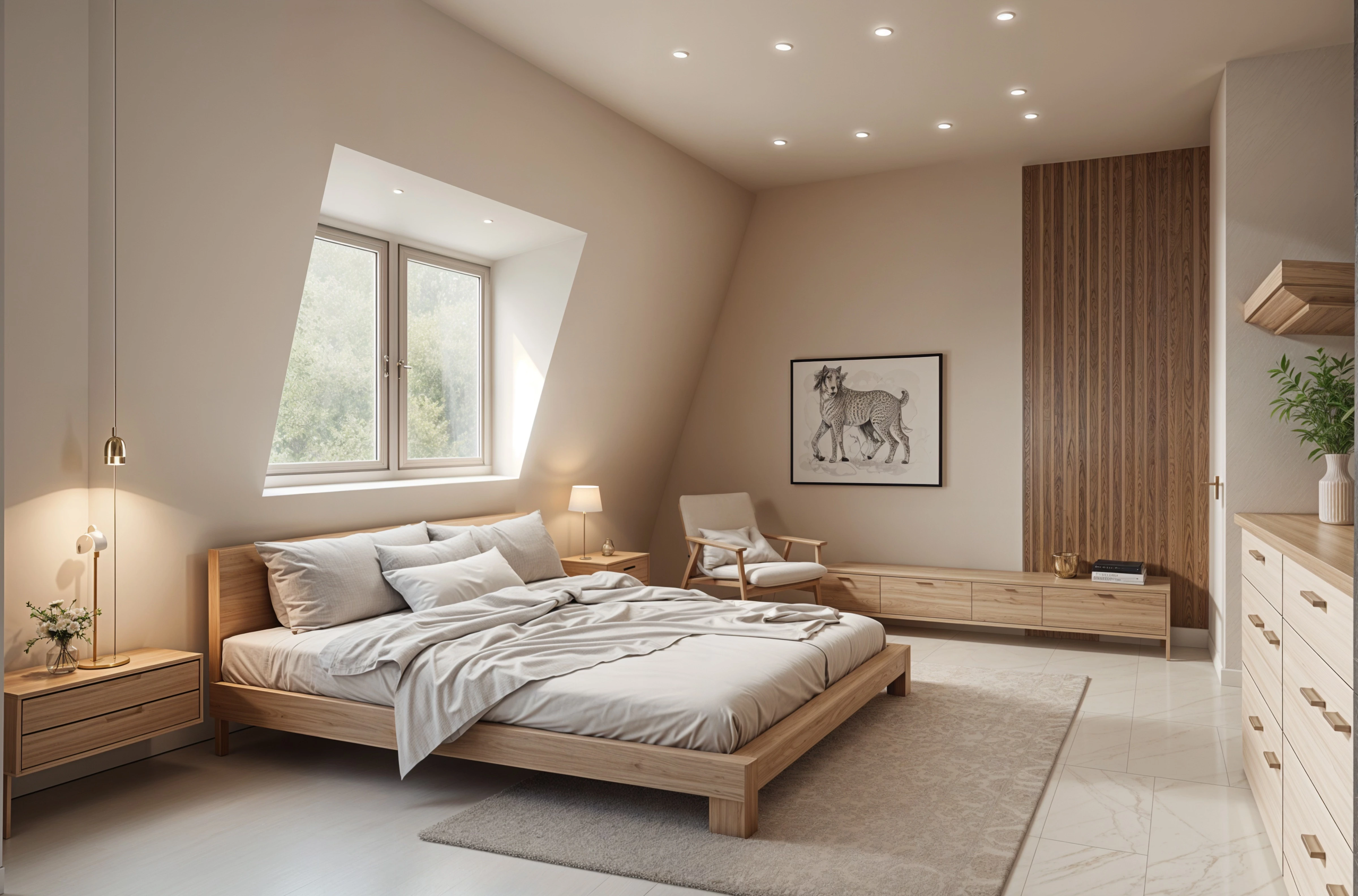
What a redesign is for
A redesign is a visual concept. It helps you choose a direction, try colors and finishes before you buy them, and show a contractor or designer what you have in mind.
It doesn’t measure your space, check clearances, or produce floor plans or construction drawings. Confirm sizes and fit with a professional.
Try it on your own room
Upload a photo, pick a style, and see the design next to the room you have now.
Redesign my room