Remodeled AI vs ReRoom AI
ReRoom AI is a web rendering tool: you upload a screenshot of a 3D model or a sketch and get a photorealistic interior or exterior render that keeps the design and materials, with moodboards, a coloring tool for plans and elevations, upscaling and video.
Updated
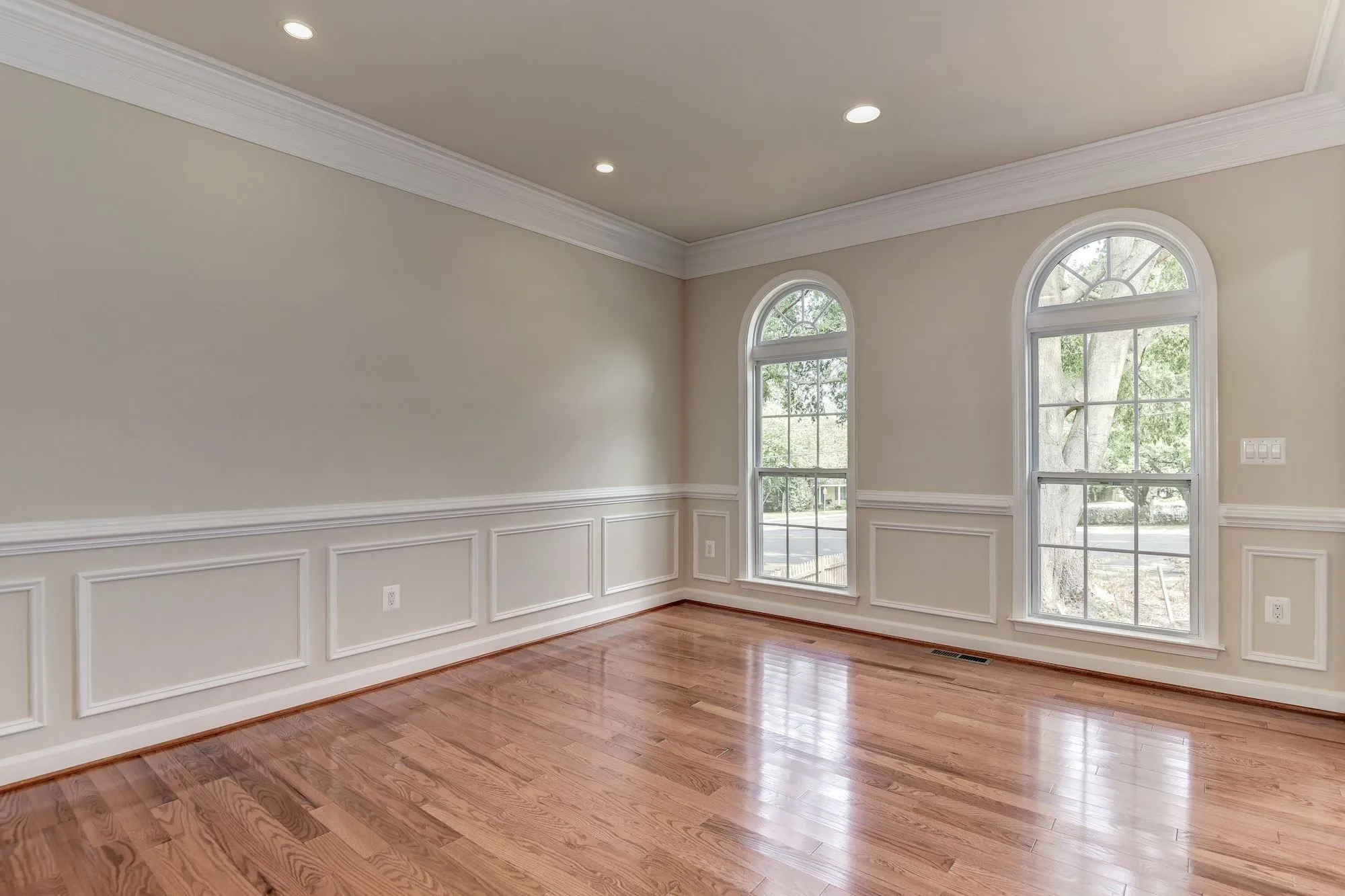
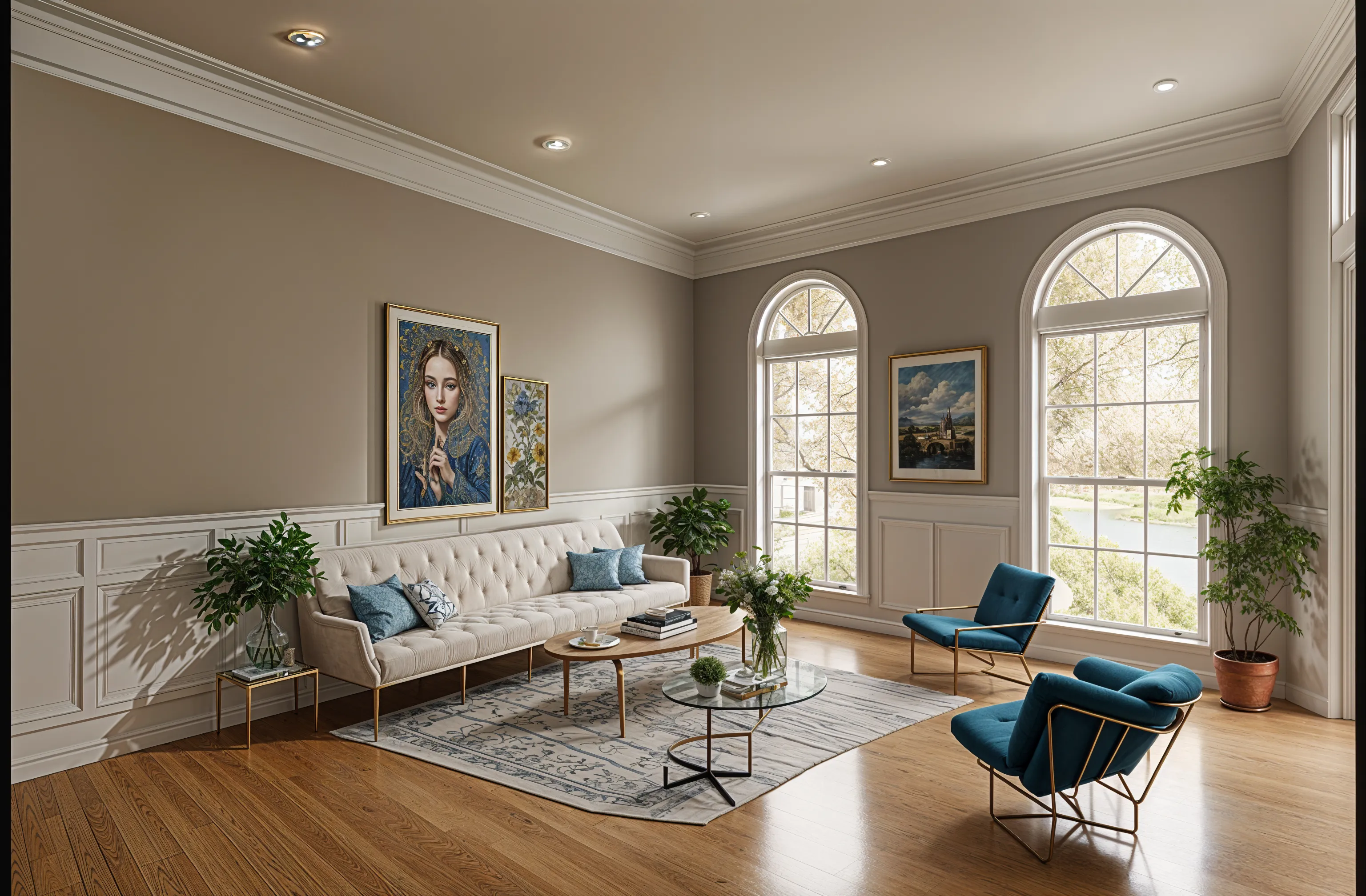
Short answer
Pick ReRoom AI if you have a 3D model or a sketch and want it rendered photorealistically with your materials kept, as many times as you like. Pick Remodeled AI if you are starting from a photo of a room you live in and want to see it in new styles, for a lower price, with an iPhone app.
At a glance
| What | Remodeled AI | ReRoom AI |
|---|---|---|
| Kind of tool | Photo redesign | Rendering from 3D models and sketches |
| Lowest paid price | $13 a month, or $91 a year | $39 a month, or $390 for the first year |
| Free to try | Free account with starter credits, no card needed | Free trial with 3 watermarked renders a day, for non-commercial use |
| Web app | Yes | Yes |
| iPhone app | Yes | Not listed |
| Android app | No | Not listed |
| Redesign a room from your photo | Yes Remodel, in dozens of styles | Not listed |
| Change one thing or one area | Yes Edit, on every paid plan | Not listed |
| Furnish an empty room | Yes Remodel and Edit | Not listed |
| House exteriors | Yes Remodel works on a photo of the front of the house | Yes Exterior rendering |
| Room from a description, no photo | Yes Imagine, on Plus and Pro | Not listed |
| Sharpen and enlarge an image | Yes Enhance | Yes Image upscaling, 4x on paid plans |
| Floor plans and 3D models | No Designs are images, not plans or measurements | Not listed |
| Real products you can buy | No Furniture in a design is a concept, not a product listing | Not listed |
| Walkthrough video | No | Yes Video generation credits on paid plans |
“Not listed” means ReRoom AI’s own site doesn’t say. Web app and iPhone app. No Android app. Web app. Its site names no mobile apps.
Plans and prices
Remodeled AI
- Free account. Starter credits, no card needed.
- Basic (web). $13 a month, or $91 a year. 100 credits a month (up to 50 Draft remodels).
- Plus (web). $39 a month, or $264 a year. 1,200 credits a month (up to 600 Draft remodels).
- Pro (web). $99 a month, or $684 a year. Unlimited everyday designs: Draft, Studio, Photoreal (Standard size) and Lifelike (Standard and HD) never use credits.
- Plus (iPhone app). $14.99 a month, or $119.99 a year. Unlimited remodels with Draft, plus 400 credits every 30 days.
- Pro (iPhone app). $44.99 a month, or $450 a year. Unlimited everyday designs, plus 1,500 credits every 30 days.
ReRoom AI
- Free Trial. $0. 3 renders a day at standard quality, watermarked, non-commercial use.
- Monthly. $39 a month. Unlimited renders, commercial use, 4x upscaling, no watermark, prompt-based customization, video credits.
- Annual. $390 for the first year. The same as Monthly.
The yearly plan is a single charge of $390 for the first year, which ReRoom AI shows as $33 a month. Its pricing page does not say whether the free trial needs a card.
Where ReRoom AI is the better pick
- Renders a screenshot of your 3D model or a sketch and keeps your design and materials, which a photo redesign app does not do.
- Unlimited renders on its paid plans, with commercial rights and 4x upscaling.
- Moodboards and a coloring tool for plans and elevations, which suit design presentations.
- A free trial that resets every day.
Where Remodeled AI is the better pick
- Made for a photo of your own room: no model or sketch to make first.
- A lower starting price on the web, and a free account that needs no card: see pricing.
- An iPhone app, so you can redesign the room you are standing in.
Looking for a ReRoom AI alternative?
ReRoom AI is best for designers and architects who already have a 3D model or a sketch and want a photorealistic render of it. If that isn’t you, Remodeled AI is free to try with no card: upload a photo of your room with Remodel and compare the design with the room you have now. If it isn’t what you need either, ReRoom AI alternatives lists the other apps we have checked, with their prices.
Common questions
- What is ReRoom AI?
- A web tool that turns a screenshot of a 3D model, or a sketch, into a photorealistic interior or exterior render. It is aimed at design work rather than redesigning a phone photo.
- Is ReRoom AI free?
- It has a free trial with 3 renders a day, watermarked and for non-commercial use. Paid use is $39 a month, or $390 for the first year.
- What is a good ReRoom AI alternative?
- If you have a photo of a real room rather than a 3D model, Remodeled AI redesigns the photo itself and costs less. For professional rendering, Spacely AI and Interior AI also render from models and sketches.
How we checked
ReRoom AI’s prices, plans and features were read from reroom.ai on November 15, 2026. Remodeled AI’s prices come from our own pricing page. Products change, so check ReRoom AI’s site before you buy. If something here is out of date or wrong, email contact@remodeled.ai and we will correct it.
Try it on your own room
Upload a photo, pick a style, and compare the result with the room you have now. Free to start.
Redesign my room