Guide
AI exterior house design, from a photo of your own house.
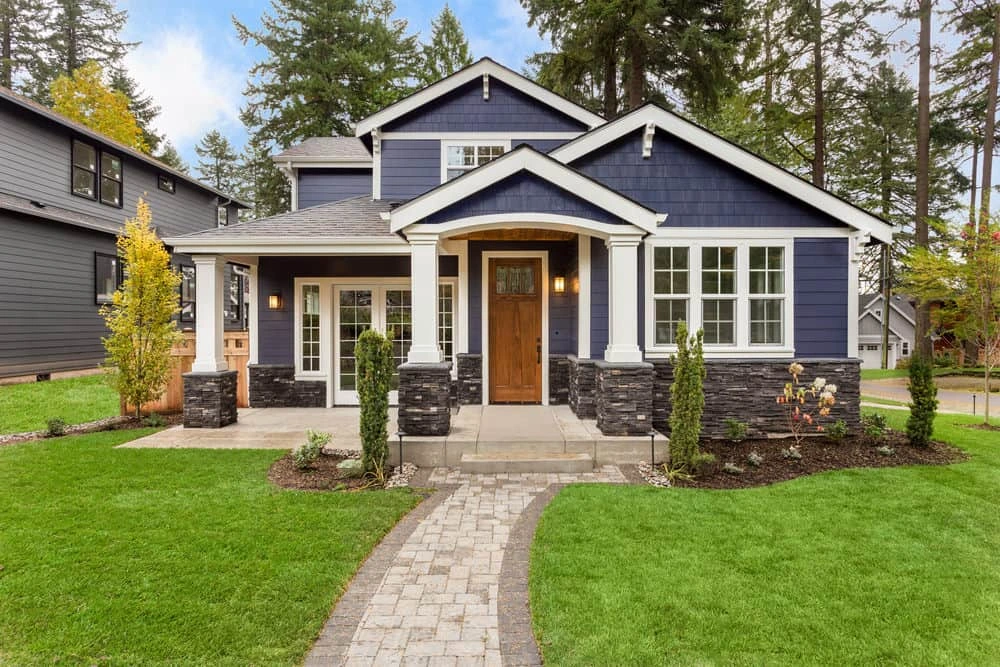
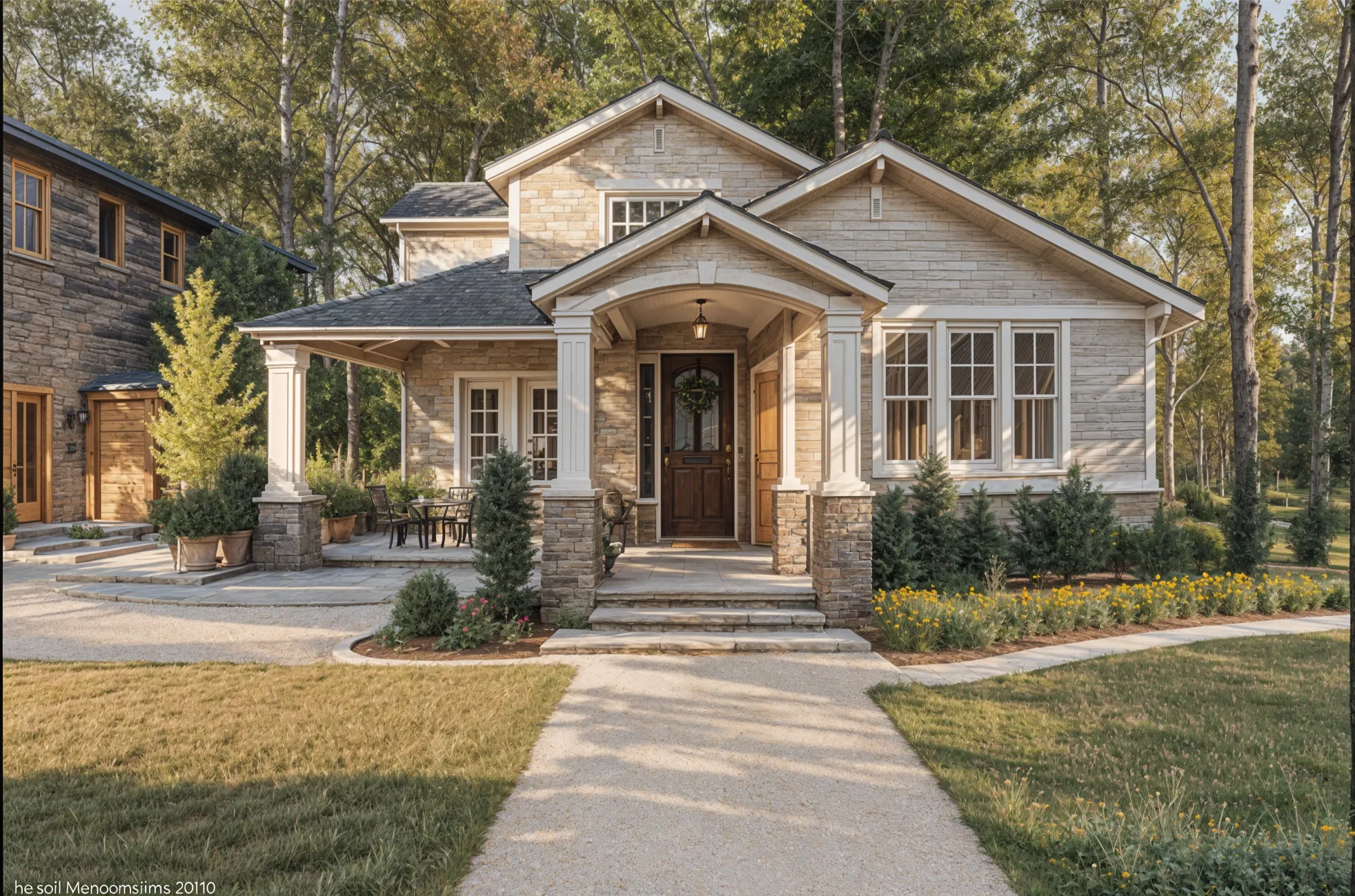
Exterior paint and siding are the most visible decisions you make about a house, and the hardest to picture from a chip or a sample board. A photo of the front of the house, redone three ways, makes the choice concrete.
Updated
Short answer
Yes. Several AI apps redesign a house exterior from a photo. Remodeled AI keeps the roofline and windows and changes paint, siding, trim and planting, on the web and iPhone; exteriors need a paid plan. HomeDesigns AI and Paintit.ai also cover gardens and landscaping. The result is a concept image, not construction drawings.
How to photograph the house
- Stand across the street so the whole front fits in the frame, roofline included.
- Shoot straight on or at a slight angle, at your phone’s normal 1x lens.
- Choose an overcast day or soft light. Hard shadows hide the siding.
- Move the cars and bins if you can.
What to compare
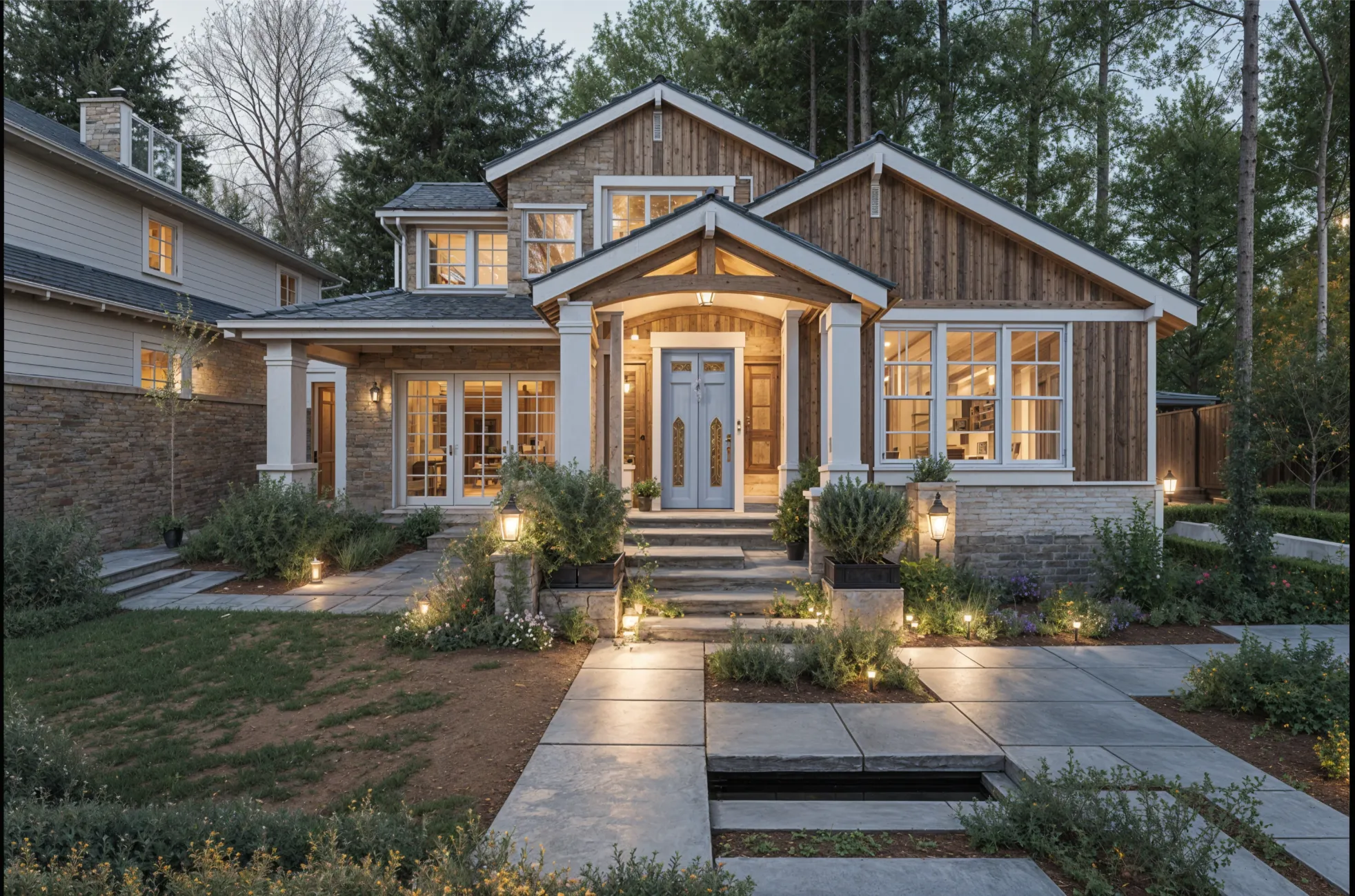
- Body color. Light, mid and dark on the same house.
- Trim and front door. Matching trim against contrast, and a strong door color.
- Materials. Painted siding, wood, or stone at the base.
- Planting and the front walk. Foundation beds, a wider path, a simpler lawn.
What an exterior concept can’t tell you
It doesn’t know your HOA rules, your local code, or what the siding costs. A design can alter a window or a roof detail, and colors on a screen never match paint exactly. Use it to narrow the choice to two options, then test real samples on the wall. Exterior and curb appeal has a fuller method.
What it costs on Remodeled AI
House exteriors unlock with any paid plan. Basic is $13 a month, or $91 a year. A free account needs no card and lets you try the same tool on a room inside the house first. See pricing.
Apps that redesign a house exterior
Each of these lists exterior design on its own site.
The front of the house, on web or iPhone: Remodeled AI
Remodel works on a photo of the front of the house and keeps its shape while the finishes change. House exteriors need a paid plan; a free account covers the main rooms inside.
Exterior and garden together: HomeDesigns AI
Covers exteriors, gardens and landscaping in one tool. No free plan is listed. Remodeled AI vs HomeDesigns AI
One outdoor element at a time: Paintit.ai
Separate tools for exteriors, landscape, decks and driveways, with free credits and no card to start. Remodeled AI vs Paintit.ai
Many kinds of outdoor space: DecorAI
Lists gardens, patios, backyards and house exteriors on one unlimited plan. Remodeled AI vs DecorAI
Exterior edits on listing photos: ReimagineHome
Landscaping and exterior edits alongside its staging tools, for agents. Remodeled AI vs ReimagineHome
An Android phone: Remodel AI
A separate app with a similar name to ours. Exterior and garden design are on its paid plans. Remodeled AI vs Remodel AI
| App | Kind of tool | Lowest paid price | Free to try | Runs on |
|---|---|---|---|---|
| Remodeled AI | Photo redesign | $13 a month, or $91 a year | Free account with starter credits, no card needed | Web, iPhone |
| HomeDesigns AI | Photo redesign | From $27 a month (as stated in its own blog) | No free plan listed; its page mentions 3 new credits every 24 hours | Web |
| Paintit.ai | Photo redesign | $14.99 a month | 30 free credits at 1K resolution, no card needed | Web |
| DecorAI | Photo redesign | $24 a month, or $240 a year | A one-day trial with 3 designs, then $24 a month | Web |
| ReimagineHome | Virtual staging and redesign | From $14 a month | 5 free designs, no card needed | Web |
| Remodel AI | Photo redesign | $29 a month, or $349 a year | 3 free designs, no card needed | iPhone, Android |
We make Remodeled AI. Prices are in US dollars, as listed on each product’s own site on November 11, 2026.
Common questions
- Is there an app to see what my house would look like with different siding or paint?
- Yes. Remodeled AI restyles a photo of the front of your house so you can compare paint, siding and trim. HomeDesigns AI and Paintit.ai do similar work and add landscaping tools.
- Is there a free AI exterior design app?
- Paintit.ai lists 30 free credits with no card and has exterior tools. On Remodeled AI, exteriors need a paid plan and the free account covers interior rooms.
- Will it keep the shape of my house?
- That is the aim: the roofline, windows and proportions stay while finishes change. Check each result on the before-and-after slider, because a design can alter a detail.
- Can I use it for landscaping?
- Remodeled AI changes planting as part of an exterior design. For garden-only design, a tool with dedicated landscape features, such as HomeDesigns AI or Paintit.ai, is a better fit.
How we checked
Each app’s price, free tier and tools were read from its own site and are kept in one file per app, which this page and our comparisons both render from. Products change, so check a product’s site before you buy. If something here is out of date or wrong, email contact@remodeled.ai and we will correct it.
Try it on your own house
Upload a photo of the front of the house and compare exterior styles side by side. Exteriors are included with every paid plan.
Redesign my exterior