Change one thing. Keep the rest.
Swap the sofa, the floor or the paint color in a photo of your room, or in a design you made, and leave everything else as it is.
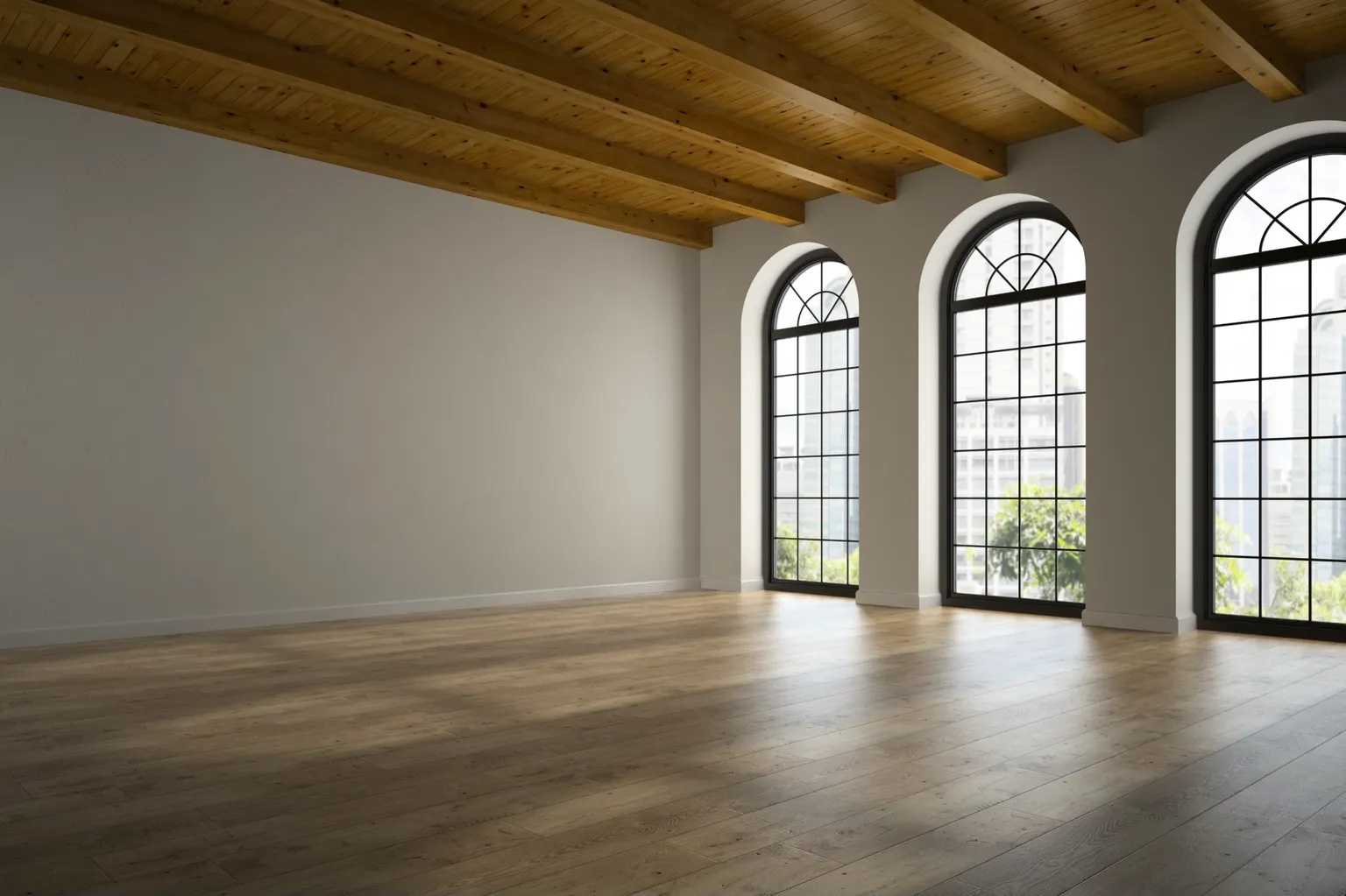
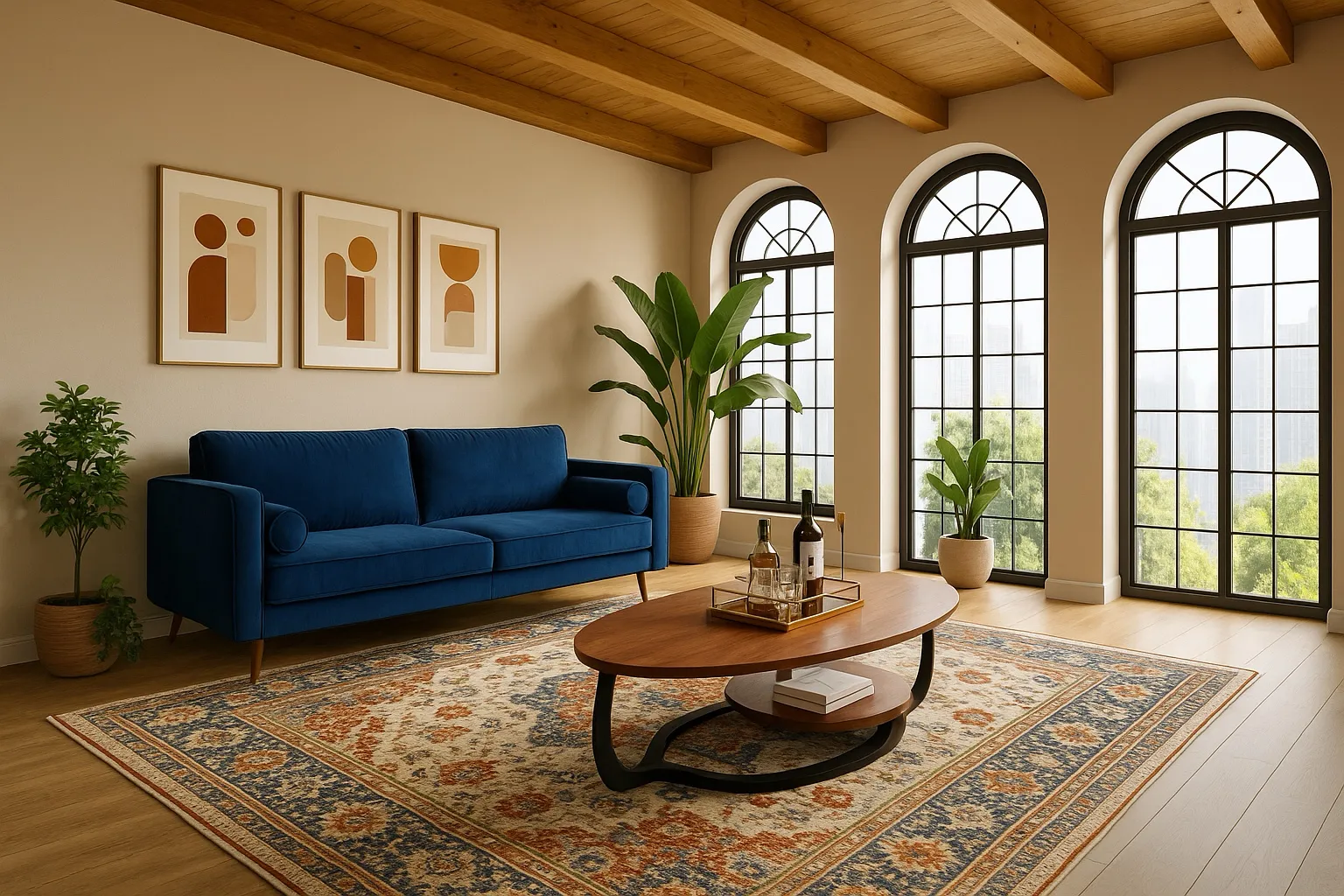
Two ways to say what changes
-
Describe it
Say the one change in plain words: “Replace the sofa with a green velvet one”, “Paint the walls warm white”. Everything else stays.
-
Paint the area
Paint over the spot, then say what goes there: an armchair in the corner, a rug under the table, or “remove it”. Only the painted area changes.
-
Add item photos
Have the exact sofa, tile or lamp in mind? Add up to four photos of it and mention it by number, like “use the sofa in photo 1”.
Edit or Remodel?
Edit changes one thing at a time. For a new style across the whole room, or to furnish an empty room in one go, use Remodel. Many people Remodel first, then fix the details with Edit.
Which plans include it
Edit comes with every paid plan, as a monthly number of edits. See pricing for each plan’s allowance.
Who uses Edit
Trying a piece before you buy it, staging a listing, and showing a client one change.
- Homeowners planning a remodel Settle on a direction for each room before you spend money on it.
- Interior designers and decorators Show a client three directions on their own room before the first proposal.
- Realtors and sellers staging a listing Furnish empty rooms and tidy lived-in ones for listing photos.
- AI room makeover on a budget Keep your furniture, change paint, textiles and light, and see it first.