An AI room makeover, without replacing everything.
A makeover is not a remodel. You keep the sofa, the bed and the floor, and change the things that cost least and show most: paint, light, textiles and a few pieces. AI is good at showing that kind of change on your own room before you spend.
Updated
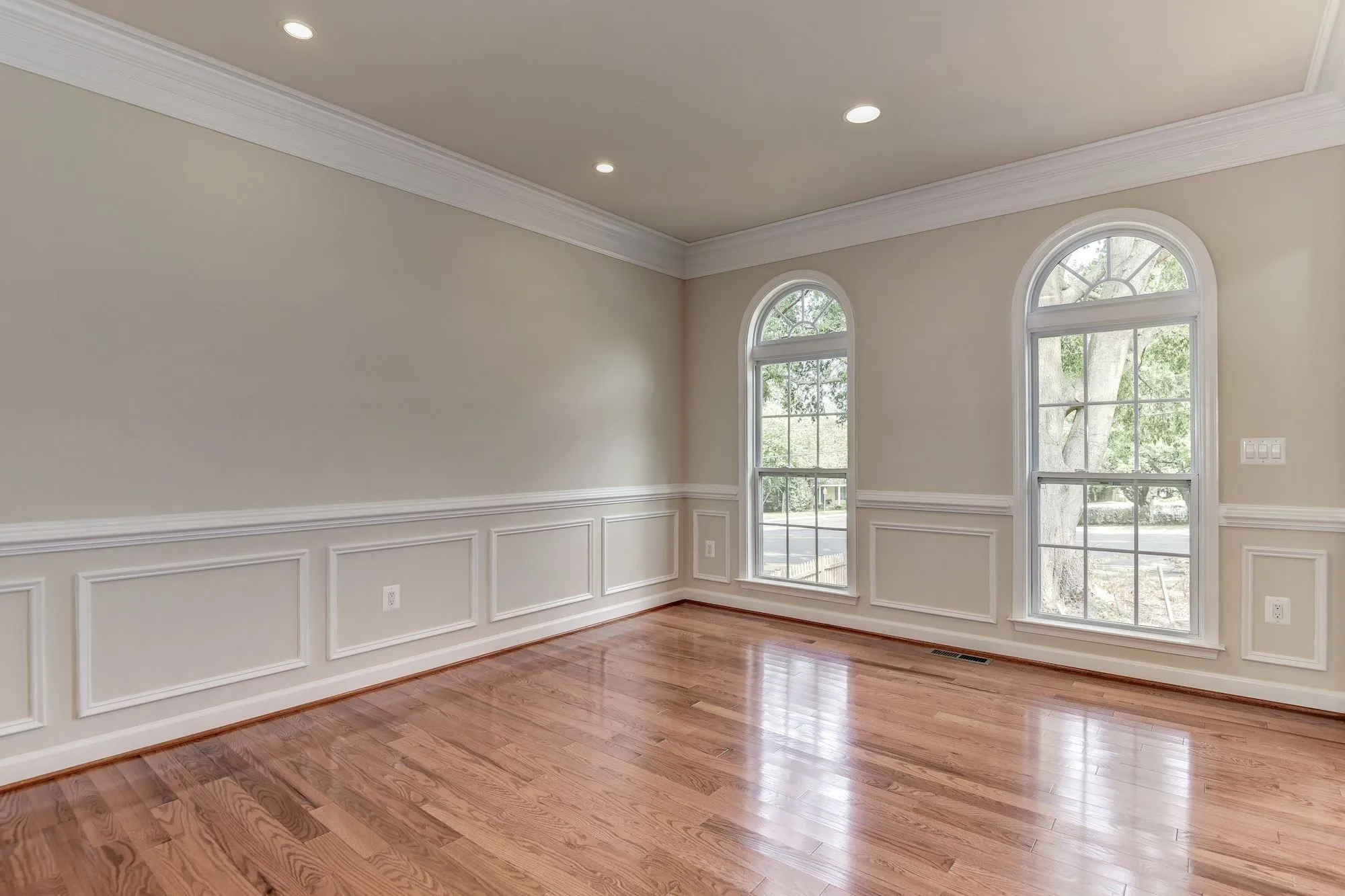
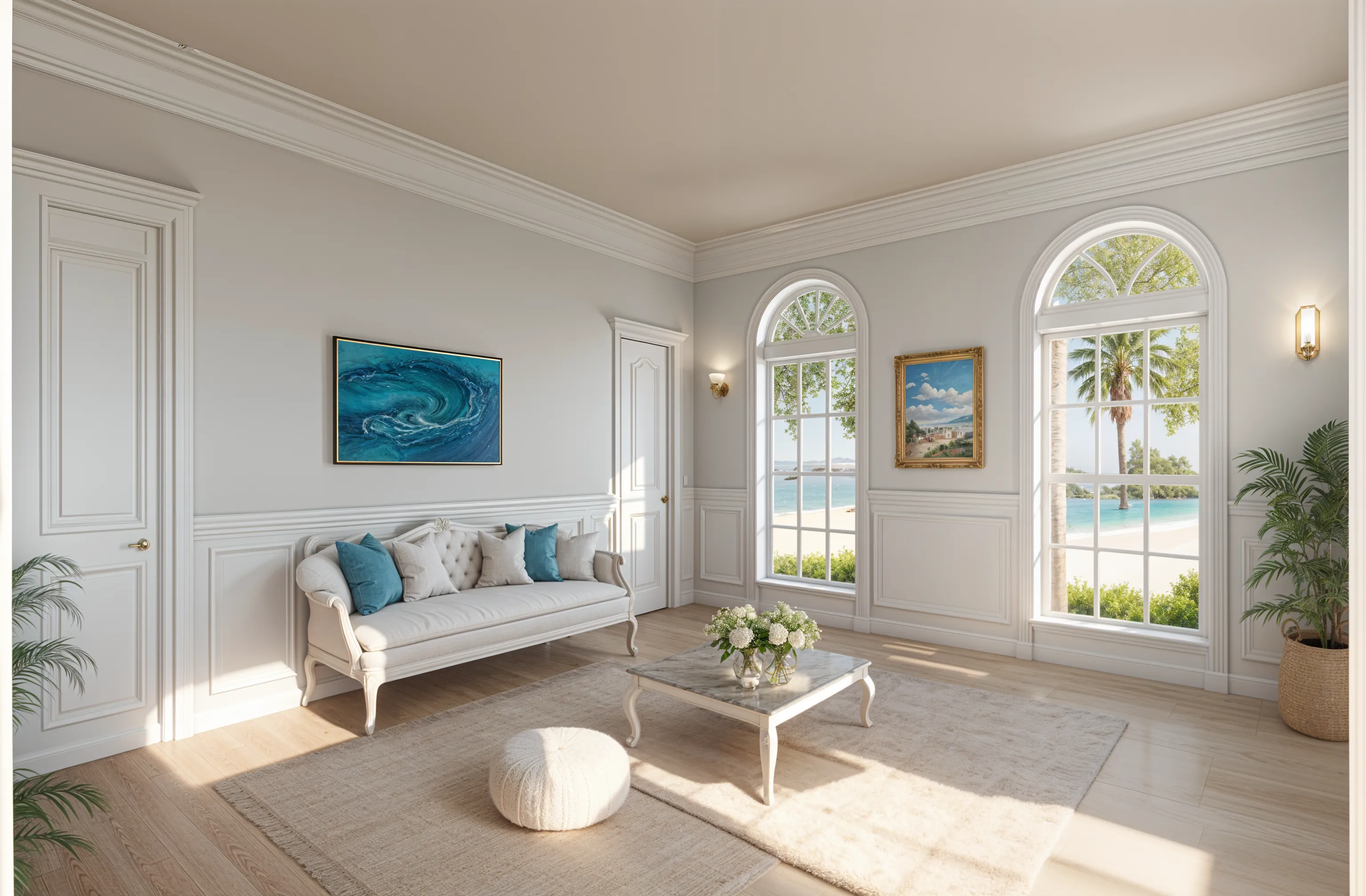
Short answer
Take a photo of the room, then ask an AI room design app to keep the furniture and layout and change the walls, rug, curtains, lighting and decor. Compare two or three versions, pick one, and buy only what that version needs. In Remodeled AI you pick the room and a style, and write what must stay under “Your ideas”; the free account needs no card.
What to change first, cheapest first
- Paint. The biggest change for the money. Try a light and a dark color on the same photo before you buy a sample pot.
- Lighting. A floor lamp, a table lamp and a warmer bulb change the room more than a new sofa.
- Textiles. Curtains hung higher and wider, a larger rug, new cushions and a throw.
- Walls. Art, a large mirror or shelves, at the right height.
- One statement piece. A chair, a headboard or a coffee table, chosen last, once the rest is settled.
How to plan it with AI
- Photograph the room from a corner or doorway, lights on, with the normal 1x lens.
- In Remodel, pick the room type and a style close to what you want.
- Under “Your ideas”, name what stays: “Keep the sofa, the bed and the floor. Change the wall color, rug, curtains, lamps and art.”
- Make two or three versions in different styles and compare each with your photo on the slider.
- On a paid plan, use Edit for one change at a time (“make the walls sage green”), so you know which change made the difference.
- Make a shopping list from the version you chose, and buy the cheapest items on it first.
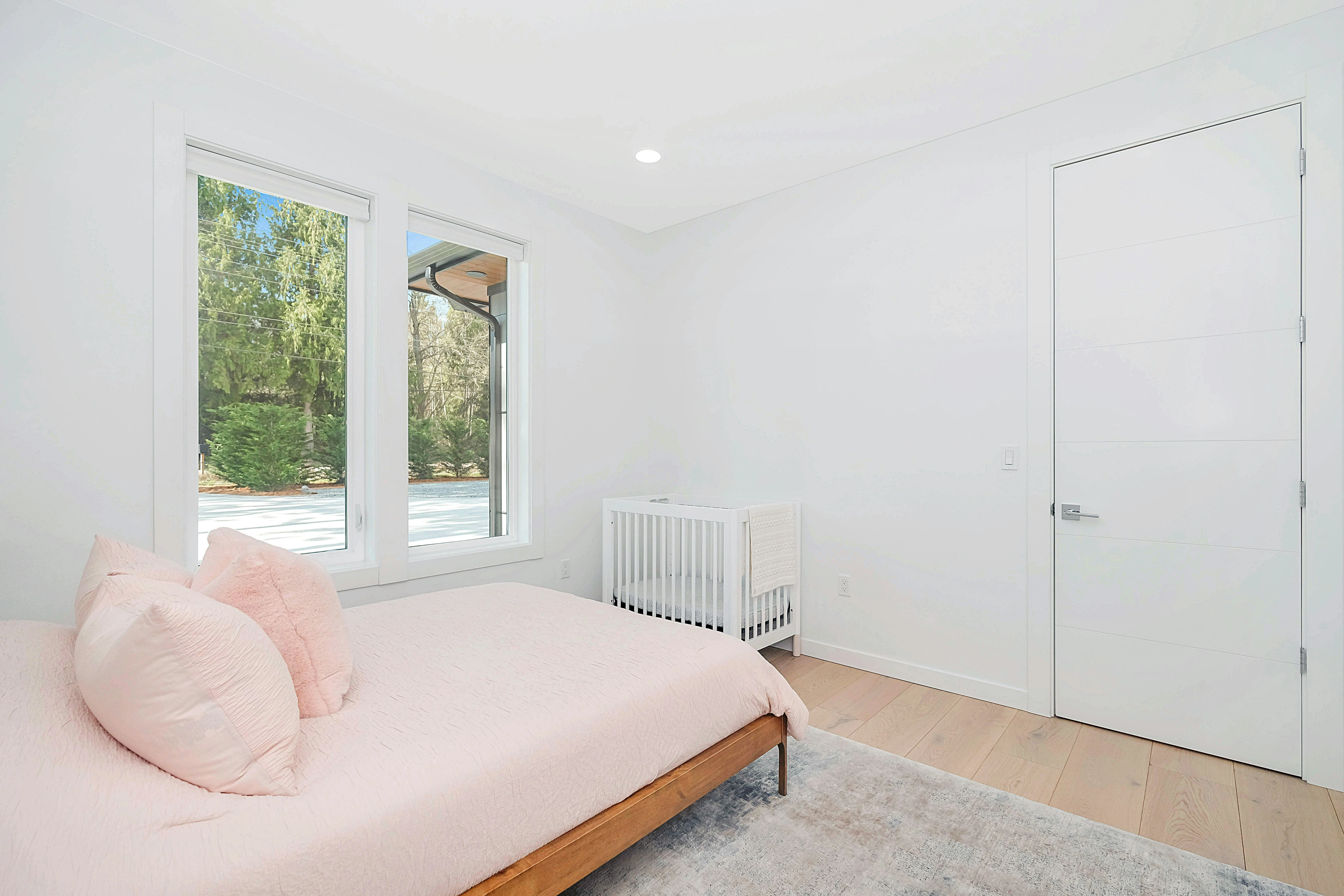
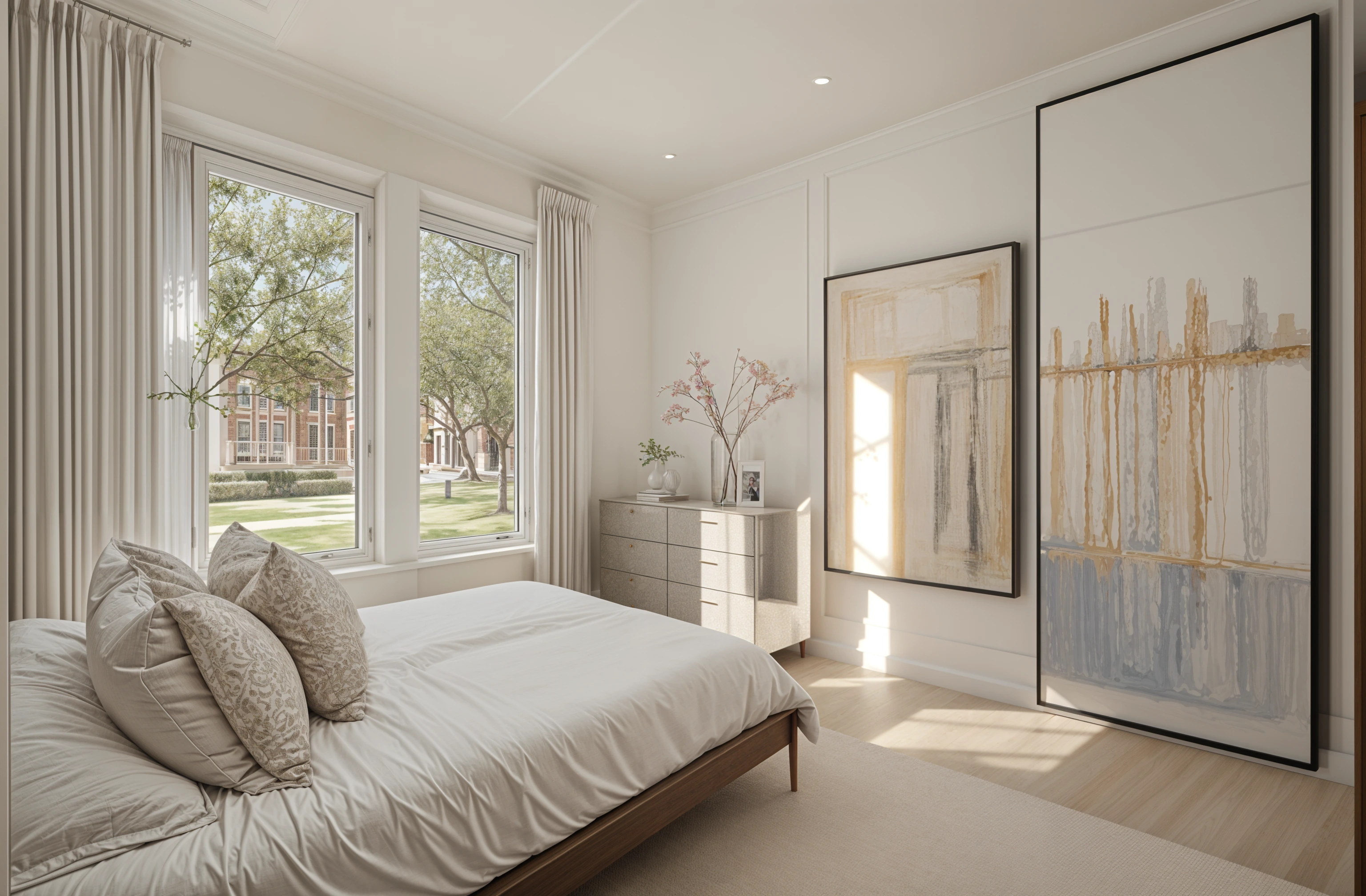
Makeover ideas by room
- Living room. A bigger rug that the front legs of the sofa sit on, curtains to the floor, two lamps at different heights.
- Bedroom. A painted or upholstered headboard wall, matching bedside lamps, layered bedding in two or three colors.
- Kitchen. Painted cabinets and new handles, a runner, under-cabinet light. The kitchen visualizer guide goes further.
- Bathroom. A new mirror and light, towels and a mat in one color, and paint above the tile.
- Home office. A rug to define the desk area, a task lamp, and shelves behind you for video calls.
What AI can’t tell you
An AI design shows a look, not a product. It doesn’t measure the window for curtains or the floor for a rug, and it can invent a lamp that doesn’t exist. Use it to choose the direction and the colors, then measure and shop. If a design changes something you asked to keep, say so more plainly and try again.
What it costs
A free Remodeled AI account needs no card and covers living room, bedroom, bathroom, kitchen, dining room and office in 7 styles. Edit, for changing one thing or one area, comes with every paid plan; Basic is $13 a month, or $91 a year. See pricing.
Common questions
- Can AI give my room a makeover from a photo?
- Yes. Upload a photo to an AI room design app, say what to keep and what to change, and it shows the same room made over. Compare a few versions before you buy anything.
- Is there a free AI room makeover app?
- Yes. Remodeled AI’s free account needs no card and covers living room, bedroom, bathroom, kitchen, dining room and office. Several other apps give a few free designs; free AI room design apps compares them.
- Can AI rearrange my room?
- It can suggest a different arrangement in an image, but it doesn’t measure, so check that pieces fit before you move them. For a layout to size, a free floor planner is the better tool.
- How do I keep my furniture in an AI makeover?
- Name it: “keep the gray sofa, the bed and the wood floor.” In Remodeled AI, write it under “Your ideas”. On a paid plan, Edit changes one thing and leaves the rest alone.
See your room made over
Upload a photo, keep what you love, and try new colors, textiles and light. Free account, no card.
Make over my room