Guide
An AI kitchen remodel visualizer that starts from your own kitchen.
Showroom displays and sample doors don’t tell you how dark cabinets will look in your light, next to your window, with your floor. A photo of your own kitchen does.
Updated
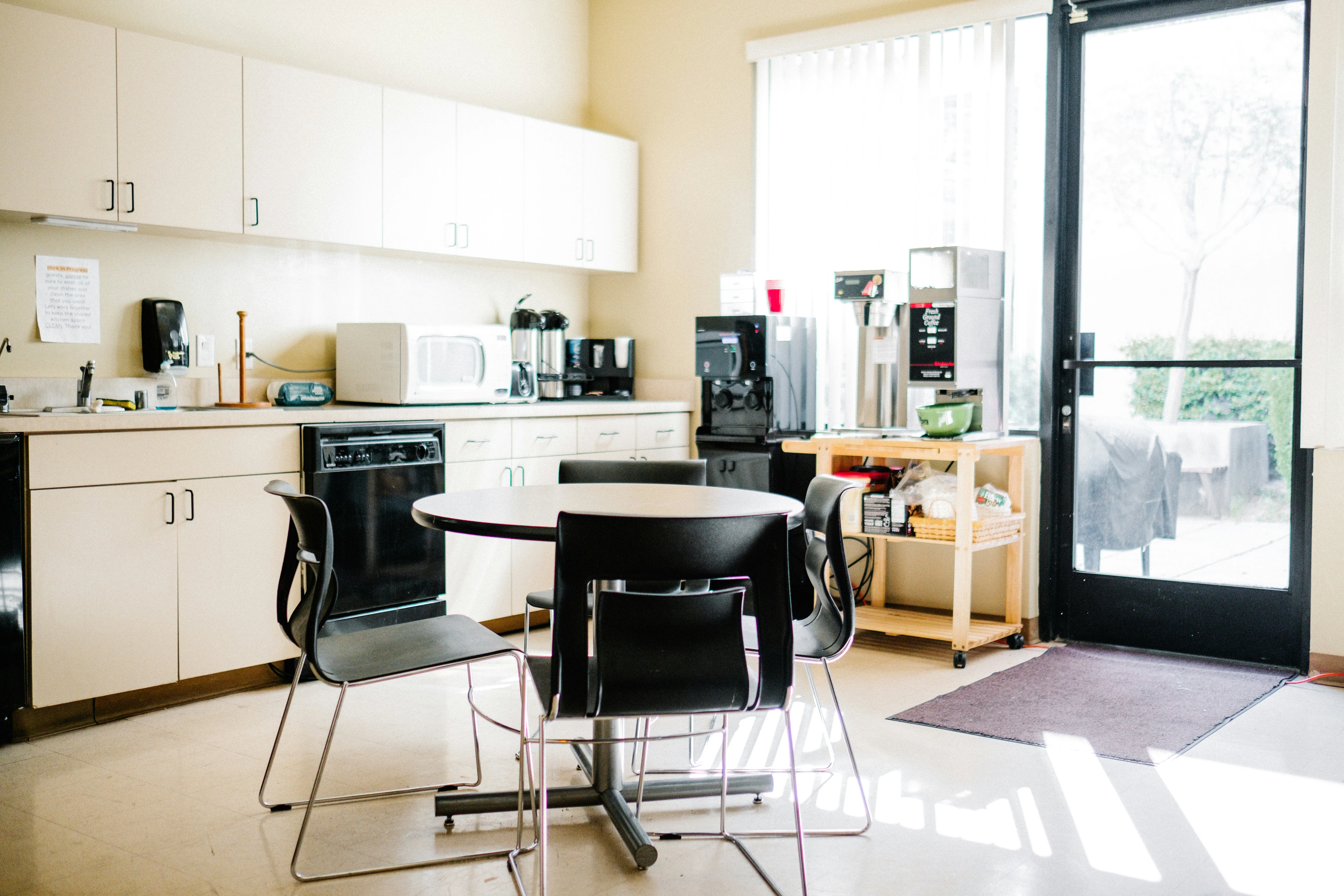
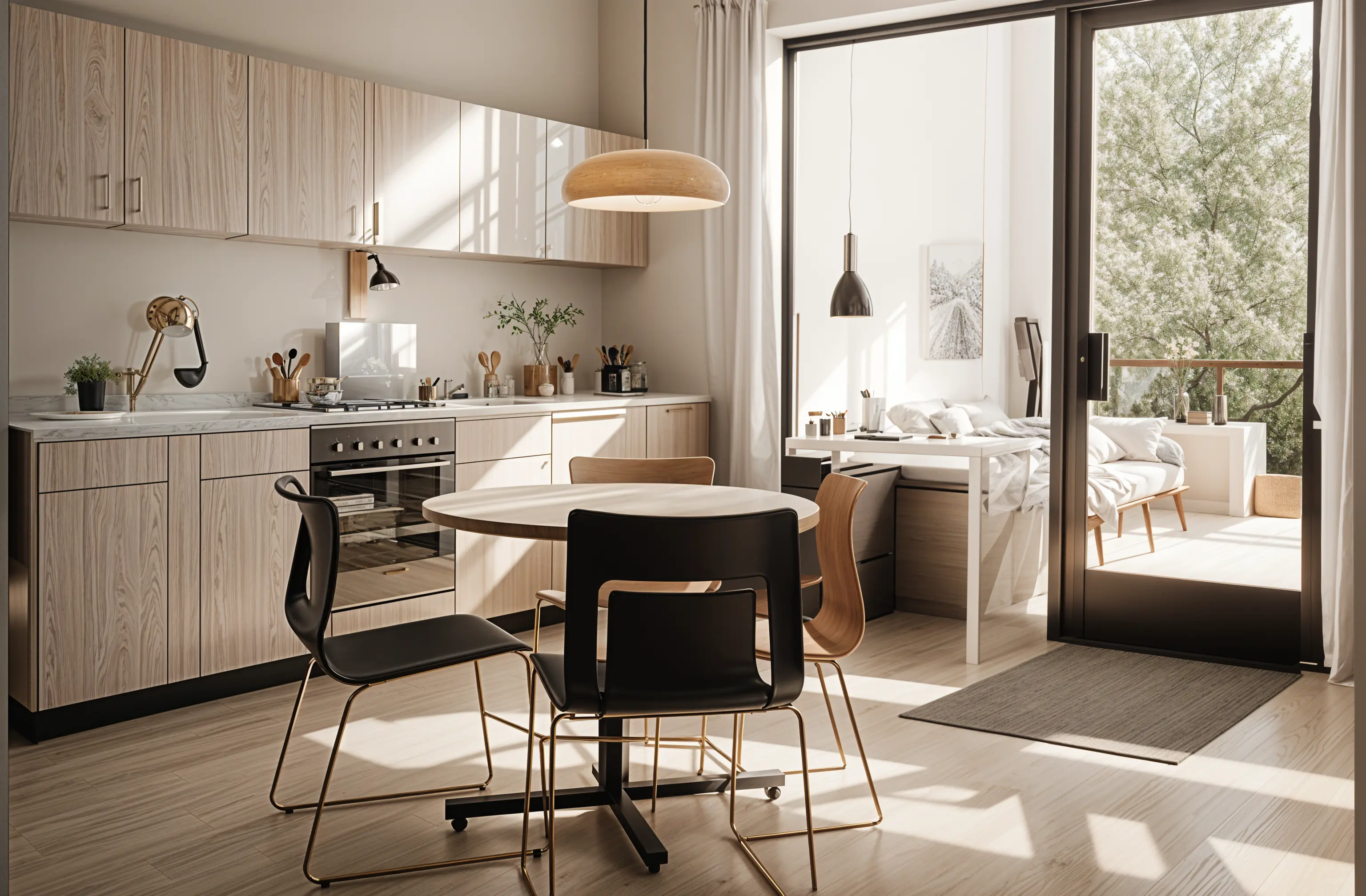
Short answer
Yes. Remodeled AI works as a kitchen remodel visualizer: upload one photo of your kitchen, pick a style, and it returns the same kitchen with new cabinets, counters, backsplash and flooring to compare with the original on a slider. Kitchens are included on a free account, with no card. It is a visual concept, not a measured kitchen plan, and it doesn’t price anything.
What to test on your kitchen
- Cabinet color and door style. White, wood and a dark color on the same photo, flat doors against shaker.
- Countertops. Light stone, dark stone or butcher block against the cabinets you chose.
- Backsplash. Plain tile, a pattern or a slab that runs up from the counter.
- Flooring. Wood against tile, and how warm or cool it makes the room.
- Lighting and hardware. Pendants over an island and brass against black handles change the room more than their cost suggests.
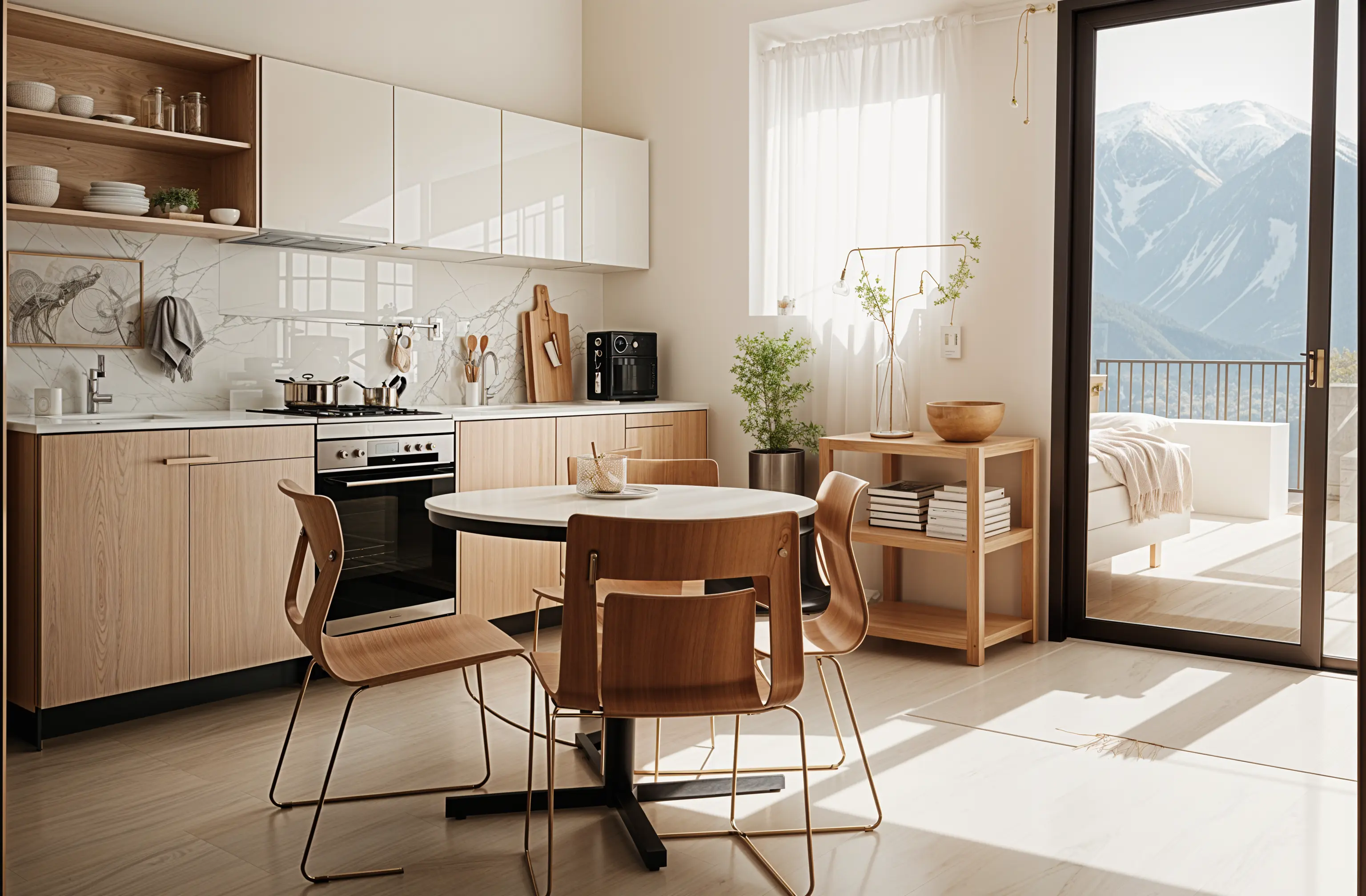
How to do it
- Photograph the kitchen from the corner that shows the most cabinets, at your phone’s normal 1x lens, with the lights on.
- In Remodel, choose Kitchen and a style. Try contemporary, minimalist and mid-century modern to start.
- Add what must stay: “keep the layout, the window and the appliances where they are; change cabinets, counters and backsplash.”
- Compare the versions on the slider and keep the two you like most.
- On a paid plan, use Edit for one change at a time (“make the cabinets navy”) and Brush to repaint only the backsplash.
- Download the before-and-after pair and take it to the showroom or your contractor.
What it can’t do
It doesn’t measure the kitchen, count cabinets or check that an island fits. A design may add a cabinet run, shift an appliance or show a material your budget won’t reach. It gives no prices. A kitchen designer or contractor turns the direction into a plan; how expensive is a kitchen remodel? covers the cost side.
What it costs
A free account needs no card and includes kitchens, so you can see your own kitchen restyled for nothing. Edit and Brush, for changing one thing at a time, come with every paid plan; Basic is $13 a month, or $91 a year. See pricing.
Common questions
- Is there an app where I can upload a picture of my kitchen and redesign it?
- Yes. In Remodeled AI you upload a photo of your kitchen, choose a style, and get the same kitchen redesigned to compare with the original. It runs on the web and iPhone, and kitchens are included on the free account.
- Can I change just the cabinet color?
- Yes, on a paid plan. Edit changes one thing you describe, such as the cabinet color, and leaves the rest of the kitchen as it is. Brush changes only the area you paint over.
- Does it show real cabinets and countertops I can buy?
- No. The design shows a look, not products. Use it as a reference when you choose real materials.
- Can it change my kitchen layout?
- It restyles the kitchen in the photo, so it is best at finishes and furniture. For moving walls, plumbing or an island, use a floor planner or a kitchen designer and treat the image as a style reference.
See your kitchen redone
Upload a photo of your kitchen, pick a style, and compare it with the kitchen you have now. Free to start, no card.
Redesign my kitchen