Guide
The best AI home remodel apps, and what they can’t tell you.
A remodel is expensive to get wrong and hard to picture from samples. A remodel app shows the room you have with the finishes you are considering, before anyone lifts a tile.
Updated

Short answer
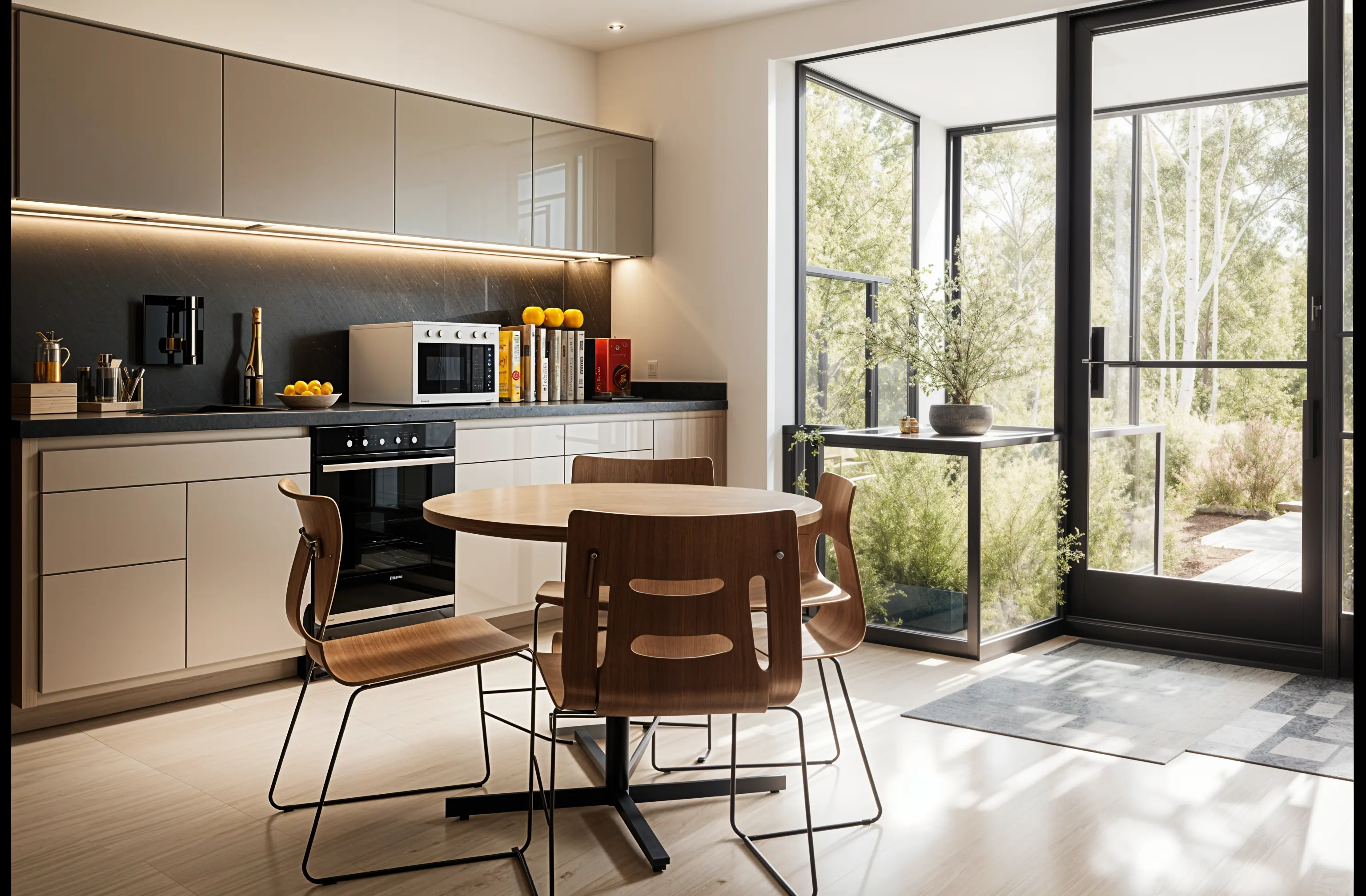
The best AI home remodel app for most homeowners is one that restyles a photo of the real room and lets you keep adjusting it. Remodeled AI does that for rooms and house exteriors on the web and iPhone, with a free account to start. HomeDesigns AI adds gardens and landscaping, Paintit.ai has separate tools for single surfaces, and Planner 5D is the choice when the layout itself is changing. No app estimates cost or checks what is buildable.
The pick for each kind of remodel
What each app is best at, with its lowest price and free tier.
Kitchens, bathrooms, living spaces and the front of the house: Remodeled AI
Restyles a photo of the room or exterior, then Edit and Brush change one thing or one area on a paid plan, which suits comparing cabinet colors or tile. Free account with no card; exteriors need a paid plan. Web and iPhone.
Interiors, exteriors and the garden in one tool: HomeDesigns AI
Covers landscaping as well as rooms and facades, with a paint visualizer and a furniture finder. No free plan is listed. Remodeled AI vs HomeDesigns AI
One surface at a time: Paintit.ai
Dedicated tools for paint, flooring, cabinets, decks and driveways, with free credits to start. Remodeled AI vs Paintit.ai
A remodel that moves walls: Planner 5D
A floor planner. When the layout is changing, you need a plan to scale, which a photo redesign can’t give you. Remodeled AI vs Planner 5D
An Android phone: Remodel AI
A separate app with a similar name to ours, for iPhone and Android, with exterior and garden design on its paid plans. Remodeled AI vs Remodel AI
| App | Kind of tool | Lowest paid price | Free to try | Runs on |
|---|---|---|---|---|
| Remodeled AI | Photo redesign | $13 a month, or $91 a year | Free account with starter credits, no card needed | Web, iPhone |
| HomeDesigns AI | Photo redesign | From $27 a month (as stated in its own blog) | No free plan listed; its page mentions 3 new credits every 24 hours | Web |
| Paintit.ai | Photo redesign | $14.99 a month | 30 free credits at 1K resolution, no card needed | Web |
| Planner 5D | 3D floor planner | $19.99 a month, or $59.99 a year | Free plan with unlimited projects and half of the furniture catalog | Web, iPhone, Android |
| Remodel AI | Photo redesign | $29 a month, or $349 a year | 3 free designs, no card needed | iPhone, Android |
We make Remodeled AI. Prices are in US dollars, as listed on each product’s own site on November 11, 2026.
What to use a remodel app for
- Choosing a direction. See the same kitchen in three styles and find out which one you keep coming back to.
- Comparing finishes. Dark cabinets against light, two countertop materials, three exterior colors, on your own house.
- Explaining it to someone else. A picture gets you and your partner, or you and your contractor, talking about the same thing.
- Deciding whether to remodel at all. Sometimes paint and lighting get you most of the way, and the image shows it.

What no remodel app can tell you
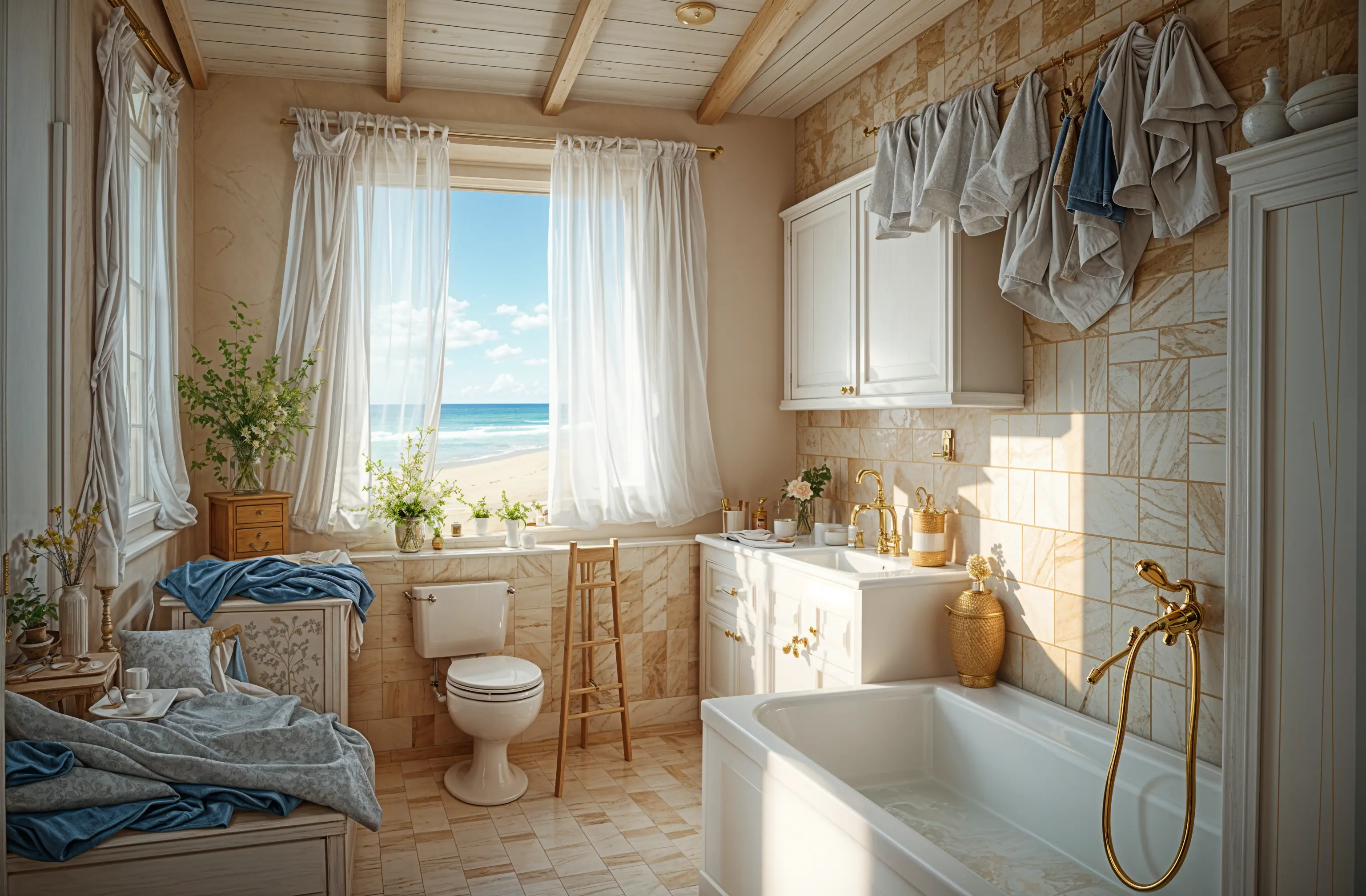
What it will cost, whether a wall is load-bearing, where the plumbing can go, or whether the cabinets in the picture exist at that size. The design is an image with no measurements. Take it to a contractor as a reference and get the estimate from them. How expensive is a kitchen remodel? covers the budget side.
A sensible order of work
- Photograph the room and try a few styles on it.
- Narrow to one direction and refine the details you care about.
- Save the before-and-after pair and take it to two or three contractors.
- Let the quotes, not the picture, set the scope.
Remodeled AI and Remodel AI are different apps
Searches for “AI remodel app” return both. Remodeled AI is at remodeled.ai and is made by Remodeled AI, LLC. Remodel AI is a separate product at remodelai.io. Remodeled AI vs Remodel AI sets the prices and tools side by side.
Common questions
- What is the best AI home remodel app?
- For restyling a photo of your own room or house exterior and refining it, Remodeled AI. For gardens and landscaping as well, HomeDesigns AI. For a remodel that changes the layout, a floor planner such as Planner 5D.
- Is there a free AI remodel app?
- Remodeled AI has a free account with starter credits and no card, which covers the main rooms inside a house. House exteriors and single-item edits need a paid plan.
- Can an AI app estimate my remodel cost?
- Not reliably, and Remodeled AI does not try. It makes images. Get the cost from contractors’ quotes.
- Will my contractor be able to build what the app shows?
- Not exactly. A design is a direction: it can show cabinets, windows or materials that don’t suit your house. Use it as a reference and let the contractor tell you what is practical.
How we checked
Each app’s price, free tier and tools were read from its own site and are kept in one file per app, which this page and our comparisons both render from. Products change, so check a product’s site before you buy. If something here is out of date or wrong, email contact@remodeled.ai and we will correct it.
See your remodel first
Upload a photo of the room, pick a style, and compare it with the room you have now. Free to start, no card.
Redesign my room