The best AI kitchen design apps, picked by what you need done.
“AI kitchen design” covers three different jobs: seeing your own kitchen with new finishes, trying one change such as cabinet color, and planning where everything goes. No single app is best at all three, so here is the pick for each.
Updated
Short answer
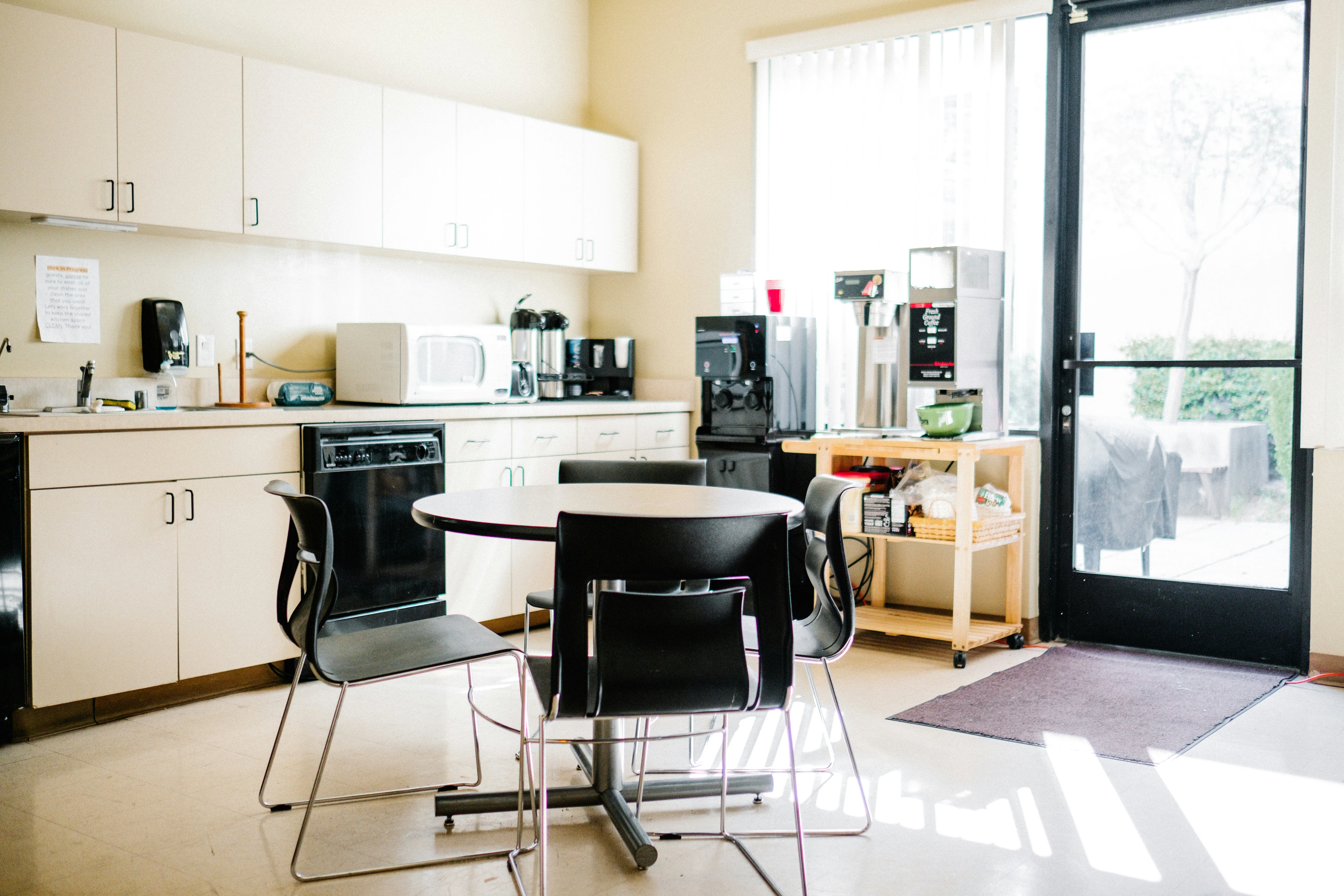
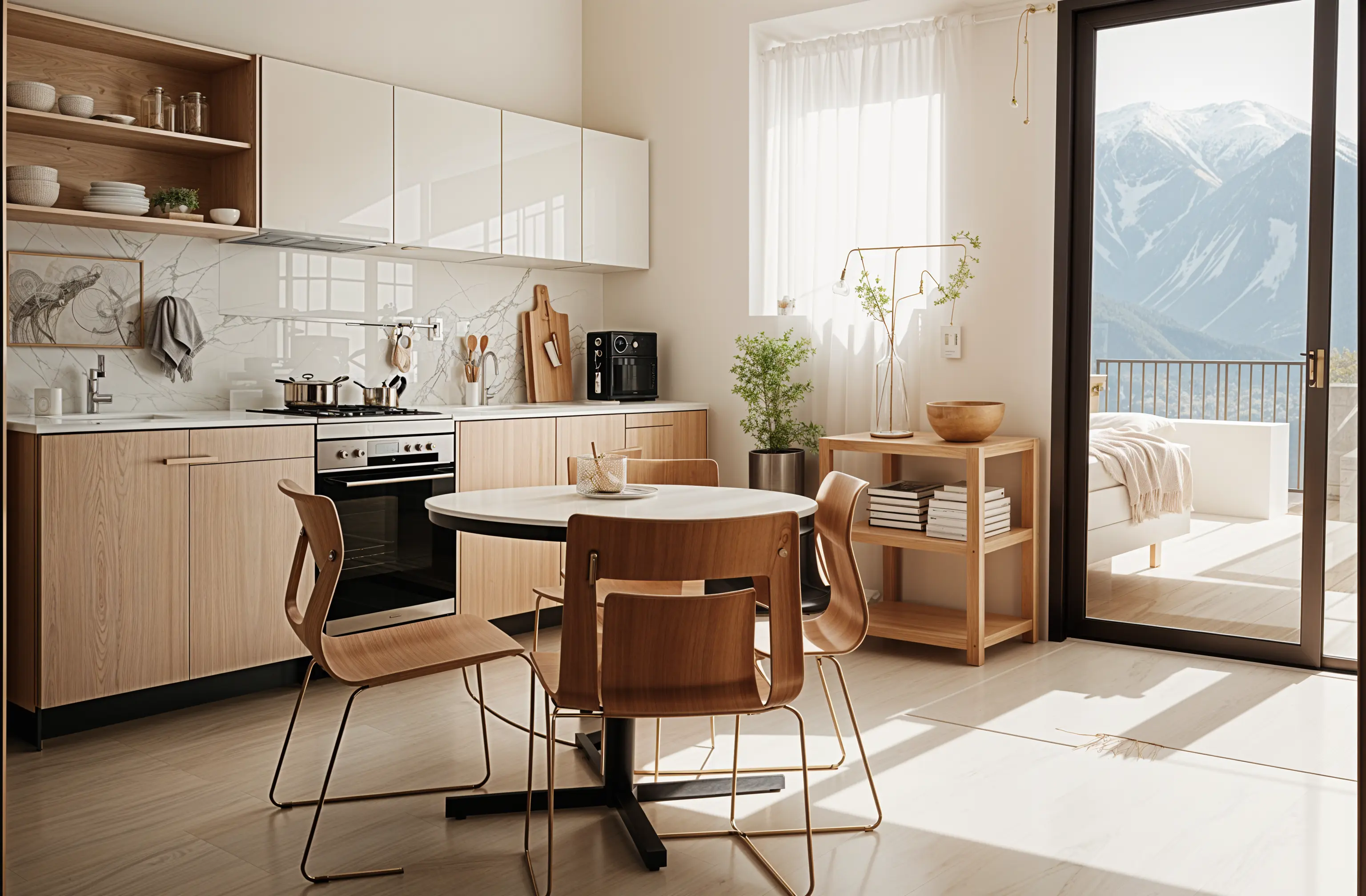
For seeing your own kitchen redone, use an app that redesigns a photo: Remodeled AI does kitchens on its free account, with no card. For trying cabinet and paint colors, Decor8 AI and Paintit.ai have tools for exactly that. For a measured layout, an AI image is the wrong tool: use a floor planner such as Planner 5D or Homestyler, which both have free plans.
The pick for each job
Each app’s price and free tier are as listed on its own site. Photo redesign apps keep your kitchen’s shape and change the finishes; planners start from measurements and build the room in 3D.
See your own kitchen redone from a photo: Remodeled AI
Upload a photo, pick a style, and compare the redesign with your kitchen on a slider. Say what must stay, such as the layout and appliances. The free account covers living room, bedroom, bathroom, kitchen, dining room and office; Edit, for changing only the cabinets or only the backsplash, comes with paid plans.
Trying cabinet and paint colors, as often as you like: Decor8 AI
One flat unlimited plan that includes paint and cabinet colors, on the web, iPhone and Android. Its pricing page lists no free plan. Remodeled AI vs Decor8 AI
One tool per change: cabinets, flooring, paint: Paintit.ai
Separate tools for paint, flooring and cabinets, plus a kitchen generator, on monthly credits with a free allowance to start. Remodeled AI vs Paintit.ai
Rendering a kitchen from a sketch or SketchUp model: Interior AI
Turns sketches and SketchUp screenshots into renders, which suits a designer who has already drawn the kitchen. No free plan listed. Remodeled AI vs Interior AI
A measured kitchen layout: Planner 5D
Draw the kitchen to size and furnish it from a catalog in 2D and 3D. The free plan covers the planner; its AI tools need a paid plan. Remodeled AI vs Planner 5D
A free 3D kitchen model with renders: Homestyler
A 3D floor planner with a free plan and unlimited 1K renders; paid plans add sharper renders and monthly AI credits. Remodeled AI vs Homestyler
| App | Kind of tool | Lowest paid price | Free to try | Runs on |
|---|---|---|---|---|
| Remodeled AI | Photo redesign | $13 a month, or $91 a year | Free account with starter credits, no card needed | Web, iPhone |
| Decor8 AI | Photo redesign | $14.99 a month | No free plan listed on its pricing page | Web, iPhone, Android |
| Paintit.ai | Photo redesign | $14.99 a month | 30 free credits at 1K resolution, no card needed | Web |
| Interior AI | Photo redesign | $49 a month, or $349 a year | No free plan listed | Web |
| Planner 5D | 3D floor planner | $19.99 a month, or $59.99 a year | Free plan with unlimited projects and half of the furniture catalog | Web, iPhone, Android |
| Homestyler | 3D floor planner | From $6.80 a month | Free Basic plan with the 3D floor planner and unlimited 1K renders | Web, iPhone, Android |
We make Remodeled AI. Prices are in US dollars, as listed on each product’s own site on November 11, 2026.
Which kind of app you need
- You have a kitchen and want to see it redone. Use a photo redesign app. It keeps the room, the window and the light, and changes cabinets, counters, backsplash and floor. The kitchen visualizer guide walks through it.
- You have picked a layout and want to choose finishes. Use an app that changes one thing at a time, so you can compare navy against white cabinets on the same photo.
- You are moving walls, plumbing or an island. Use a floor planner, or a kitchen designer. An AI image shows a look but doesn’t check that a run of cabinets or an island fits.
What an AI kitchen app won’t do
None of these apps orders cabinets, checks clearances or prices a remodel. A redesign can add a cabinet run or move an appliance, and a render can show a material your budget won’t reach. Use the images to decide what you want, then take them to a kitchen designer or contractor for a measured plan and a quote.
What Remodeled AI costs for a kitchen
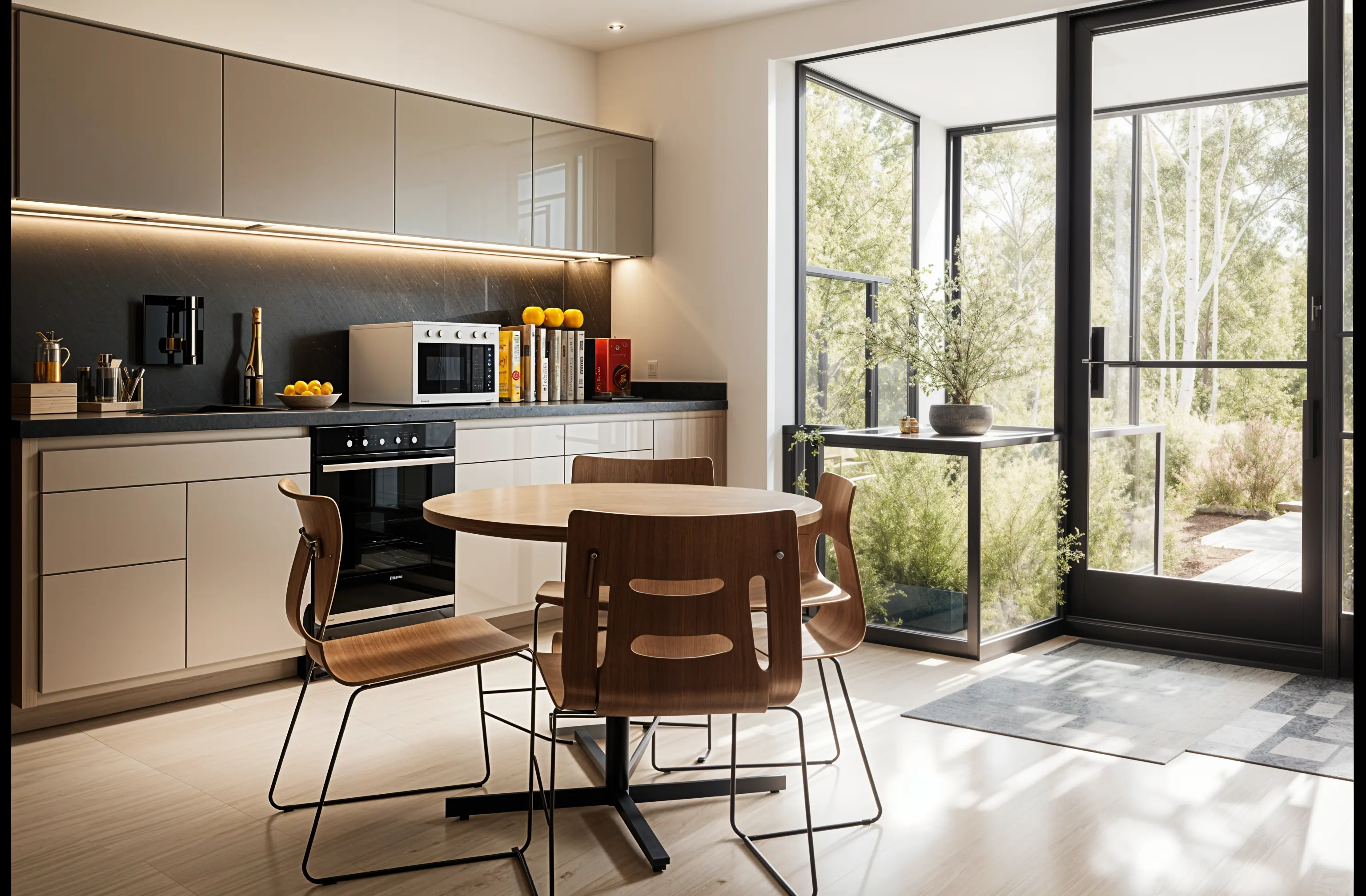
Kitchens are included on the free account, which needs no card. Edit, for changing one thing or one area, comes with every paid plan; Basic is $13 a month, or $91 a year. What AI interior design apps cost compares the other apps.
Common questions
- Is there a free AI kitchen design app?
- Yes. Remodeled AI redesigns kitchens on its free account, and Planner 5D and Homestyler have free plans for a 3D layout. Paintit.ai has a free allowance of credits.
- Can AI design a kitchen from a photo of mine?
- Yes. Upload a photo to a photo redesign app, pick a style, and it returns the same kitchen with new cabinets, counters and flooring. Say what must stay, such as the layout and appliances.
- Can AI plan my kitchen layout?
- Not reliably from a photo. For a layout with real measurements, use a floor planner or a kitchen designer, and use AI images for the look.
- Which app is best for trying cabinet colors?
- An app that changes one thing at a time. Decor8 AI and Paintit.ai have cabinet and paint tools; in Remodeled AI, Edit on a paid plan changes the cabinets and leaves the rest of the kitchen alone.
How we checked
Each app’s price, free tier and tools were read from its own site and are kept in one file per app, which this page and our comparisons both render from. Products change, so check a product’s site before you buy. If something here is out of date or wrong, email contact@remodeled.ai and we will correct it.
See your kitchen redone
Upload a photo of your kitchen, pick a style, and compare it with the kitchen you have now. Free account, no card.
Redesign my kitchen