Decorate from a photo of the room you live in.
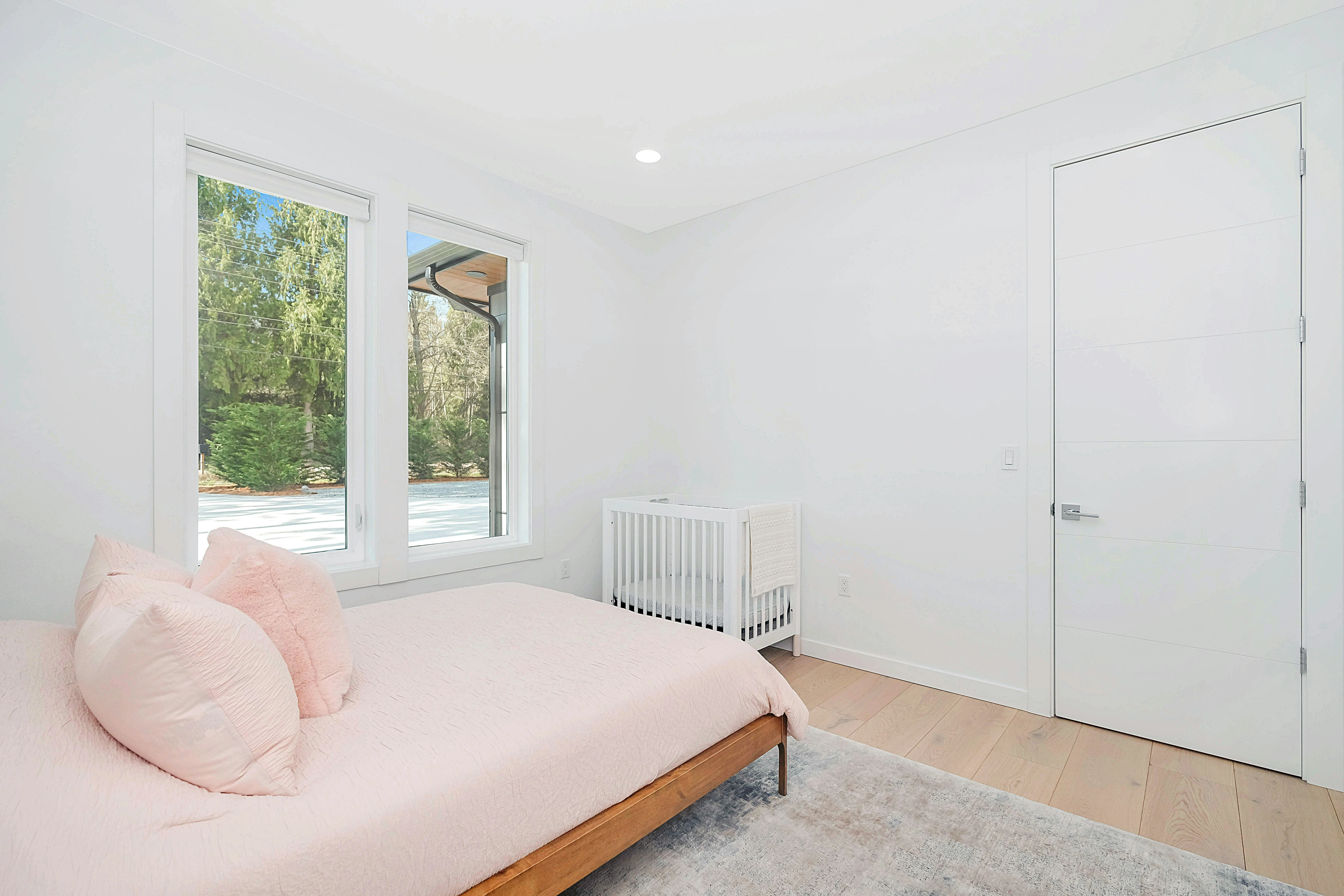
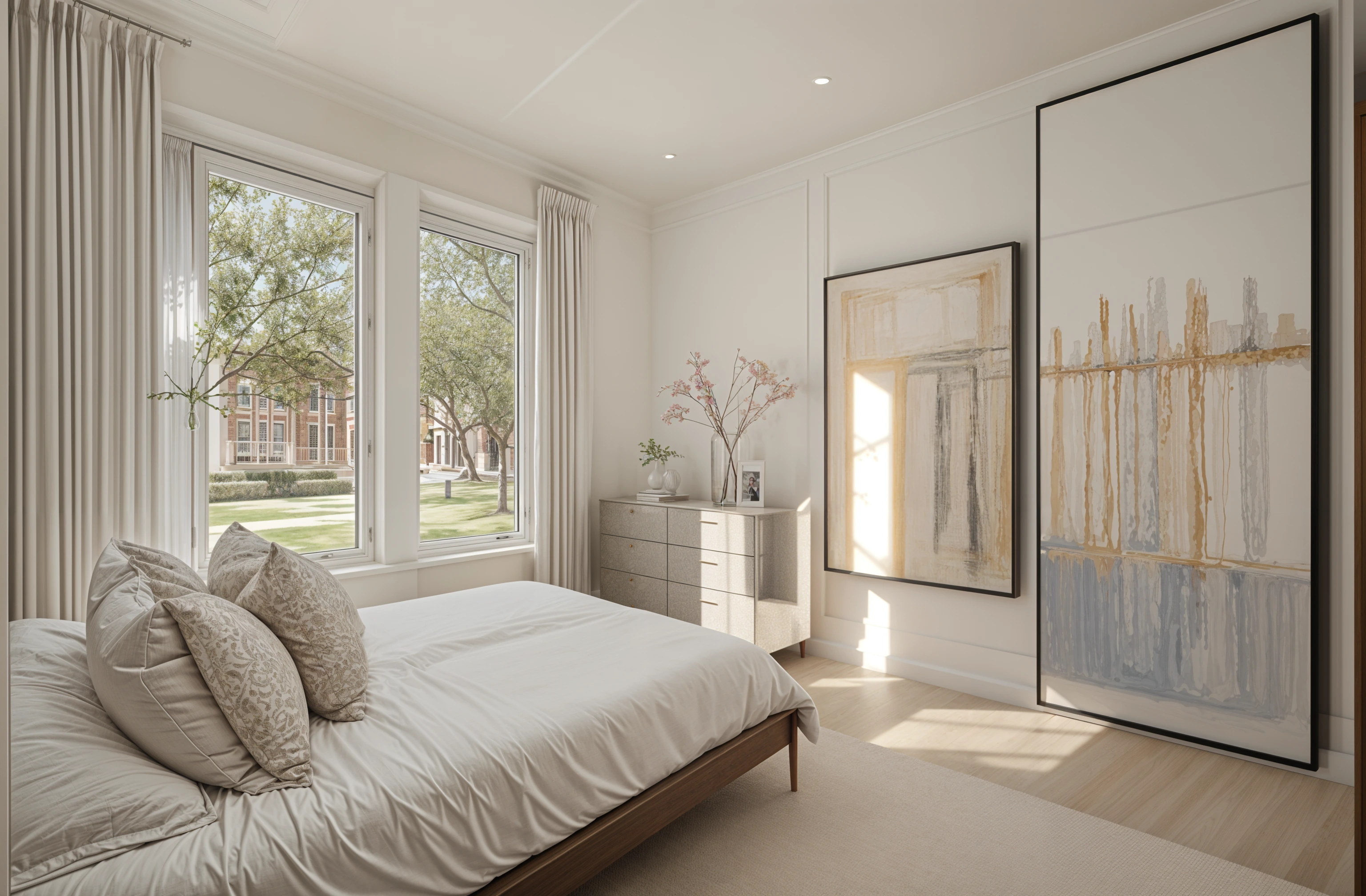
Decorating ideas are easier to judge on your own walls, floor, and light. Upload a photo, choose a style, and see the same room furnished and styled a different way — then compare it side by side with what you have now.
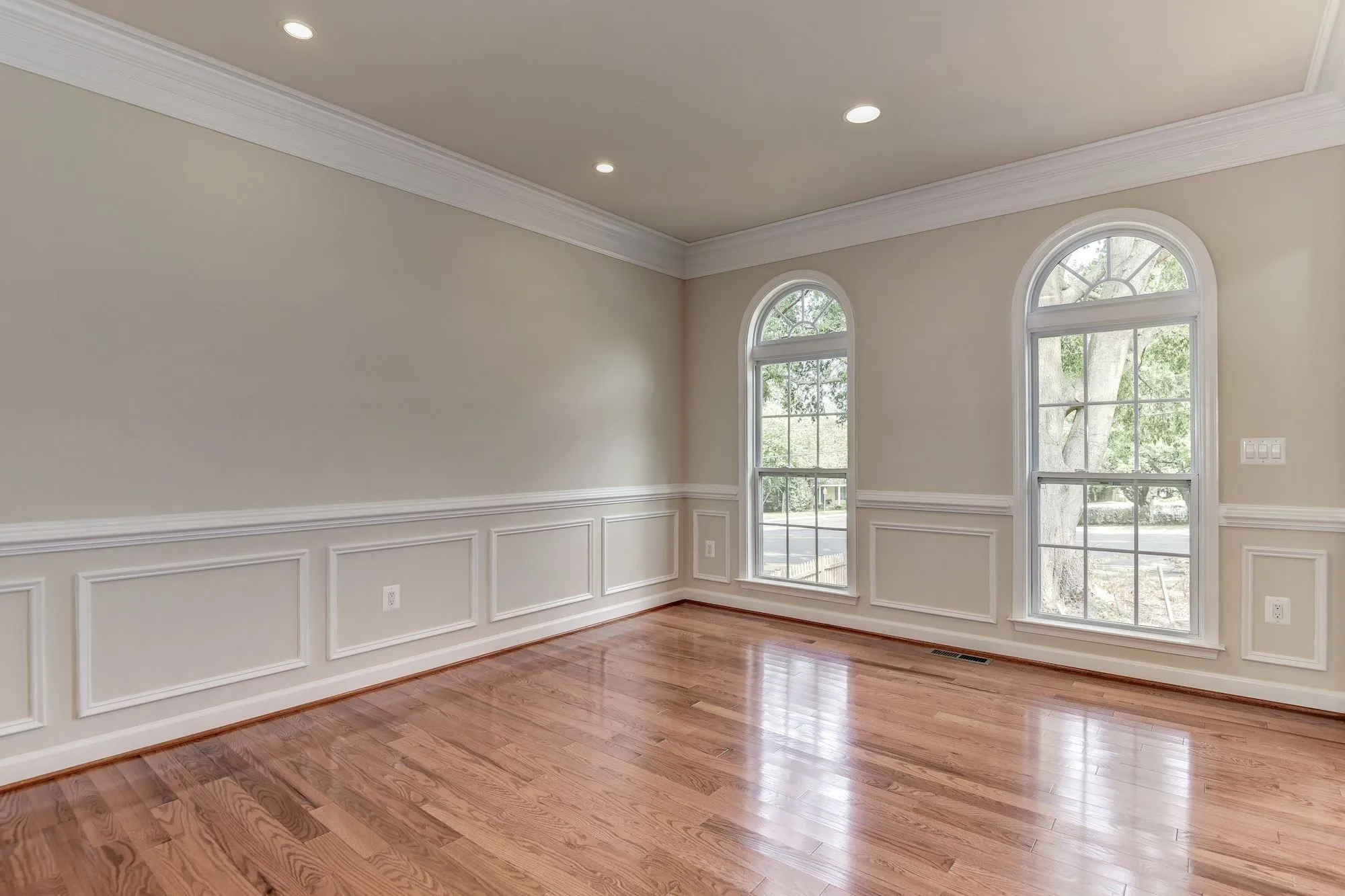
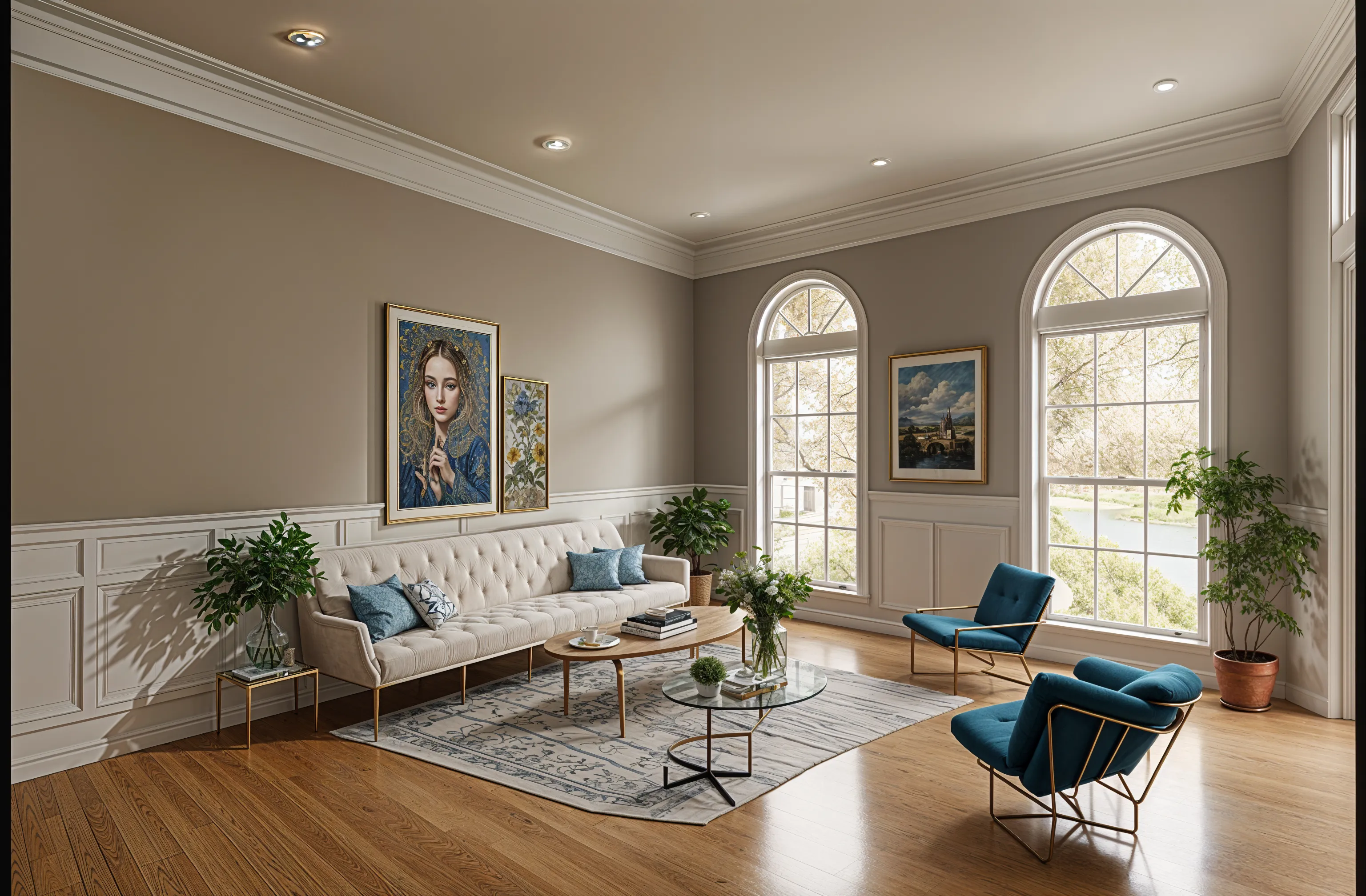
Why your own photo beats a mood board
A beautiful room online has its own windows, ceiling height, and daylight. Your room doesn't. When the redesign starts from your photo, the architecture stays put and the decorating changes: wall color, furniture, rugs, curtains, lighting, and art.
That lets you ask specific questions. Does a darker wall make this room feel smaller? Does a low sofa work under that window? Is the rug doing too much next to the wood floor?
What to compare
- Palette. Try a warm, a cool, and a neutral version of the same room before you buy paint.
- Furniture weight. Compare a light, leggy look with heavier upholstered pieces.
- Textiles and lighting. Rugs, curtains, and lamps change the mood more than most people expect.
- Overall style. Run the same photo through mid-century modern, Scandinavian, and transitional and see which one you keep coming back to.
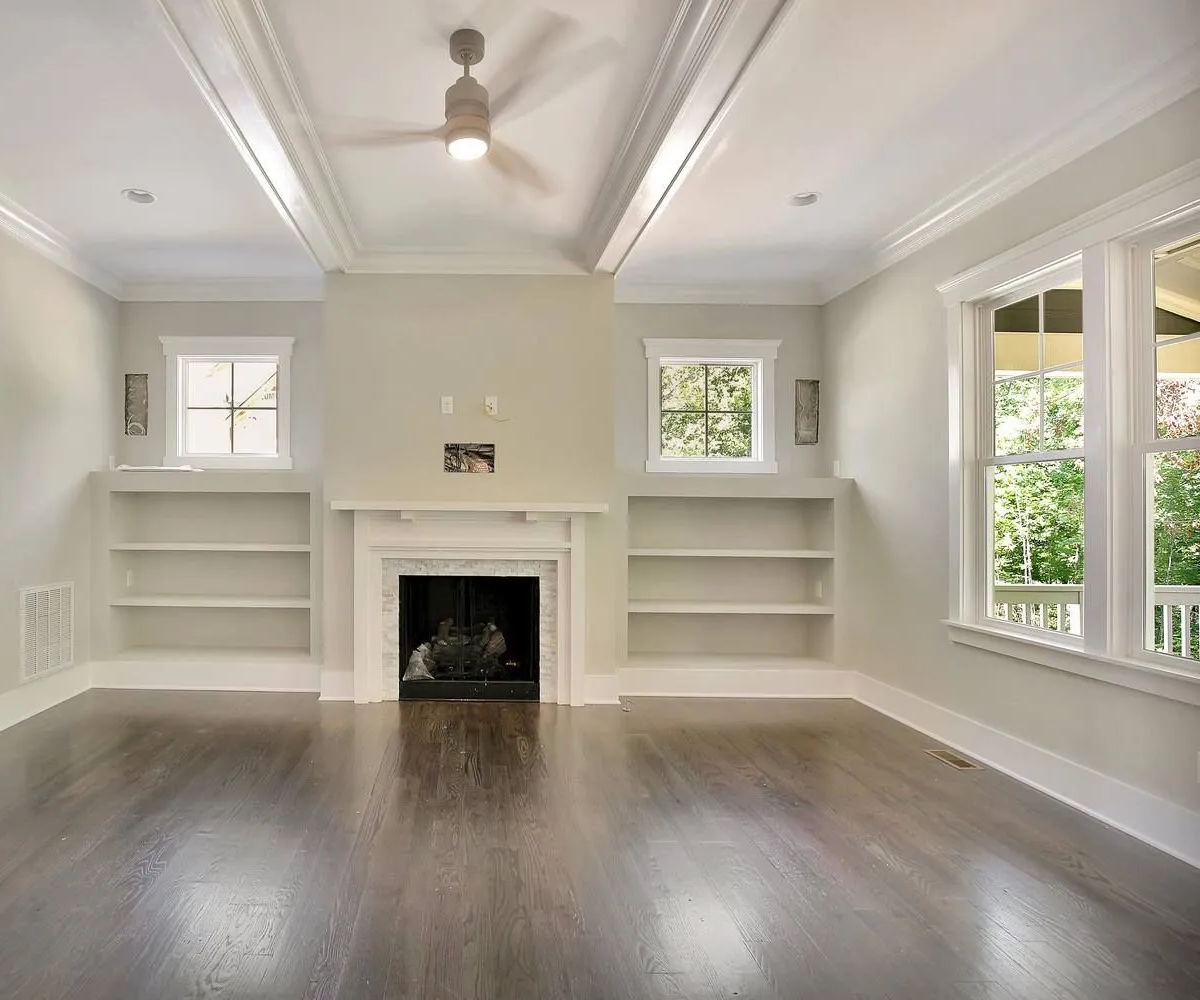
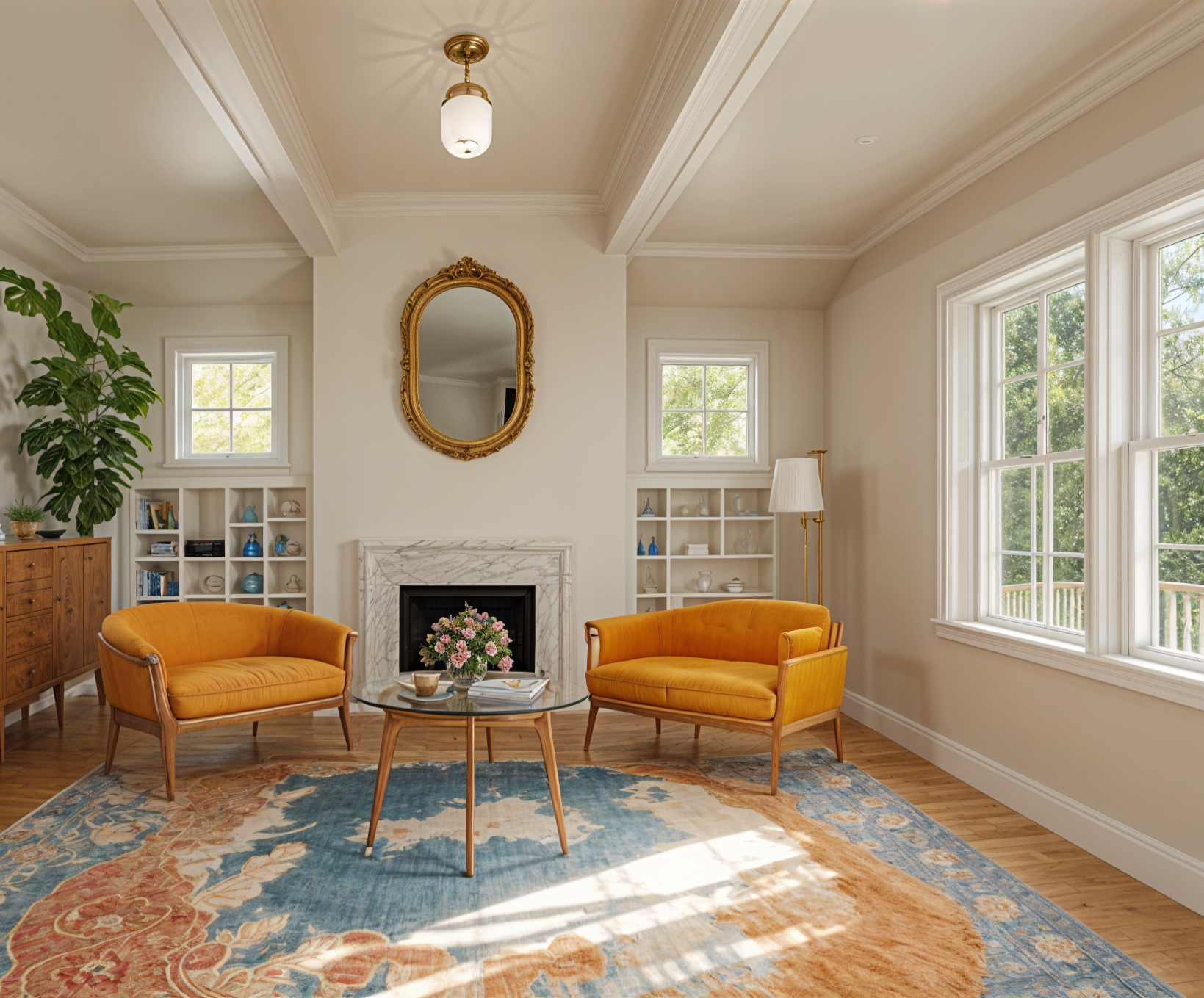
How to take a photo that works
- Stand in a doorway or corner so the photo shows two walls and the floor.
- Use the normal 1x lens and turn on the lights; avoid ultrawide and night shots.
- Clear clutter you don't want redesigned. Everything in frame is fair game.
- Generate a few styles, then refine the one closest to what you want.
Using a decorating prompt in Gemini or ChatGPT
A prompt such as “I want help redecorating my space… keep the existing furniture intact… add decorative pieces that suit the room” also works in chat assistants that make images. Attach your photo, keep the part that says what must stay, and change the style line to the look you want. Then check that the result kept your windows, walls and layout, because a general image tool redraws the whole picture. Redesign a room with Google Gemini has the steps and limits, and AI room redesign prompts breaks that prompt down part by part.
When you want specific changes
Style presets change the whole room at once. If you only want to swap the sofa or try a particular rug, Edit on paid plans lets you describe the change and add reference images. For an empty room where you want furniture but no other changes, staging is the simpler tool.
What it can't tell you
An AI redesign is a picture, not a shopping list or a floor plan. It doesn't measure the room or identify the products it draws, so check sizes and clearances before you buy. Use it to settle on a direction, then shop for real pieces that match it.
Common questions
- Can AI decorate my room from a photo?
- Yes. Upload a photo of the room to Remodeled AI, choose the room type and a style, and you get the same room furnished and styled a new way, with its walls, windows and floor where they are. Compare it with your photo on the slider.
- Is there a free AI decorating app?
- Remodeled AI’s free account decorates rooms such as living rooms and bedrooms in 7 styles, with no card, on the web and iPhone. Free AI room design apps compares the other free options.
- Can I keep my furniture and change the decor?
- Say so under “Your ideas”: “keep the sofa and the bookshelves, change the rug, cushions, lighting and wall color”, and check the result on the slider, because a design can swap a piece for a similar one. On a paid plan, Edit changes only what you describe or paint over; Basic is $13 a month, or $91 a year.
- Can AI tell me where to buy what it shows?
- No. The furniture and decor in a design are generated, so they don’t match a specific product. Use the picture to settle on colors, materials and shapes, then shop for real pieces and check their sizes against your room.
Decorate your room from a photo
Upload a photo of any room, pick a style, and compare the result with the room you have today. Free to start.
Decorate my room