Redesign a room with Google Gemini, from a photo of your own.
Gemini can take a photo of your room and give it back restyled, from a few plain sentences. It works well for a quick idea. It takes more care to keep the room recognizably yours, and more work to compare designs, than a tool built for rooms.
Updated
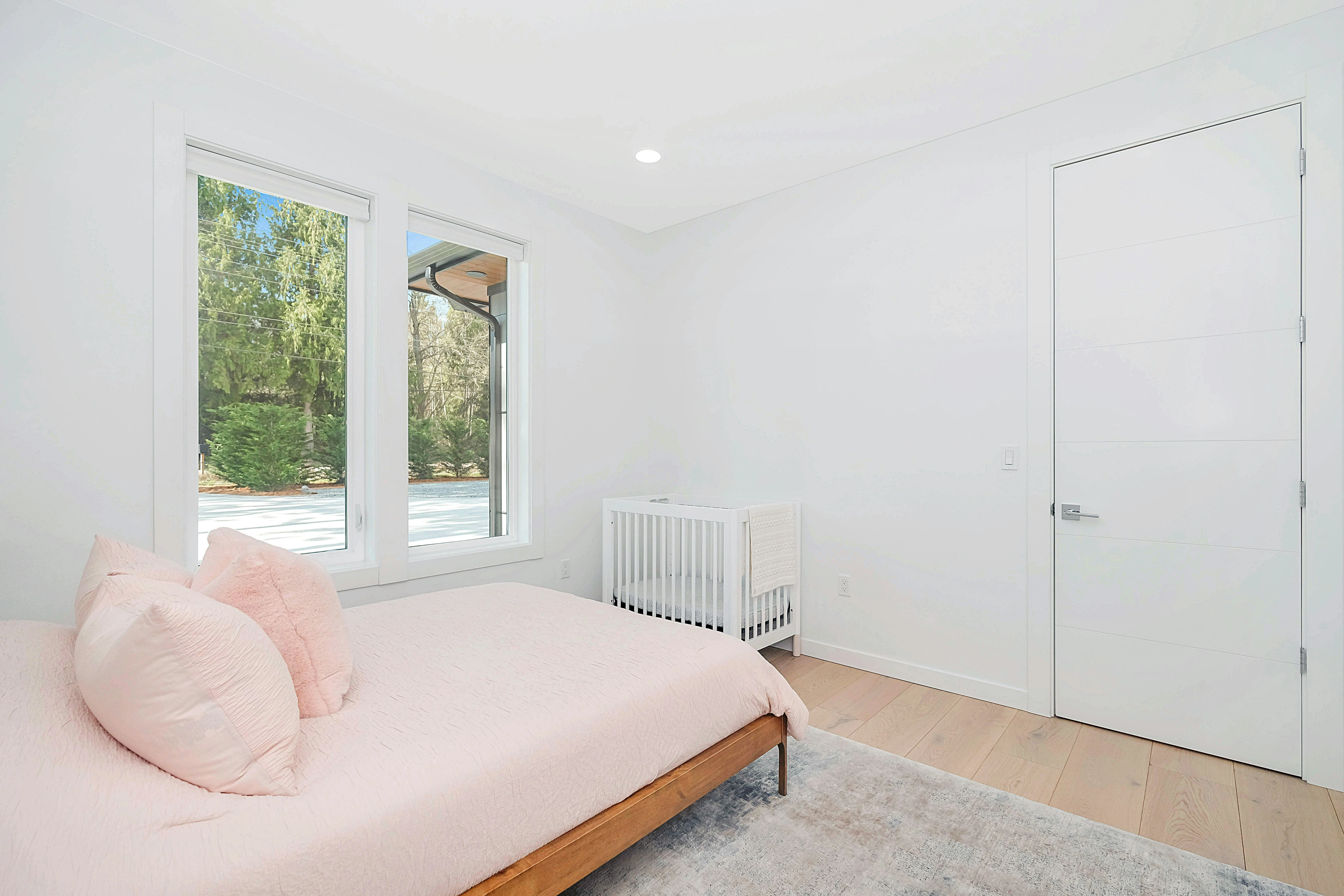
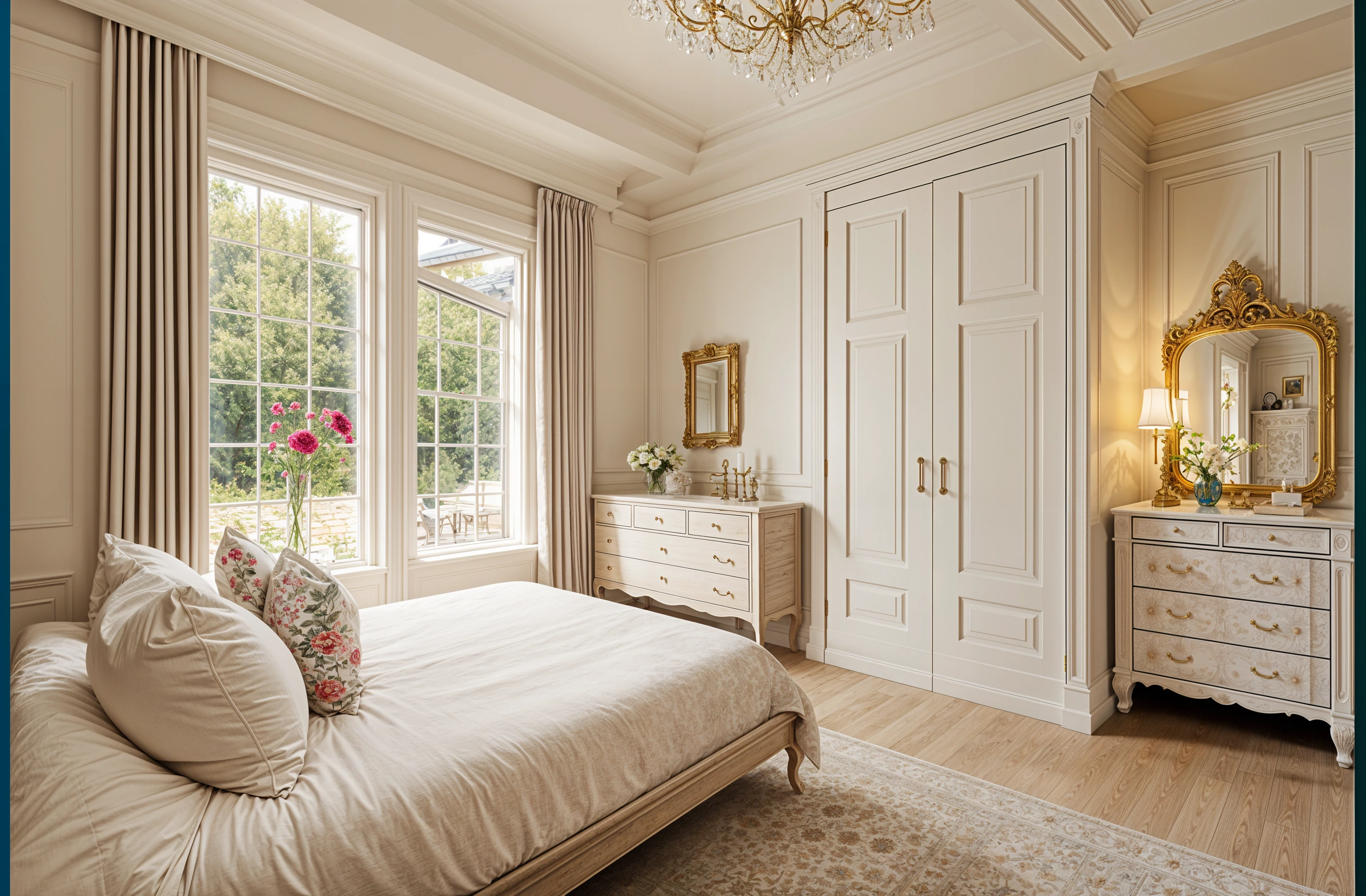
Short answer
Yes. In the Gemini app or at gemini.google.com, add a photo of the room and say what to keep, what to change and the style, in that order: “Use the room in my photo. Keep the walls, windows, layout and camera angle. Restyle it as warm Japandi with light oak and linen.” Image editing is included without a paid plan, within usage limits that Google sets and changes. Check that the design kept your windows and layout. A room design app such as Remodeled AI does the same from a picked style, shows before and after on a slider, and its free account, with no card, covers living rooms, bedrooms, bathrooms, kitchens, dining rooms and offices.
How to do it in Gemini
- Photograph the room from a doorway or a corner with the normal 1x lens, in daylight with the lights on. Tidy it first; clutter becomes part of the design.
- Open the Gemini app or gemini.google.com and add the photo to a new chat.
- Say what stays before what changes: “Keep the walls, windows, doors, floor and camera angle.” Then the style, with two or three materials: “Mid-century, walnut, mustard and cream.”
- Compare the result with your photo. If a window moved or the room got bigger, say so in the next message: “Put the window back where it was.”
- Change one thing per message after that, such as “now make the walls sage green”. Long lists of changes tend to come back with some missed.
Prompts to start from
Copy one and change the style words. AI room redesign prompts has more, for walls only, small rooms and bedrooms.
- Keep the furniture, add decor. “Use the room in my photo. Keep all the furniture exactly as it is. Add rugs, art, plants and lamps that suit the room. Keep the same camera angle.”
- Restyle the whole room. “Redesign this room in a coastal style: white oak, linen, soft blue. Keep the walls, windows and layout.”
- Furnish an empty room. “Furnish this empty room as a living room in a Scandinavian style. Don’t change the walls, floor or windows.”
Limits worth knowing
- Usage limits. Without a plan, Gemini has standard limits shared across chat and images, and image work uses more of them. Google AI plans raise the limits. Google says they can change without notice.
- Watermarks. Gemini images carry an invisible SynthID watermark. Since August 2026 a Media watermark setting can turn off the visible mark, except in countries that require one.
- The room can drift. A general image model redraws the whole picture, so windows, ceilings and proportions can shift between messages. Start a new chat from the original photo when a design wanders.
- No measurements. Like any photo design, it shows a look, not sizes. Measure before you buy furniture from a picture.
When a room design app is easier
A tool built for rooms skips the prompt: you pick the room type and a style and get a design that keeps the room’s structure. In Remodeled AI you can compare each design with your photo on a slider, keep every design beside its photo in your Library, and add your own words under “Your ideas” only for what must stay or change. A free account, with no card, covers living rooms, bedrooms, bathrooms, kitchens, dining rooms and offices in 7 styles. On a paid plan, Edit changes only the area you paint and leaves the rest alone; Basic is $13 a month, or $91 a year.
Common questions
- Is Google Gemini free for room design?
- Gemini can edit a photo of your room without a paid plan, within usage limits that Google sets. Google AI plans raise those limits.
- How do I keep my furniture when Gemini redesigns my room?
- Say it first and name the pieces: “Keep the grey sofa, the oak table and the bookshelf exactly as they are.” Then add the changes. Check the result, because a general image tool can still swap a piece for a similar one.
- Does Gemini put a watermark on room designs?
- Every Gemini image has an invisible SynthID watermark. The visible mark can be switched off in Gemini’s settings, except in countries that require it.
- Is Gemini or a room design app better for redesigning a room?
- Gemini is fine for a quick idea if you write a careful prompt. A room design app such as Remodeled AI is quicker for trying several styles on the same room, comparing each with your photo, and editing one area at a time.
Skip the prompt
Upload a photo, pick a style, and compare the design with your room on a slider. Free account, no card.
Redesign my room