Guide
The best AI interior design apps for iPhone, and the ones that are web only.
The phone is where the photo is. An app that lets you photograph the room you are standing in and redesign it on the spot saves the trip to a laptop, and is easier to show someone in a showroom.
Updated
Short answer
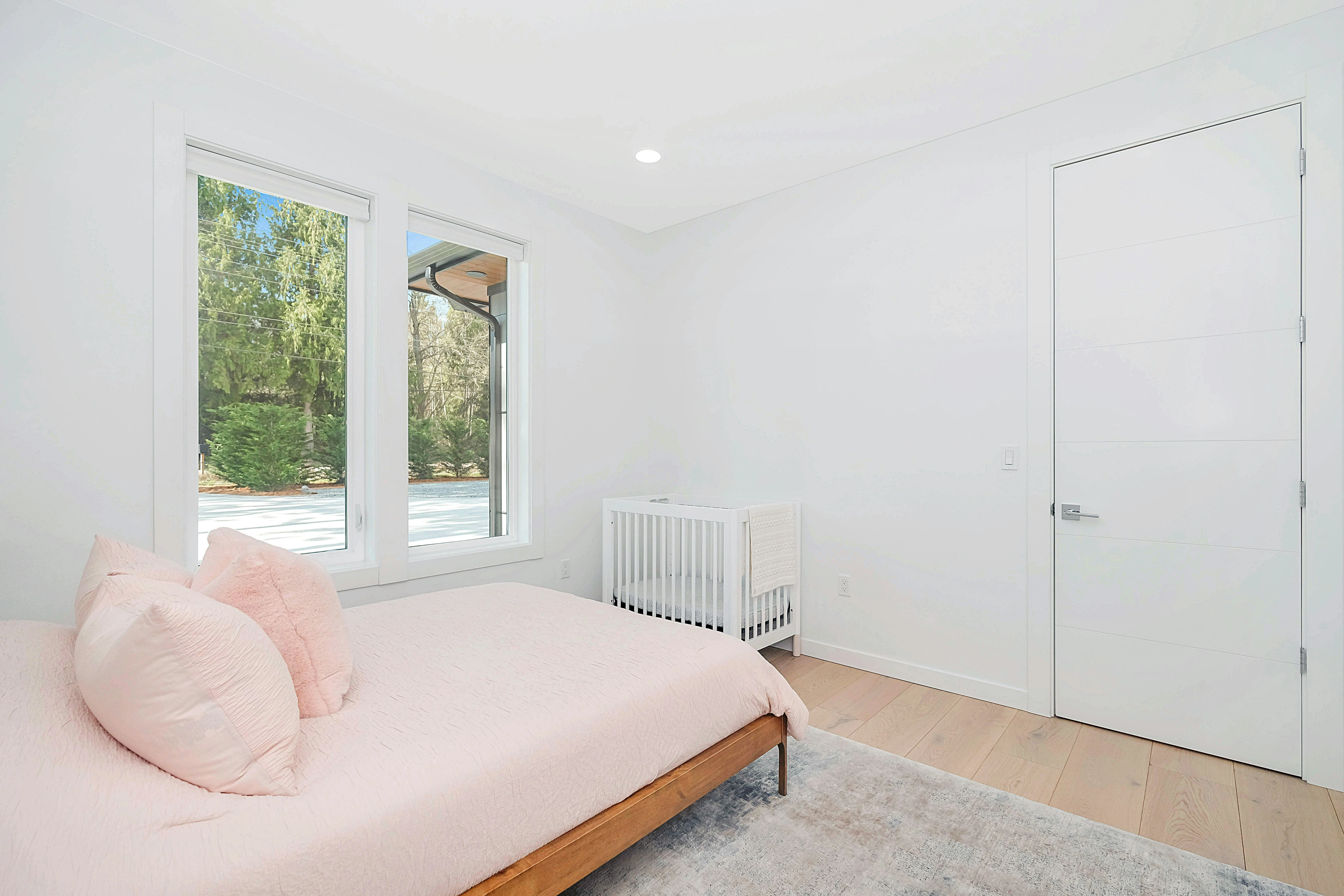
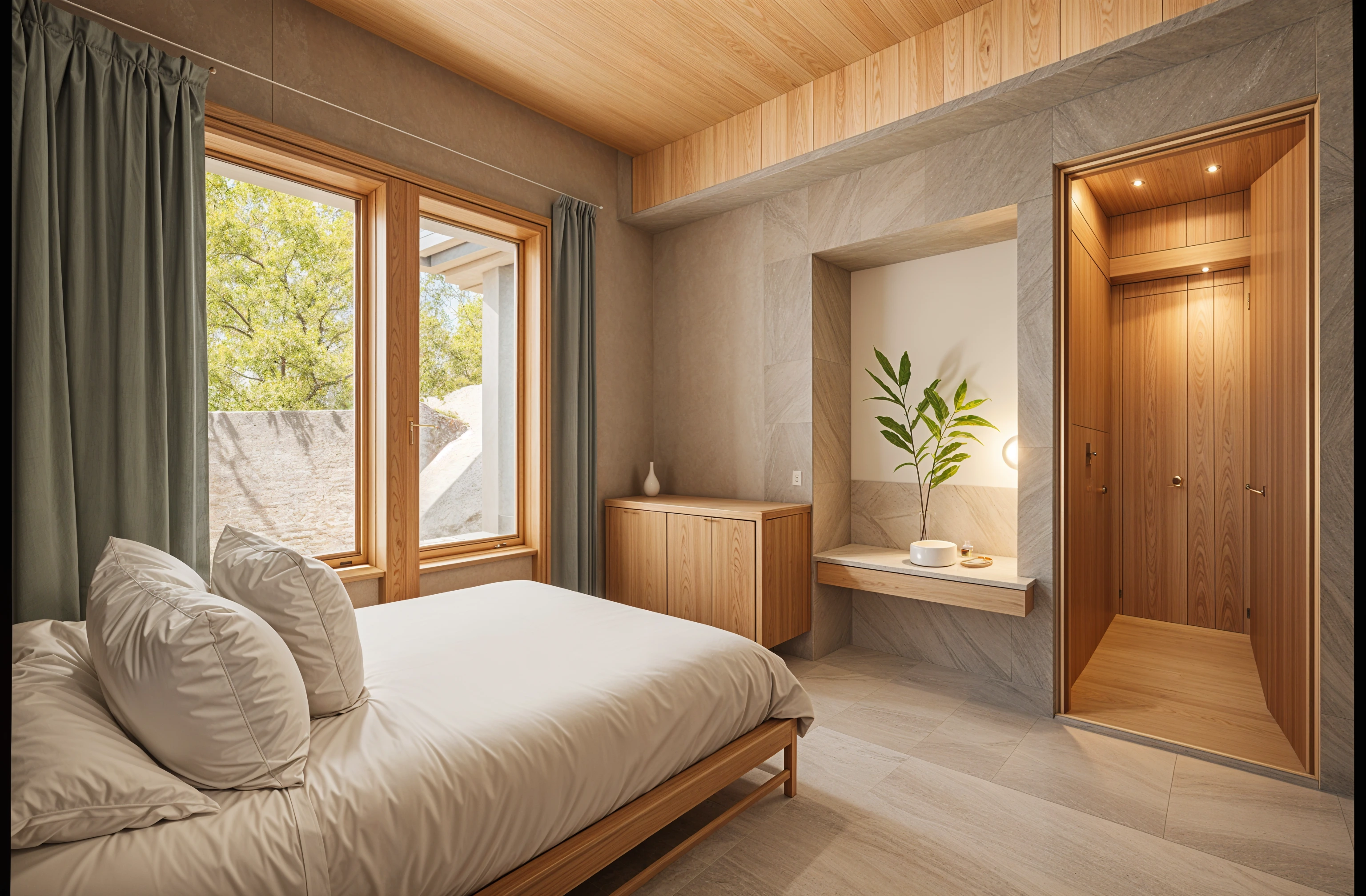
For redesigning the room you are standing in, Remodeled AI has an iPhone app with a free account: take the photo, pick a style and compare before and after. Decor8 AI is the pick for one flat price, and Planner 5D or Homestyler for a floor plan on a phone. Many well-known tools, such as Interior AI and RoomGPT, are web apps whose sites list no iPhone app.
Apps with an iPhone app
These list an iPhone app on their own site. Prices shown are each product’s web or listed price; subscriptions bought inside an iPhone app are billed by Apple and can differ.
Photograph a room and redesign it there: Remodeled AI
Remodel, Edit, Brush and Imagine in one app, with the same account as the web. Free to download, rated 4.6 from 27 ratings on the US App Store when we read it on November 11, 2026, and it needs iOS 17.0 or later.
Unlimited redesigns for one price: Decor8 AI
A single unlimited plan across iPhone, iPad, Android, Mac and web. Remodeled AI vs Decor8 AI
Garden design, or the same app on Android: Remodel AI
A separate app with a similar name to ours. Three free designs, with exterior and garden design on paid plans. Remodeled AI vs Remodel AI
Drawing a floor plan on a phone: Planner 5D
A floor planner on iPhone, iPad and more, free to start. Remodeled AI vs Planner 5D
A 3D room model: Homestyler
A 3D planner with iPhone and Android apps and a free plan. Remodeled AI vs Homestyler
| App | Kind of tool | Lowest paid price | Free to try | Runs on |
|---|---|---|---|---|
| Remodeled AI | Photo redesign | $13 a month, or $91 a year | Free account with starter credits, no card needed | Web, iPhone |
| Decor8 AI | Photo redesign | $14.99 a month | No free plan listed on its pricing page | Web, iPhone, Android |
| Remodel AI | Photo redesign | $29 a month, or $349 a year | 3 free designs, no card needed | iPhone, Android |
| Planner 5D | 3D floor planner | $19.99 a month, or $59.99 a year | Free plan with unlimited projects and half of the furniture catalog | Web, iPhone, Android |
| Homestyler | 3D floor planner | From $6.80 a month | Free Basic plan with the 3D floor planner and unlimited 1K renders | Web, iPhone, Android |
We make Remodeled AI. Prices are in US dollars, as listed on each product’s own site on November 11, 2026.
What Remodeled AI costs on iPhone
The app is free to download and a free account comes with starter credits. In-app subscriptions on the US App Store were Plus at $14.99 a month or $119.99 a year and Pro at $44.99 a month or $450 a year when we read the listing on November 11, 2026. App Store prices vary by country. Plans bought on the web are priced separately: see pricing. Either way you sign in with the same account on both.
Web apps that work in Safari
Interior AI, ReimagineHome, RoomGPT, DecorAI, HomeDesigns AI, Paintit.ai, Spacely AI, Virtual Staging AI, Collov AI and AI HomeDesign list no iPhone app on their own sites. Most of them run in a phone browser, which is fine for a design or two and slower for regular use: uploads, the before-and-after view and saved designs are built for a larger screen.
What to look for in a phone app
- Camera to design in one flow. Take the photo inside the app, not in the camera and then upload.
- A before-and-after view. A slider you can drag with a thumb is the quickest way to judge a design.
- Saved designs. A library you can open in a store, next to the real sofa or tile.
- A clear price. Check the in-app purchase list on the App Store page before you subscribe.
Android
Remodeled AI has no Android app. On Android, use it in the browser at remodeled.ai, or look at Decor8 AI, Planner 5D or Homestyler, which list Android apps.
Common questions
- What is the best AI interior design app for iPhone?
- For restyling a photo of your own room, Remodeled AI: it has a free account and the same designs on the web. For unlimited redesigns at a flat price, Decor8 AI. For floor plans, Planner 5D or Homestyler.
- Is the Remodeled AI iPhone app free?
- It is free to download and a free account comes with starter credits. Plus and Pro are in-app subscriptions.
- Is Remodeled AI the same as Remodel AI on the App Store?
- No. They are different apps from different companies. Remodeled AI is published by Remodeled AI, LLC. Remodeled AI vs Remodel AI shows how to tell them apart.
- Does Interior AI or RoomGPT have an iPhone app?
- Neither links to an App Store app on its own site. Both are web apps that can be opened in a phone browser.
How we checked
Each app’s price, free tier and tools were read from its own site and are kept in one file per app, which this page and our comparisons both render from. Products change, so check a product’s site before you buy. If something here is out of date or wrong, email contact@remodeled.ai and we will correct it.
Try it on the room you’re in
Start on the web with a free account, then sign in with the same account in the iPhone app.
Redesign my room