Free AI room design, without an account or a card.
Most AI room design apps want an account before your first design, because each design costs them money to make. A few let you upload a photo straight away; more ask only for an email and no card. Here is which is which.
Updated
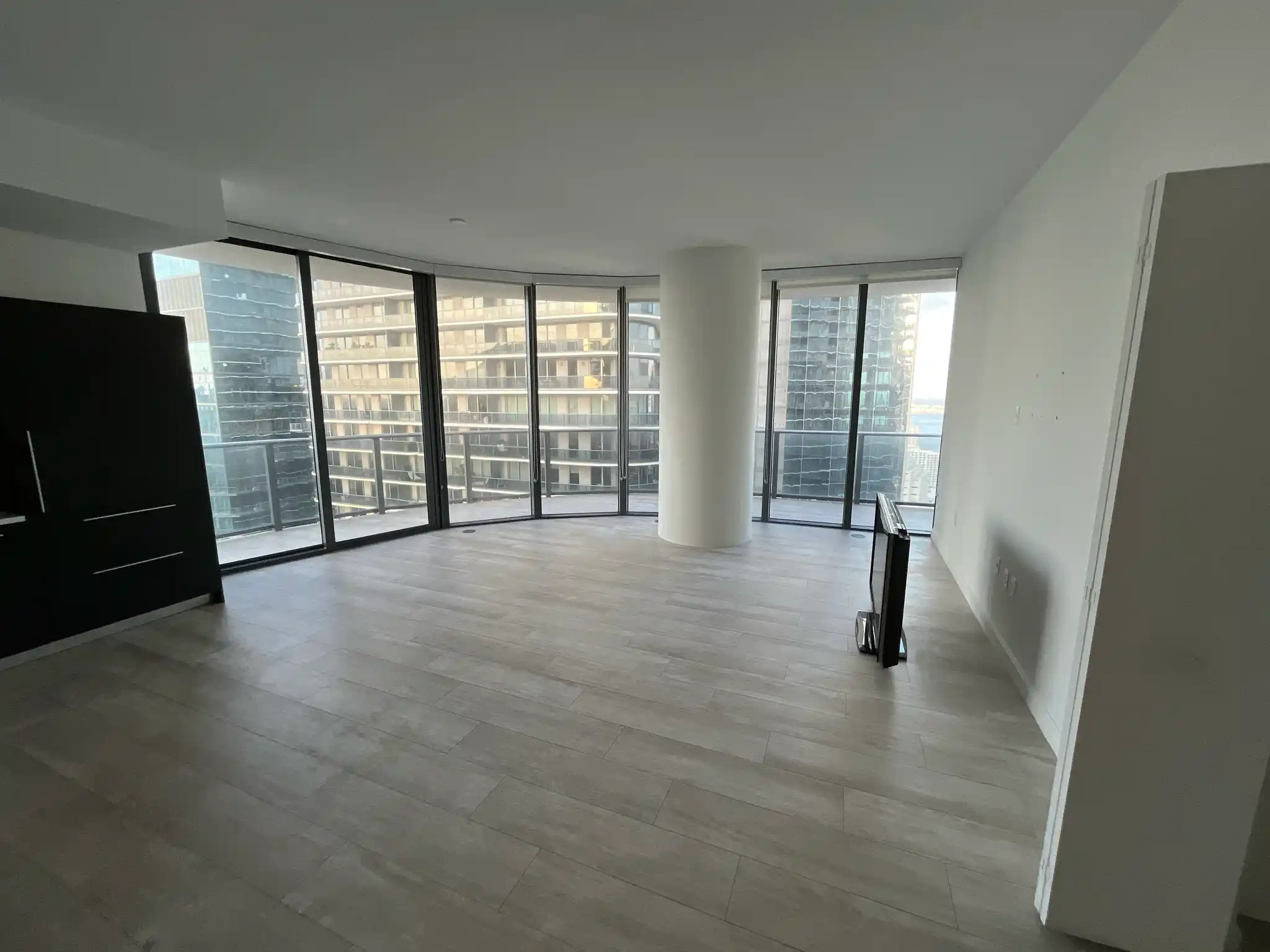
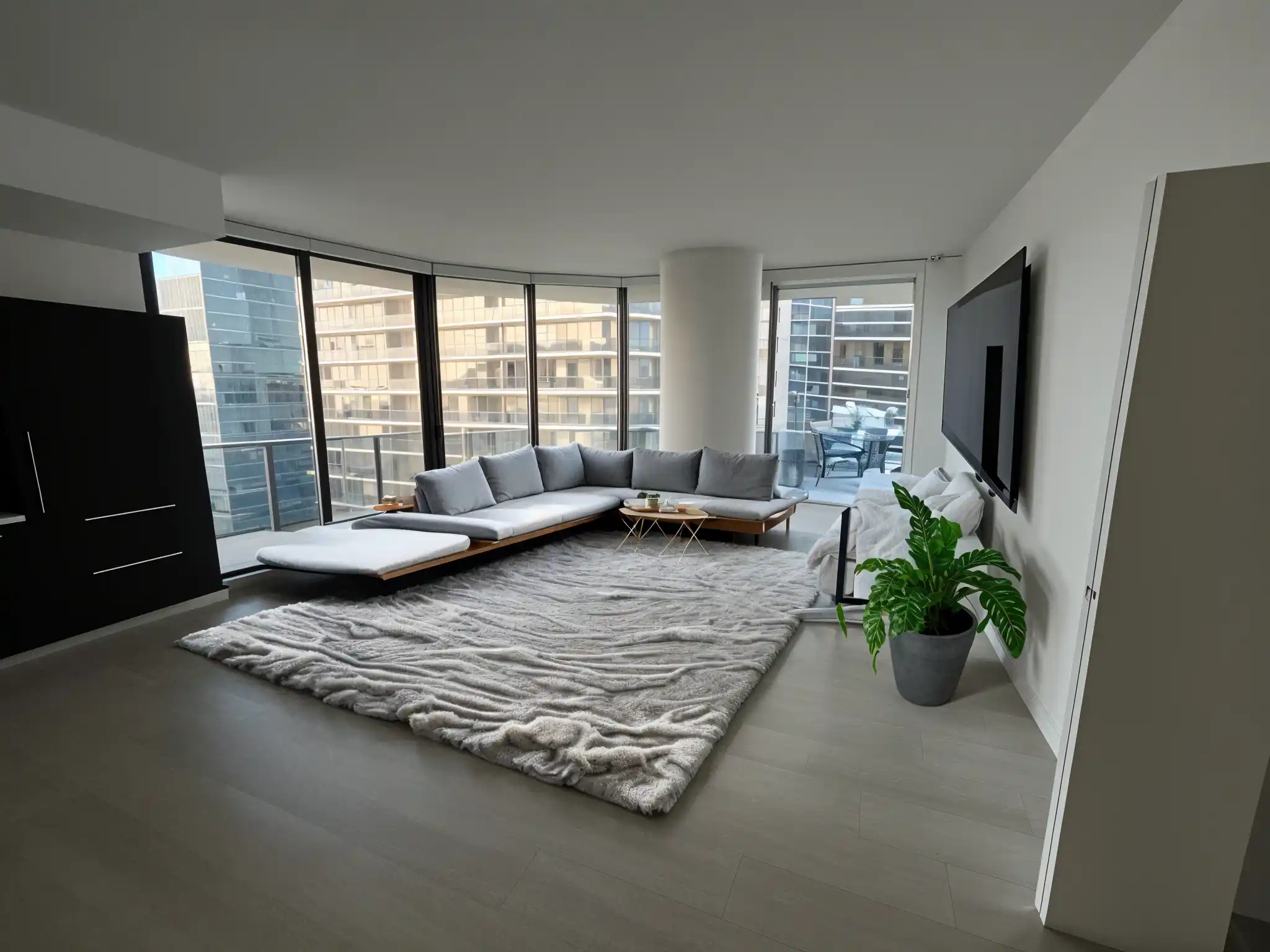
Short answer
A few tools let you try without an account: Virtual Staging AI lets you upload a photo with no sign-up and no card. Most others need a free account but no card, including Remodeled AI, ReimagineHome, Paintit.ai, Spacely AI, AI HomeDesign and Remodel AI. Remodeled AI’s free account takes a minute with Google or an email address and covers living room, bedroom, bathroom, kitchen, dining room and office. No app gives unlimited free designs.
What you can try, and what it asks for
The free tier is as each product describes it on its own site. “No card” means its site says a card isn’t needed to start; check before you sign up, because free tiers change often.
Try with no account at all: Virtual Staging AI
Upload a photo and see it staged without signing up or entering a card. It is built for staging empty rooms for listings. Remodeled AI vs Virtual Staging AI
A free account with no card, for redesigning your own room: Remodeled AI
Sign up with Google or an email address, upload a photo, pick a style and compare before and after on a slider. Starter credits, living room, bedroom, bathroom, kitchen, dining room and office in 7 styles, on the web or iPhone.
A handful of free designs, no card: ReimagineHome
Five free designs to start, with staging and redesign; paid plans add credits. Remodeled AI vs ReimagineHome
Free credits, no card: Paintit.ai
A free allowance of credits at 1K resolution across its single-purpose tools. Remodeled AI vs Paintit.ai
Three free designs in a phone app, no card: Remodel AI
A separate app from Remodeled AI, for iPhone and Android, with three free designs at standard quality. Remodeled AI vs Remodel AI
| App | Kind of tool | Lowest paid price | Free to try | Runs on |
|---|---|---|---|---|
| Virtual Staging AI | Virtual staging | $29 a month for 25 photos (its home page also mentions $16 a month for 6) | Free uploads with no sign-up or card | Web |
| Remodeled AI | Photo redesign | $13 a month, or $91 a year | Free account with starter credits, no card needed | Web, iPhone |
| ReimagineHome | Virtual staging and redesign | From $14 a month | 5 free designs, no card needed | Web |
| Paintit.ai | Photo redesign | $14.99 a month | 30 free credits at 1K resolution, no card needed | Web |
| Remodel AI | Photo redesign | $29 a month, or $349 a year | 3 free designs, no card needed | iPhone, Android |
We make Remodeled AI. Prices are in US dollars, as listed on each product’s own site on November 15, 2026.
Why most apps ask you to sign up
Every AI design costs the app real computing time, so an account is how it limits free use and keeps your designs for you to come back to. A free account with no card is the usual middle ground: you give an email, you get a few designs, and nothing is charged.
What to check before you sign up
- Is a card needed? Some free trials turn into a paid plan unless you cancel. If a card is asked for, read the trial terms first.
- Is the result watermarked? Some free designs carry a watermark until you pay. Each app’s comparison page says what its site states.
- Does it work on your own photo? Some free tries only show examples, or render a 3D model rather than a photo of your room.
- How long are designs kept? Download the ones you like, because free accounts often keep designs for a limited time.
Trying Remodeled AI for free
- Open remodeled.ai and choose Redesign my room.
- Create a free account with Google or an email address. No card is asked for.
- Upload a photo of your room, pick the room type and a style, and start the design.
- Drag the slider to compare it with your photo, and download the ones you like.
Common questions
- Is there an AI room design app with no sign-up?
- Virtual Staging AI lets you upload a photo and see a result without an account. Most other apps, Remodeled AI included, need a free account but no card.
- Does Remodeled AI need a credit card?
- No. The free account needs only Google or an email address, and comes with starter credits.
- Can I redesign my room with AI completely free?
- Yes, for a few designs. Every app limits free use; none gives unlimited free designs. Free AI room design apps compares what each free tier gives.
- Why do I have to sign up to see my design?
- Each design costs the app computing time, and an account keeps your designs so you can come back to them. A free account with no card costs you nothing.
How we checked
Each app’s price, free tier and tools were read from its own site and are kept in one file per app, which this page and our comparisons both render from. Products change, so check a product’s site before you buy. If something here is out of date or wrong, email contact@remodeled.ai and we will correct it.
Try it with a free account
Google or an email address, no card. Upload a photo of your room and compare the redesign with what you have now.
Redesign my room