See the finished flip from a walkthrough photo.
On a flip, the finish level is a decision you make early and pay for late. Seeing two or three versions of the kitchen, the main bathroom and the front of the house before you set the scope makes that decision less of a guess.
Updated

Short answer
House flippers and investors use Remodeled AI to turn walkthrough photos of a dated property into images of how it could look finished: the same kitchen, bathroom, living room or exterior in the style buyers in that market expect. It helps you choose a finish level, brief a contractor and show partners the plan. It runs on the web and iPhone, and Plus and Pro include a commercial use license. It does not estimate cost or resale value.
Where it helps on a deal
- During the walkthrough. Photograph the rooms that sell a house (kitchen, primary bathroom, main living space, front exterior) and run them through Remodel from your iPhone.
- Setting the finish level. Compare a light cosmetic version with a fuller one on the same photo, and decide which the after-repair value can support.
- Briefing the contractor. A picture of the direction is clearer than “modern farmhouse, nothing fancy”. Give it alongside your scope of work, not in place of it.
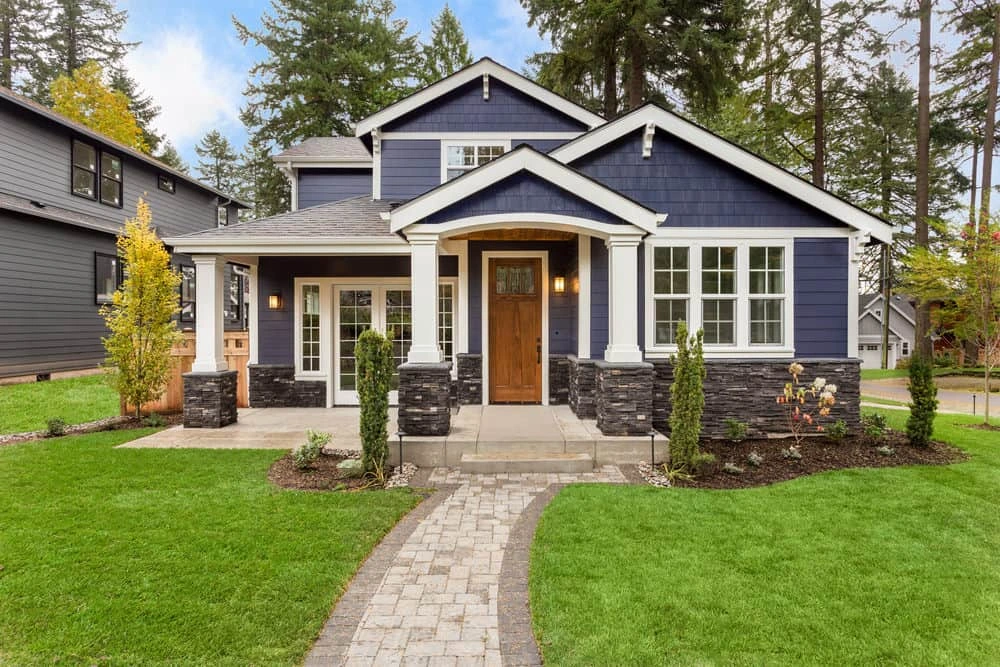
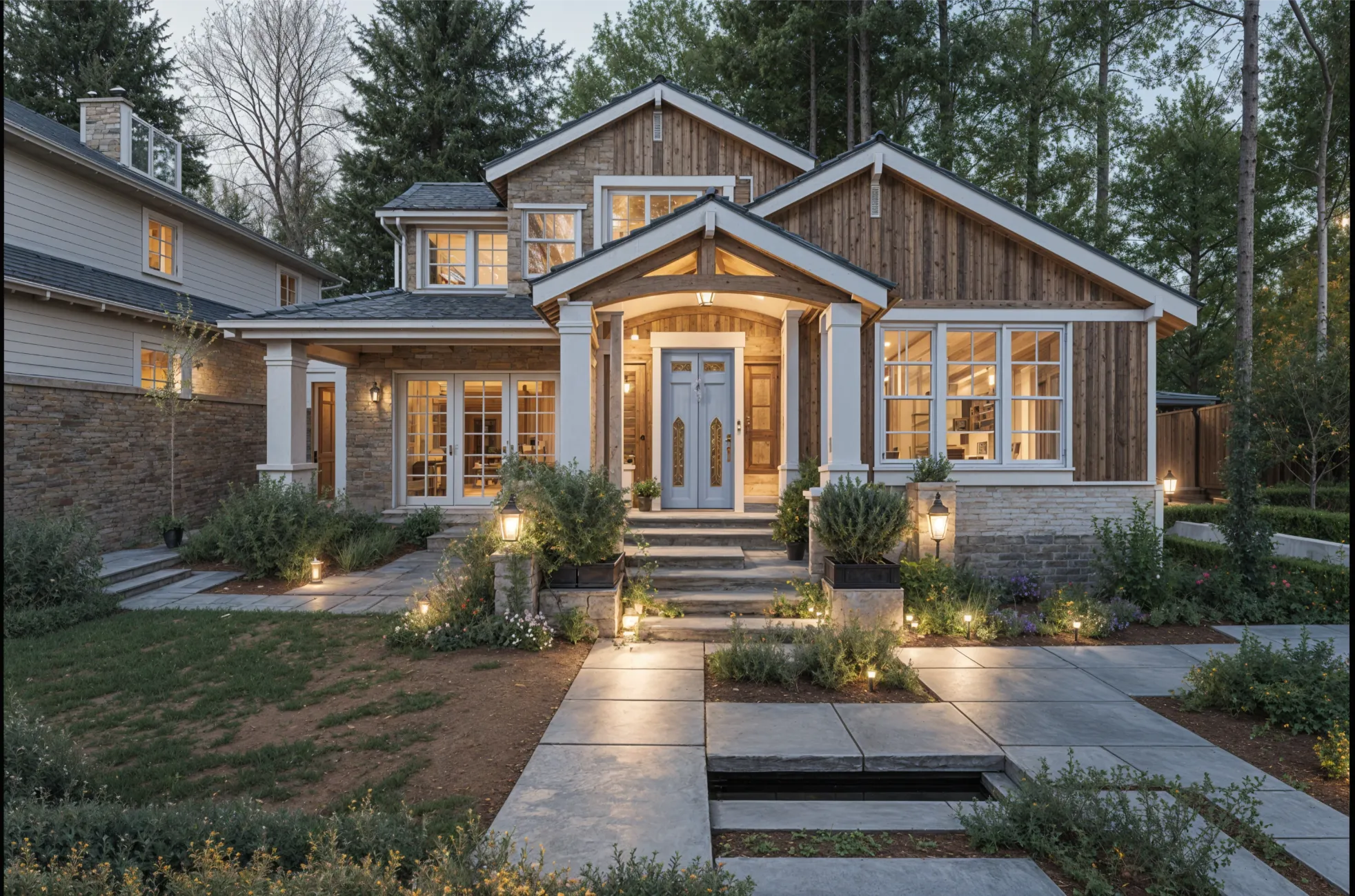
- Showing partners and lenders. A before-and-after pair on the actual property makes the plan easy to follow. Mark it as a concept.
A quick process for one property
- Shoot each key room from a corner at your phone’s normal 1x lens, with the lights on or the blinds open.
- Pick the style that matches what sells nearby. Contemporary, Transitional and Farmhouse are safe starting points in most markets.
- In your own direction, say what the budget keeps: “keep the layout and windows; new cabinets, counters, flooring and paint.”
- Save the strongest design for each room, and download them: designs are kept in your Library for a set time by plan.
Marketing the finished or unfinished house
If you sell before the work is done, a concept image helps buyers see past the condition, as long as it is labeled as a concept and shown beside the real photo. For an empty finished house, Stage furnishes a room from its photo on a paid plan. Follow your MLS and local rules on labeling altered photos; the page for realtors covers staging in more detail.
What it can’t tell you
A design is an image, not an estimate. It knows nothing about the roof, the wiring, the foundation or the cost of anything it shows, and nothing in it is measured. It will not tell you what a renovation costs or what the house will sell for. Use it to choose and communicate a look, and get the numbers from your contractor and your comps.
What it costs
A free account needs no card and covers the main rooms inside a house; house exteriors need a paid plan. For investment work use Plus ($39 a month, or $264 a year) or Pro ($99 a month, or $684 a year), which include a commercial use license and every room type and style. See pricing.
Common questions
- Is there an app to visualize a house flip?
- Remodeled AI restyles a photo of the actual room or exterior, so you can see a dated house in a finished style from a walkthrough photo. It shows a look, not a plan or a budget.
- Can it estimate renovation cost or after-repair value?
- No. It makes images only. Use it to decide on and communicate a finish level, and price the work with your contractor.
- Can I show the concept images to buyers?
- Yes, on Plus or Pro, which include a commercial use license. Label them as concepts and show the real photo too, and follow your MLS rules on altered images.
- Does it work on the outside of the house?
- Yes. Remodel works on a photo of the front of the house, for paint, siding, trim and planting. Exteriors need a paid plan. See exterior and curb appeal.
Try it on your next walkthrough
Upload a photo of a room, pick a style, and compare it with the house as it is. Free to start, no card.
Redesign a room