A remodel visualizer for contractors, before the estimate.
Homeowners often can’t describe what they want until they see it, and you find out what they meant after the quote. A picture of their own room, agreed at the first visit, moves that conversation to the start of the job.
Updated
Short answer
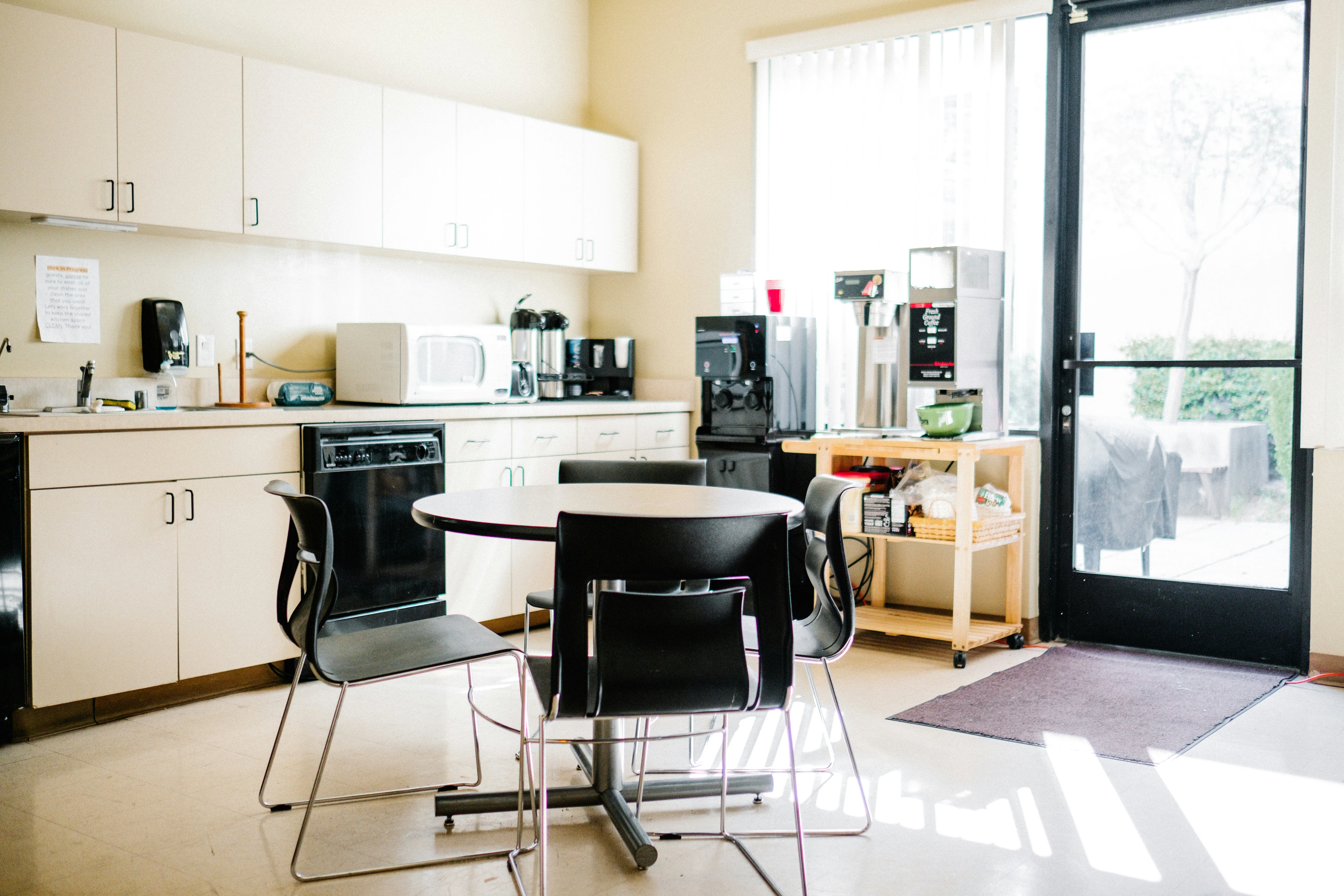
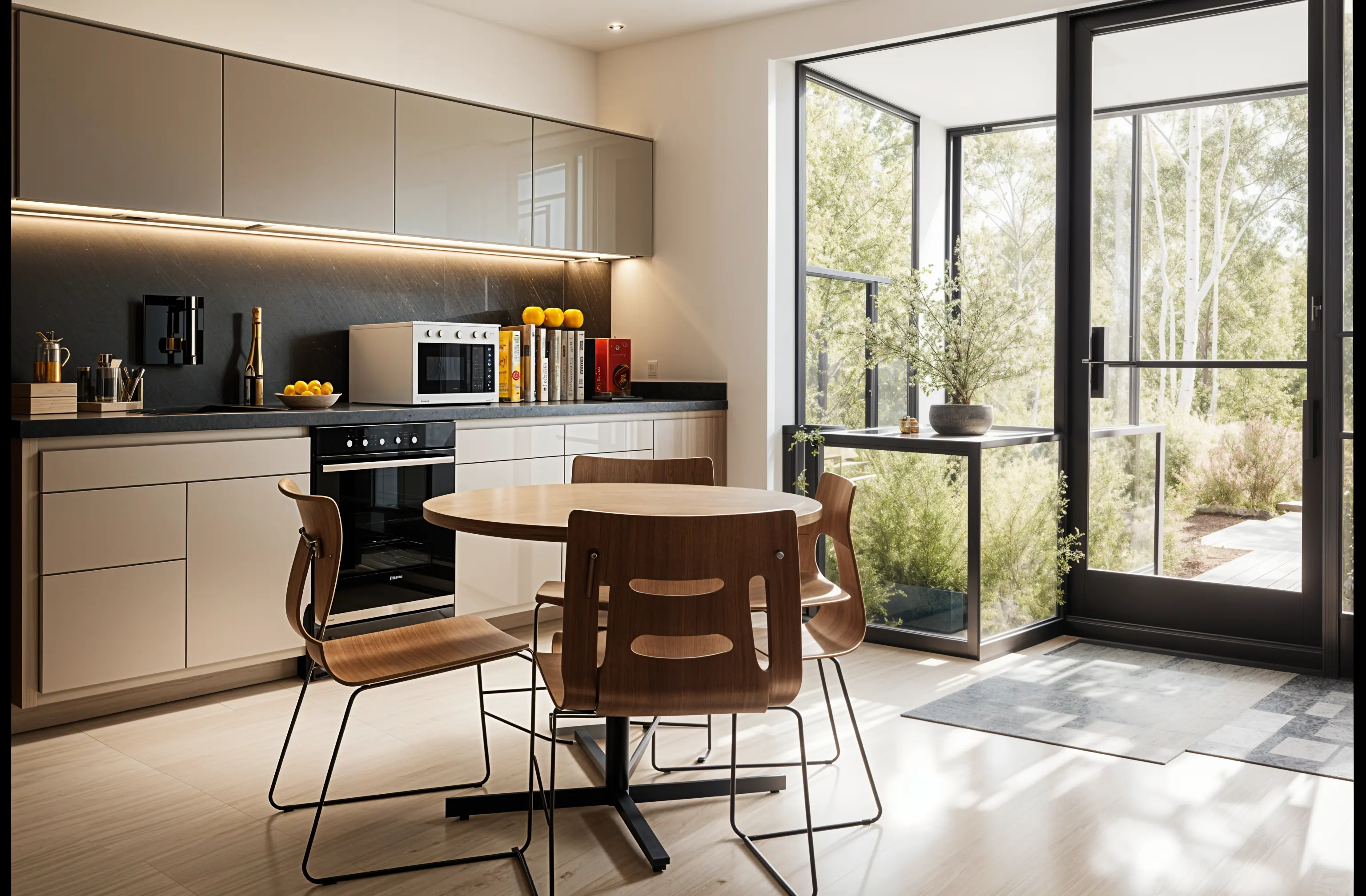
Contractors use Remodeled AI to show a homeowner their own kitchen, bathroom, living space or house exterior in a new style from one phone photo, so both sides agree on the direction before the estimate is written. It runs on the web and iPhone, and Plus and Pro include a commercial use license. The image is a concept: it is not measured or priced, and it can show things the house can’t accommodate, so label it clearly and quote from your own site survey.
What it is useful for on a job
- The first visit. Photograph the room, run two or three styles with Remodel, and ask the homeowner which is closest. You leave with a reference both of you have seen.
- Choosing finishes. On a paid plan, Edit changes one thing you describe, such as cabinet color or flooring, and Brush changes only the area you paint over. It is a quick way to compare two tile or paint options on the client’s own wall.
- Exteriors. Remodel works on a photo of the front of the house, for siding, paint, trim and planting. House exteriors need a paid plan.
- Your own marketing. A before photo next to a concept helps explain what a job could look like. Mark concepts as concepts, and use real photos for finished work.
How to use it without creating a promise
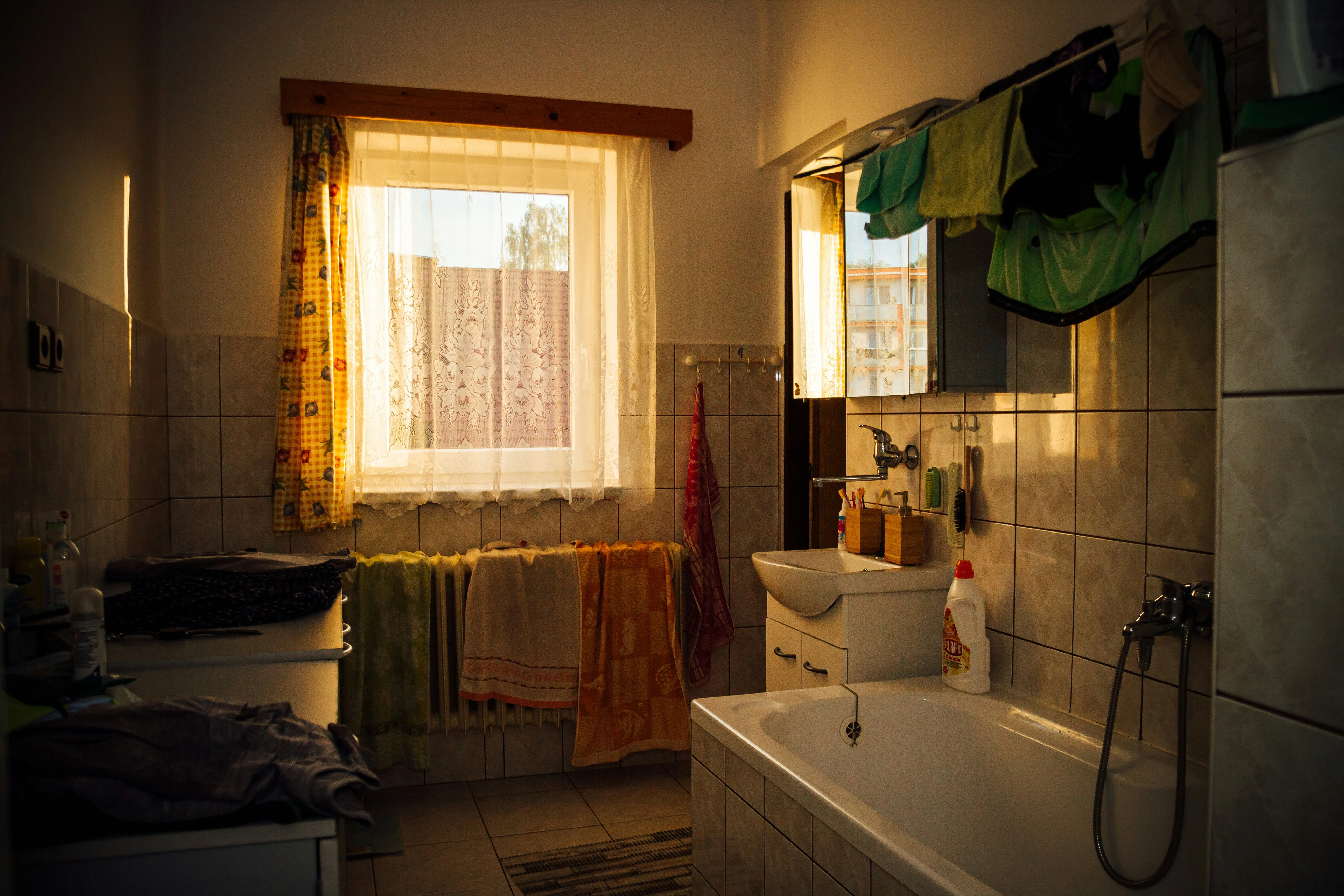
- Shoot the room from a corner at your phone’s normal 1x lens, with the lights on.
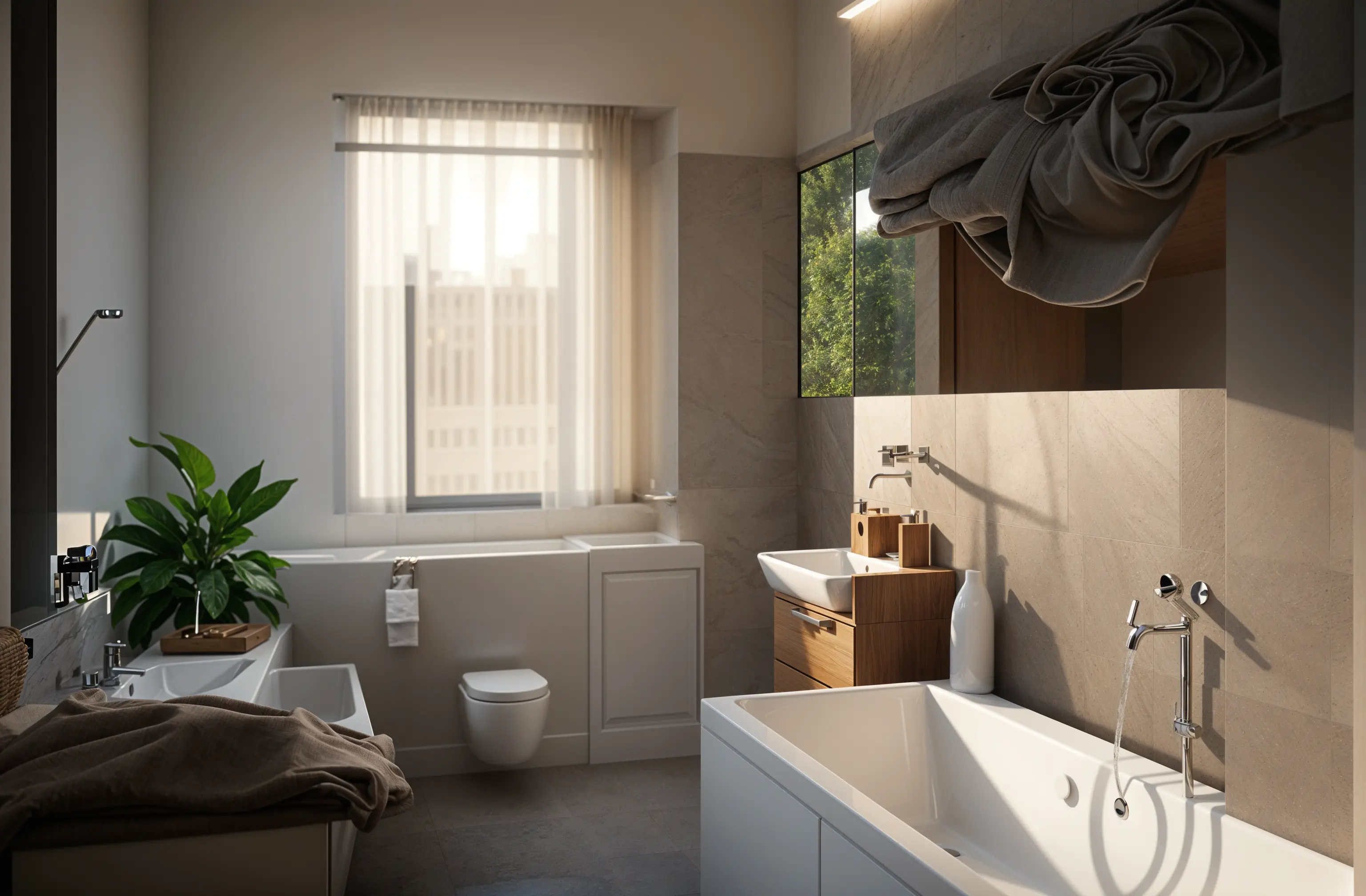
- In your own direction, say what is staying: “keep the window, the plumbing wall and the layout; change cabinets, counters and flooring.”
- Show the homeowner the before-and-after slider and note what they like and what they don’t.
- Write on the image, or in the email, that it is a concept for discussion and that the estimate and drawings govern the work.
What it can’t tell you
A design knows nothing about structure, plumbing, wiring, code or cost. It may move a window, add a cabinet where a duct runs, or show a material that is outside the budget. Nothing is to scale. Use it to agree on a look, then do the survey, drawings and pricing the way you always do.
What it costs
A free account needs no card and is enough to try Remodel on a room. For work with clients use Plus ($39 a month, or $264 a year) or Pro ($99 a month, or $684 a year), which include a commercial use license; Basic is for personal use only. See pricing for what each plan includes.
Common questions
- Is there an app that shows a client what their remodel will look like?
- Remodeled AI shows what it could look like: it restyles a photo of the client’s own room or house exterior in the style you choose. It is a concept, not a rendering of your plans, so the finished job will differ in the details.
- Can I use the images in a quote or on my website?
- Plus and Pro include a commercial use license. Label concept images as concepts so a client or a visitor doesn’t take them for a photo of finished work.
- Does it give measurements or a materials list?
- No. Designs are images only. There are no dimensions, quantities, product names or prices in them.
- Does it work on kitchens and bathrooms?
- Yes. Kitchens and bathrooms are two of the rooms it is used for most. Kitchen and bathroom remodels covers how to get a useful result.
Try it on your next site visit
Upload a photo of the room, pick a style, and show the homeowner the before and after. Free to start, no card.
Redesign a room