Rearrange your room with AI, before you lift a sofa.
Moving a bed or a sofa to see if it works is hard work, and often you put it back. AI can show you a different arrangement on a photo of your own room first. It can’t tell you whether things fit, so for tight rooms the right tool is a different one.
Updated
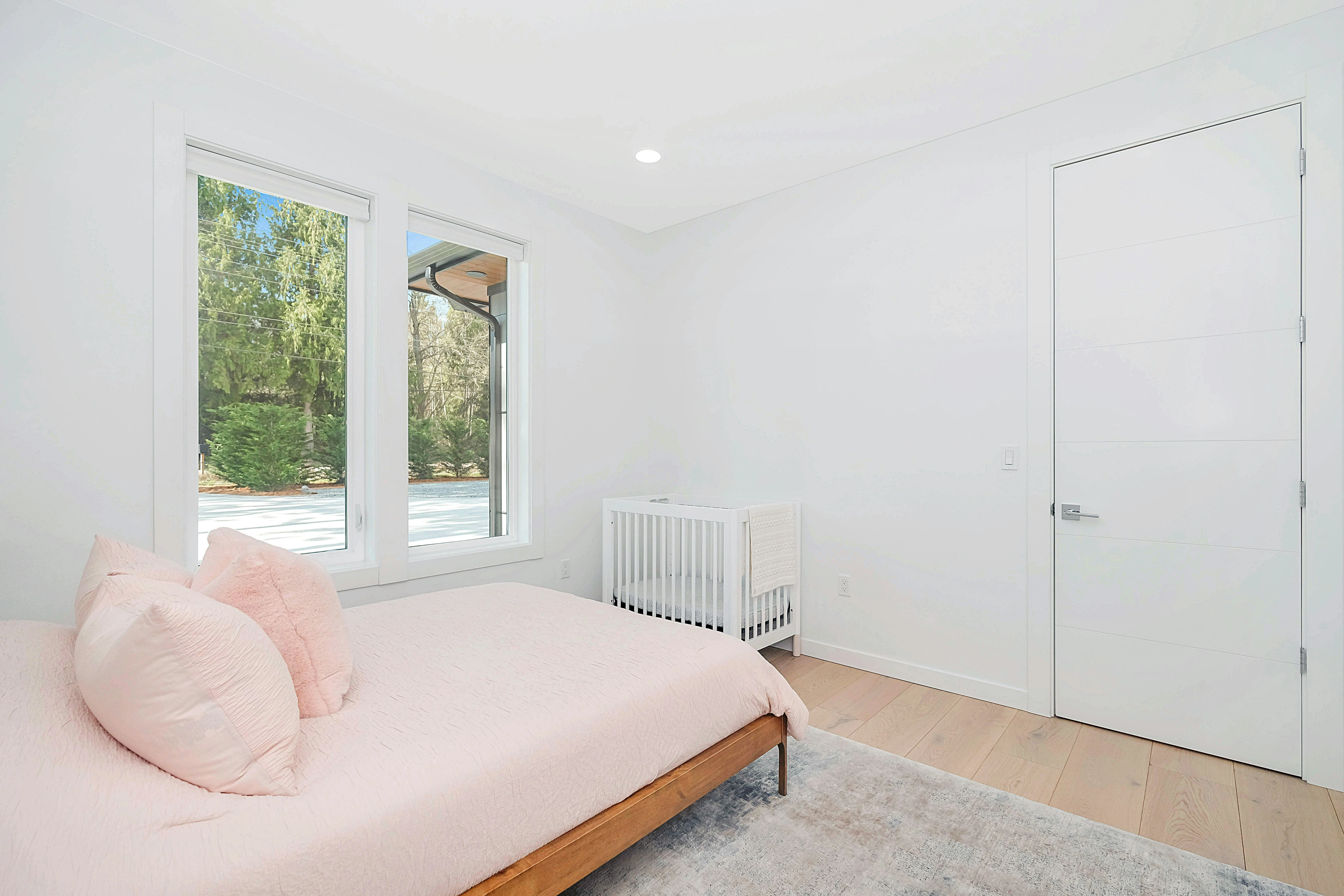
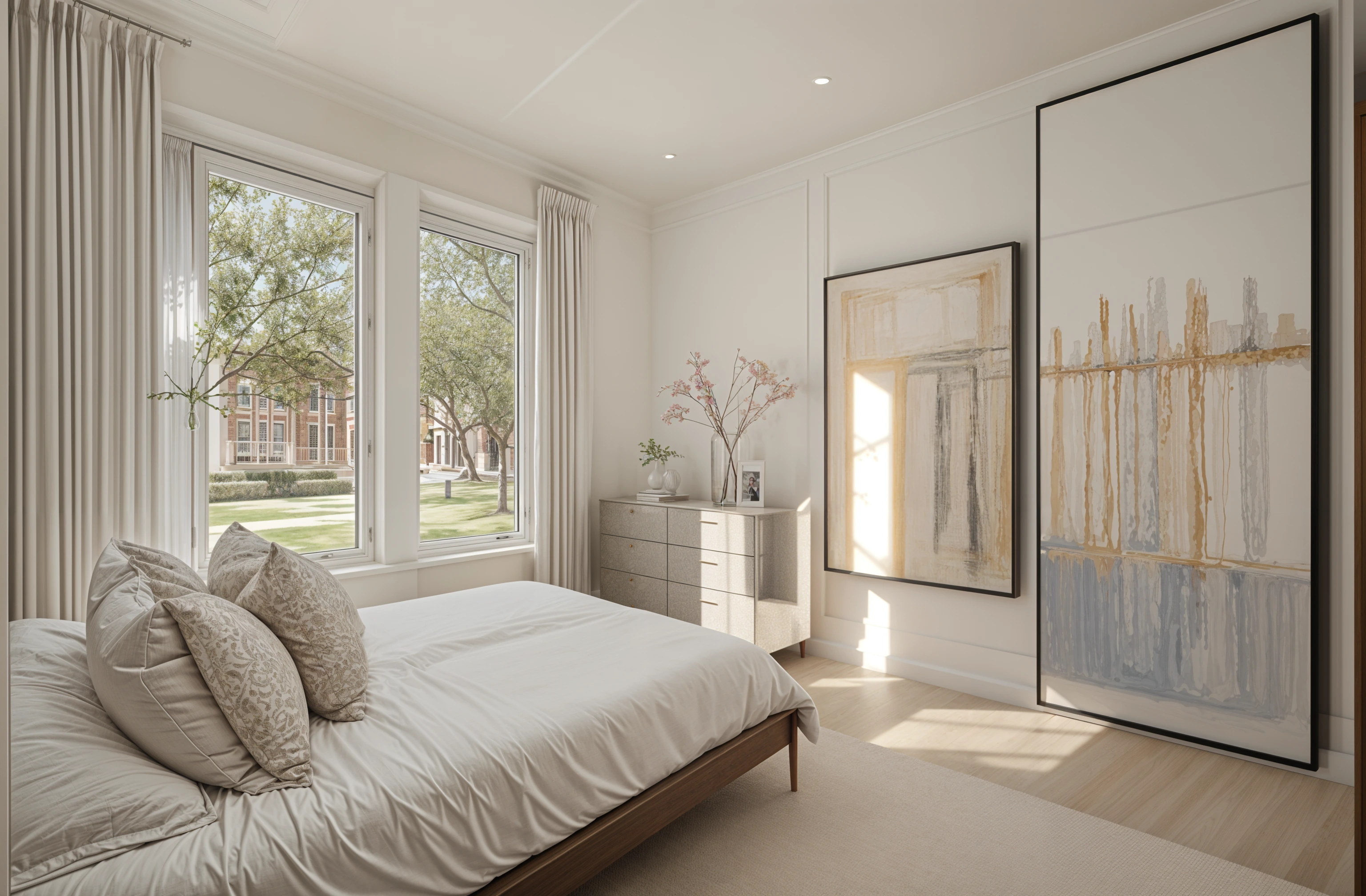
Short answer
Partly. A photo app such as Remodeled AI can show your own room with the furniture arranged differently: say what goes where, such as “bed under the window, desk by the door”, and compare the result with your photo. It doesn’t measure anything, so it can show a layout that wouldn’t fit. To plan a layout to scale, use a floor planner such as Planner 5D or Homestyler, where you draw the room and drag furniture to size; both have free plans.
Two kinds of tool
- A photo app shows the look. You upload a photo and get the same room back with things in new places. Quick, and it is your room, but nothing is measured.
- A floor planner checks the fit. You draw the room to size, place furniture from a catalog and walk around it in 3D. Slower to set up, but it answers “will the sofa clear the door?”.
Rearranging on a photo with Remodeled AI
- Photograph the room from a doorway or a corner with the normal 1x lens, so the floor and the main pieces are in frame.
- In Remodel, choose the room type and a style close to what you have.
- Under “Your ideas”, say the new arrangement plainly and what should stay: “keep the furniture, move the bed under the window and the desk next to the door”.
- Compare it with your photo on the slider. If a piece hasn’t moved, try again with fewer changes at once.
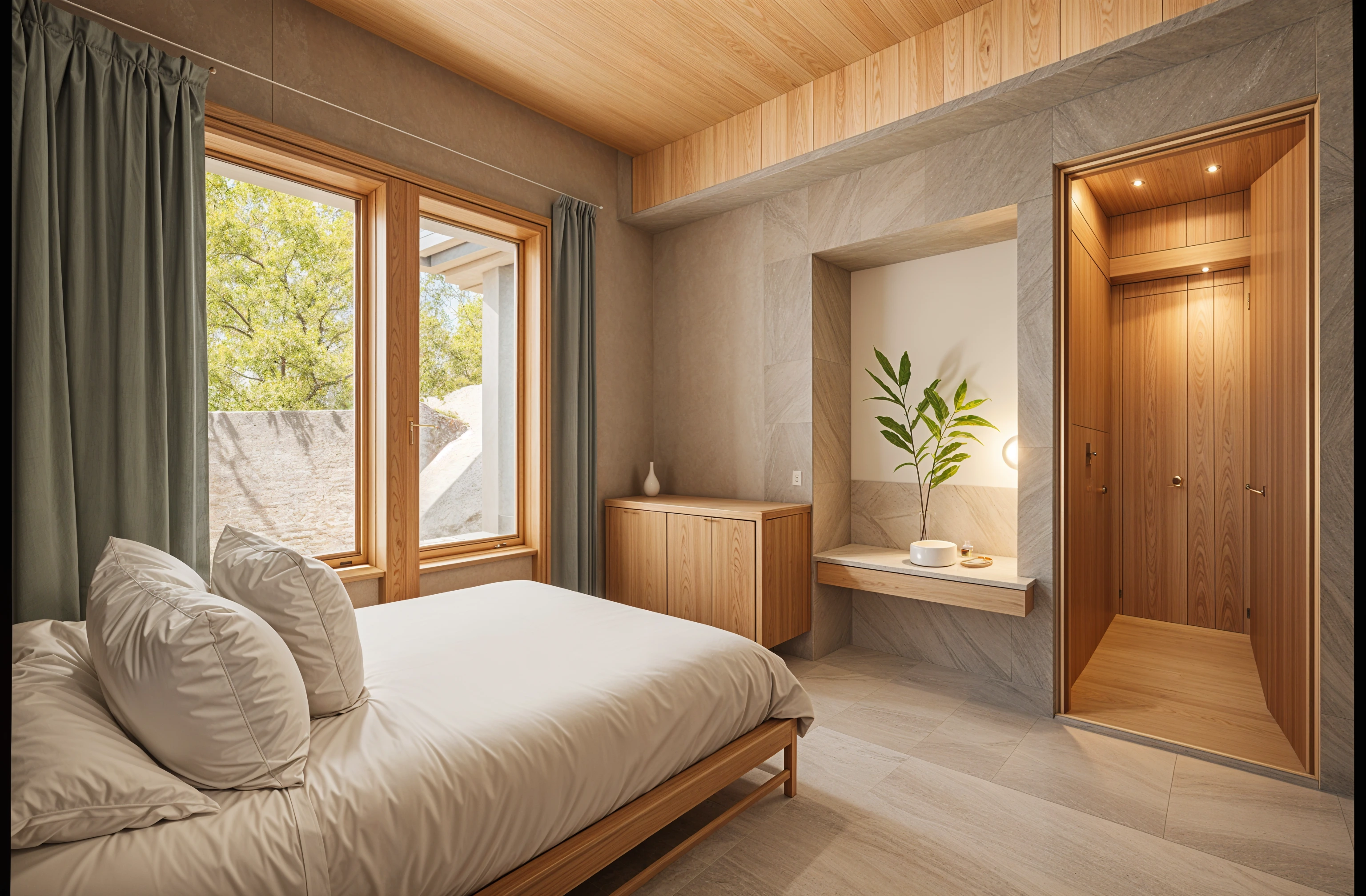
Moving one piece at a time
On a paid plan, Edit changes only the area you paint. Paint over the armchair and say “remove it”, then paint over the empty corner and say “an armchair here”. The rest of the room stays as it is. Basic is $13 a month, or $91 a year.
Layouts worth trying
- Bedroom. The bed on the longest wall facing the door, or under the window to free a wall for storage.
- Living room. Seating facing each other rather than all facing the TV, or the sofa pulled off the wall with a console behind it.
- Small room. One larger piece instead of several small ones, and a clear path from the door to the window.
- Home office. The desk side-on to the window, so the light doesn’t glare on the screen or fall behind you on calls.
What an AI layout gets wrong
A photo design has no measurements, so a bed can look like it fits a wall it would overhang, and a design can change the furniture as well as move it. Measure the space and the piece before you move anything heavy, and leave walkways of about 75 to 90 cm (30 to 36 inches) where people pass.
Which tool for which job
Each product’s free tier is as its own site describes it.
See a new arrangement on your own photo: Remodeled AI
Describe the layout under “Your ideas”. A free account with no card covers living room, bedroom, bathroom, kitchen, dining room and office; Edit, for moving one piece at a time, needs a paid plan.
A measured layout, free: Planner 5D
Draw the room to size and drag furniture in 2D and 3D. The free plan has unlimited projects; its AI tools need a paid plan. Remodeled AI vs Planner 5D
A measured layout with renders: Homestyler
A 3D floor planner with a free plan and 1K renders, for checking fit and seeing the room in 3D. Remodeled AI vs Homestyler
| App | Kind of tool | Lowest paid price | Free to try | Runs on |
|---|---|---|---|---|
| Remodeled AI | Photo redesign | $13 a month, or $91 a year | Free account with starter credits, no card needed | Web, iPhone |
| Planner 5D | 3D floor planner | $19.99 a month, or $59.99 a year | Free plan with unlimited projects and half of the furniture catalog | Web, iPhone, Android |
| Homestyler | 3D floor planner | From $6.80 a month | Free Basic plan with the 3D floor planner and unlimited 1K renders | Web, iPhone, Android |
We make Remodeled AI. Prices are in US dollars, as listed on each product’s own site on November 18, 2026.
Common questions
- Is there an AI that rearranges my room from a photo?
- Yes. In Remodeled AI, upload a photo, describe where things should go under “Your ideas”, and compare the result with the room you have. It shows the look, not measurements.
- Can AI tell me if my furniture will fit?
- Not from a photo. For fit, use a floor planner such as Planner 5D or Homestyler, where you enter the room and furniture sizes.
- Is there a free app to rearrange my room?
- Planner 5D and Homestyler have free floor planners. Remodeled AI’s free account, with no card, can show a new arrangement on a photo; it covers living room, bedroom, bathroom, kitchen, dining room and office.
- Can I keep my furniture and only move it?
- Say so: “keep all the furniture, only change where it goes”. Check the slider, because a design can swap a piece for a similar one. On a paid plan, Edit moves one piece at a time and leaves the rest alone.
How we checked
Each app’s price, free tier and tools were read from its own site and are kept in one file per app, which this page and our comparisons both render from. Products change, so check a product’s site before you buy. If something here is out of date or wrong, email contact@remodeled.ai and we will correct it.
Try a new layout on your room
Upload a photo, say where things should go, and compare it with the room you have. Free to start, no card.
Redesign my room