Stage
See an empty room furnished.
Add furniture and decor to a photo of a bare room to show how the space could be used. The same editor can also clear out clutter.
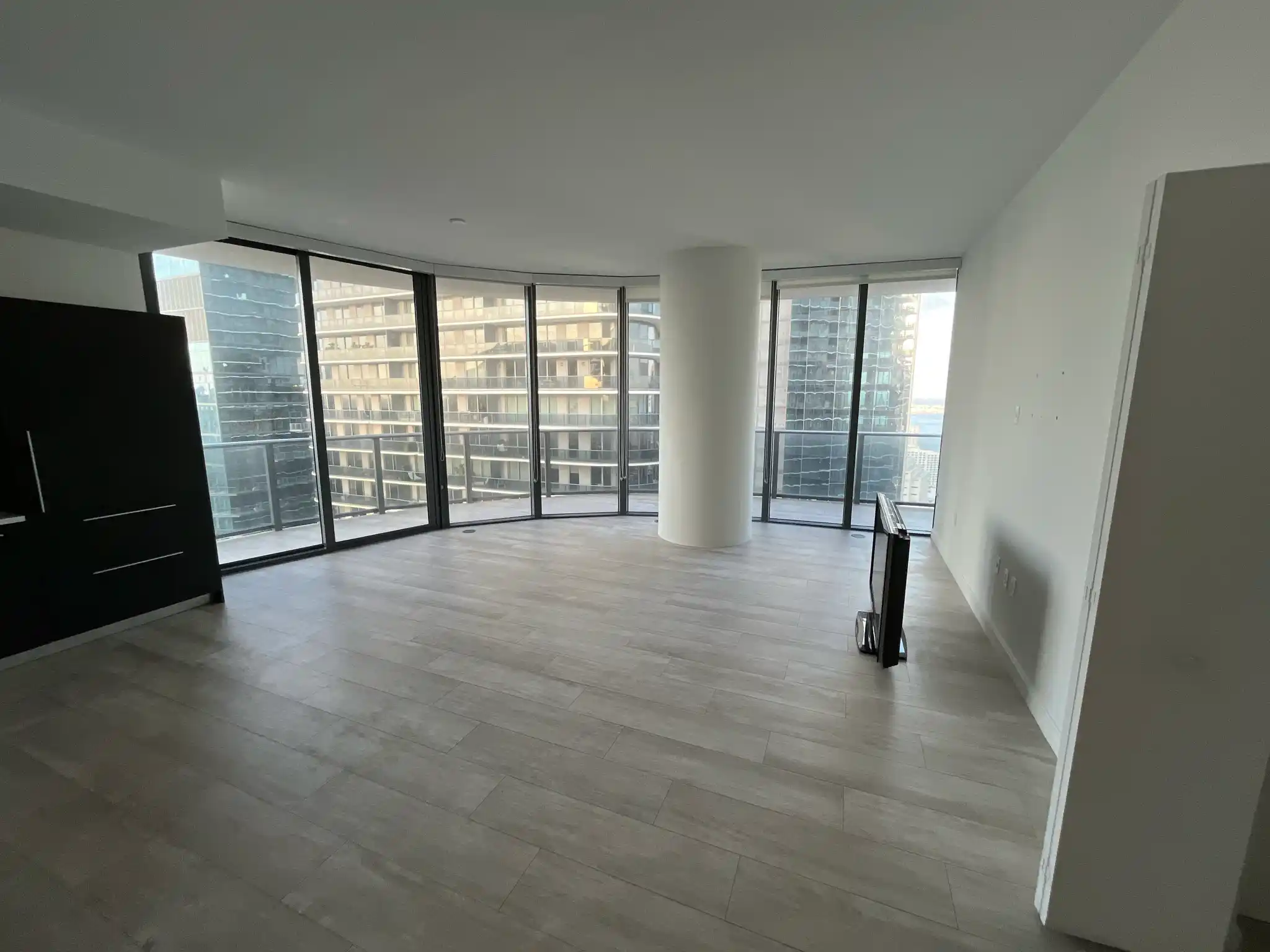
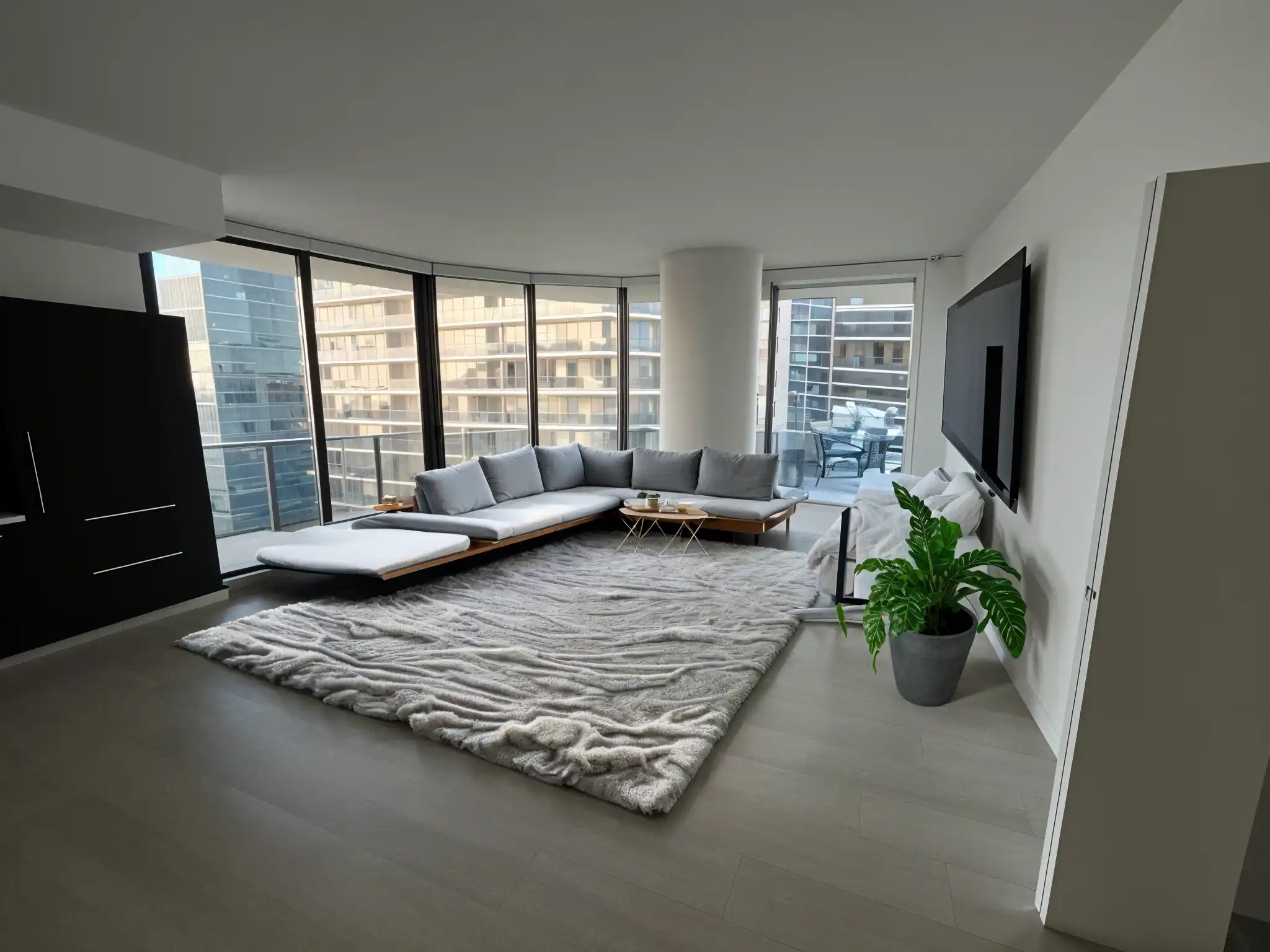
How staging works
-
Upload an empty room
A wide shot from a corner works best. Bare floors and walls give the furniture somewhere to go.
-
Brush over a spot and describe it
The editor opens on your photo. Paint over where a sofa, bed, or rug should go and say what you want there. Add pieces one at a time.
-
Press Done to save
Compare the options for each spot, keep the ones you like, and save the finished room to your Library.
Stage or Remodel?
Stage adds furniture to the room you photographed and leaves the walls, floors, and finishes alone. If the room is already furnished and you want a different style throughout, Remodel is the better fit.
If you’re listing a home
Staged rooms are concepts, not photos of real furniture. Follow your market’s rules for labeling virtually staged photos, and keep the original photo on hand.
Give an empty room a purpose
Upload a photo of a bare room and furnish it in the editor.
Stage a room