Using AI for interior design, step by step.
AI is most useful early, when you're choosing a direction and the options are still cheap to change. Here's a simple workflow that gets you from a phone photo to a look you can act on.
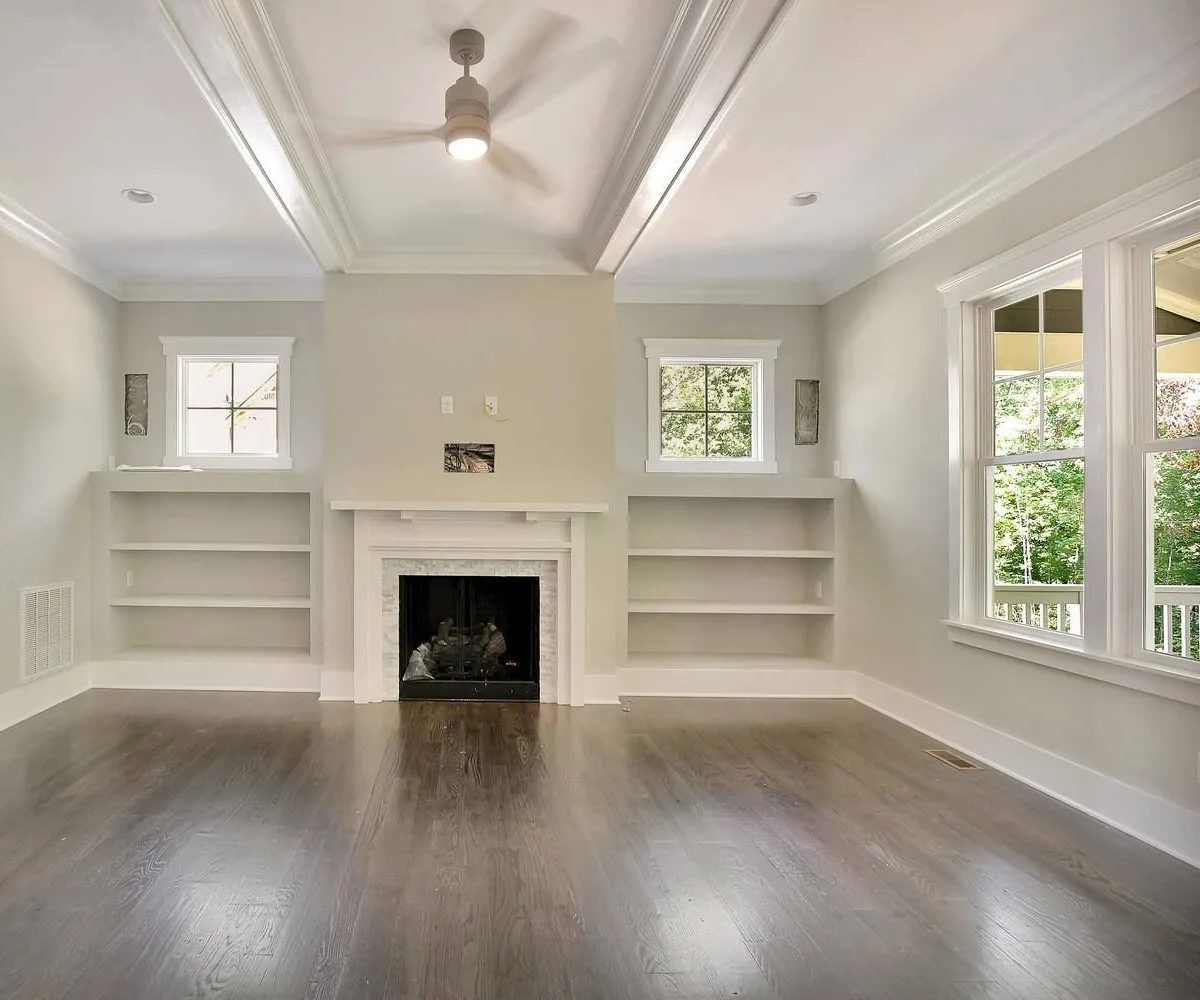
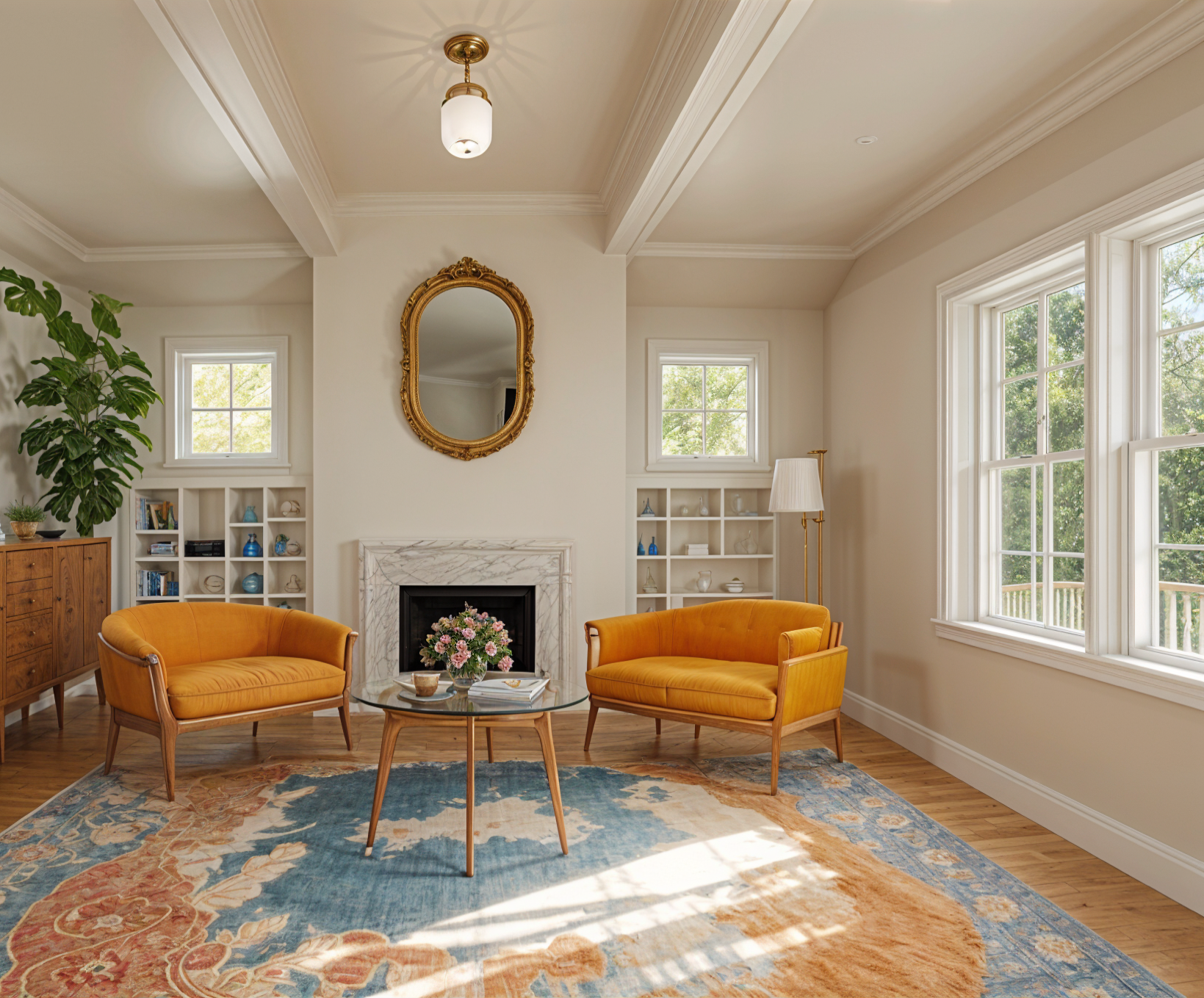
1. Take a photo that reads clearly
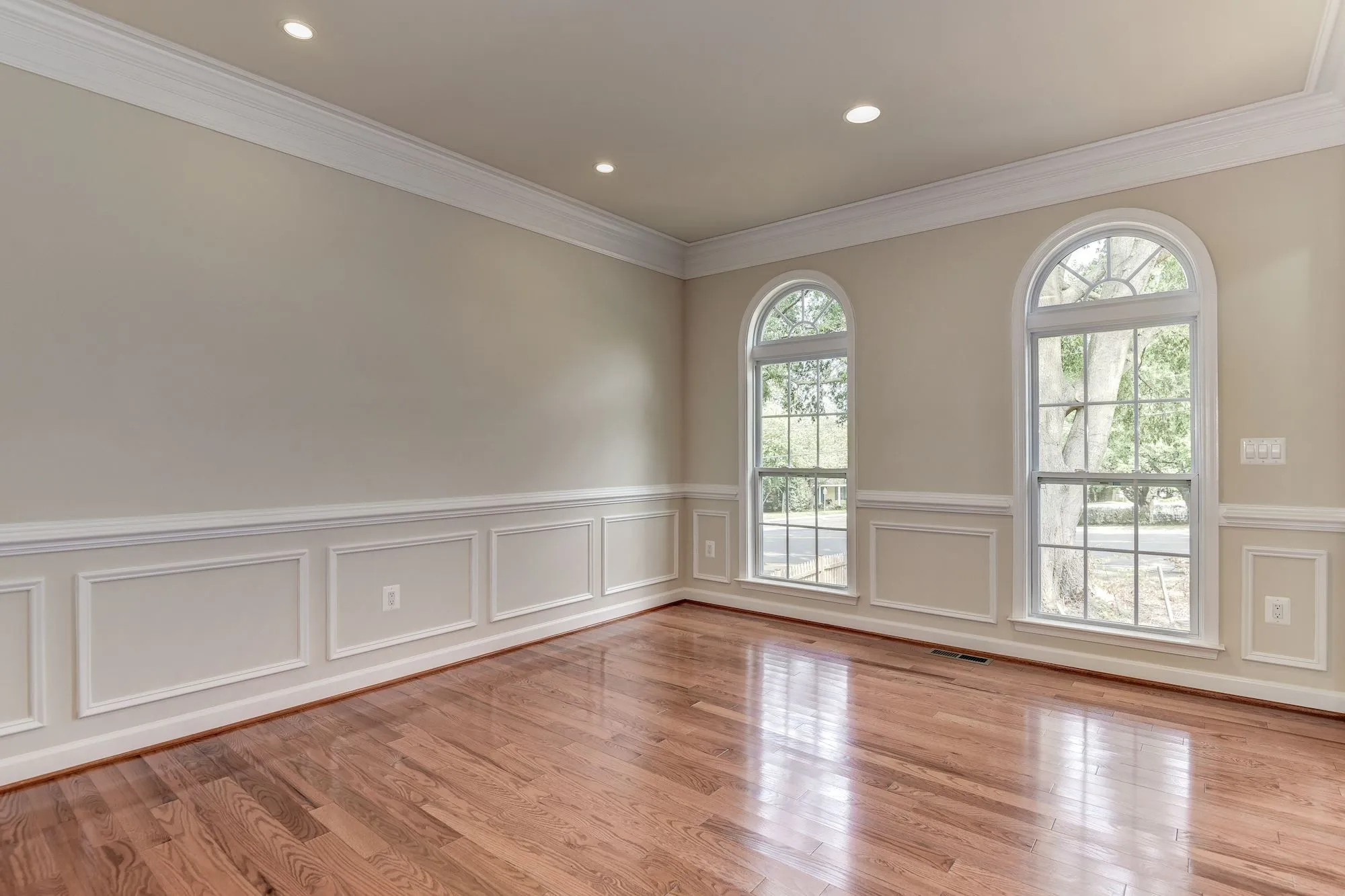
Stand in a doorway or corner and shoot with the normal 1x lens, lights on, in daylight if you can. Ultrawide shots bend walls and confuse proportions. Clear anything you don't want redesigned, because everything in the frame is treated as part of the room.
2. Explore a few styles
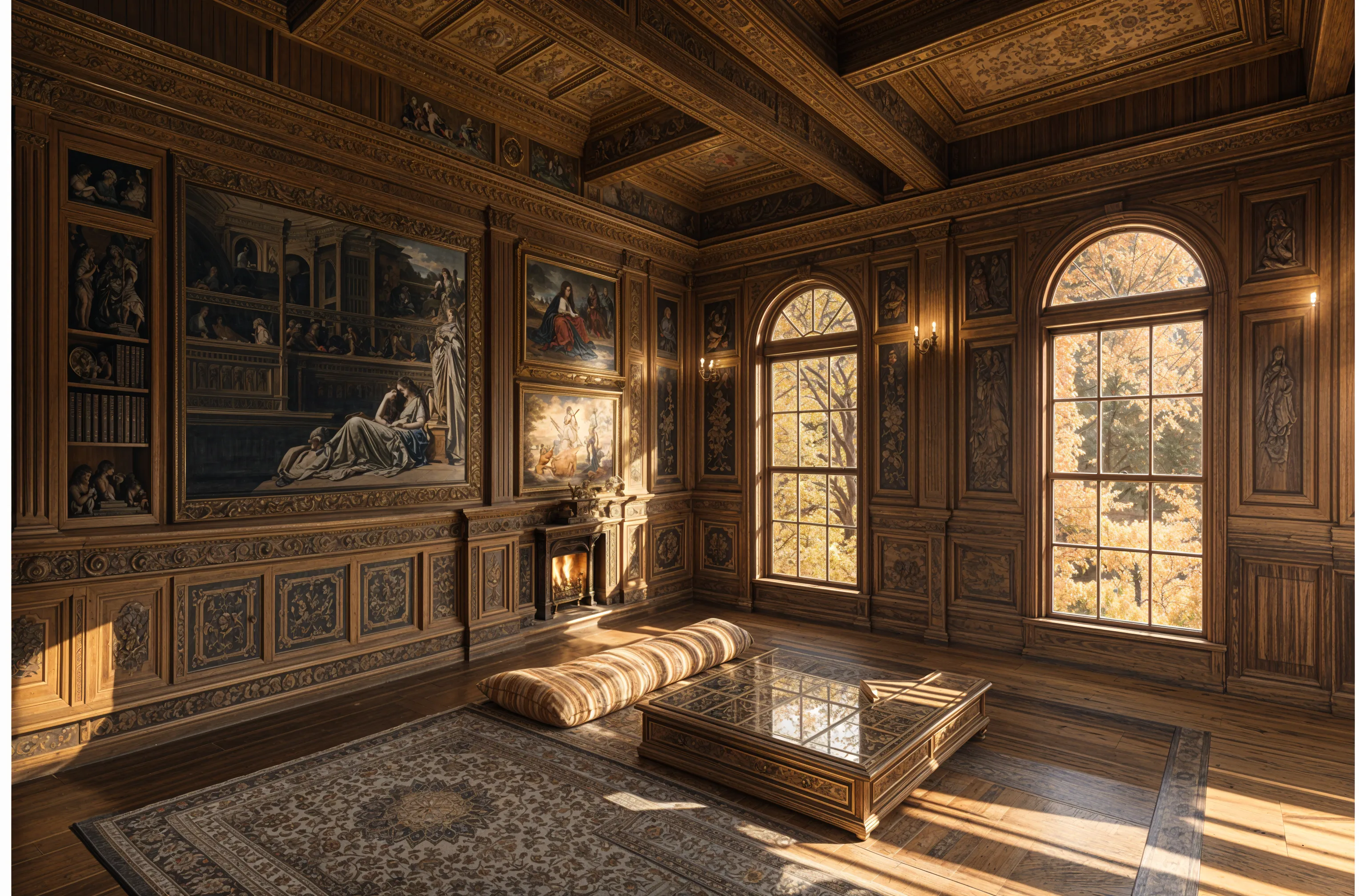
Choose the room type and try three or four styles, including one you wouldn't normally pick. Compare each result with the original using the before-and-after slider and keep the ones you return to.
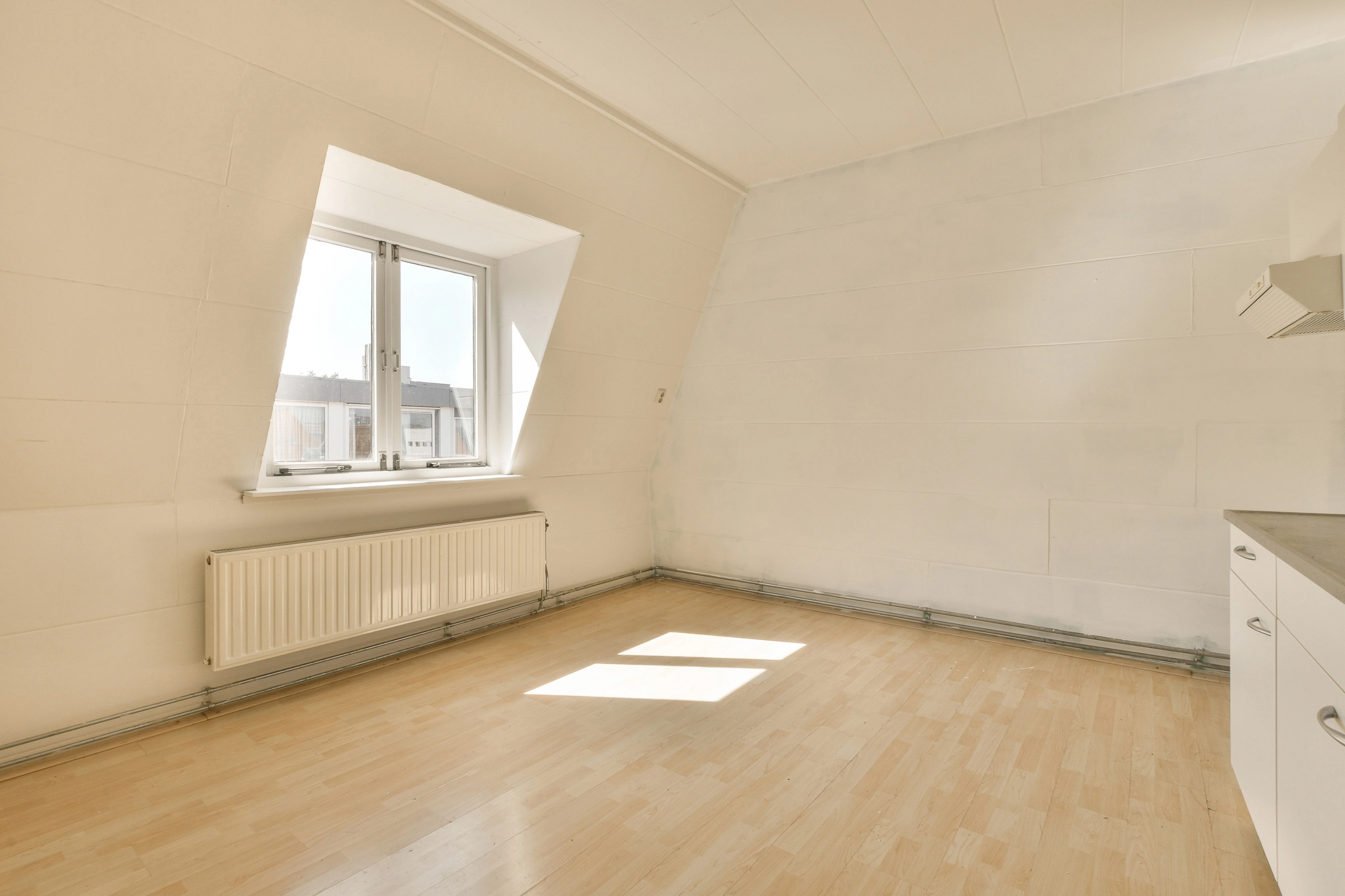
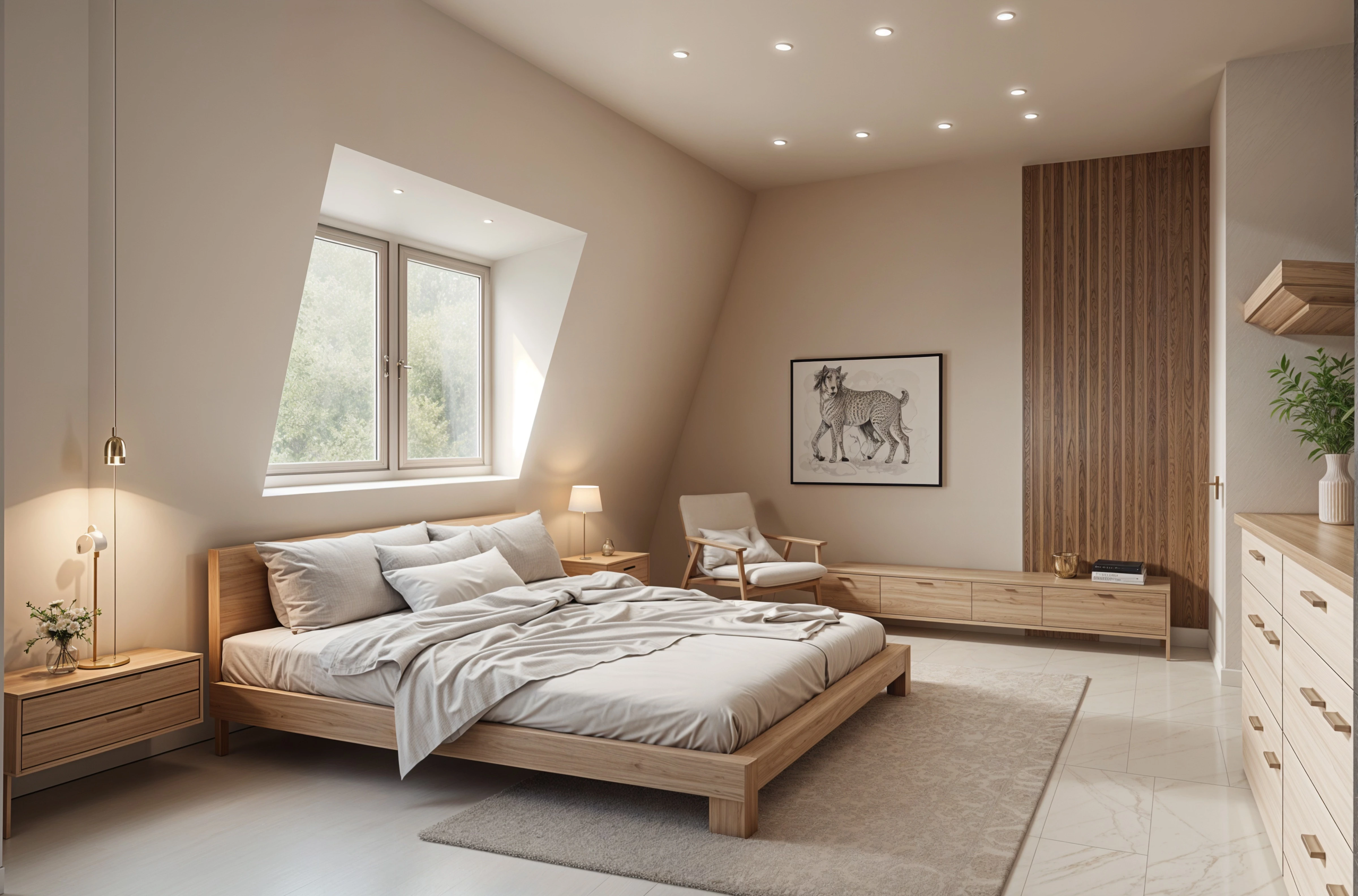
3. Refine the closest one
Once a direction is close, change one thing at a time instead of starting over. Edit, on paid plans, lets you describe a specific change and add reference images, which is better for "make the sofa green" than rerunning the whole style.
4. Save, sharpen, and share
Save the versions you like and download them. Enhance can sharpen a saved image if you want to show it on a larger screen or print it.
Where AI stops and people take over
- Measurements and layout. The image has no dimensions; confirm sizes and clearances yourself or with a professional.
- Products and prices. Furniture and finishes in the image are drawn, not sourced. Use them as a reference when you shop.
- Construction. Moving walls, plumbing, or wiring needs plans and permits from people qualified to make them.
Used this way, AI doesn't replace a designer. It shortens the "what do we even want" stage and gives you clearer pictures to bring to the conversation.
Try it on your own room
Upload a photo, pick a style, and compare the result with the room you have now. Free to start.
Redesign my room