What AI actually changed in interior design.
Strip away the hype and a few things are genuinely new: you can redesign a photo of your own room in seconds, direct specific edits, and sketch out an idea in words. Here's what each one is good for, and where a designer still matters.
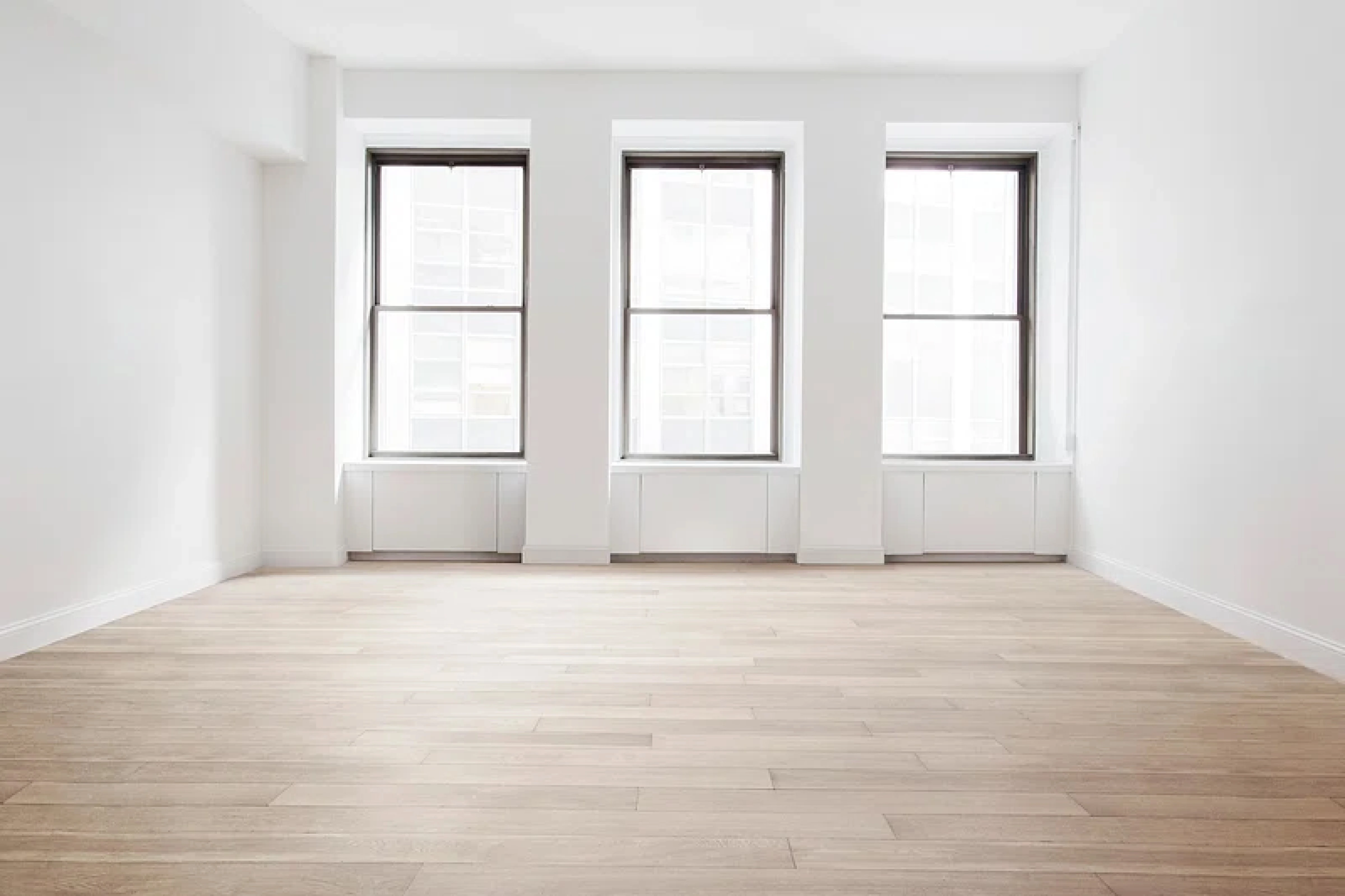
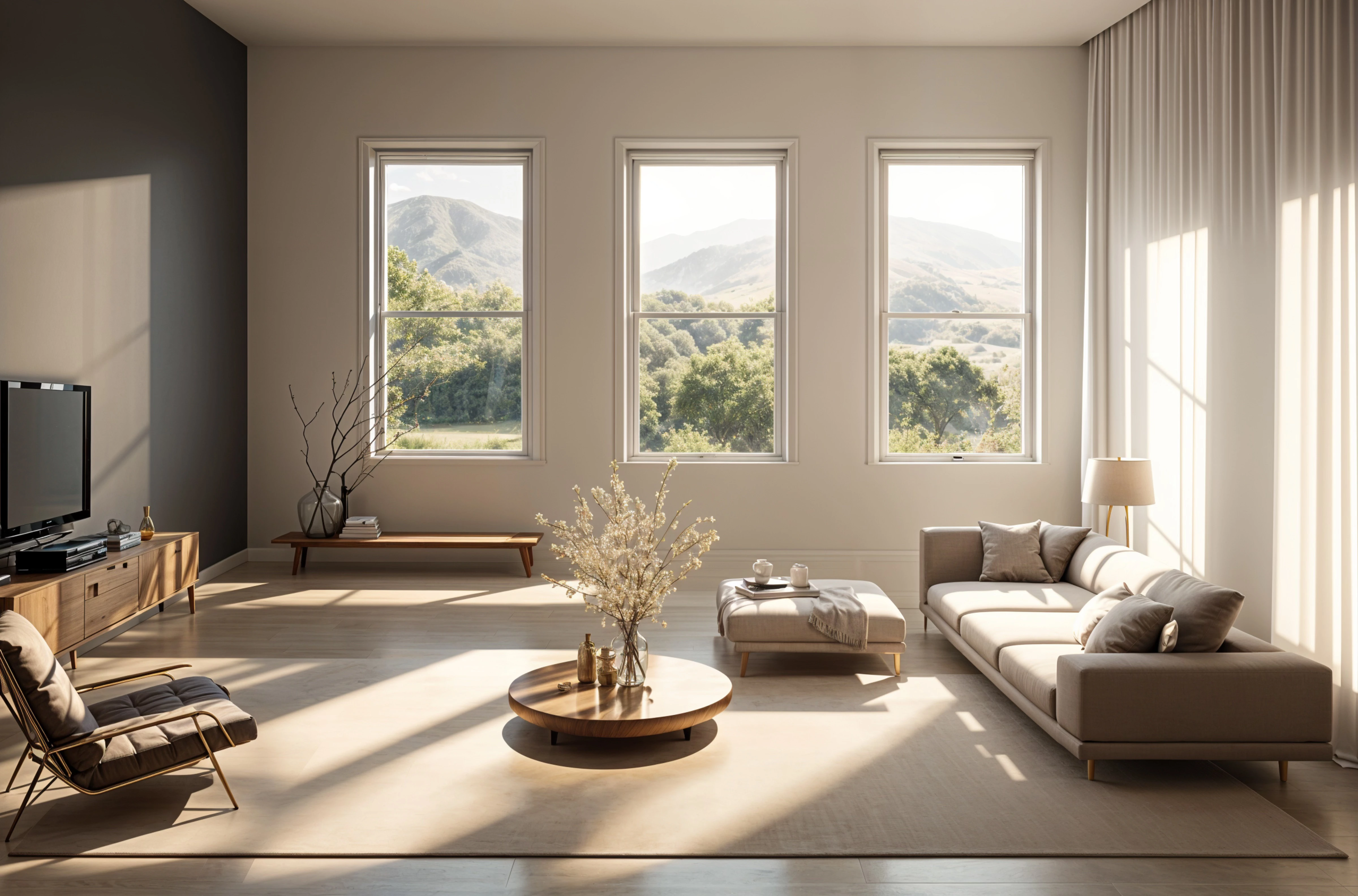
1. Redesigning a photo of your real room
The biggest shift is that the starting point is your photo, not a template. Image models can keep the walls, windows, and floor of a room and redraw everything else in a chosen style. A few years ago that meant hiring someone to mock it up; now you can compare several directions on the same room before lunch.
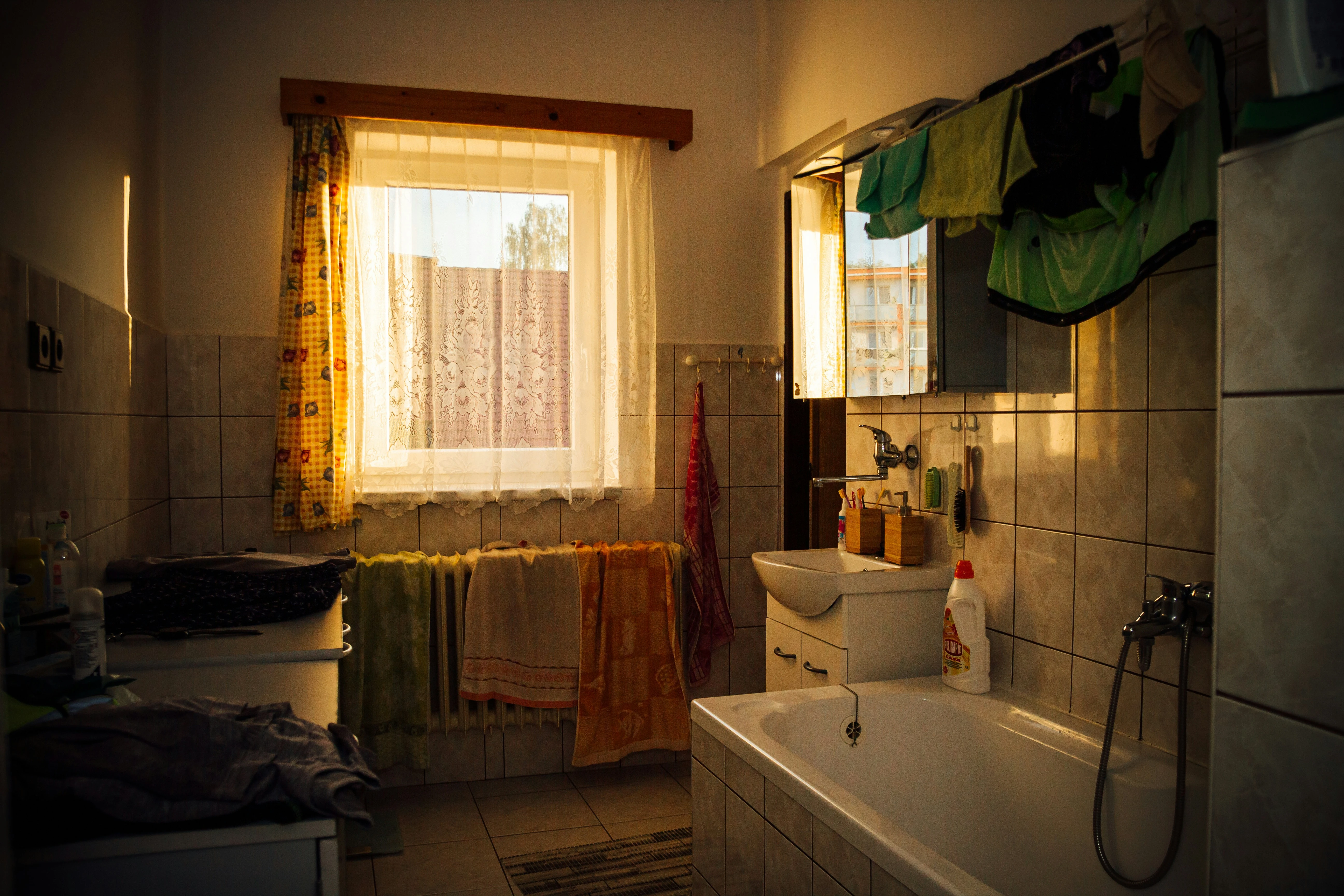
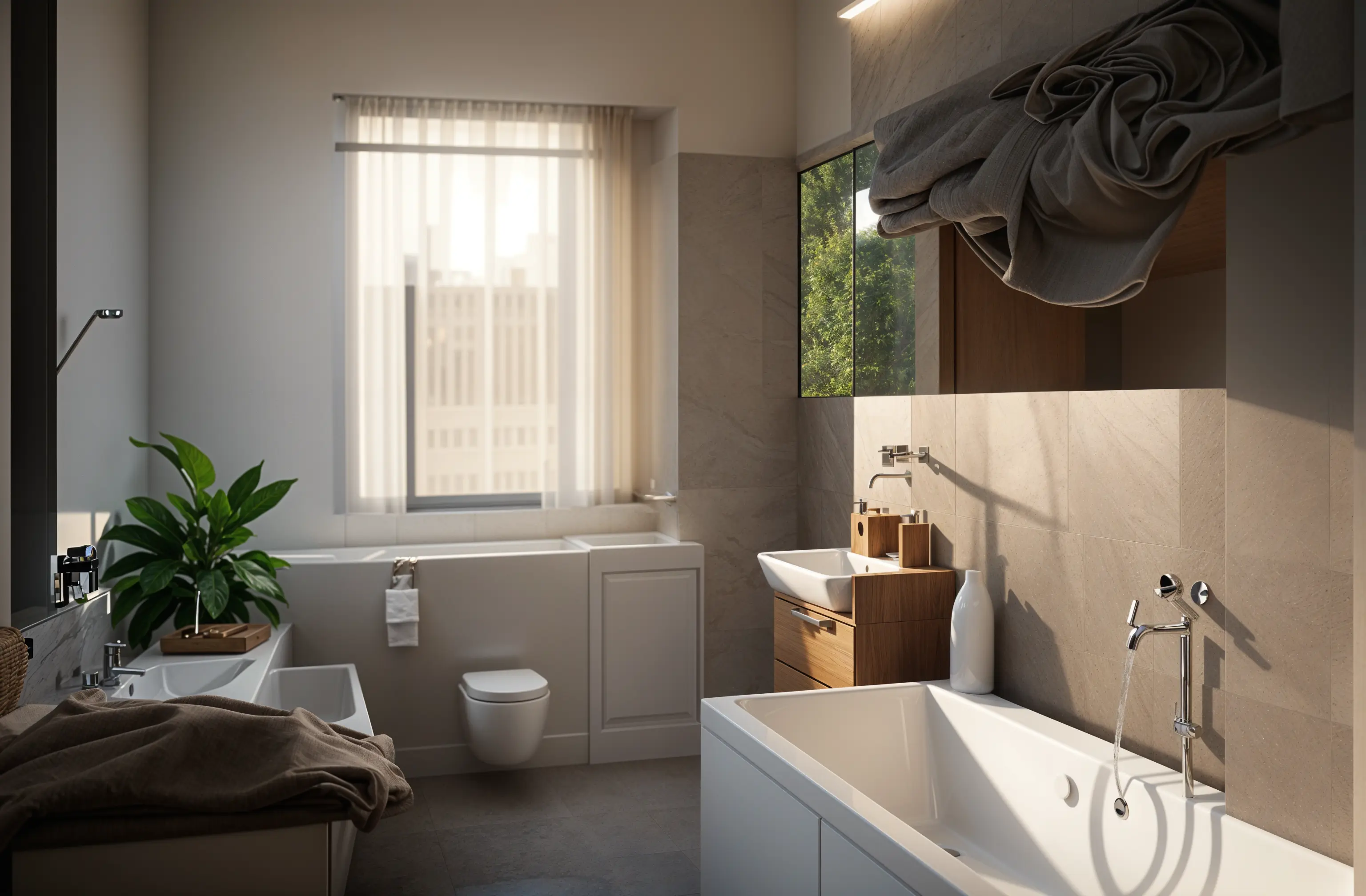
2. Directed edits instead of all-or-nothing
Early tools redesigned the whole room or nothing. Newer editing lets you describe one change — swap the vanity, try a green wall, replace the light fixture — and add reference images so the result follows a specific look. In Remodeled AI that's Edit, available on paid plans.
3. Concepts from a description
You don't always have a room to photograph. Describing an idea — "a narrow reading nook with a built-in bench and warm oak" — and generating a few concepts is a quick way to find words and references for a brief. That's what Imagine is for.
4. Sharper, shareable images
Upscaling has improved enough that a saved concept can be sharpened for a presentation, a printout, or a message to a contractor without looking soft.
What hasn't changed
- It doesn't measure. A generated image has no dimensions, so furniture fit and clearances still need a tape measure.
- It isn't a plan. There are no floor plans, elevations, or 3D models here, only images.
- Details drift. Fixtures and finishes are drawn, not specified, so treat them as a direction rather than a product list.
- Judgement still matters. The tool gives you options quickly; deciding which one suits how you live is still your call, or your designer's.
Try it on a room you know
Upload a photo, pick a style, and compare the result with the room you have now. Free to start.
Redesign my room