Home design ideas, starting from the home you have.
Most home design ideas come from other people's houses. Generating them from photos of your own rooms and exterior keeps every idea grounded in your walls, windows, and light.
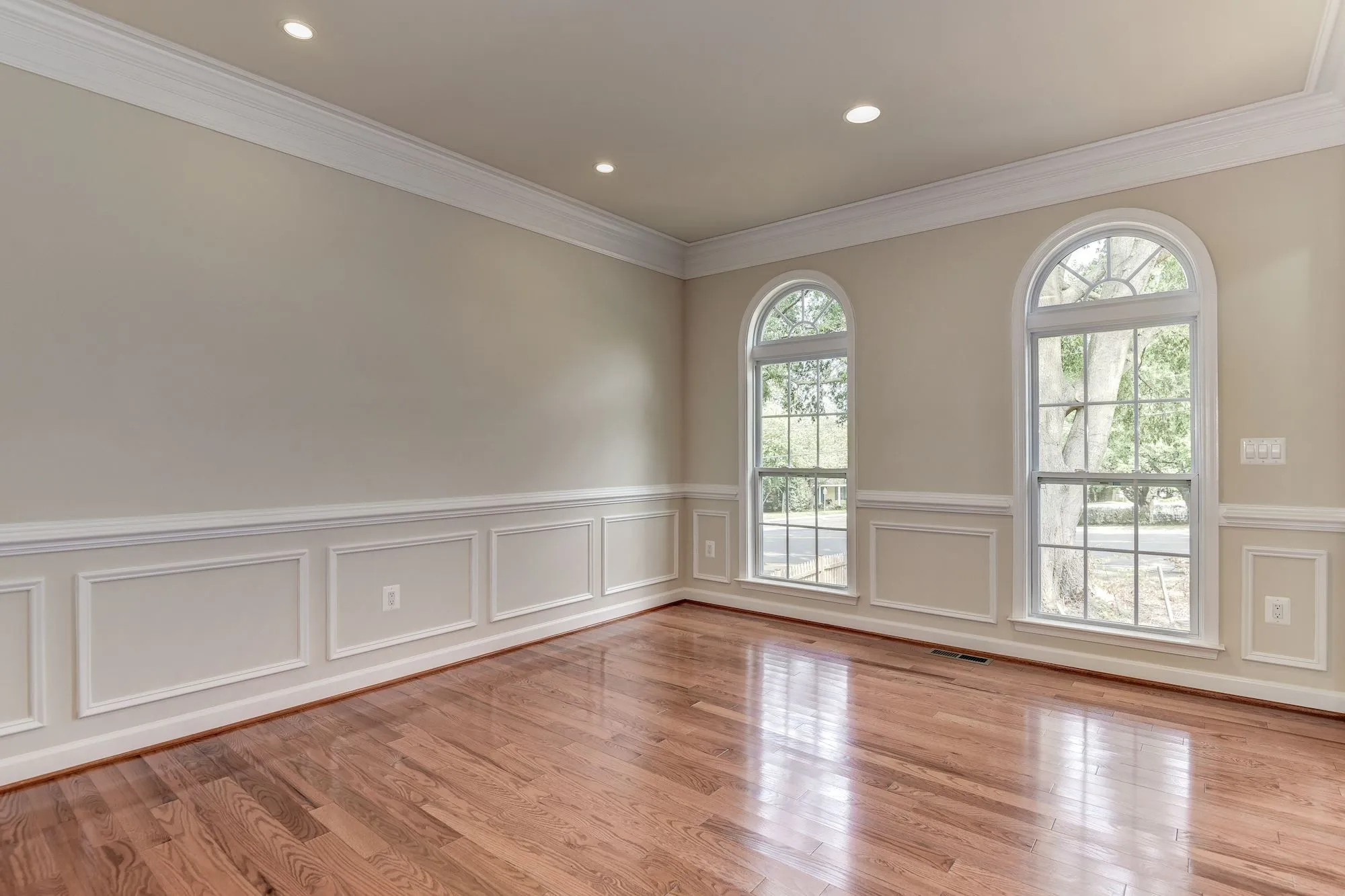
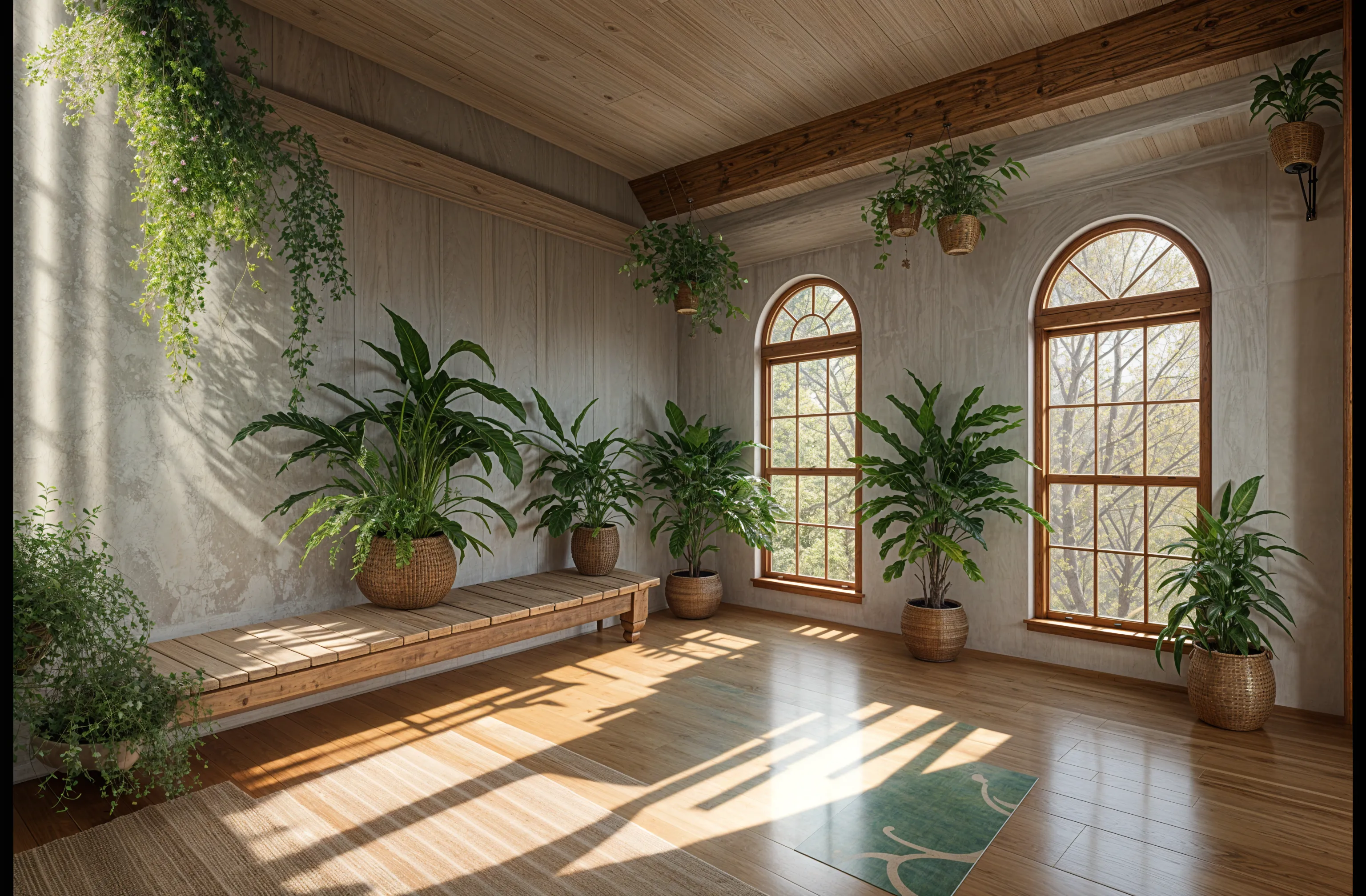
One home, many directions
The quickest way to find a style is to see several on the same room. Upload one photo, generate it in three or four styles, and compare them side by side. Patterns show up fast: you might keep choosing warm wood, or keep rejecting anything with heavy pattern.
Repeat that for a second room and the exterior, and you have the start of a consistent look for the whole house instead of a set of unrelated mood boards.
Ideas worth testing in any room
- Palette. Light and airy versus warm and saturated, on the same walls.
- Materials. Natural wood, painted finishes, stone, and plaster all shift the character of a room.
- Furniture style. Mid-century, traditional, and minimal pieces in the same layout.
- Empty rooms. If a room is bare, the redesign can furnish it so you can picture how it might be used.
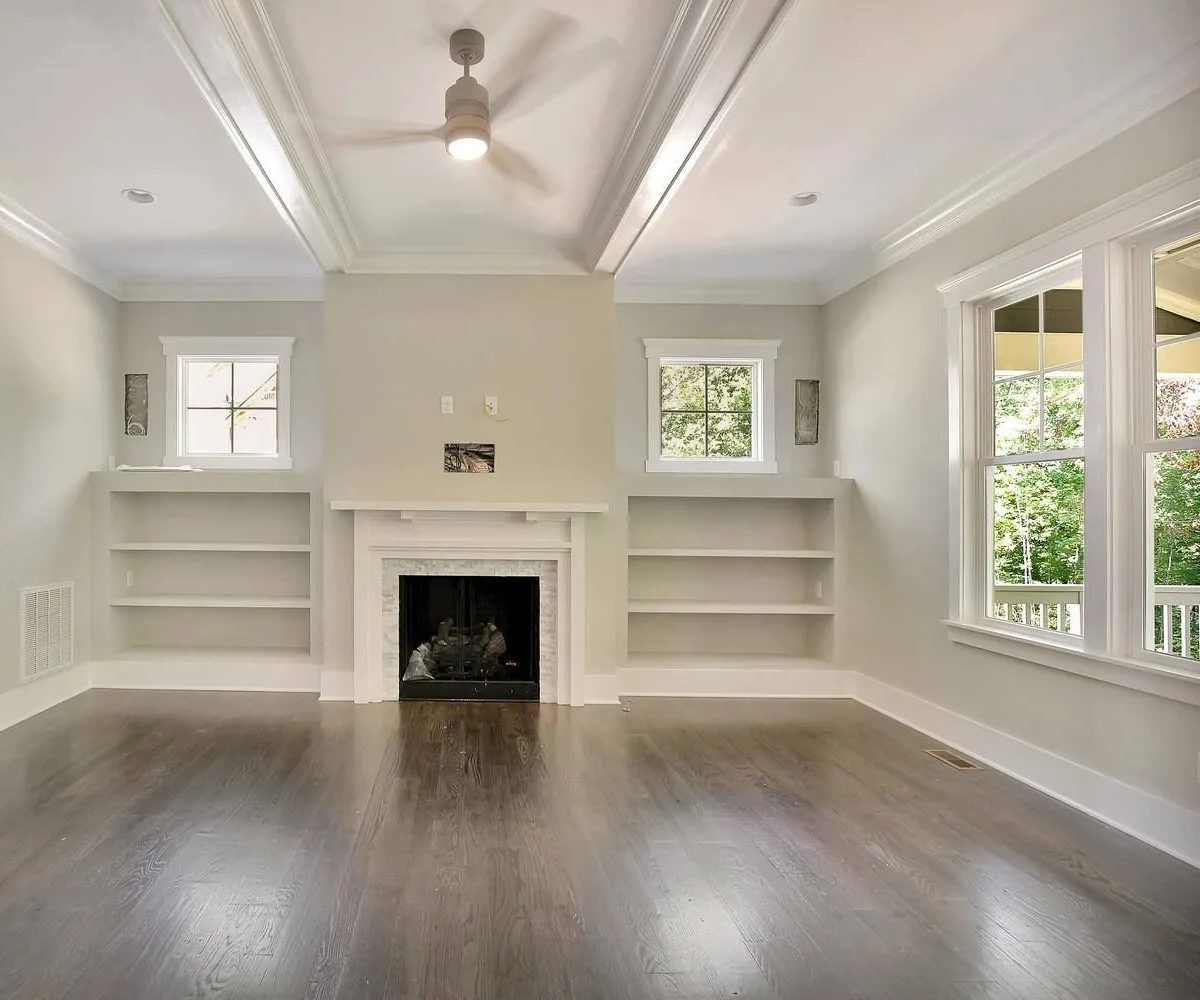
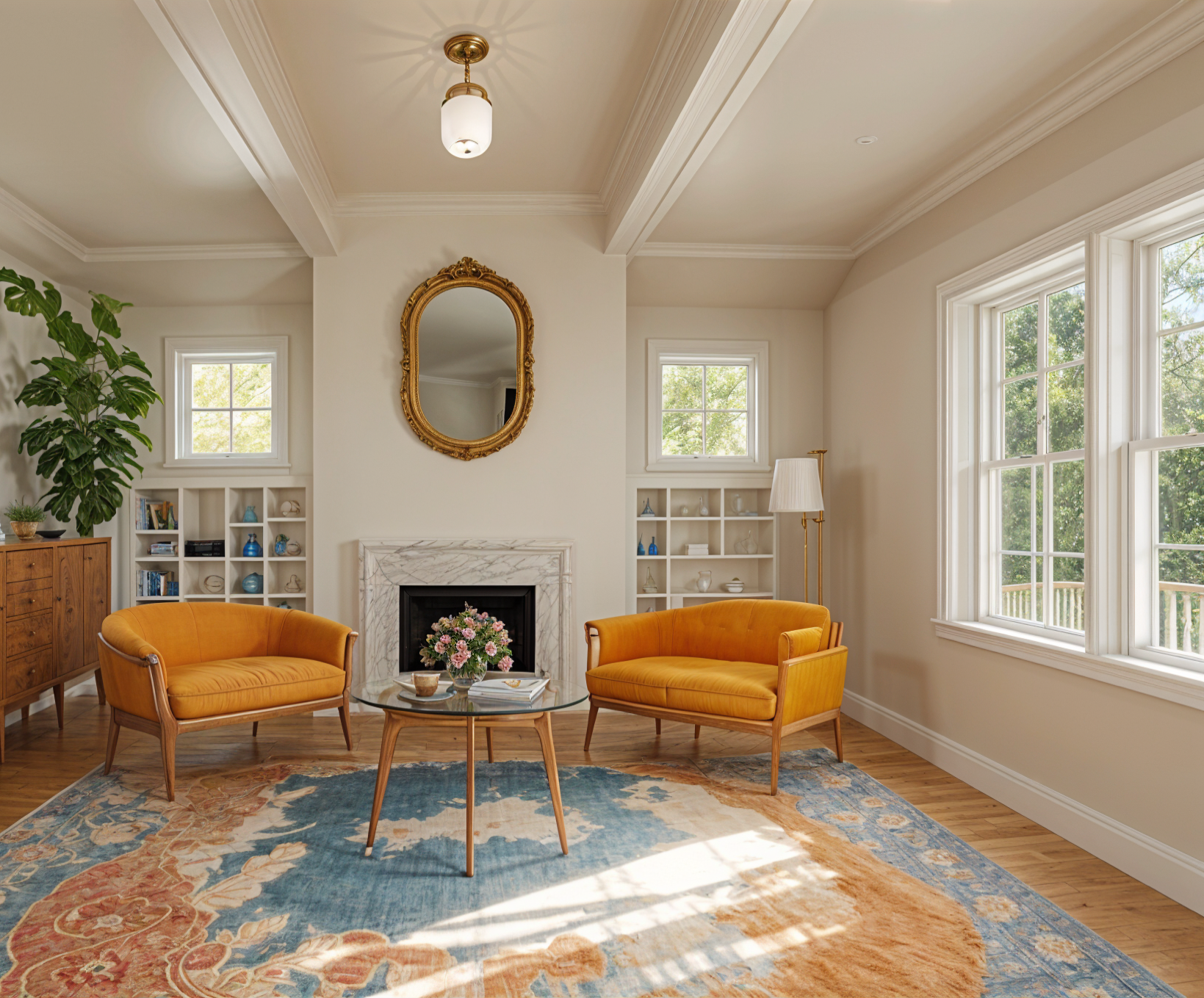
Don't forget the outside
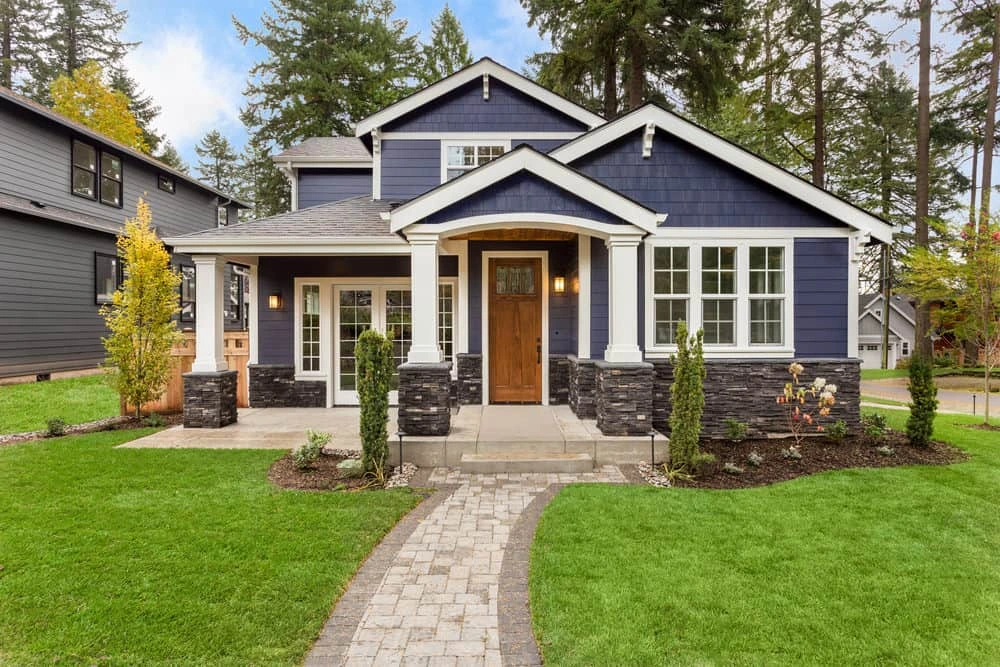
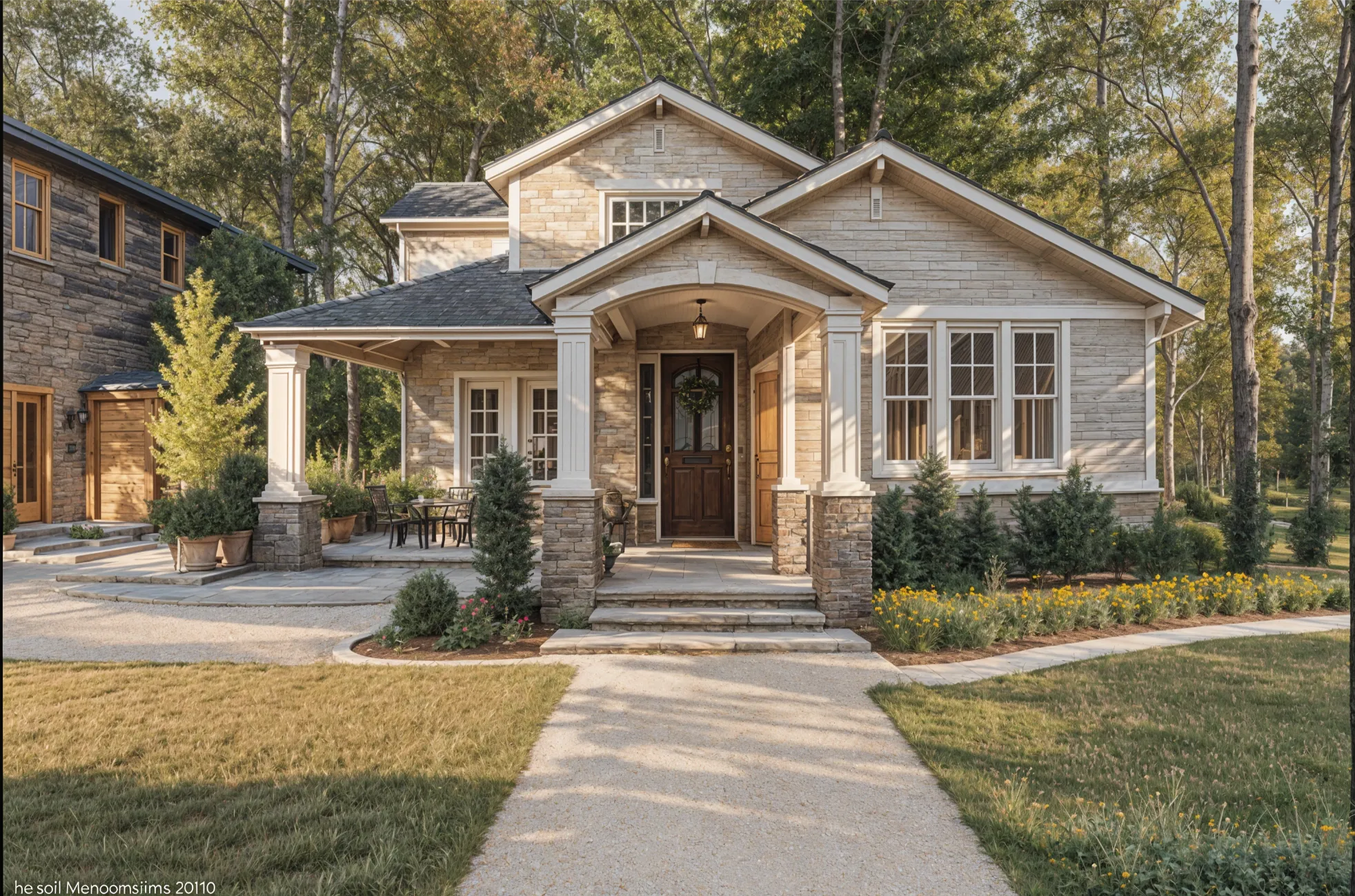
Exterior photos work the same way. Paint color, siding, trim, and planting can all change while the roofline and windows stay put, which makes it easy to compare curb appeal ideas.
When you don't have a photo yet
For a room that doesn't exist yet, or an idea you can only describe, Imagine (Plus and above) generates concepts from a written description. It's useful for exploring, but ideas tested on a real photo are easier to act on.
Limits to keep in mind
Every result is a visual concept. It won't produce floor plans or measurements, and generated furniture won't match specific products. Use it to choose a direction, then work out the details with the people building or buying it.
Try an idea on your own home
Upload a photo of any room or your house exterior, choose a style, and compare the result with what's there now. Free to start.
Redesign my room